



Ace Cafe 24th March
- Replies 55
- Views 3k
- Created
- Last Reply
Top Posters In This Topic
-
craig 8 posts
-
Chrisbasildon 6 posts
-
jayden 6 posts
-
Alic 4 posts


Posted Images
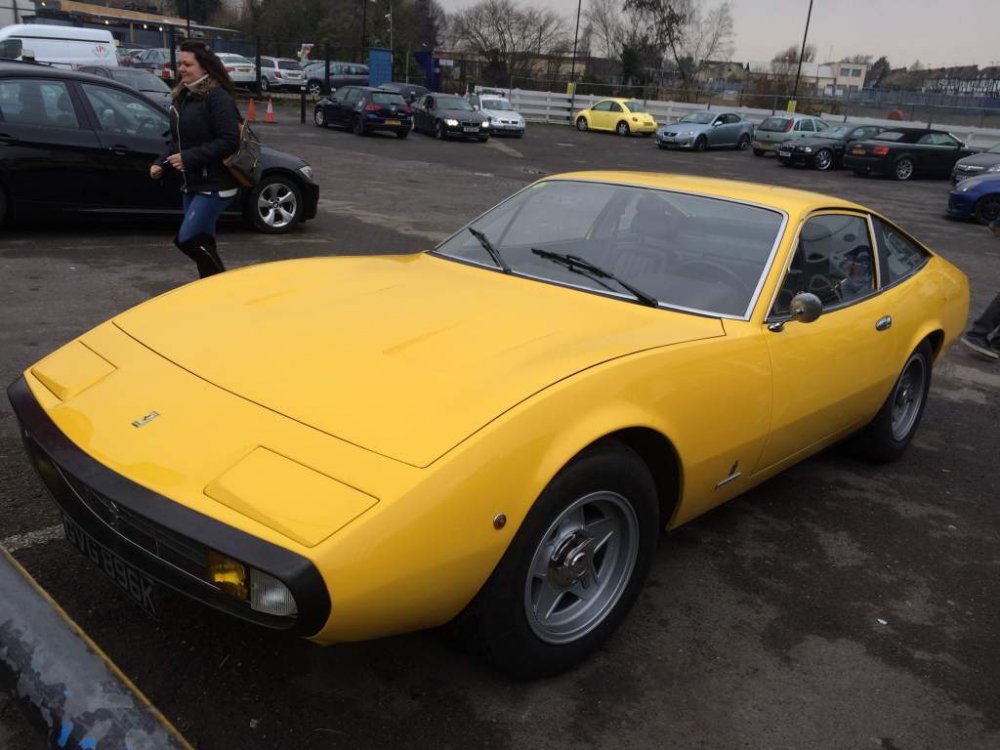
.thumb.jpg.8b282df37a1d0d3b4fbaa9f709c1822f.jpg)
Featured Replies
Account
Navigation
Search
Configure browser push notifications
Chrome (Android)
- Tap the lock icon next to the address bar.
- Tap Permissions → Notifications.
- Adjust your preference.
Chrome (Desktop)
- Click the padlock icon in the address bar.
- Select Site settings.
- Find Notifications and adjust your preference.
Safari (iOS 16.4+)
- Ensure the site is installed via Add to Home Screen.
- Open Settings App → Notifications.
- Find your app name and adjust your preference.
Safari (macOS)
- Go to Safari → Preferences.
- Click the Websites tab.
- Select Notifications in the sidebar.
- Find this website and adjust your preference.
Edge (Android)
- Tap the lock icon next to the address bar.
- Tap Permissions.
- Find Notifications and adjust your preference.
Edge (Desktop)
- Click the padlock icon in the address bar.
- Click Permissions for this site.
- Find Notifications and adjust your preference.
Firefox (Android)
- Go to Settings → Site permissions.
- Tap Notifications.
- Find this site in the list and adjust your preference.
Firefox (Desktop)
- Open Firefox Settings.
- Search for Notifications.
- Find this site in the list and adjust your preference.
Right guys,
Secured the ace Cafe for Saturday 24th March 11am to 4pm,
There wasn't many day time ones left, but we could also do an evening 6pm-11pm got a range of dates if anyone is interested, need at act fast to secure anything else so let me know what you all think.