Jump to content
View in the app

A better way to browse. Learn more.

300ZX Owners Club

A full-screen app on your home screen with push notifications, badges and more.

To install this app on iOS and iPadOS
  1. Tap the Share icon in Safari
  2. Scroll the menu and tap Add to Home Screen.
  3. Tap Add in the top-right corner.
To install this app on Android
  1. Tap the 3-dot menu (⋮) in the top-right corner of the browser.
  2. Tap Add to Home screen or Install app.
  3. Confirm by tapping Install.

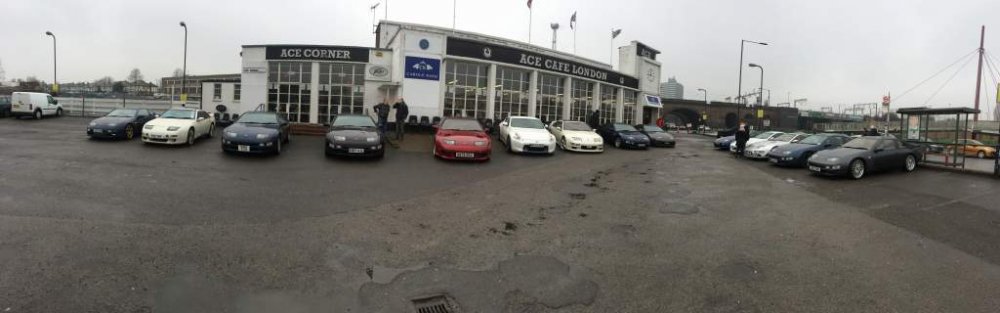
notice to all members the South East region are holding a meet at Londons famous ace cafe, we have the main car park to ourselves from 11am to 4pm on Saturday the 11th February,


Any member welcome,


Link to original thread

  • Replies 93
  • Views 4.5k
  • Created
  • Last Reply

Top Posters In This Topic

Posted Images

Featured Replies

I am assuming its on the southbound side?


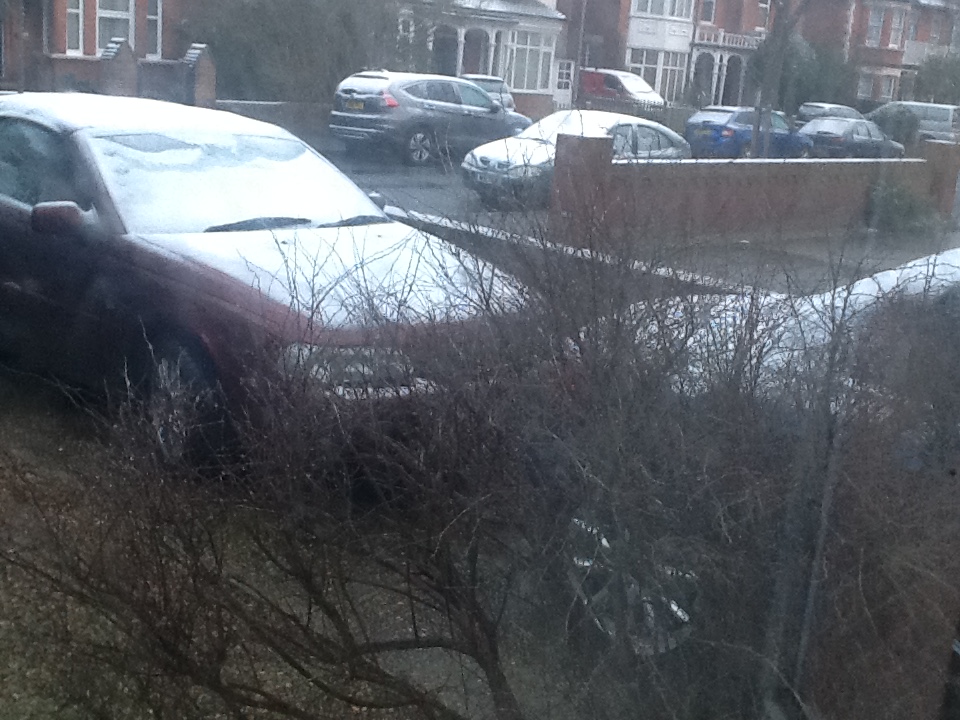
Yes mate, mind you it's bloody snowing here right now, well trying too.

Yeah like it will snow round here.....Sure it will be fine.


Probably will as I break up from school today.....never when Im at school!

Edited by 182stevecup

I'll be at Toddignton at 10. Sounds like we will have a decent little convoy :)

I'll be there.. Will be at Toddington services southbound by 10am.. Looking forward to it..


Reg: H675 RSX

Smattering of snow on Fish... just clearing her now for the journey down. See you in a short while folks. :scooter:

Z still under cover!

Just getting ready for the off around 8image.jpeg

&other rest of the street down in Folkestone!

image.jpeg

Joely, don't be scared of the salt!

Well Craig and I are here so far... Hopefully more of you on the way!?!?

  • Author

Very good turnout given how cold it was and that it was actually snowing, met some old faces and new, thanks everyone for attending.

Join the conversation

You can post now and register later. If you have an account, sign in now to post with your account.

Guest
Unfortunately, your content contains terms that we do not allow. Please edit your content to remove the highlighted words below.
Reply to this topic...

Recently Browsing 0

  • No registered users viewing this page.

Important Information

Terms of Use

Configure browser push notifications

Chrome (Android)
  1. Tap the lock icon next to the address bar.
  2. Tap Permissions → Notifications.
  3. Adjust your preference.
Chrome (Desktop)
  1. Click the padlock icon in the address bar.
  2. Select Site settings.
  3. Find Notifications and adjust your preference.