Jump to content
View in the app

A better way to browse. Learn more.

300ZX Owners Club

A full-screen app on your home screen with push notifications, badges and more.

To install this app on iOS and iPadOS
  1. Tap the Share icon in Safari
  2. Scroll the menu and tap Add to Home Screen.
  3. Tap Add in the top-right corner.
To install this app on Android
  1. Tap the 3-dot menu (⋮) in the top-right corner of the browser.
  2. Tap Add to Home screen or Install app.
  3. Confirm by tapping Install.

Hi guys,


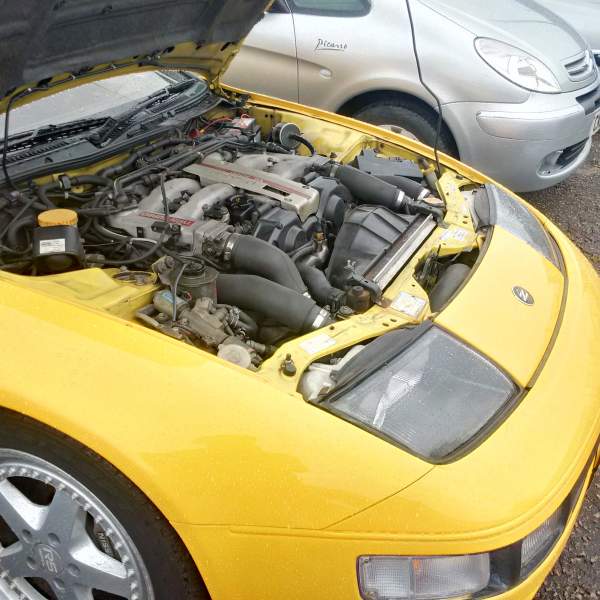
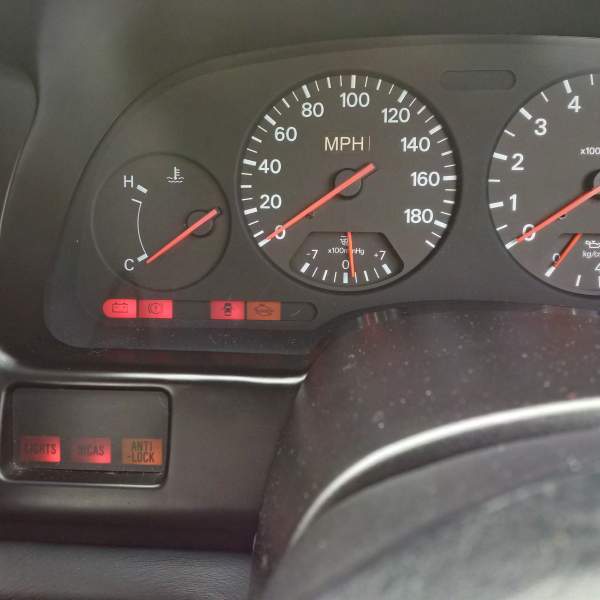
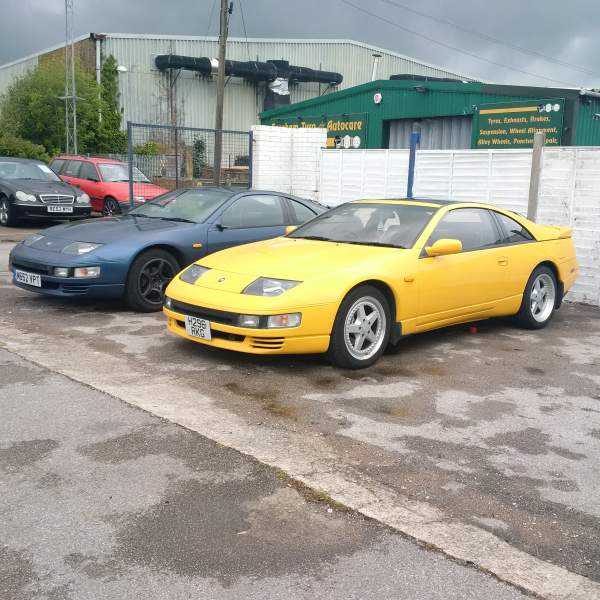
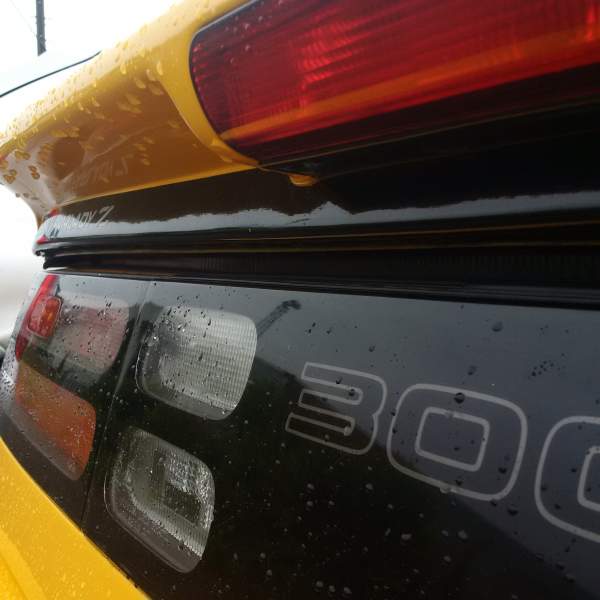
Beauty on ebay right now. Heater not getting hot is a bit of a worry, but apart from that looks good. Going to view it tomorrow ;)


http://www.ebay.co.uk/itm/1991-Nissan-300ZX-3-0-Twin-Turbo-Fairlady-Manual-LWB-2-2-Incredibly-Clean-/301644341451


So, a lot of activity on this one, new interior, seems really well kept. I reckon it will achieve a strong selling price. I will update this thread once I have seen i in the flesh.


Best regards,


W

  • Replies 34
  • Views 2.4k
  • Created
  • Last Reply

Top Posters In This Topic

Posted Images

Featured Replies

  • Author
Thanks guys :-) ! Few niggles to sort but hey that's zeds !


Good luck with it! I'm not usually a fan of yellow but this one does look great!! Have you taken it for a drive yet?

  • Author

Well you will love the drive back! Awesome car and well worth the money. Let us know what you think. Also when you get it home please shed some light on the exhaust setup as it sounds great (in my opinion), a lot meatier/gruntier shomehow compared to my japspeed which is very deep and burbly.

Well done, I had a bid on it in the last 20 seconds but being yellow didn't want to pay too much (We all know it's the slowest colour) :tt2:

So you were the competition huh !, I have to admit yellow cars I have a thing for and after my engine goes in it, it won't be slow yellow !

Join the conversation

You can post now and register later. If you have an account, sign in now to post with your account.

Guest
Unfortunately, your content contains terms that we do not allow. Please edit your content to remove the highlighted words below.
Reply to this topic...

Recently Browsing 0

  • No registered users viewing this page.

Important Information

Terms of Use

Configure browser push notifications

Chrome (Android)
  1. Tap the lock icon next to the address bar.
  2. Tap Permissions → Notifications.
  3. Adjust your preference.
Chrome (Desktop)
  1. Click the padlock icon in the address bar.
  2. Select Site settings.
  3. Find Notifications and adjust your preference.