


Simply Japanese(Beaulieu national motor museum)
- Replies 103
- Views 2.9k
- Created
- Last Reply
Top Posters In This Topic
-
Stephen 22 posts
-
sdriver73 17 posts
-
AndrewG 10 posts
-
hellraiser 7 posts


Posted Images
Featured Replies
Account
Navigation
Search
Configure browser push notifications
Chrome (Android)
- Tap the lock icon next to the address bar.
- Tap Permissions → Notifications.
- Adjust your preference.
Chrome (Desktop)
- Click the padlock icon in the address bar.
- Select Site settings.
- Find Notifications and adjust your preference.
Safari (iOS 16.4+)
- Ensure the site is installed via Add to Home Screen.
- Open Settings App → Notifications.
- Find your app name and adjust your preference.
Safari (macOS)
- Go to Safari → Preferences.
- Click the Websites tab.
- Select Notifications in the sidebar.
- Find this website and adjust your preference.
Edge (Android)
- Tap the lock icon next to the address bar.
- Tap Permissions.
- Find Notifications and adjust your preference.
Edge (Desktop)
- Click the padlock icon in the address bar.
- Click Permissions for this site.
- Find Notifications and adjust your preference.
Firefox (Android)
- Go to Settings → Site permissions.
- Tap Notifications.
- Find this site in the list and adjust your preference.
Firefox (Desktop)
- Open Firefox Settings.
- Search for Notifications.
- Find this site in the list and adjust your preference.
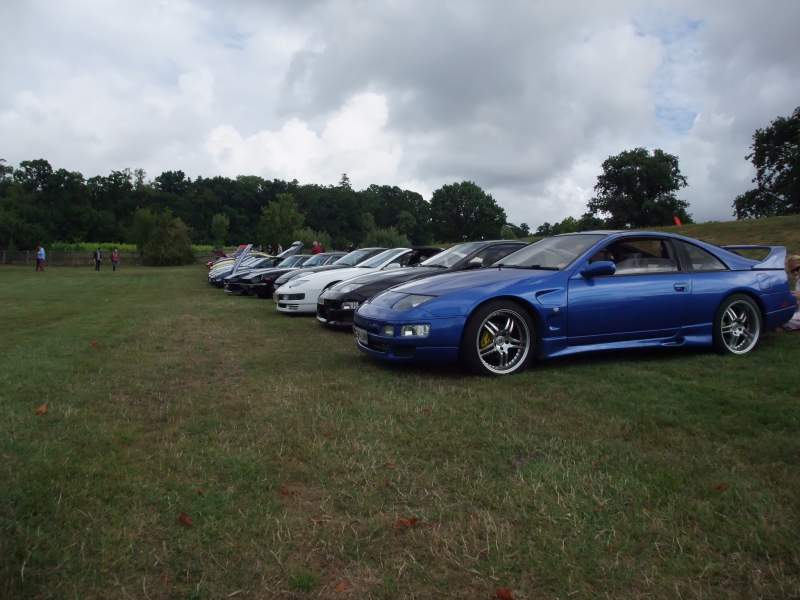
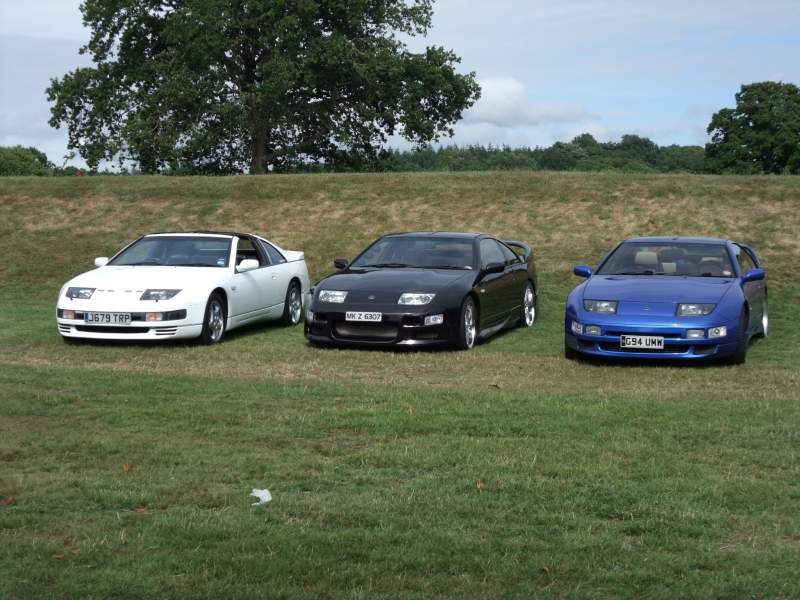
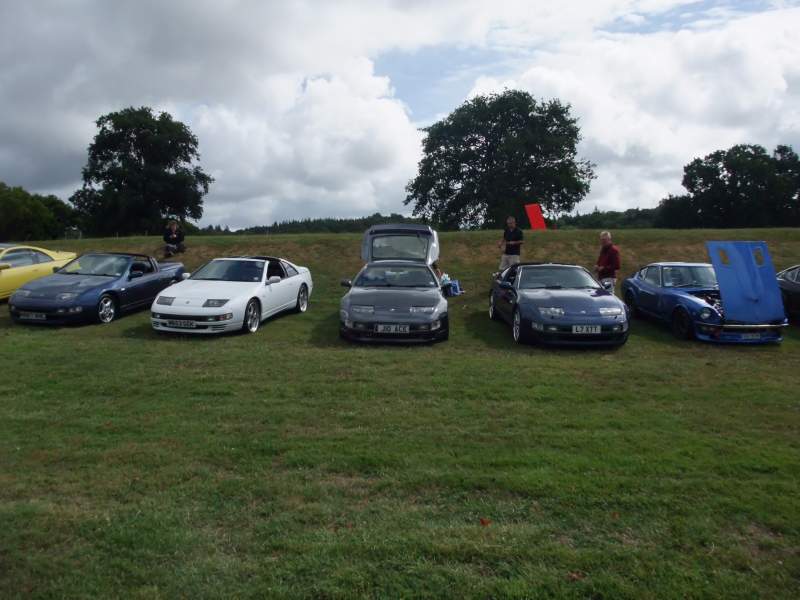
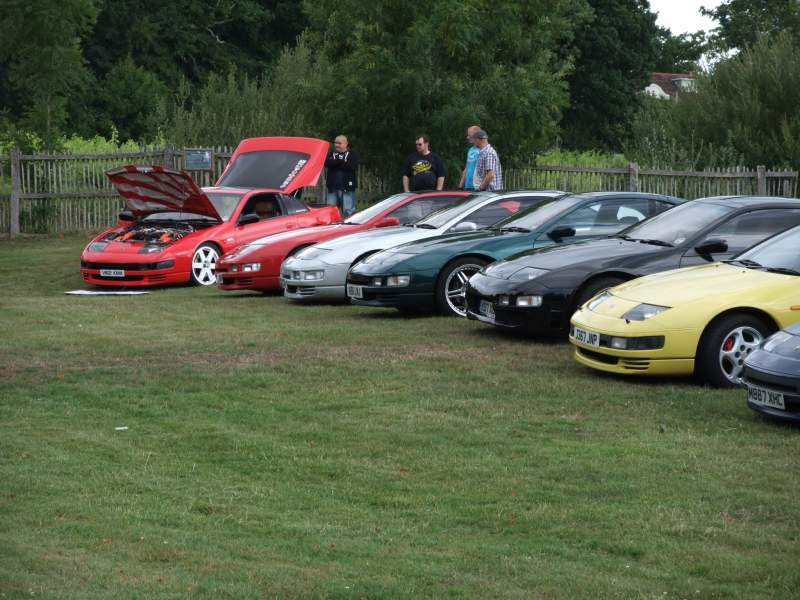
Sunday the 4th to be exact is the second coming of Beaulieu's successful Japanese event Simply Japanese. Link to pricing and the official event page is here;
http://www.beaulieu.co.uk/beaulieu-events/club-rally/simply-japanese
It's a fantastic opportunity to visit the historic site, at a price of £10 for adults and £5 for children Roughly half price, when you arrive in a jap car. It's a perfect weekend in the best part of the year, so take the opportunity to drag the family down and enjoy.
Come on then, worth traveling and even more worth it if your local which plenty are. Names below please. so far we have....
1.Myself(z32)(paid and confirmed)
2.Andy300zx(z32)
3.Hellraiser(z32)
4.SteveE(z32)
5.RobHughes(z32)
6.Sdriver73(z32)
7.Oscar(z32)
8.steve300TT(z32)
9.Madmarco(z32)
10.Julian(s30)
11.GregT
12.nncferreira
13.RichardSmith
14.AndrewG(paid and confirmed)
15.markyb300
16.icewhitebear
17.russell
18.Humpy
19.ianL
20.350ad
21.Yampiedog
22.Keyster
23.Buster
24.J1oky(z32)
25. DBNathan (z32)
26.MR.Z27.Dannyg
28.bruton350
29. A9H-RX
30.Hennerz
.
.
.
.
.
More details will become available over the coming days.
Edited by Stephen
updating the list