Jump to content
View in the app

A better way to browse. Learn more.

300ZX Owners Club

A full-screen app on your home screen with push notifications, badges and more.

To install this app on iOS and iPadOS
  1. Tap the Share icon in Safari
  2. Scroll the menu and tap Add to Home Screen.
  3. Tap Add in the top-right corner.
To install this app on Android
  1. Tap the 3-dot menu (⋮) in the top-right corner of the browser.
  2. Tap Add to Home screen or Install app.
  3. Confirm by tapping Install.

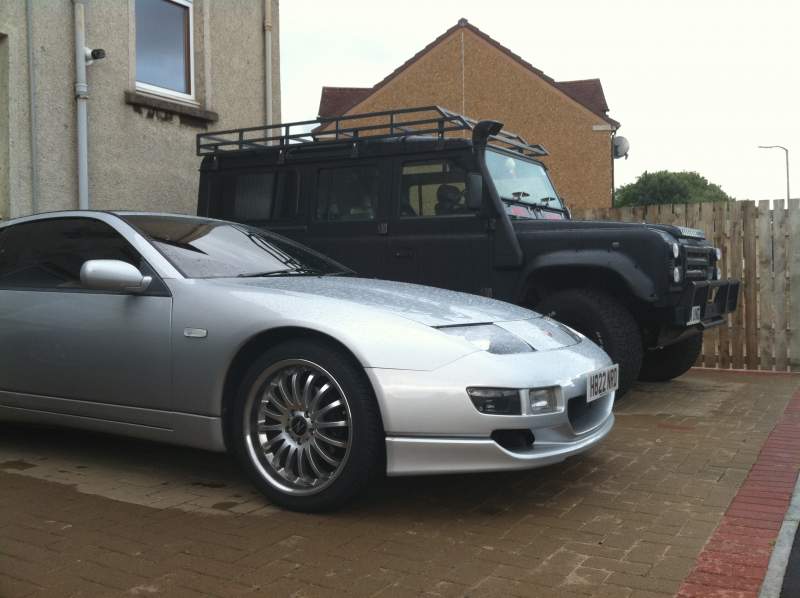
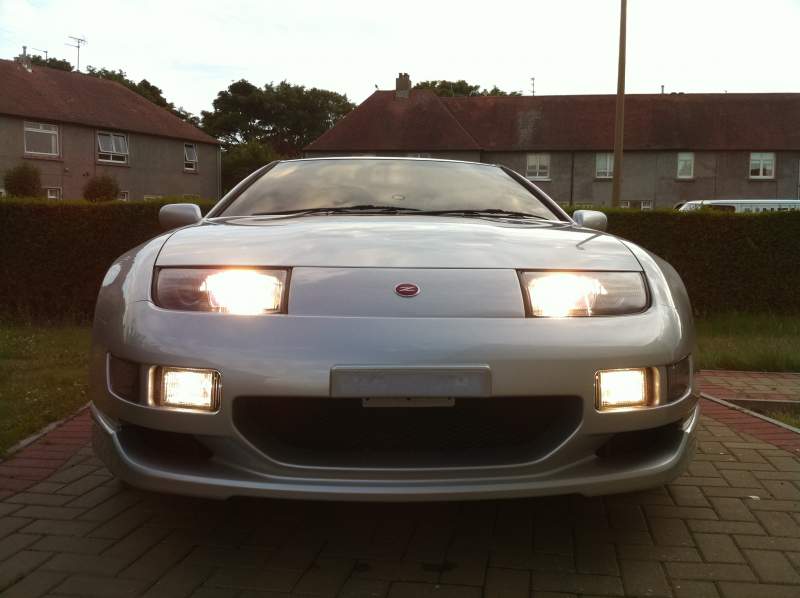
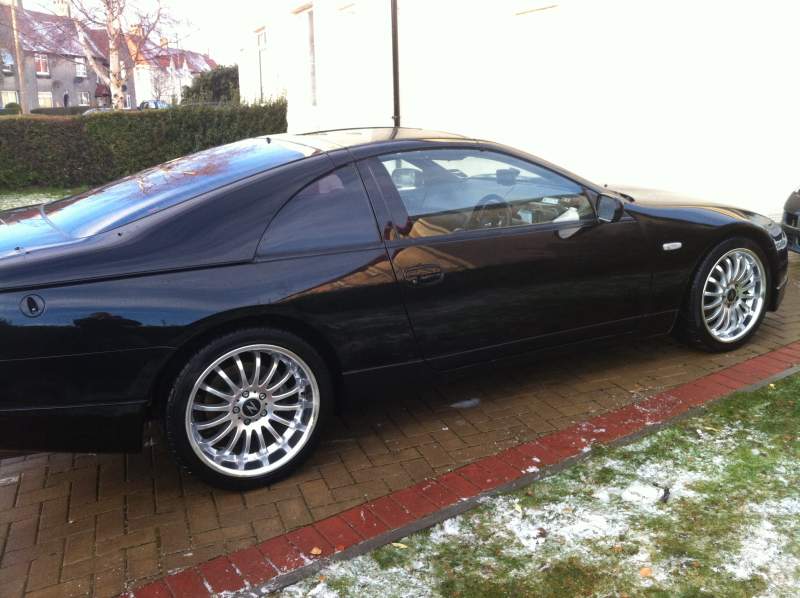
hey guys was wondering if anyone would object to my wife using pics of your cars in a calendar? my wife is making these through her facebook company but dont wanna just take your pics. if anyone wants to offer pics that we may use that would also be helpfull thanks

  • Replies 38
  • Views 1.5k
  • Created
  • Last Reply

Top Posters In This Topic

Posted Images

Featured Replies

I like these...


Here is a sexy bird on my car (hope someone gets it lol)

655d639d1be33375381e1552ac6f88cc.jpg

759ba3b106e315451210e83a39f176bf.jpg


f094c5ac45806b6857f5e7e72b35a069.jpg

30a4b0b59618d9d0266c4b099d335a1c.jpg

2f5d8432c4be286385faf99e6f793701.jpg

9231d05109f3883bf99ca86233d05835.jpg

2fb97e7c397aa6a9a0c9b807558b37e1.jpg

Membership No 0780

INSURANCE GOOFA

Datascan, Conzult, ECUTalk and a few others

I have all the rare bits you can't find :tongue::tongue:


You can use any of mine I have posted for JAE's. if you need them in another format, let me know. There were some of Dazvert's on its own from memory.

Join the conversation

You can post now and register later. If you have an account, sign in now to post with your account.

Guest
Unfortunately, your content contains terms that we do not allow. Please edit your content to remove the highlighted words below.
Reply to this topic...

Recently Browsing 0

  • No registered users viewing this page.

Important Information

Terms of Use

Configure browser push notifications

Chrome (Android)
  1. Tap the lock icon next to the address bar.
  2. Tap Permissions → Notifications.
  3. Adjust your preference.
Chrome (Desktop)
  1. Click the padlock icon in the address bar.
  2. Select Site settings.
  3. Find Notifications and adjust your preference.