Everything posted by Winnie
-
At first very good boost, but around 5-6K - boost gets cut off .. ideas?
-
Ok, cheers for help. :)
-
Sorry, spark plugs ....
-
Yep - today discovered that all my glow plugs are black.. Car been standing (except for little movement out of garage) for 7 months.. Is it ok?
-
Cheers guys! Will give it a try
-
Yeah - when warm its around 800 solid
-
As per above - terrible idle (500-700) and keeps dying when cold. Perfectly normal when warm :)
-
Yep, received mine! Stickers are already on the car! CheerZ!
-
welcome to the future .. The digital age...
-
pics, pics and pics again ... ? :) Welcome btw ..
-
Bloody good job!
-
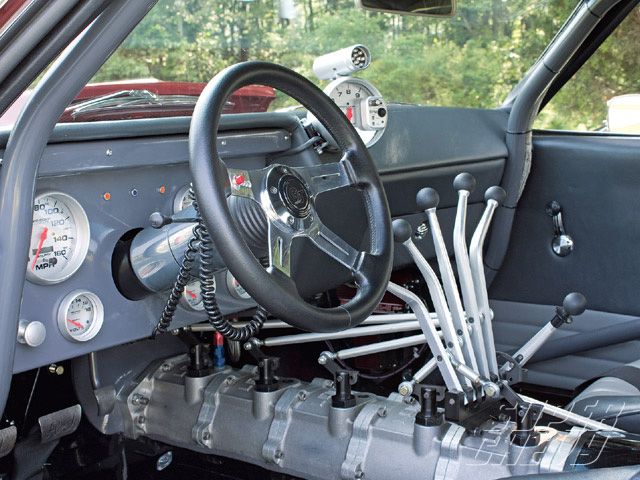
Bloody hell!! Looks like planes cockpit ..
-
Cheers for info Jim, very helpfull. Had similar case few months ago when i tried to sell Focus ST
-
Yey! One more redhead joined our club! :)
-
Water temp is alreaady in speedo..?
-
i already got boost and oil temp but what else should i see on my pillar?
-
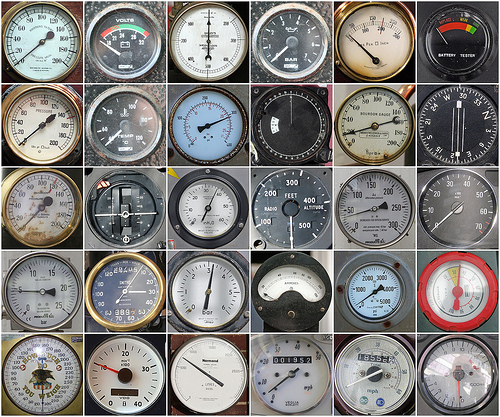
Which additional gauges everyone is using? I mean - boost / oil / temp etc .. ?
-
Happy B day! All the best!
-
All 5 gears buddy!
-
143.77 in vatThat's my plan.. then sit and wait for 3 weeks (apparently only guys in Amsterdam got those)I suppose he really hates "rundabounds" LOLI did know that you are popping out, i just thought someone will be in office :) Its ok, i left keys with nr 32. Just had a little scare when noone answered phone .. sorry.Seriously! What did i do to Zed gods that i have this on me?