Skip to content
View in the app

A better way to browse. Learn more.

300ZX Owners Club

A full-screen app on your home screen with push notifications, badges and more.

To install this app on iOS and iPadOS
  1. Tap the Share icon in Safari
  2. Scroll the menu and tap Add to Home Screen.
  3. Tap Add in the top-right corner.
To install this app on Android
  1. Tap the 3-dot menu (⋮) in the top-right corner of the browser.
  2. Tap Add to Home screen or Install app.
  3. Confirm by tapping Install.

Renzoduke

Registered Member
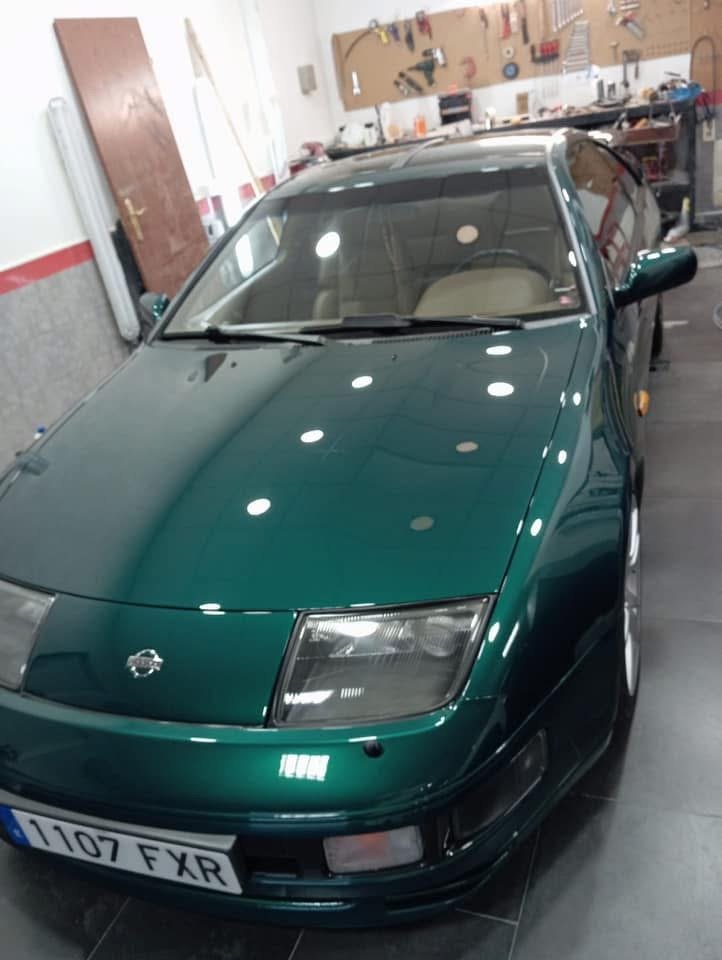
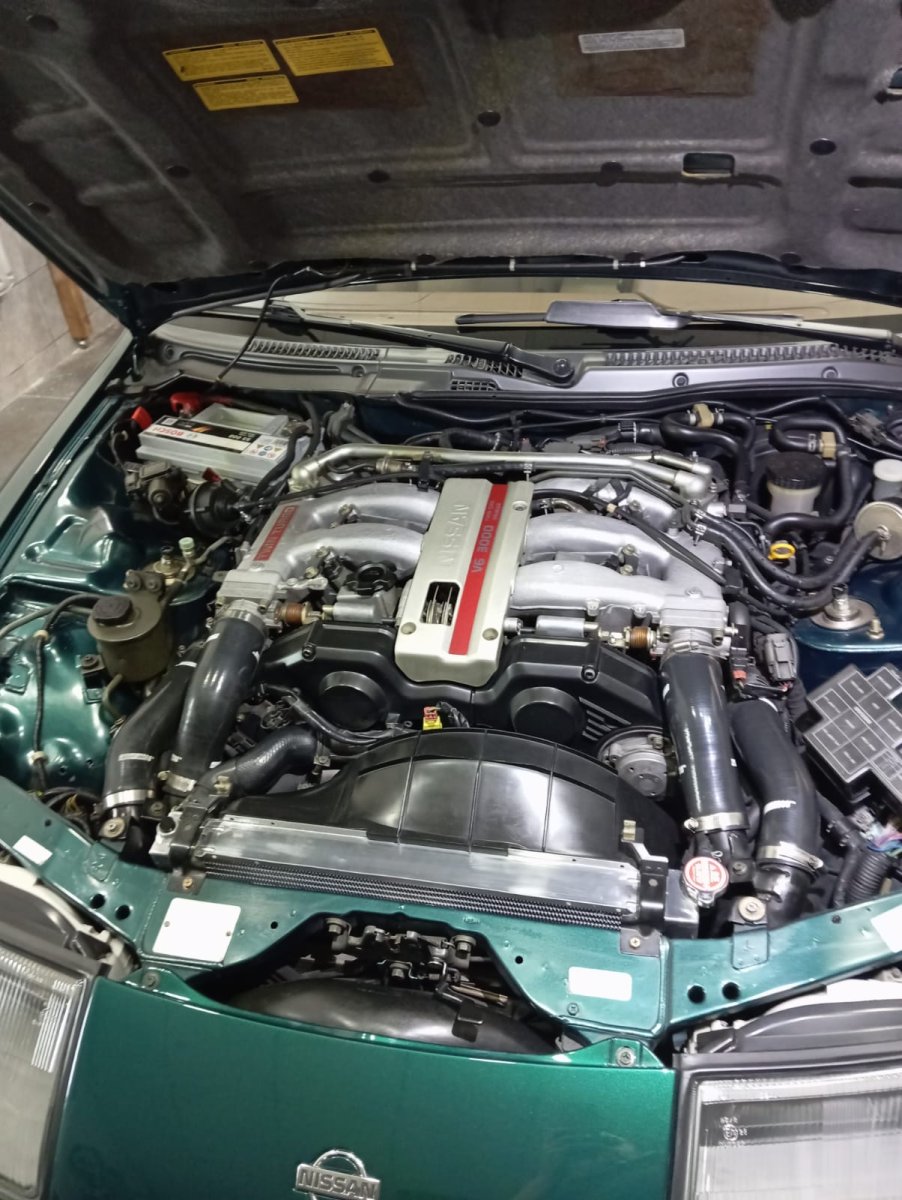
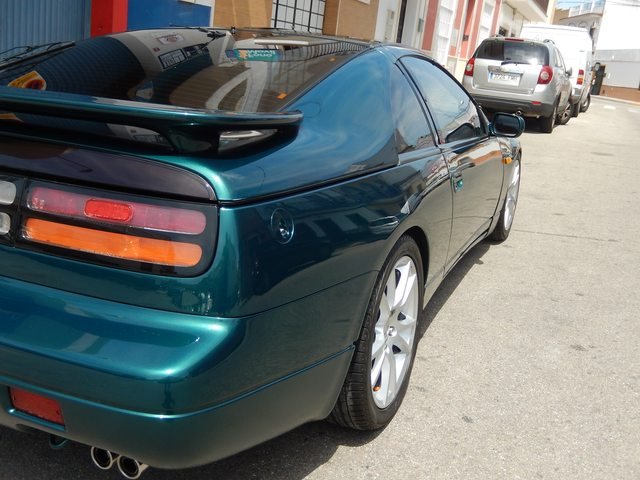
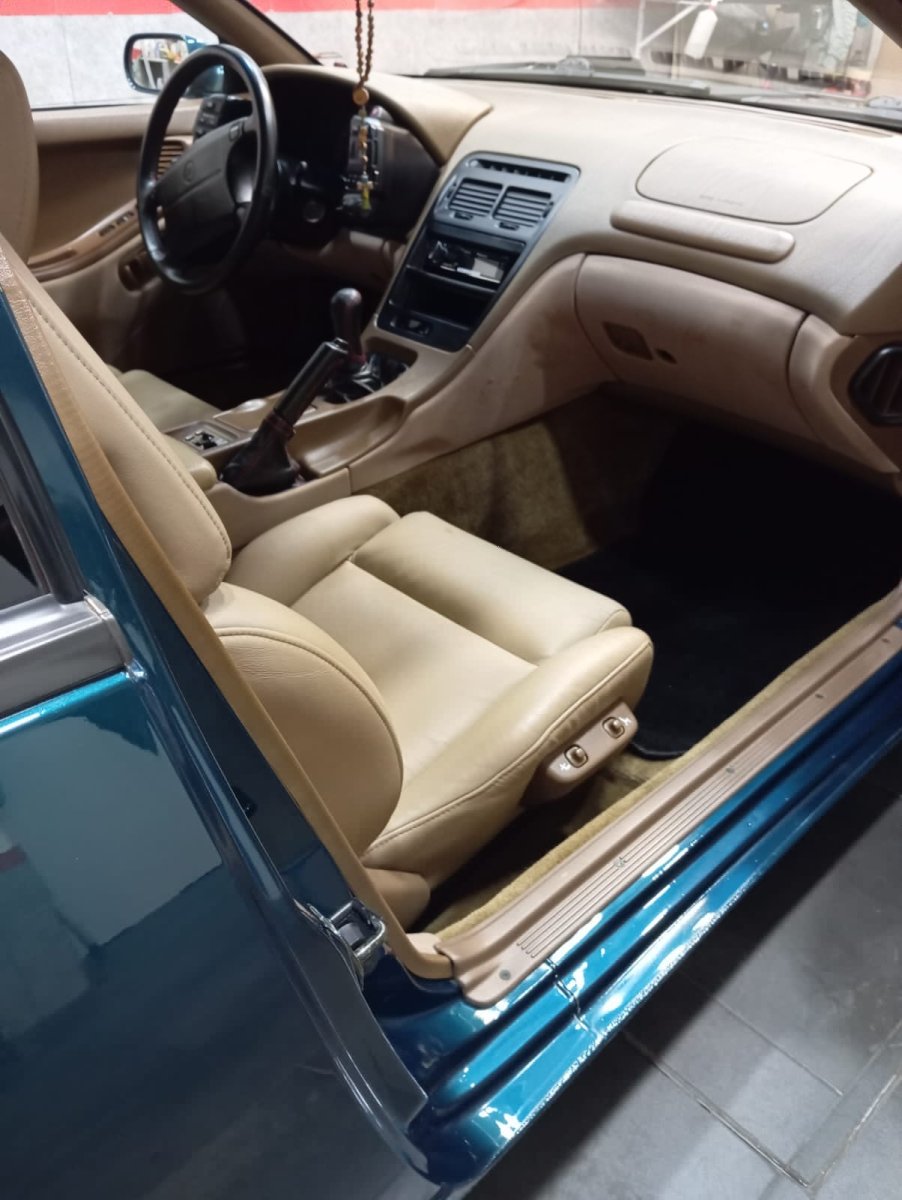
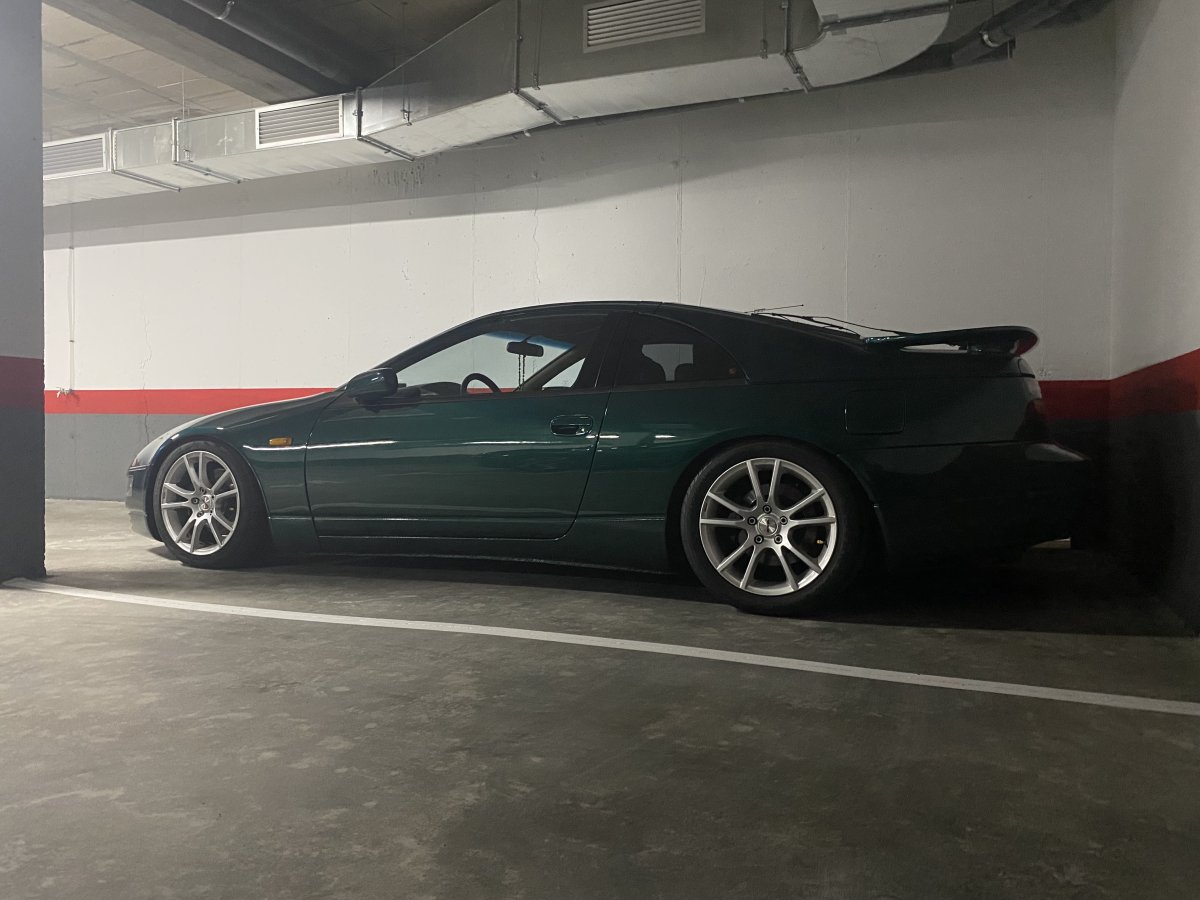
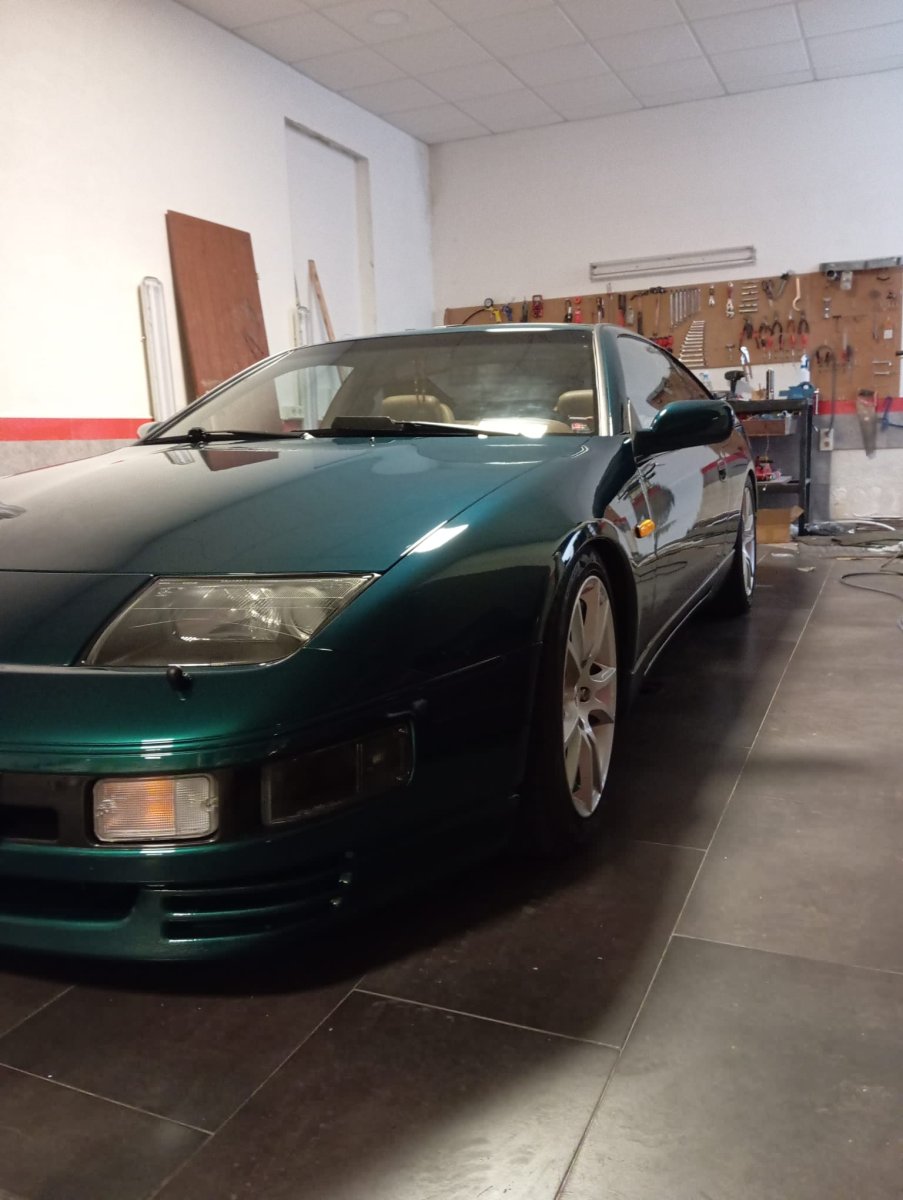
  1. First of all thanks to Lee for letting me join. After years on the FB groups for some reason I missed the old school Forum chats and help suggestions. Some of you already know me...bought my Z32 back in 2007 currently has 82000 kms, Green cobalt, TT, LHD, manual. Car barely being used except some nice weekend ride. Week ago had the entire belt kit distribution changed to brand new. So far so good and eventhough through the years I was tempted to sell it something always made me pull back and seeing how hard it is nowdays to get a sample stunning low mileage I surely do not regret my decision. Some newbie pics.
Account

Navigation

Search

Search

Configure browser push notifications

Chrome (Android)
  1. Tap the lock icon next to the address bar.
  2. Tap Permissions → Notifications.
  3. Adjust your preference.
Chrome (Desktop)
  1. Click the padlock icon in the address bar.
  2. Select Site settings.
  3. Find Notifications and adjust your preference.