



-
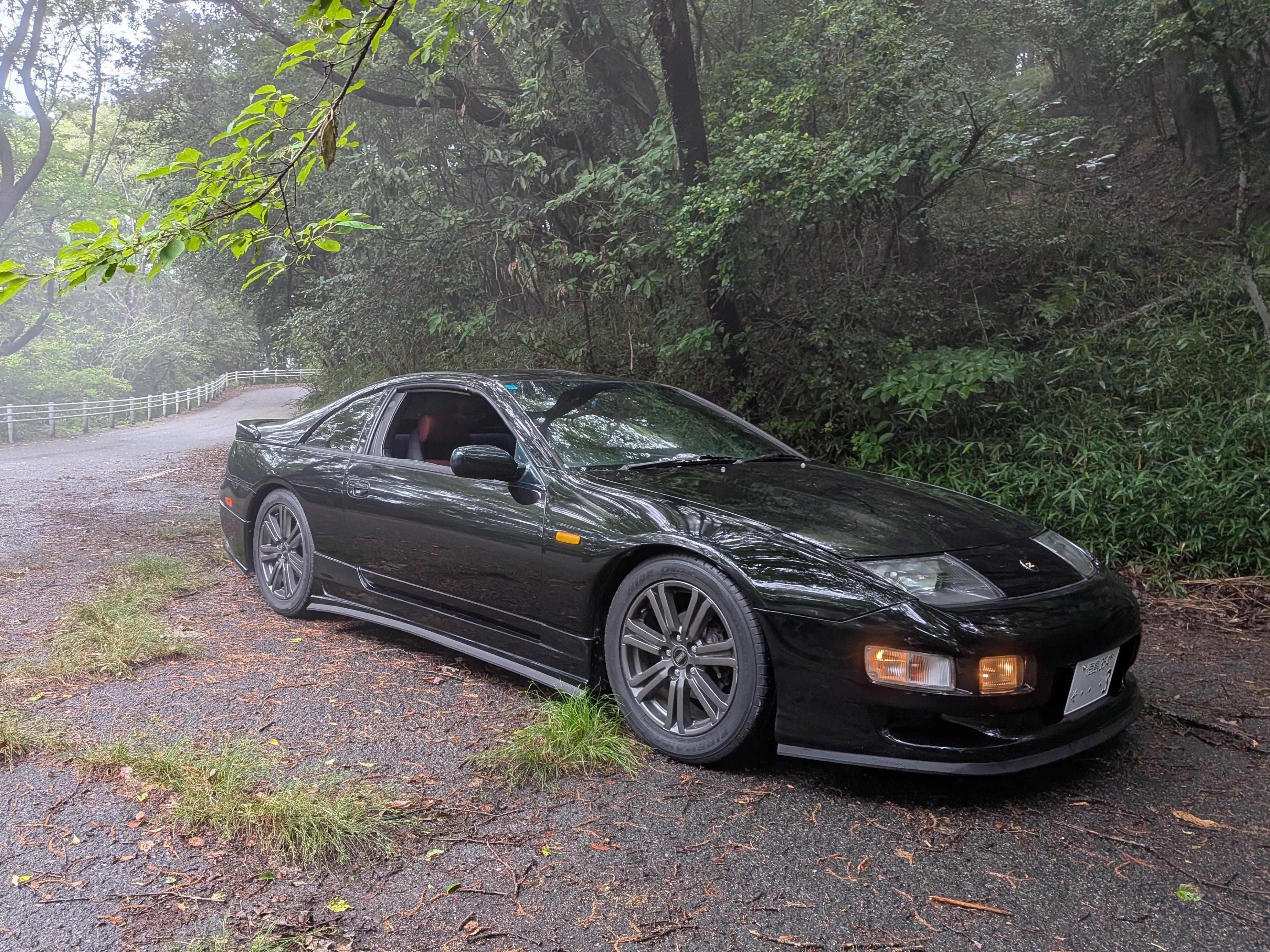
How is it possible to upload photos and share them to the gallery?Hi Im an Englishman living in Japan. Just bought a year 2000 300ZX with 130000kms. Its a 2+2 NA manual. Mechanically it seems very good but the body work and trim need tidying up. I have a youtube channel 'Rider Japan' I will be making some videos about the car and show some driving in Japan if your interested. Only had the car a few days but already really enjoying owning it!Rider Jp changed their profile photohttps://youtu.be/TLAK6QXqvKI?si=E2n2jtzuZ8oqEFzl



Important Information
Account
Navigation
Search
Configure browser push notifications
Chrome (Android)
- Tap the lock icon next to the address bar.
- Tap Permissions → Notifications.
- Adjust your preference.
Chrome (Desktop)
- Click the padlock icon in the address bar.
- Select Site settings.
- Find Notifications and adjust your preference.
Safari (iOS 16.4+)
- Ensure the site is installed via Add to Home Screen.
- Open Settings App → Notifications.
- Find your app name and adjust your preference.
Safari (macOS)
- Go to Safari → Preferences.
- Click the Websites tab.
- Select Notifications in the sidebar.
- Find this website and adjust your preference.
Edge (Android)
- Tap the lock icon next to the address bar.
- Tap Permissions.
- Find Notifications and adjust your preference.
Edge (Desktop)
- Click the padlock icon in the address bar.
- Click Permissions for this site.
- Find Notifications and adjust your preference.
Firefox (Android)
- Go to Settings → Site permissions.
- Tap Notifications.
- Find this site in the list and adjust your preference.
Firefox (Desktop)
- Open Firefox Settings.
- Search for Notifications.
- Find this site in the list and adjust your preference.