I've been out for a little play today over at brands hatch. It was a super at experience day with an impressive fleet of cars (although one of the r8's and maclaren MP4 went wrong yesterday). For myself and my brother in law it was a corporate day we did 5 laps in a fiat 500 arbarth which I was very surprised how quick they are and they handle amazing!!
We then had 5 laps in a 911 (996) turbo which was a fast car but I'm still not a 911 convert, then it was back in to the little fiat with the instructor doing the driving and you then learn how quick they really are.
Plenty of other cars there like Lamborghini's, ferrari's, Aries atoms, astons v8 vantage, Nissan GT-R and a jaguar f type. Fantastic day out lots of nice cars and loud exhausts.


I've been out for a little play today over at brands hatch. It was a super at experience day with an impressive fleet of cars (although one of the r8's and maclaren MP4 went wrong yesterday). For myself and my brother in law it was a corporate day we did 5 laps in a fiat 500 arbarth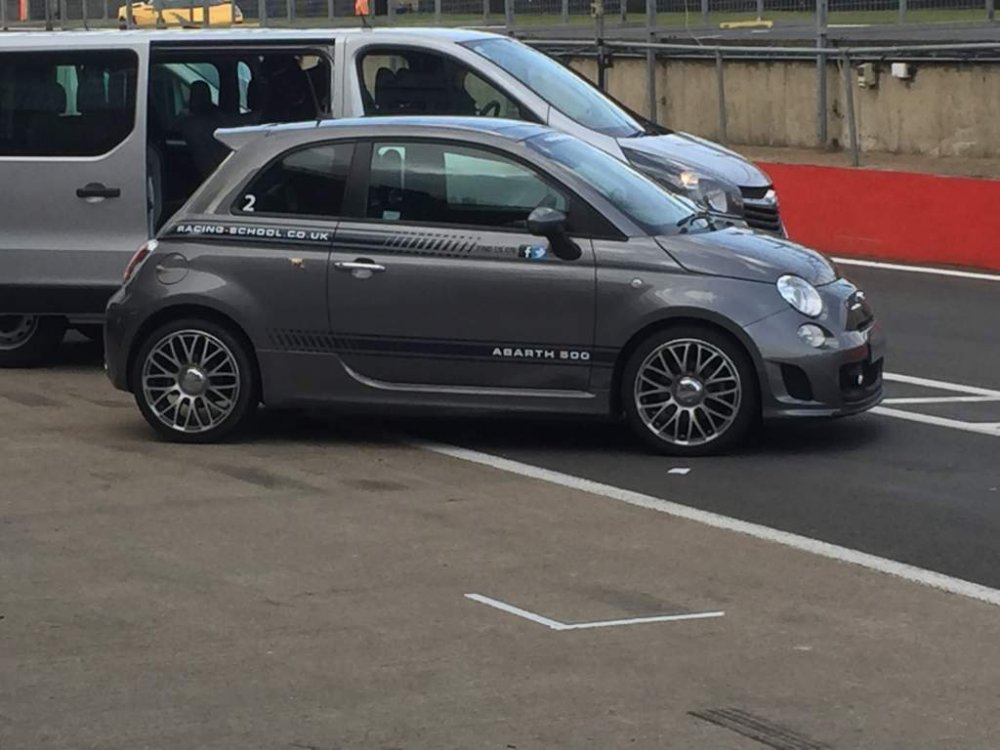 which I was very surprised how quick they are and they handle amazing!!
We then had 5 laps in a 911 (996) turbo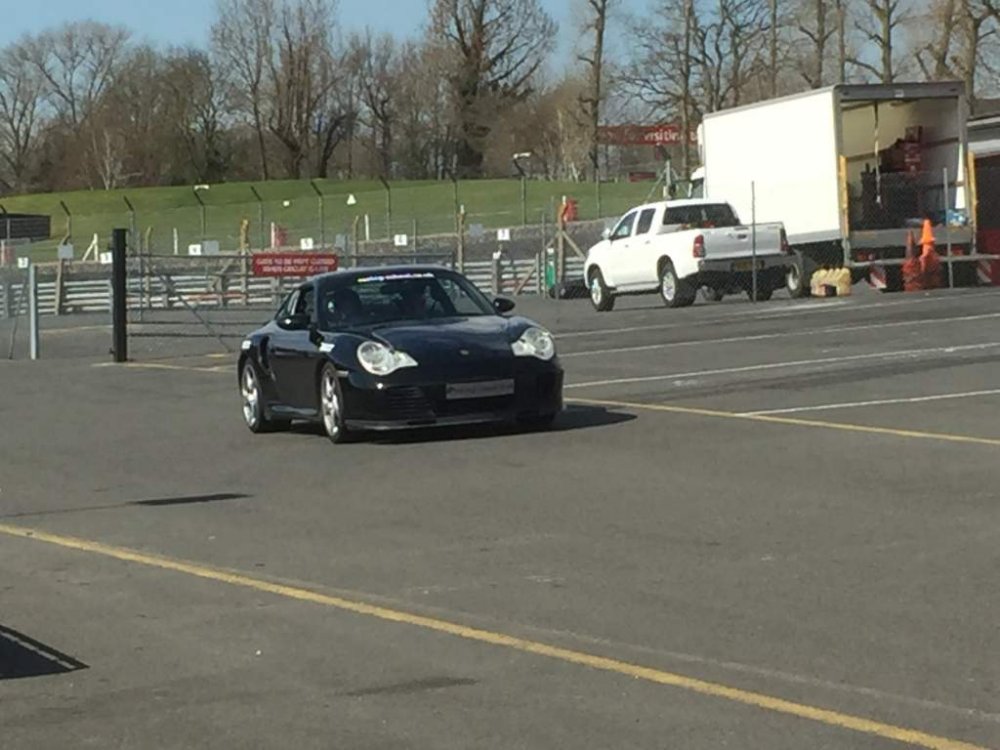 which was a fast car but I'm still not a 911 convert, then it was back in to the little fiat with the instructor doing the driving and you then learn how quick they really are.
Plenty of other cars there like Lamborghini's, ferrari's, Aries atoms, astons v8 vantage, Nissan GT-R and a jaguar f type. Fantastic day out lots of nice cars and loud exhausts.