


- Replies 28
- Views 3.2k
- Created
- Last Reply
Top Posters In This Topic
-
Pebkau 9 posts
-
Gaz 300 5 posts
-
Twin Turbo 4 posts
-
veilside01702 2 posts


Posted Images
Featured Replies
Important Information
Account
Navigation
Search
Configure browser push notifications
Chrome (Android)
- Tap the lock icon next to the address bar.
- Tap Permissions → Notifications.
- Adjust your preference.
Chrome (Desktop)
- Click the padlock icon in the address bar.
- Select Site settings.
- Find Notifications and adjust your preference.
Safari (iOS 16.4+)
- Ensure the site is installed via Add to Home Screen.
- Open Settings App → Notifications.
- Find your app name and adjust your preference.
Safari (macOS)
- Go to Safari → Preferences.
- Click the Websites tab.
- Select Notifications in the sidebar.
- Find this website and adjust your preference.
Edge (Android)
- Tap the lock icon next to the address bar.
- Tap Permissions.
- Find Notifications and adjust your preference.
Edge (Desktop)
- Click the padlock icon in the address bar.
- Click Permissions for this site.
- Find Notifications and adjust your preference.
Firefox (Android)
- Go to Settings → Site permissions.
- Tap Notifications.
- Find this site in the list and adjust your preference.
Firefox (Desktop)
- Open Firefox Settings.
- Search for Notifications.
- Find this site in the list and adjust your preference.
Hi Guys
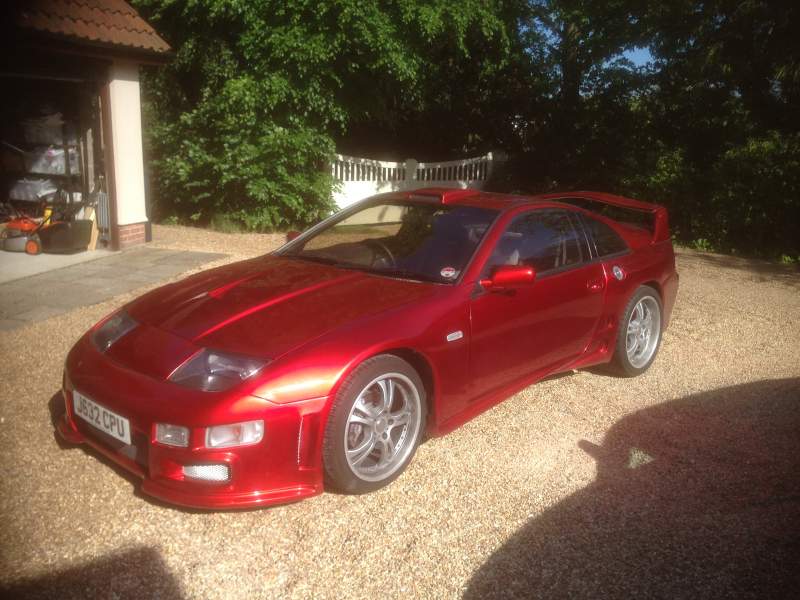
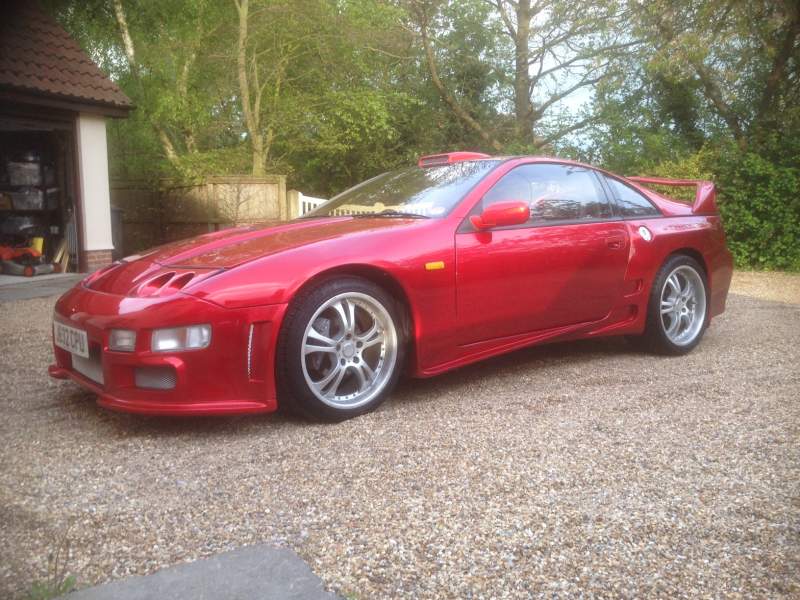
Just been and looked at a SWB manual TT import.
Car is solid, low mileage, runs and drives well with pretty much no rust anywhere.
The only problem is the HPI check comes back clean apart from saying it is a 2+2
Am I being too suspicious here or is this a cock up in registering the car when it was imported.
As always any thoughts and comments are welcome.
Cheers