Jump to content
View in the app

A better way to browse. Learn more.

300ZX Owners Club

A full-screen app on your home screen with push notifications, badges and more.

To install this app on iOS and iPadOS
  1. Tap the Share icon in Safari
  2. Scroll the menu and tap Add to Home Screen.
  3. Tap Add in the top-right corner.
To install this app on Android
  1. Tap the 3-dot menu (⋮) in the top-right corner of the browser.
  2. Tap Add to Home screen or Install app.
  3. Confirm by tapping Install.

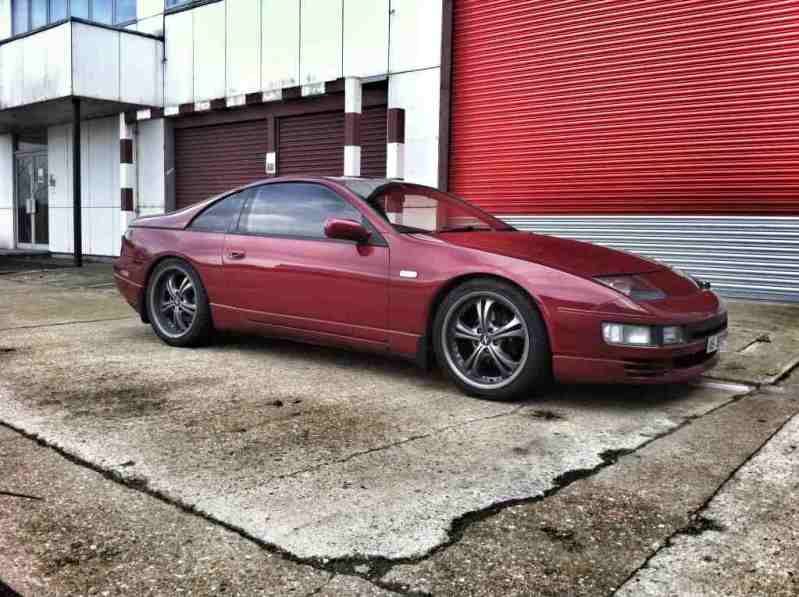
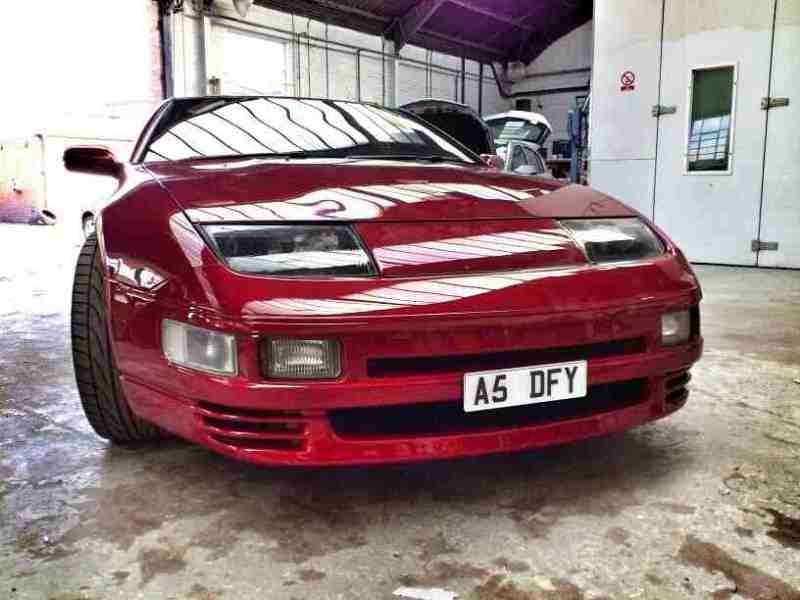
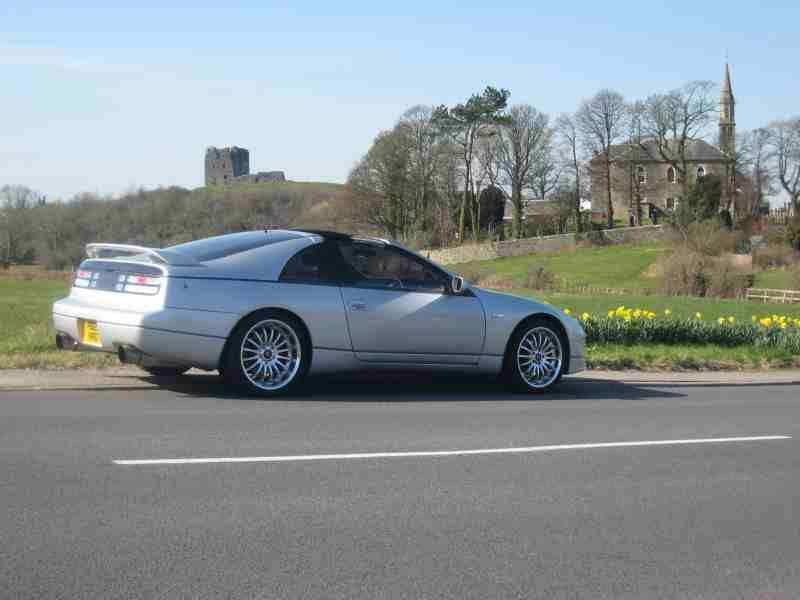
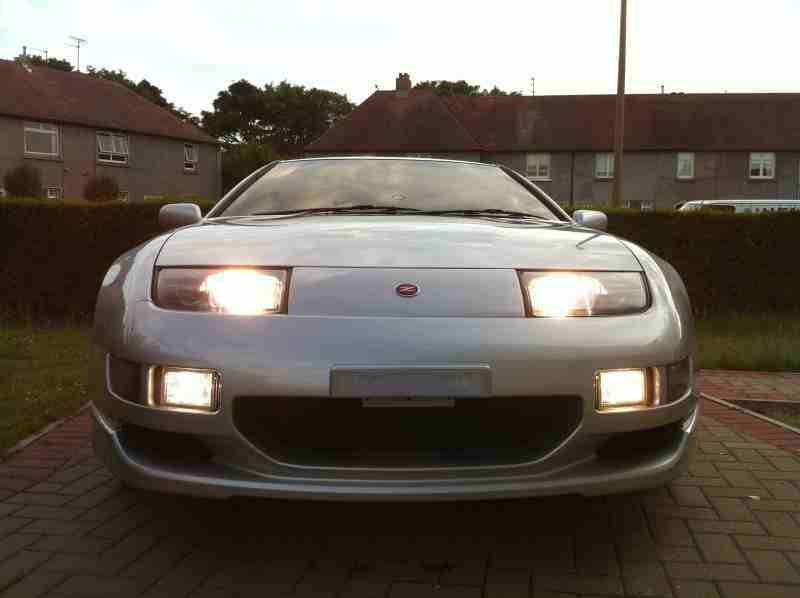
ok guys moving along with the calendar and iv either taken or been given these pics to choose from so looking fo some input from you guys on which 12 to choose. as there are a few

1wallart021.jpg

2wallart005.jpg

3wallart002.jpg

4tilted001.jpg

5tilt5ithink003.jpg

6newwheels2.jpg

7IMG_1728.jpg

8IMG_0140.jpg

9IMG_0073.jpg

10IMG_0060.jpg


- - - Updated - - -


...

Featured Replies

Best of Gaz's is 1. 2 and 3 the adverts take your eye too much.

17, 18 and 19 is a banned member so I would discard them.

4 and 5 is unfortunately no more.

Who's car is 6 and 38 - google images?

Best of Baz's is 32, so that rules out 9, 10, 35 and 36.

I don't like or would narrow down 8, 11, 15, 21, 27, 33.

Best Beast is 39.

Best Artztogo is 23.

I do like 43, 29, 31 and 37.

  • Author

6 and 38 may be from google lol i just put all tyhe pics from photobucket up. discard those to and funkisi's one

If its not too late to submit then heres a couple of old ones, haven't got any really nice ones with the spoiler.


IMAG0212.jpg


IMAG0148.jpg


Was going to say is that funky si's? is a really nice car.

Join the conversation

You can post now and register later. If you have an account, sign in now to post with your account.

Guest
Unfortunately, your content contains terms that we do not allow. Please edit your content to remove the highlighted words below.
Reply to this topic...

Recently Browsing 0

  • No registered users viewing this page.

Important Information

Terms of Use

Configure browser push notifications

Chrome (Android)
  1. Tap the lock icon next to the address bar.
  2. Tap Permissions → Notifications.
  3. Adjust your preference.
Chrome (Desktop)
  1. Click the padlock icon in the address bar.
  2. Select Site settings.
  3. Find Notifications and adjust your preference.