Jump to content
View in the app

A better way to browse. Learn more.

300ZX Owners Club

A full-screen app on your home screen with push notifications, badges and more.

To install this app on iOS and iPadOS
  1. Tap the Share icon in Safari
  2. Scroll the menu and tap Add to Home Screen.
  3. Tap Add in the top-right corner.
To install this app on Android
  1. Tap the 3-dot menu (⋮) in the top-right corner of the browser.
  2. Tap Add to Home screen or Install app.
  3. Confirm by tapping Install.

Featured Replies

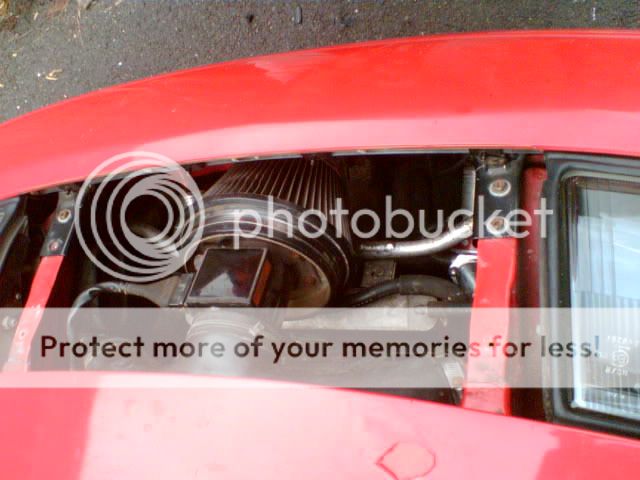
Looks clean. :) Looks like an A'pexi filter there too...good choice. :)


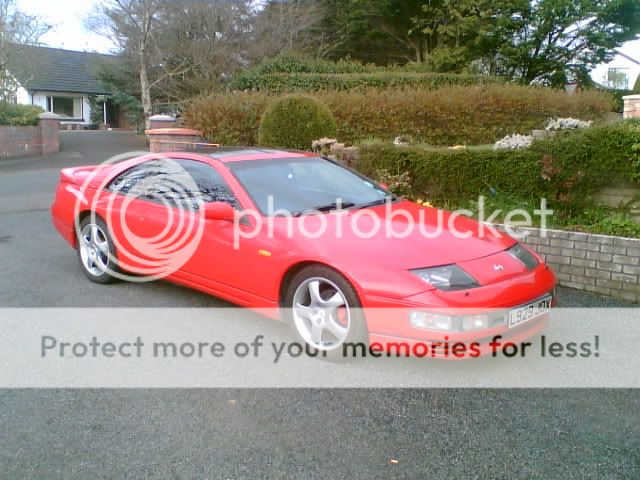
Could use some spacers on those wheels.

  • Author

aww coming from you its a big complement Si! :D

Yes i thought about the spacers numerous times but for some strange reason never got them lol

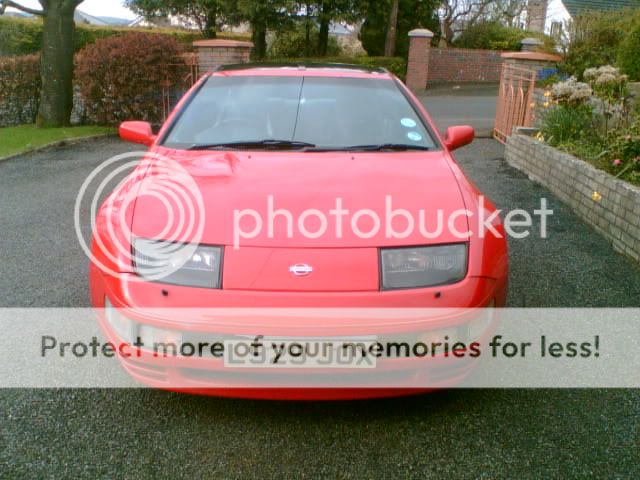
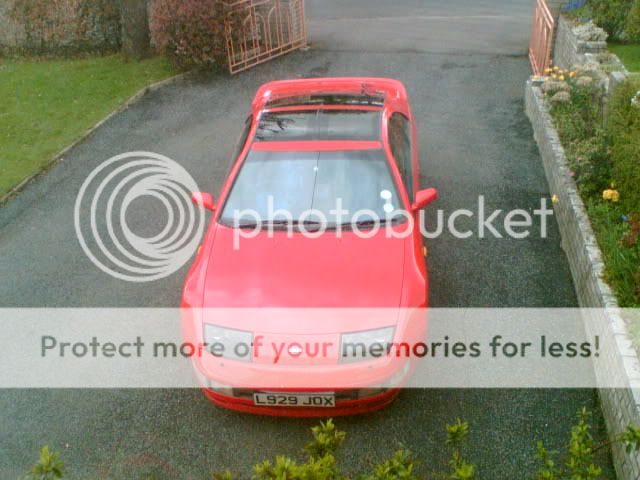
Are you still selling your Z then Lusitano? good to see you have the fastest colour... :)

  • Author
Are you still selling your Z then Lusitano? good to see you have the fastest colour... :)


Yes mate still selling but because theres no zedless northern irish members in the club dont think theres any point advertising here,might be wrong tho.. lol

Had the car advertised in ebay 3 times at some point had 28 watchers and some of them told me that they warent biding because members in here told them to stay away lol..

but hey thats life some people just like to stir things.

ohh nice...

is that where the standard air box is where the induction kit is??


Yep correct mate , well worth getting it removed though it's a bit ermmmm restrictive lol

  • Author
looking good Nelson very hard to sell any car during the holiday period give it time and it will sell mate


Well theres a guy comoing form lisburn this weekend to see the car, you never know my bat mobil will be closer to you lol

Have you seen the red TT from mosley yet?

Looking very tidy he surely was a lucky buyer!

Join the conversation

You can post now and register later. If you have an account, sign in now to post with your account.

Guest
Unfortunately, your content contains terms that we do not allow. Please edit your content to remove the highlighted words below.
Reply to this topic...

Recently Browsing 0

  • No registered users viewing this page.

Important Information

Terms of Use

Configure browser push notifications

Chrome (Android)
  1. Tap the lock icon next to the address bar.
  2. Tap Permissions → Notifications.
  3. Adjust your preference.
Chrome (Desktop)
  1. Click the padlock icon in the address bar.
  2. Select Site settings.
  3. Find Notifications and adjust your preference.