Everything posted by cutty
-
I suppose luckily Football isn't my only thing these days mate, I play, run a club and watch ice hockey... cutty
-
Haha phutumsch yeah I'd not seen that way of looking at it, unfortunately I'm a Sheffield Wednesday fan..lol Cheers cutty- - - Updated - - - Got it....lol
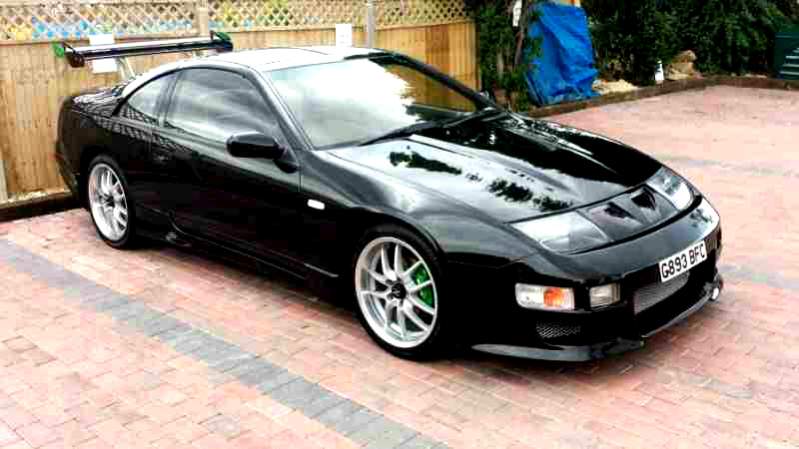
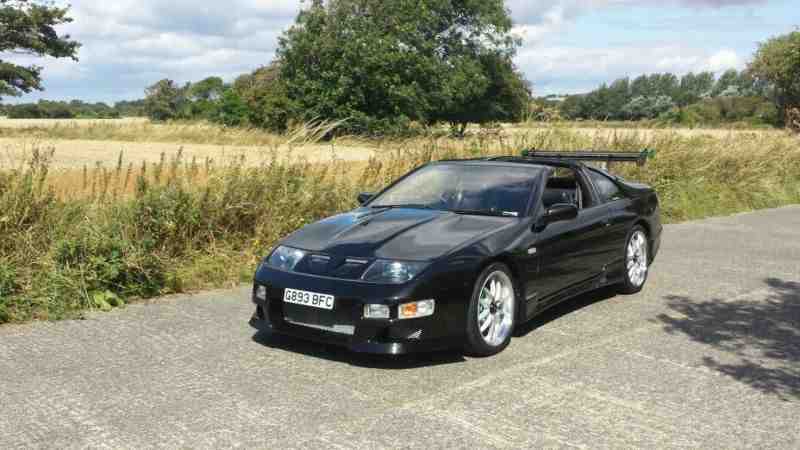 I've just subscribedropped gary so presume I'll be good to go at some point.. Cheers markHow do I add pics guys ??? Cheers cuttyHi all. I've just joined this forum after buying my 300zx twin turbo yesterday and a huge 458 mile round trip to collect it, I px'd my classic porsche for the zx and am itching to get it on the road but alas that will have to wait until it's taxed in December. I'm based in Sheffield. Is anyone near me ?? Cheers cutty