


-
Fitted a new propshaft bearing today mine had totaly gone took 4 hours.
-
Which Jim would that be, I've not been on here for a while, just got the car back on the road.
-
Im in need of a central propshaft bearing or a one piece propshaft can anyone help or advise please.
-
Cheers, Mick.
-
Hi there can anyone tell me the part number for a cam belt kit for a z32 n/a 1990 auto, I got one off eBay part no ktb683 they say its the same as the one advertised which was out of stock but I told him it is too small and I got told its the right one according to his books been going on for a week now, thought if anyone would know its you guys.
-
Got mine mot'ed today passed with flying colours was nice to drive it for the first time since I got it in December, few things to sort out but it felt good.
-
Just had new screen put in back window fixed in now waiting for more bits to arrive still carnt find roof trims though.soon have it done.
-
Thanks for the welcomes carnt wait to get it on the road and get to some meets, glad I joined got help already thanks guys.
-
Thanks for the info new screen goes in tomorrow
-
Not bad keep it in mind thanks.
-
Will have a look tomorrow mate only had car a week not drove it yet no not, thanks again.
-
Hi there I'm in need of a new wind screen any help would be helpful thanks.
-
It is mate needs some work though been after one for ages had a Mitsui gto a while ago i like my jap cars, got to find my way around here now.
-
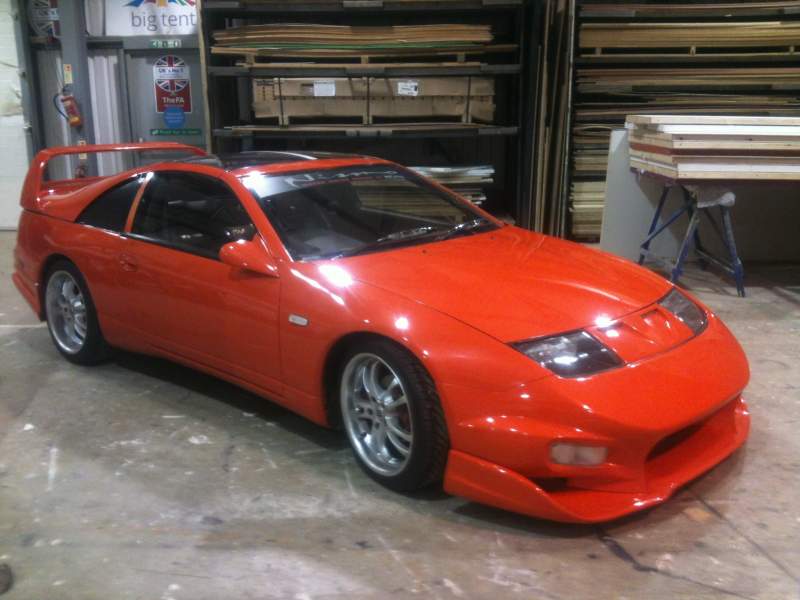
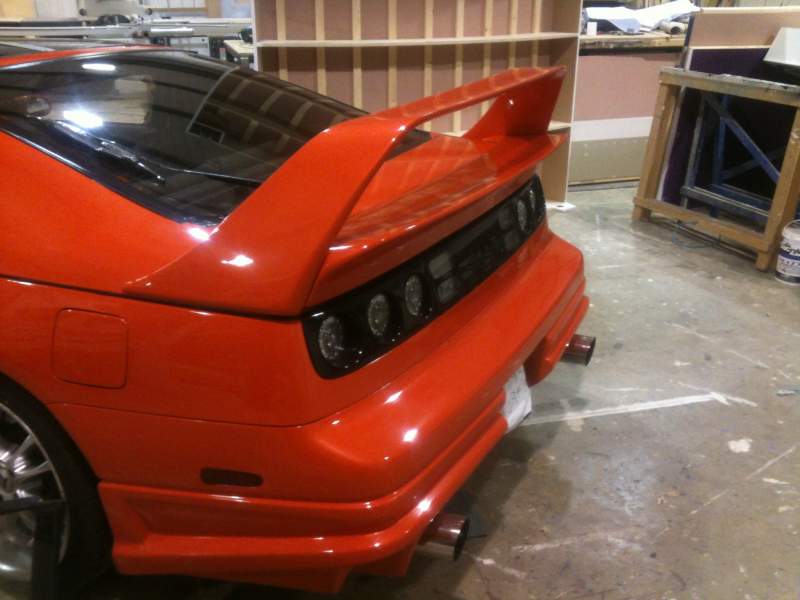
Hi to all you guys and gals hope to see you all soon when I get my Zx finished, only few more bits to get done windows in new screen interior not much lol.

View in the app
A better way to browse. Learn more.
