-
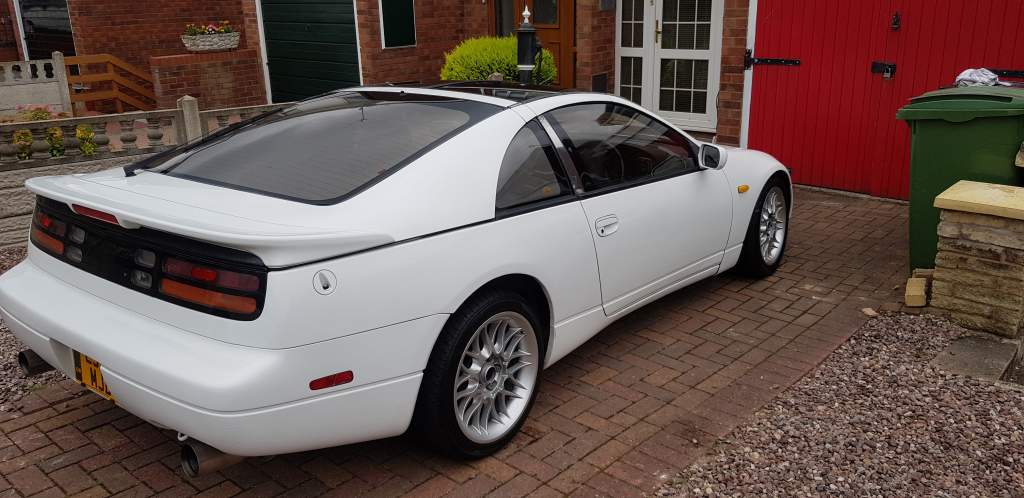
Cheers all , a little far but seems like no other option. you turn up with a 300 and most wont even entertain looking at it
-
been after a zed garage local Birmingham area came across zed world web site. been over to coleshill today obviously not there no phone numbers work?? are they still going or have moved??? recommendations for a specialist garage my way
-
many thanks will give it a go in the morn
-
strange one all lights are working an all bulbs ok???? thought it might be some thing like the stick??? just frustrating cause I brought it to use
-
Yes mate hazards work
-
My 300zx indicators have stopped working, I've had a mobile car electrician have a look. He found all light/bulbs were fine????? Any one ever had this problem or could help point me in the right direction solving this.
-
Waited a while to get one but I absolutely love it
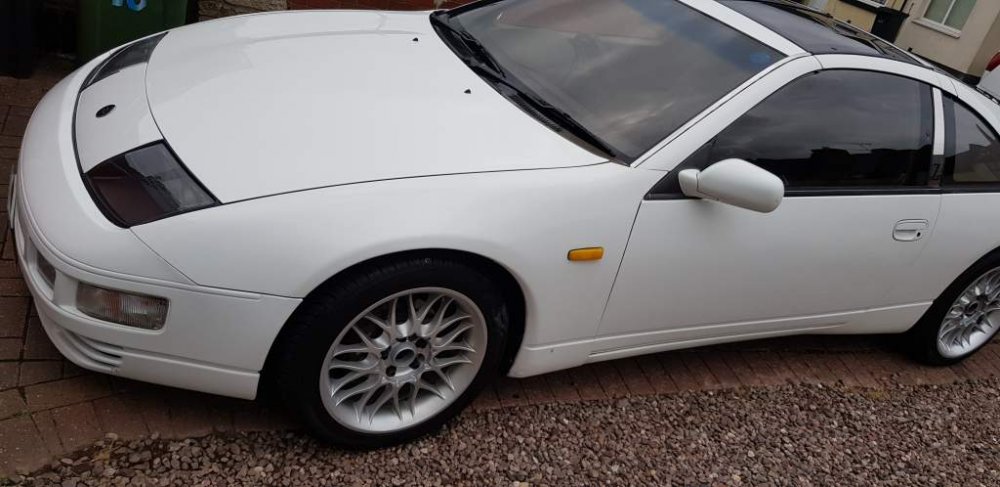
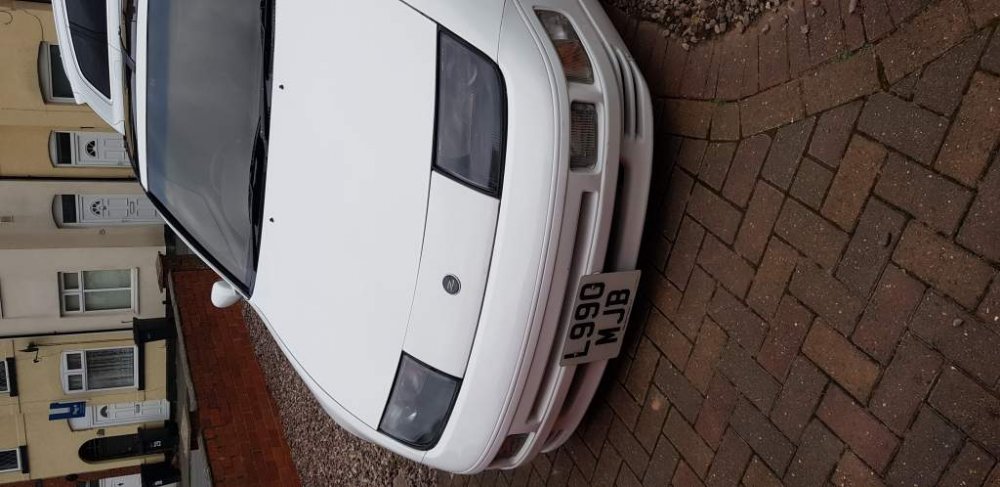
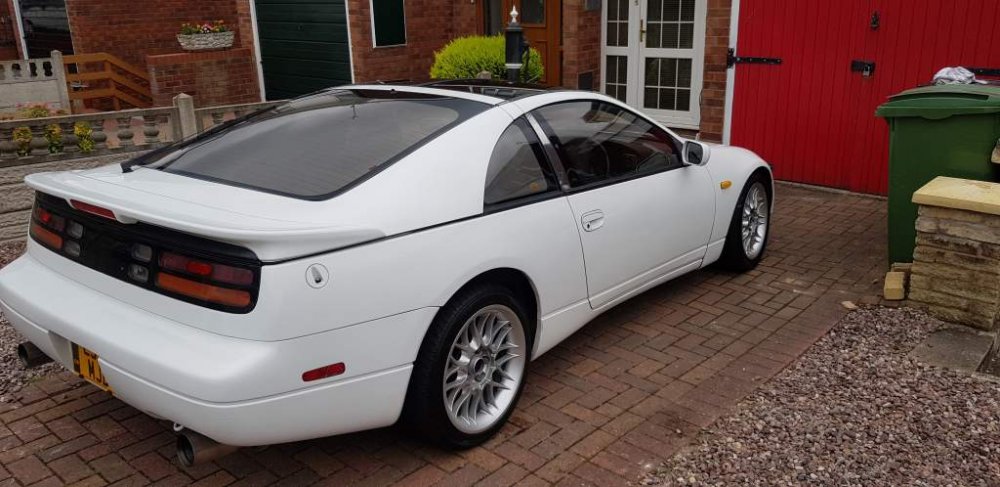
-
Will do bud might be known on here
-
cheers its about an hour away lol like waiting FOR A BABY
-
Standard twin turbo mate didn't want anything that to modified
-
Will do mate being delivered around 3 today I'm in the Midlands and the car was in Brighton
-
Twin turbo has had recent cam belt change an is running great
-
Hi every one I'm sure this has been discussed many times, I collect my first Zed today and cant wait. I would like to no what fuel to use, is it just normal unleaded.

View in the app
A better way to browse. Learn more.