


Everything posted by paulzxstyle
-
 Thanks. Just seen this. Looks like my notifications don't work all the time either lol
 -
2009. But stopped been a member from a few year and renewed it this January I think
-
Where do I find my membership number? Look in my account and can't see it
-
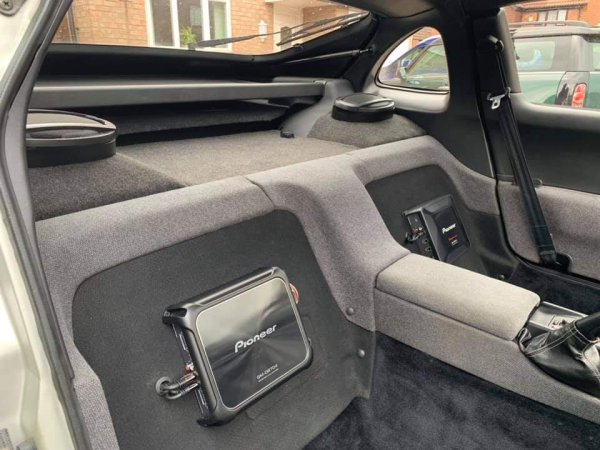
From the album: My 1991 N/A SWB
-
N/A SWB 673 Silver. TT injectors and remap.
-

From the album: My 1991 N/A SWB
-
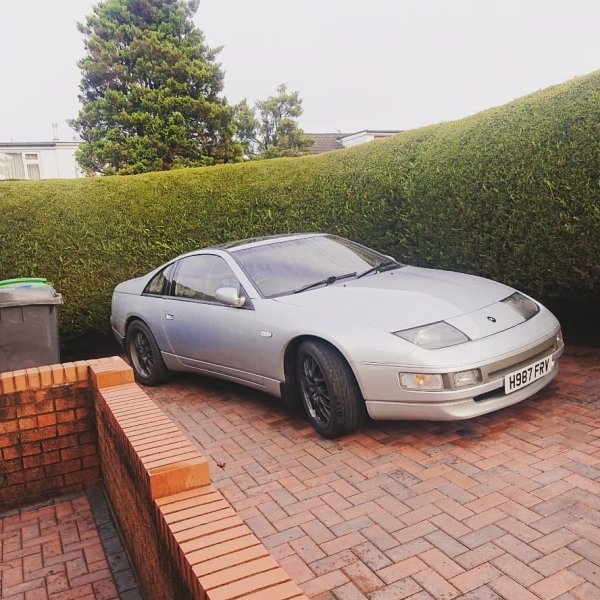
From the album: My 1991 N/A SWB
-
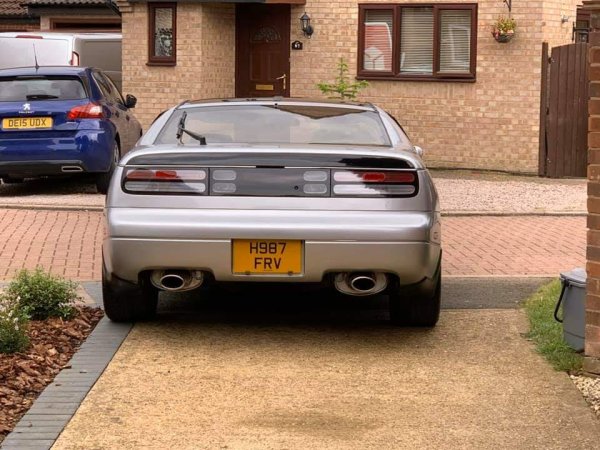
From the album: My 1991 N/A SWB
-
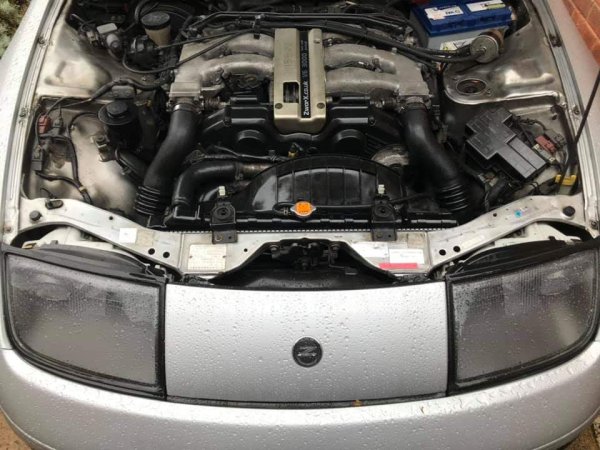
From the album: My 1991 N/A SWB
-

From the album: My 1991 N/A SWB
-
1994 KLO Silver 2+2 Twin Turbo. Few mods and all deletes done.
-
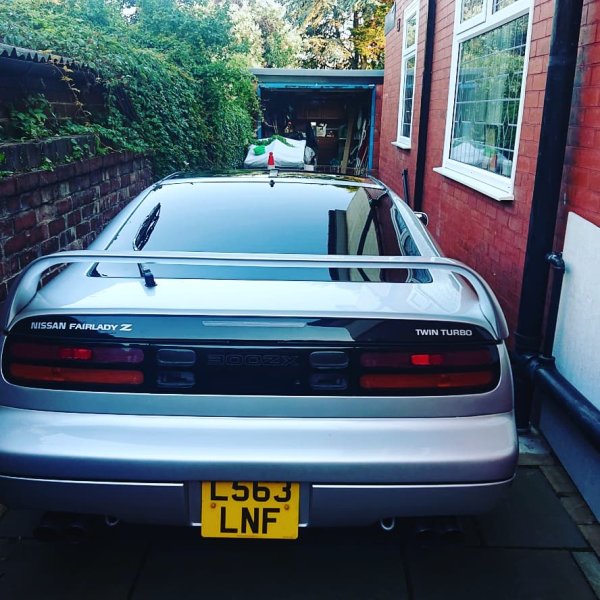
From the album: My 1994 TT Auto LWB.
-
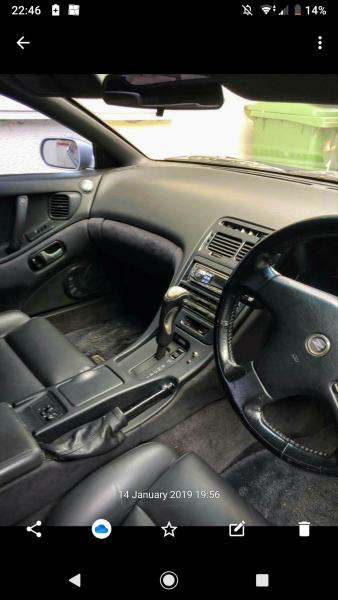
From the album: My 1994 TT Auto LWB.
-
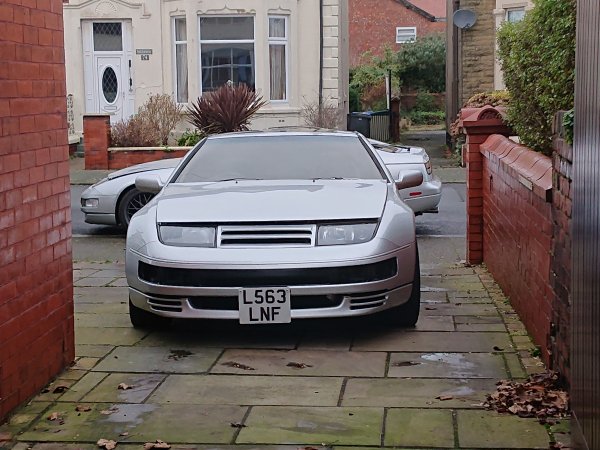
From the album: My 1994 TT Auto LWB.
-
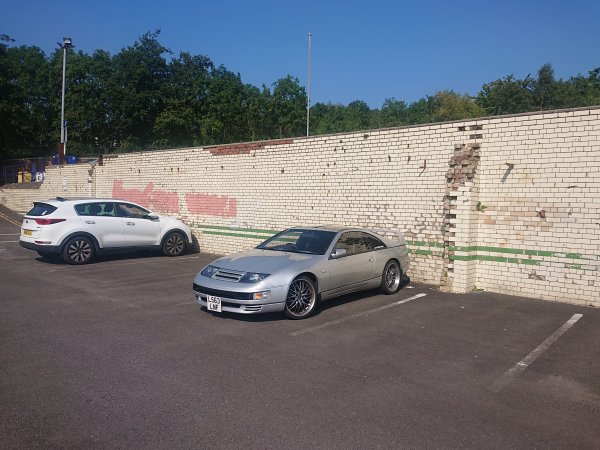
From the album: My 1994 TT Auto LWB.
-
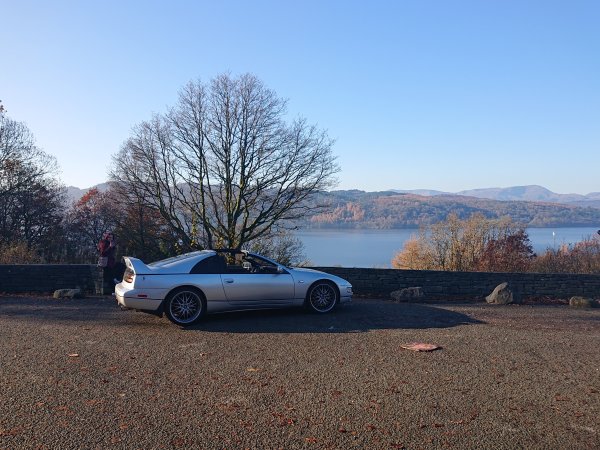
From the album: My 1994 TT Auto LWB.
-

From the album: My 1994 TT Auto LWB.
-
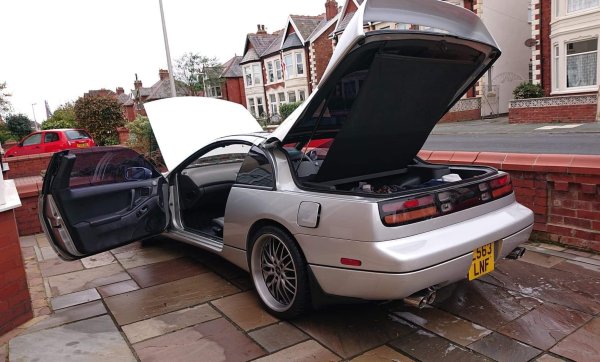
From the album: My 1994 TT Auto LWB.
-
How long does it take for an my account to fully activate? been on for 2 weeks and still cant upload pics of my zx? :blush:
-
Iam new to the site. Got my 2nd zx last month. started in 2005 with a 1993 auto tt. just got a 1996 manual tt. any how th brakes are making a noise and the pads and discs are fine.i have bought new pads to see if it makes a difference. any other known problems with brakes?
-
I'am new on here myself... Get a manual!! Had a '93 auto loved it! Got a '96 manual and will keep it forever..so much more predictable
-
i've just bought one from there! did you not get the warranty? you can get them for selling a car under the ' not fit for purpose act' if the problem was underlaying?!?!

