Everything posted by Lu300zxlu
-
Thanks for the reply jaikai. I did a lot of research before I joined this club and saw someone by passing pump on there car and it was there fuel pump ecu that went bad but my car starts and runs the other persons didn’t so I’m like I don’t think the was the problem. My pump didn’t look that old and was still working just making a lot of noises while running the noises would change every few seconds. Any way I cleaned as much of the green corrosion as I could and added a little more solder on all four wires then cleaned off all the flux from soldering. Reinstalled pump and tested and my fuel issue is gone now. The corrosion was causing car to not get enough gas at times.
-
Nice motor
-
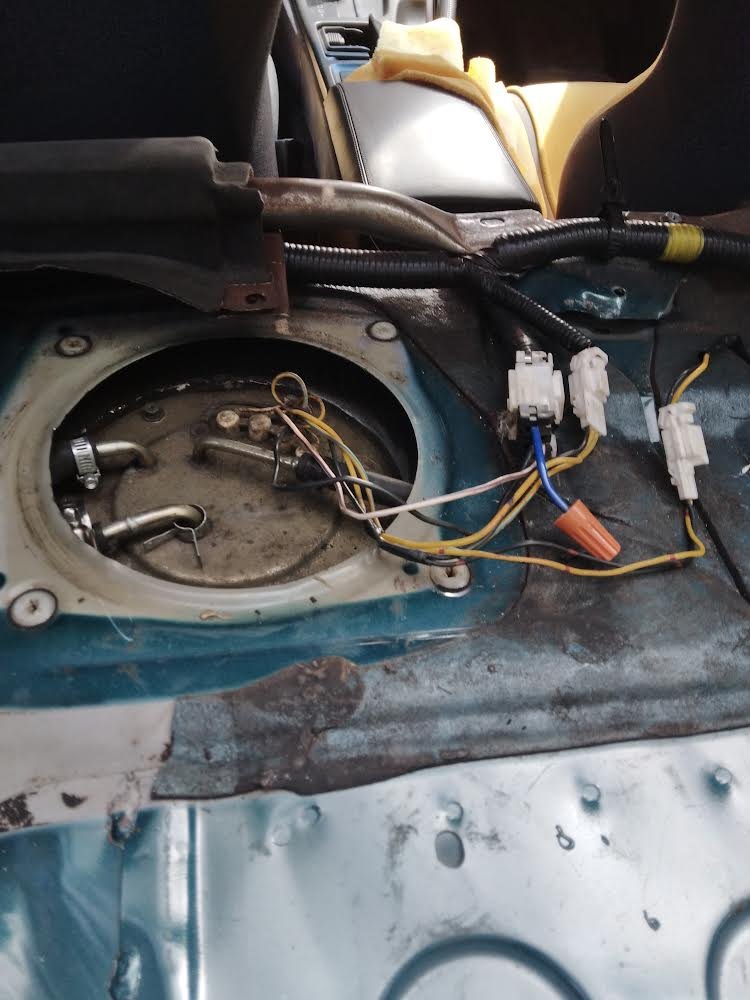
Removed my fuel pump
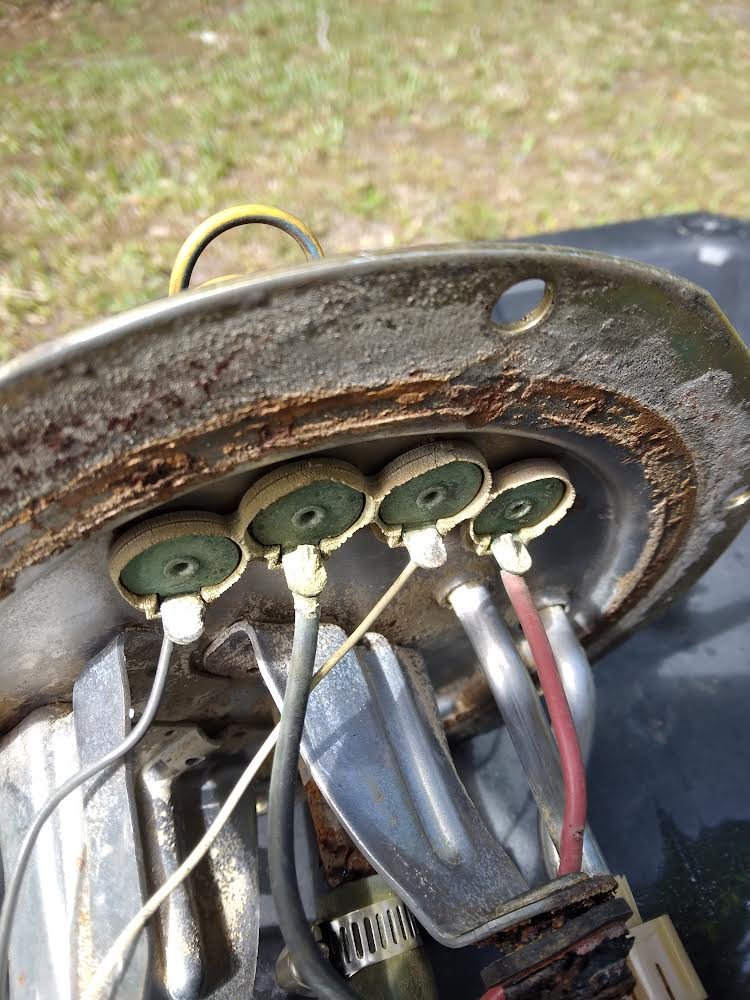
 Red wire not much solder
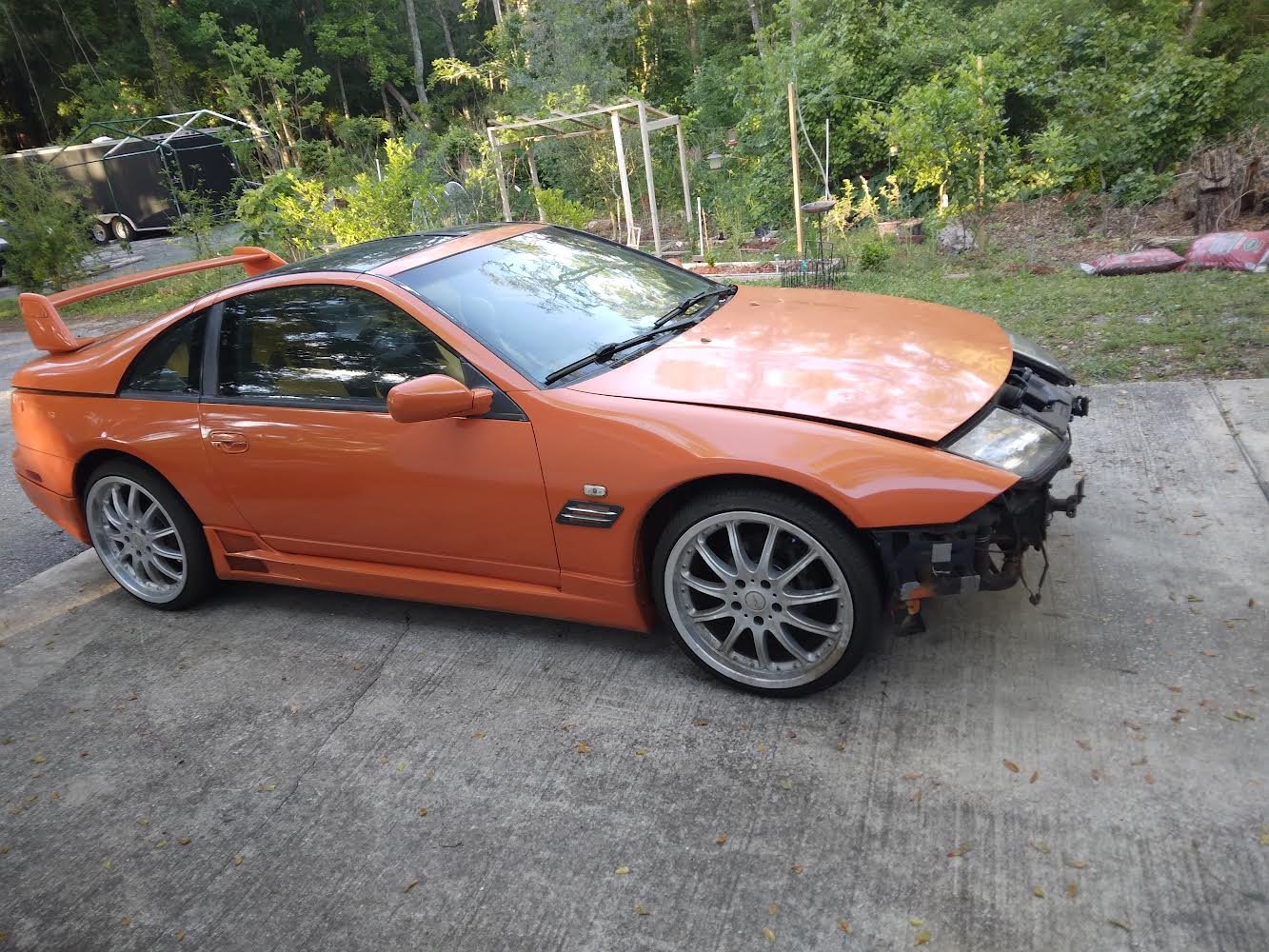
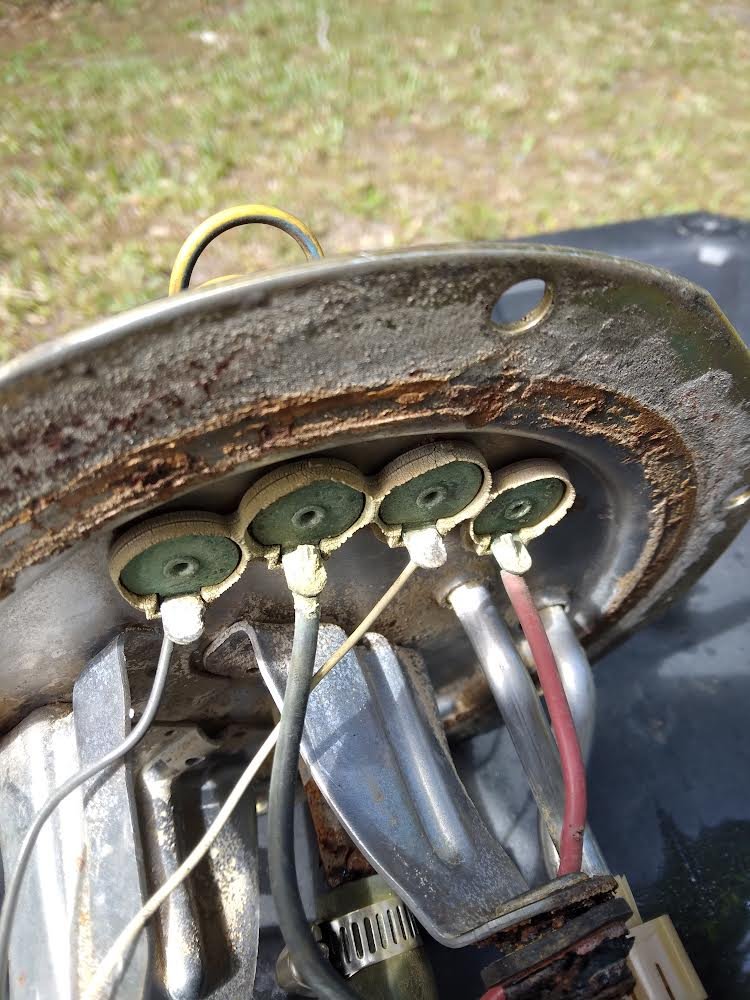 I have 1996 300zx automatic non turbo 2+0. So car starts up runs and drives but some times when hitting the gas pedal it feels like something is holding the car back the rpm’s get stuck around 2000rpms and car bogs down then other times cars runs fine rpm’s go up like normal no bogging. Could some green corroded wires for fuel pump be causing this issue? I also noticed the red wire going to pump doesn’t have much or any solder on it. Car has brand new 93 gas filled up all the way. I removed pump earlier and clean some of the connections with electrical contact spray and a small piece of sand paper and tommorow I plan on cleaning connections a little more and a little more solder on red wire. Thanks for any advice I’m a new member also