


Everything posted by Johnno
-
I'll be there, bought my tickets as soon as they were available on the site, as I'm not standing with a club (assume I'll be in the central section) will pop over and say hi though 👌
-
Thanks Gents :) 🎂
-
Nice little line up yesterday 😊
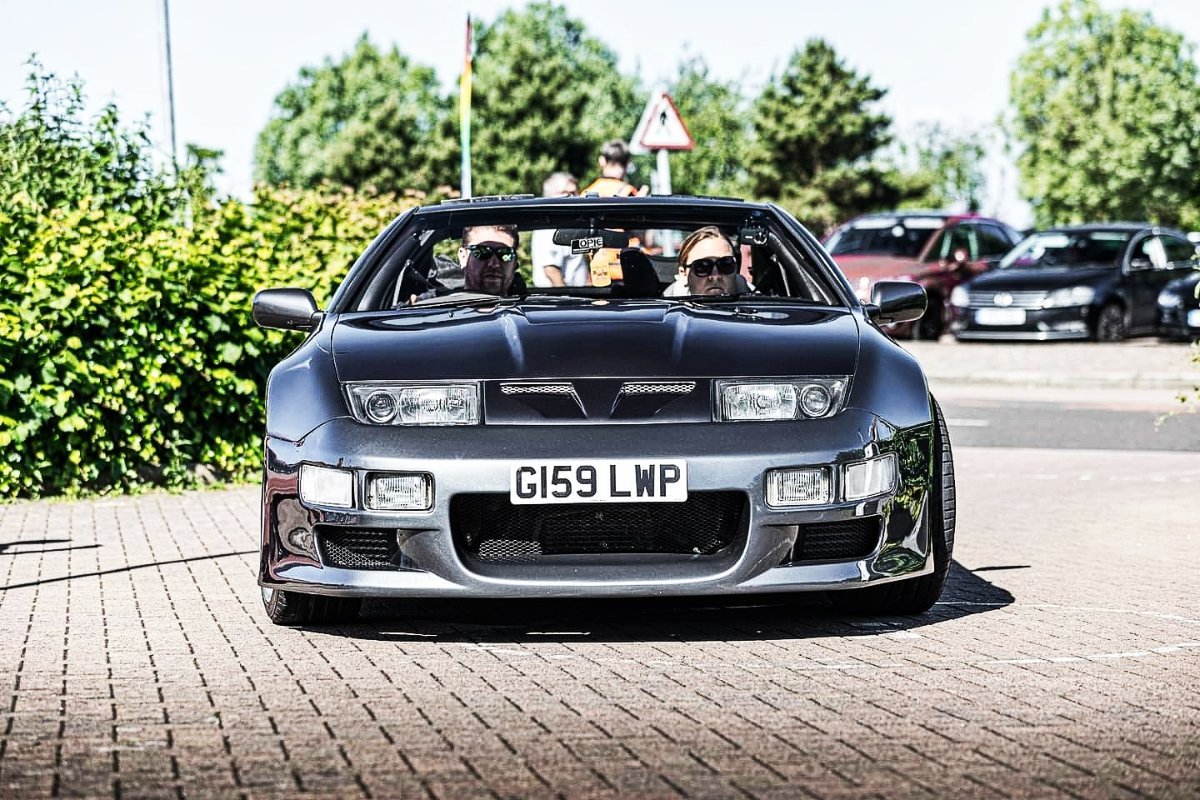
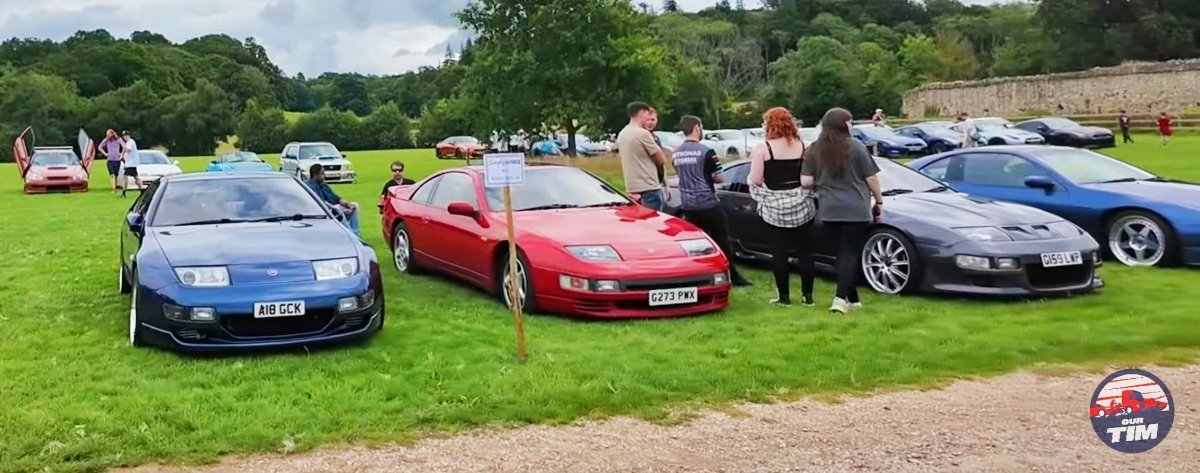 Hi all, Bought my TT Zed from a member of this group last year (Jimmer did quite a bit of work on her) Getting through the niggles slowly... Will get there eventually I'm sure 🤣 Anyways, have an awesome weekend ☺️ VID-20240512-WA0064.mp4
 I'd like to be considered for the stand at NEC, assume pictures are needed etc (added) I did it a few years ago with the MR2 Drivers Club for my SW20 Turbo, great event.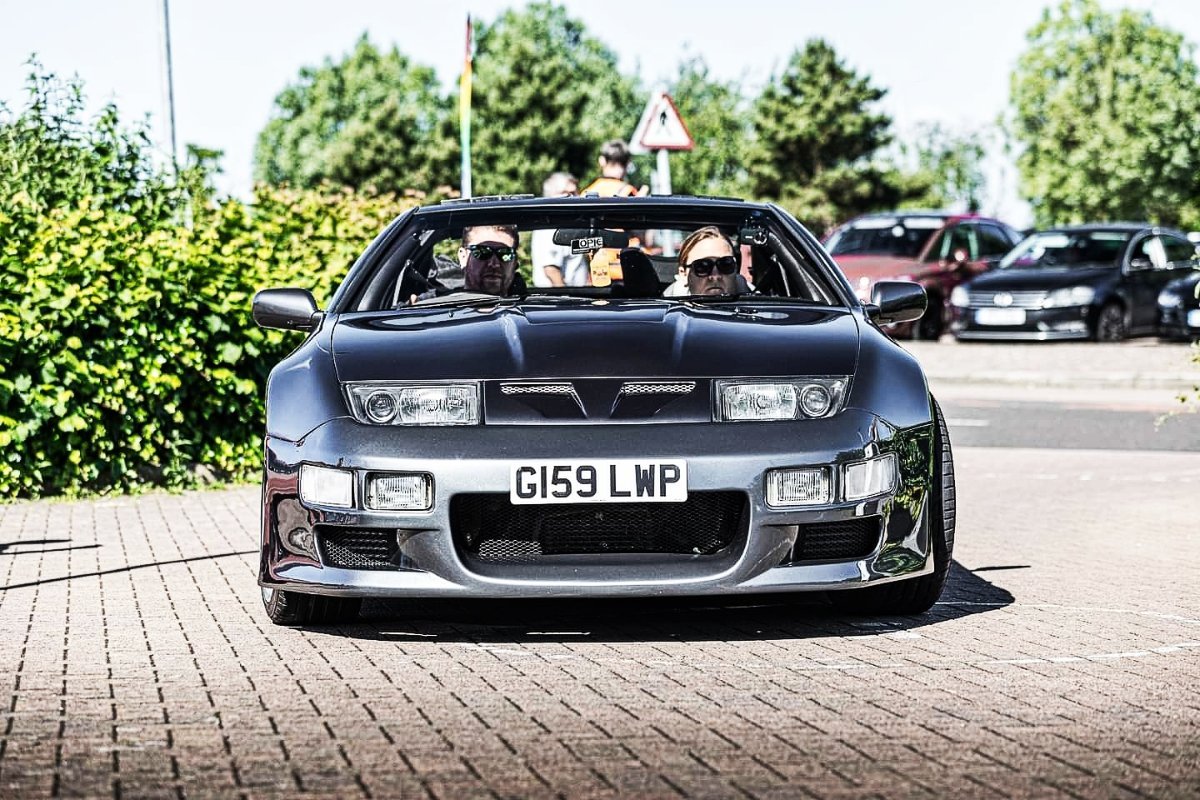
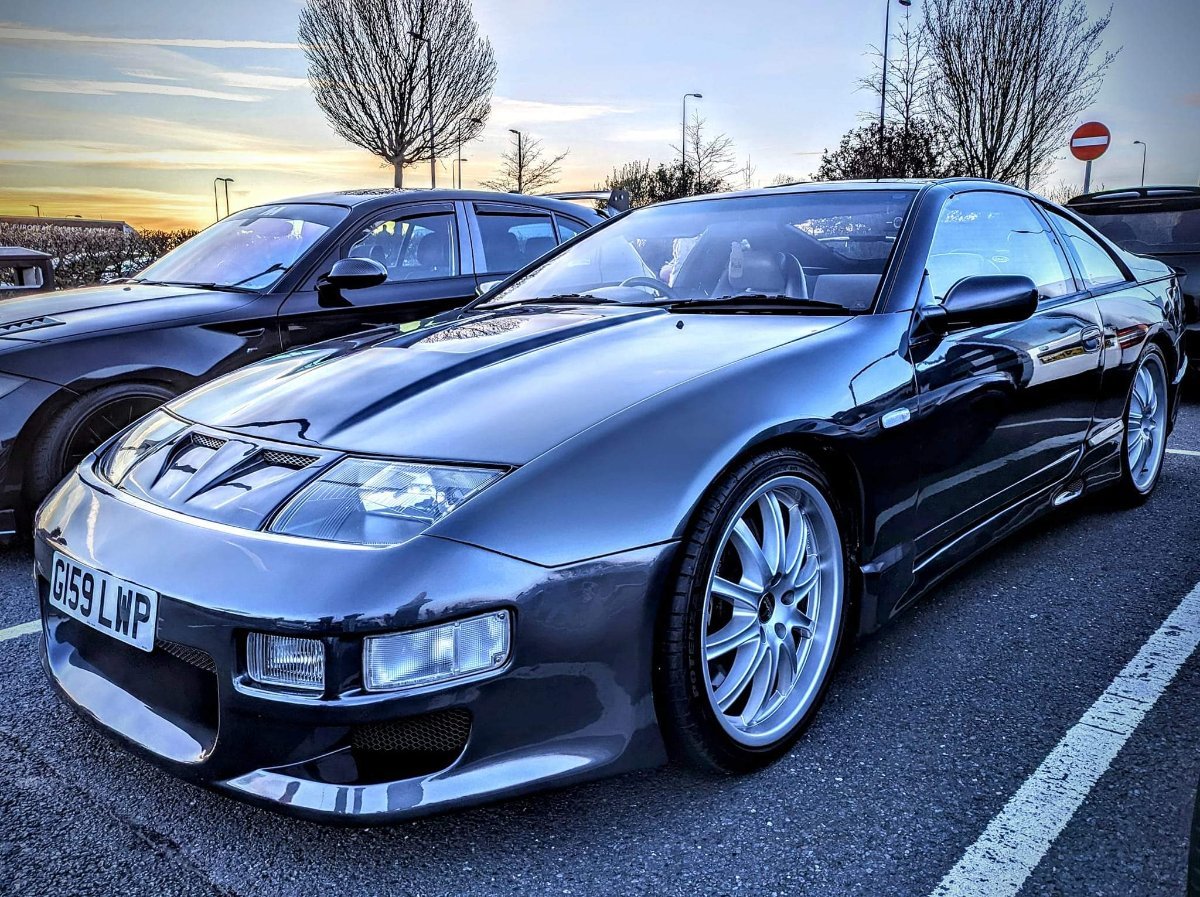
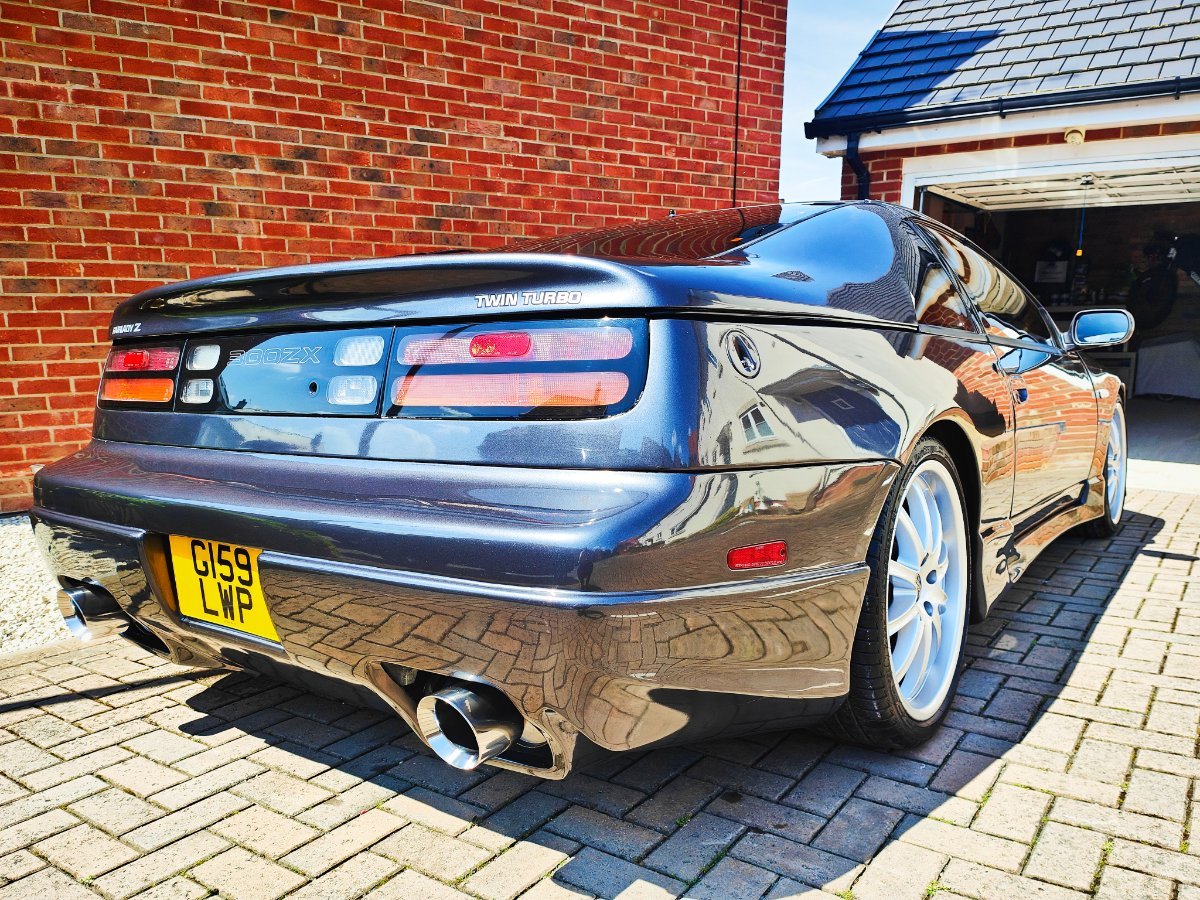
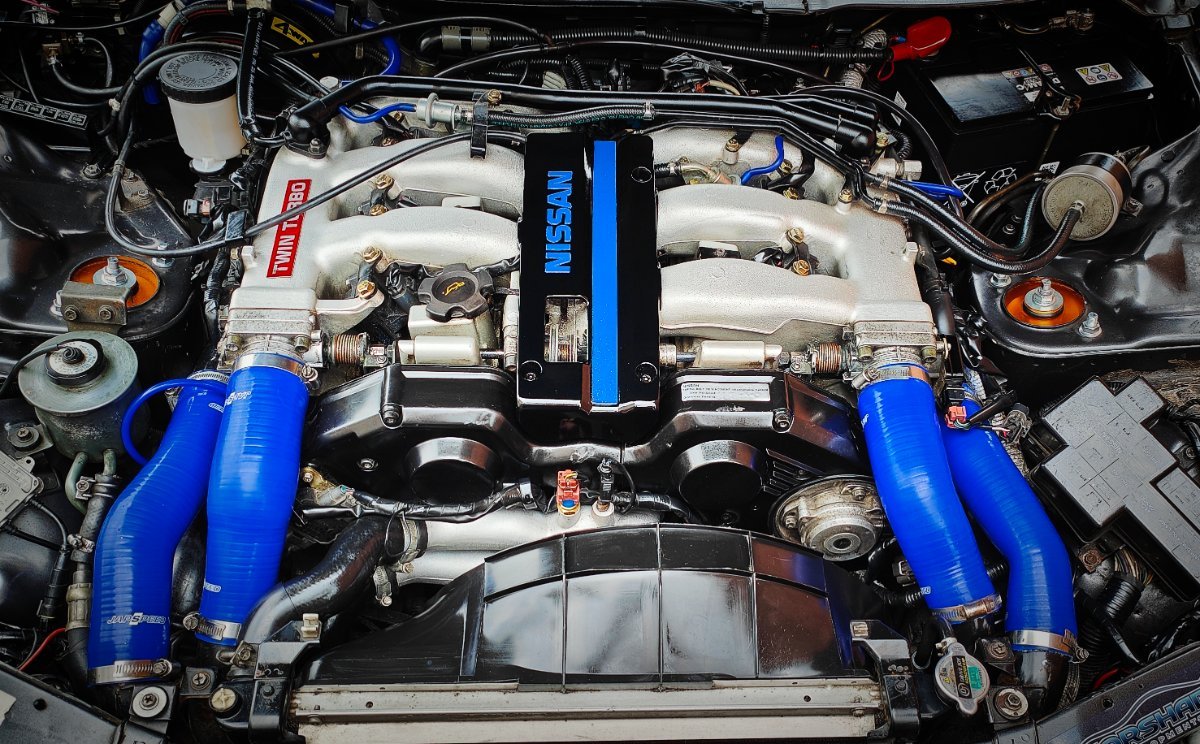 Sweet, I'll be there on your stand then 🙂 Happy Days 👌Will be there, already bought tickets earlier this year but didn't enter any stand/ club information... You reckon that could be updated to stand with you guys and gals?Hi, I've just joined and bought tickets following my Faceache enquiry into the event 🙂

