
Everything posted by Gabor Z
-
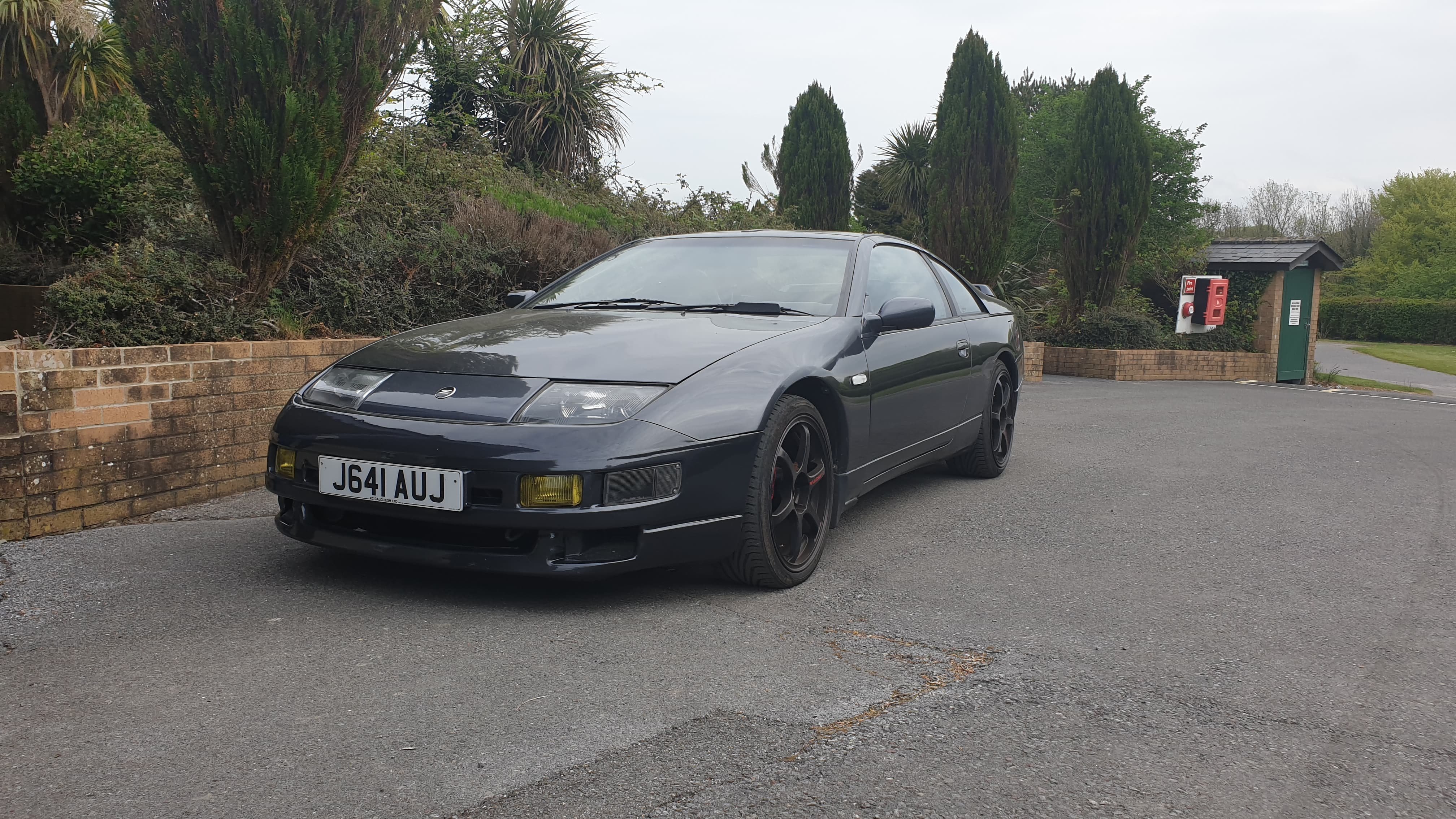
We did a video earlier this week, the Z hasn't been out the garage since July 2020. So happy for this, this is miles away from professional video, and the guy who helped me with the drone and editing, well he is not really into cars. But still happy. Enjoy Location is Torcross Beach, Devon.
-
So happy, I managed to find a JDM rear bumper with OEM spats on it. I've been looking for this for a while ?
.thumb.jpg.f0bcf4f0e70ec420a39ad0b1d3941698.jpg)
-
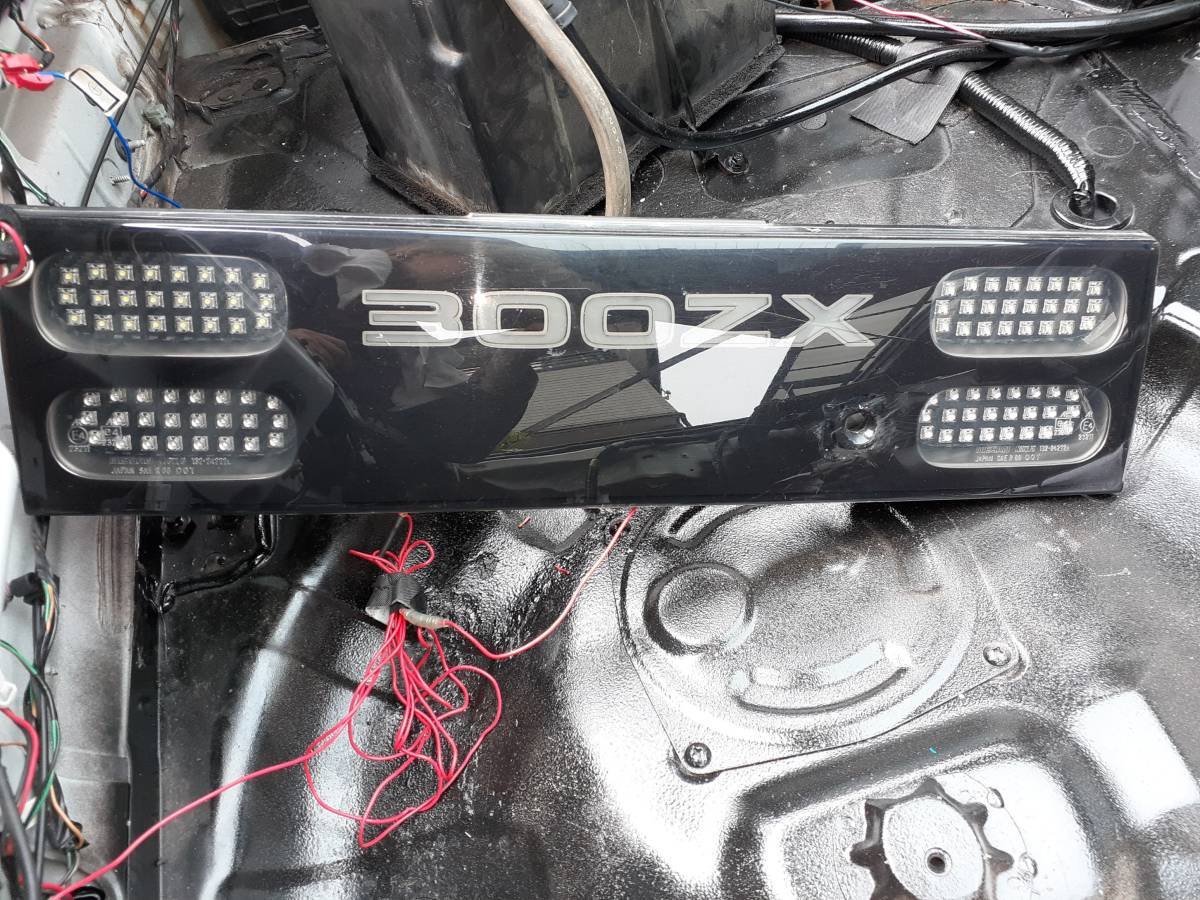
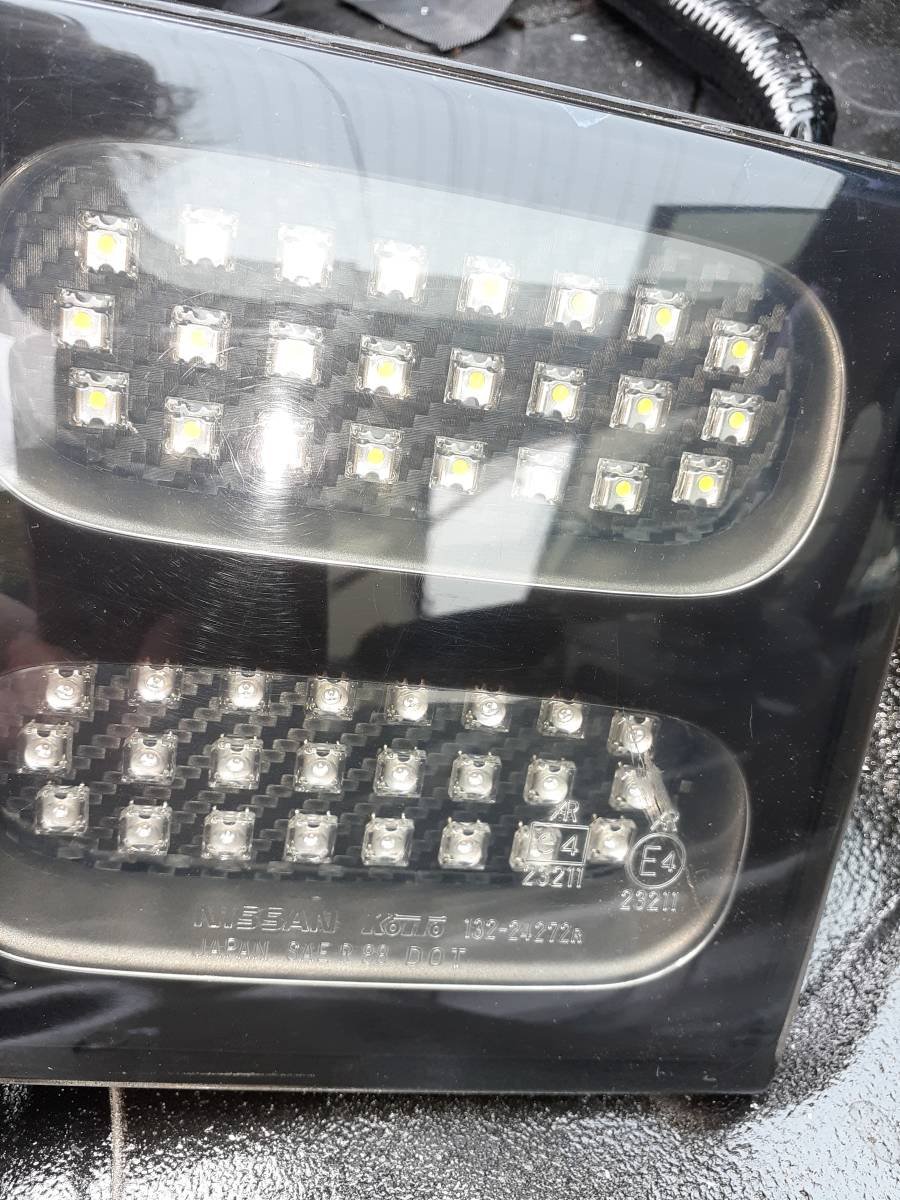
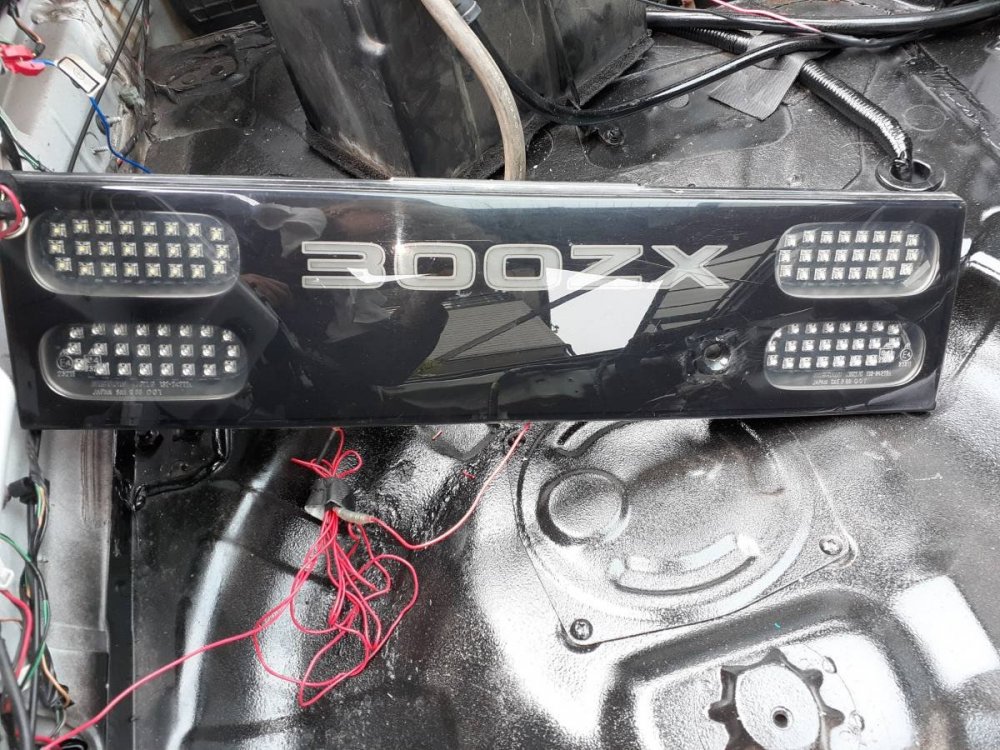
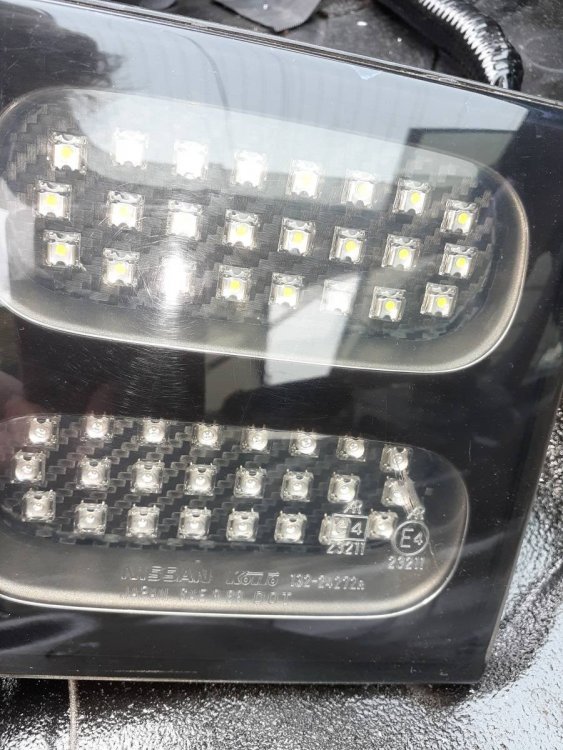
Bought this rear middle light on a Japanese auction today. Can't wait to get it fitted.
-
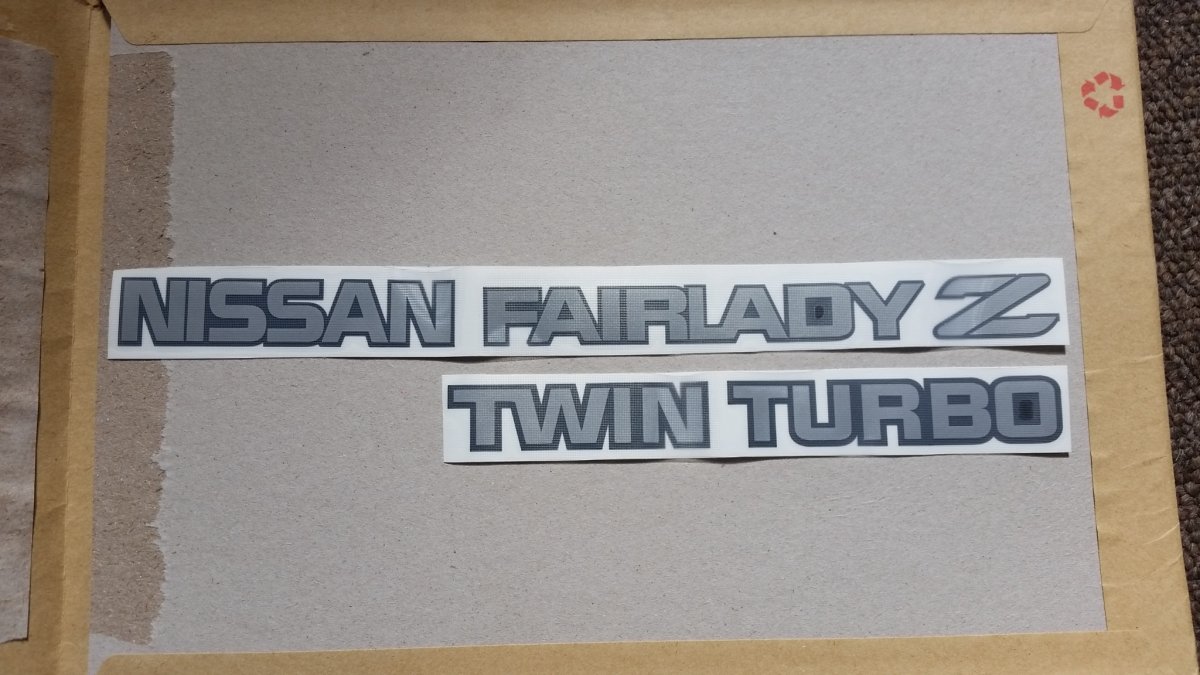
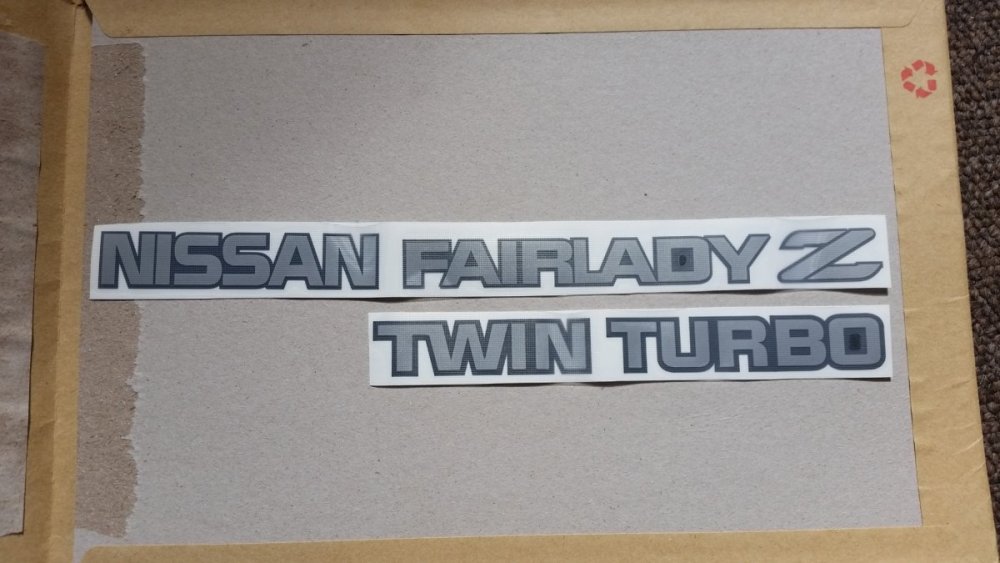
hi, mine aren't from Japan, but I believe the sizing is correct (well I hope it's correct), word "fairlady" looking smaller then the others.
-
...today's offering to the Z Gods: I changed these 19" fake Rotas for a set off immaculate OEM wheels. Special thanks to Ray for the wheels.
-
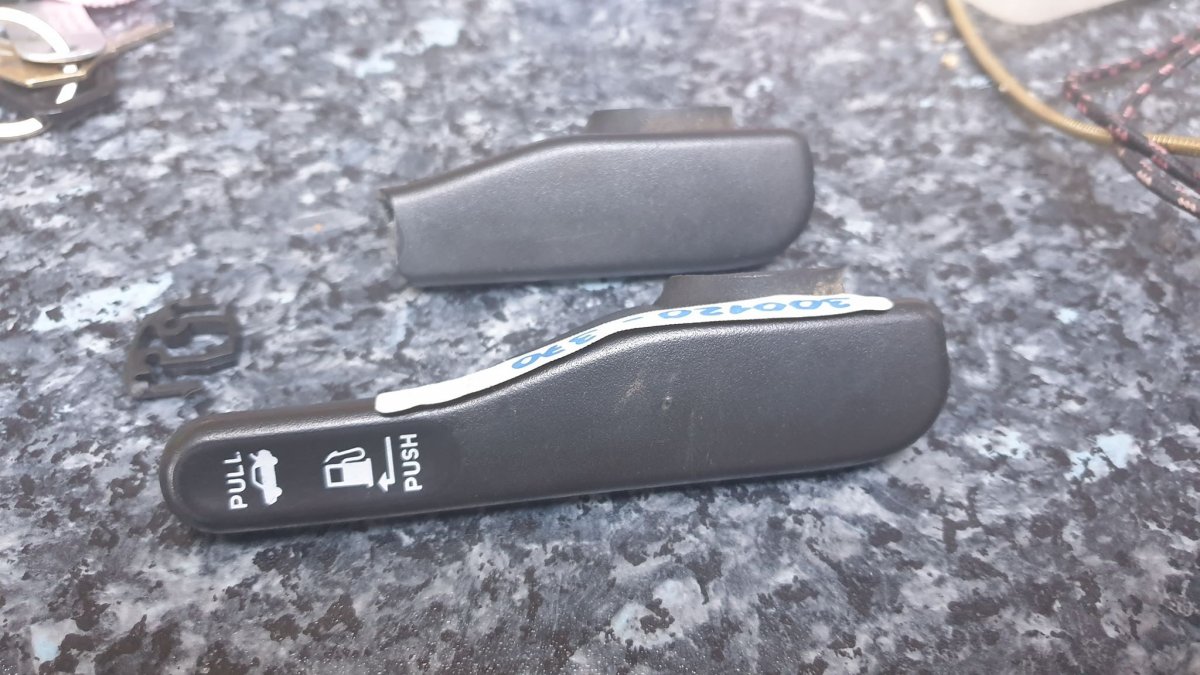
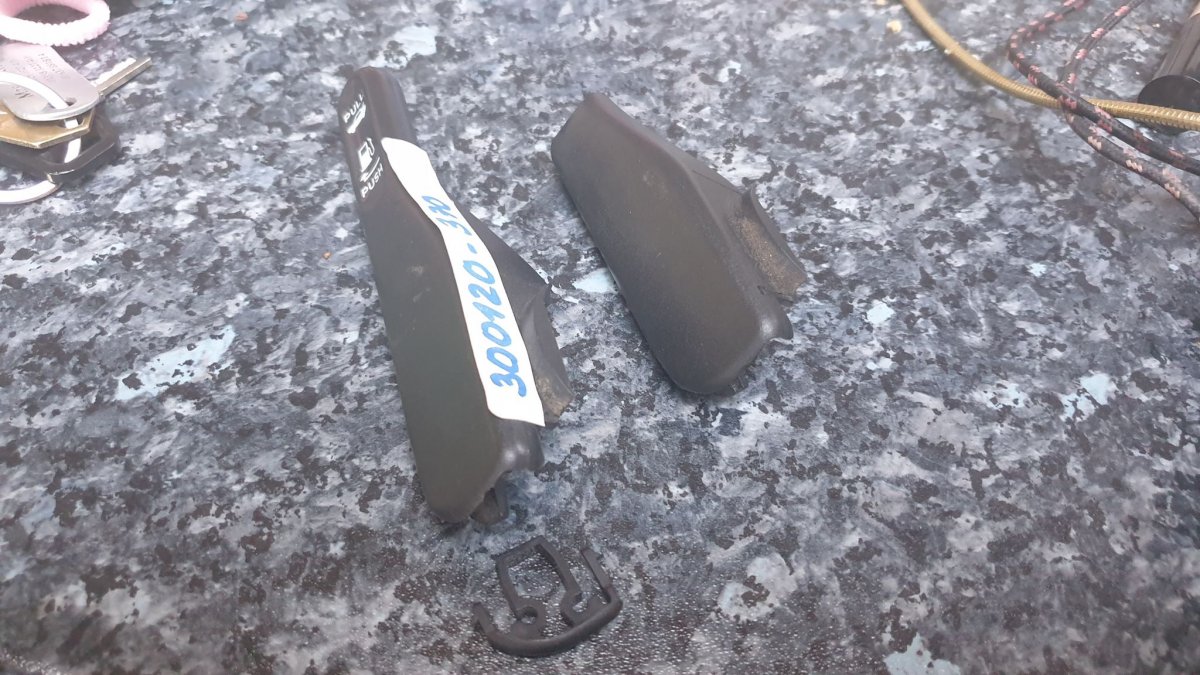
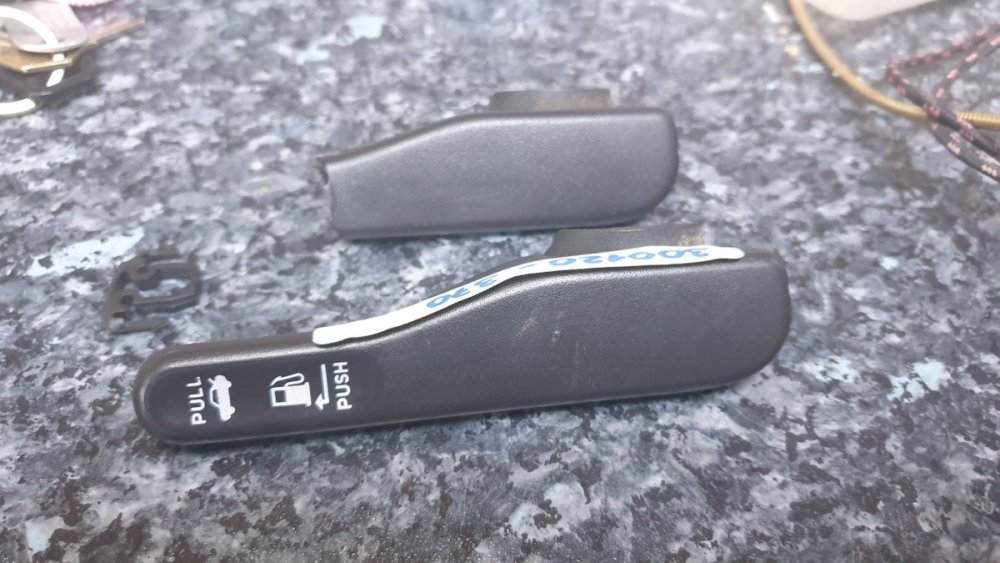
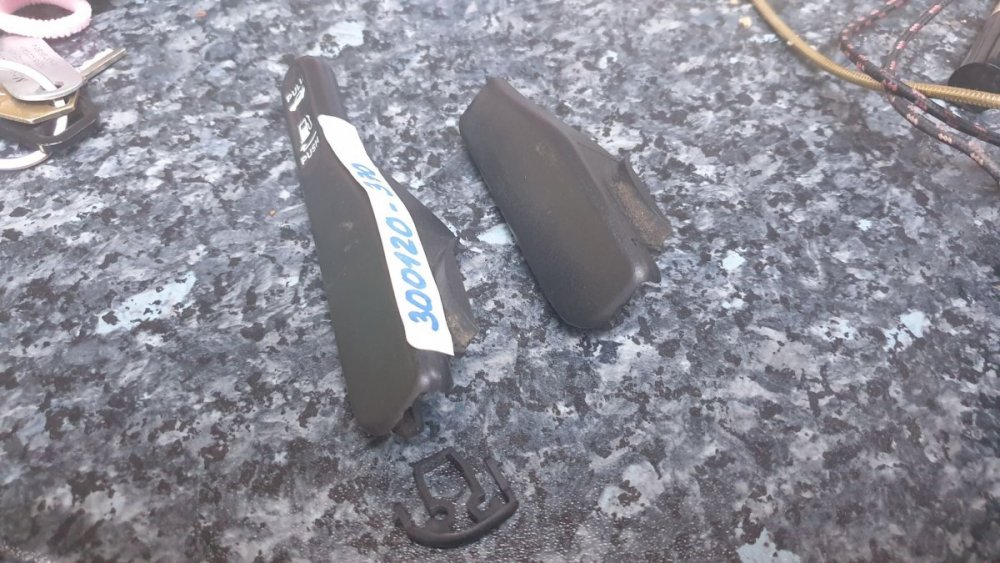
Hi All! I managed to get a boot/fuel lid lever cover from Germany (via eBay) , and I replaced my broken one.


.jpg.454193d90a9378613b46c26d59640704.jpg)