Jump to content
View in the app

A better way to browse. Learn more.

300ZX Owners Club

A full-screen app on your home screen with push notifications, badges and more.

To install this app on iOS and iPadOS
  1. Tap the Share icon in Safari
  2. Scroll the menu and tap Add to Home Screen.
  3. Tap Add in the top-right corner.
To install this app on Android
  1. Tap the 3-dot menu (⋮) in the top-right corner of the browser.
  2. Tap Add to Home screen or Install app.
  3. Confirm by tapping Install.

Hi folks,


just a quick intro, my name is Henry and I took ownership of a MX5 Mk1 with 300zx engine, which is really great. The car needs a some work , but engine is running smooth , so looking forward to having fun...

  • Replies 33
  • Views 2.3k
  • Created
  • Last Reply

Top Posters In This Topic

Posted Images

Featured Replies

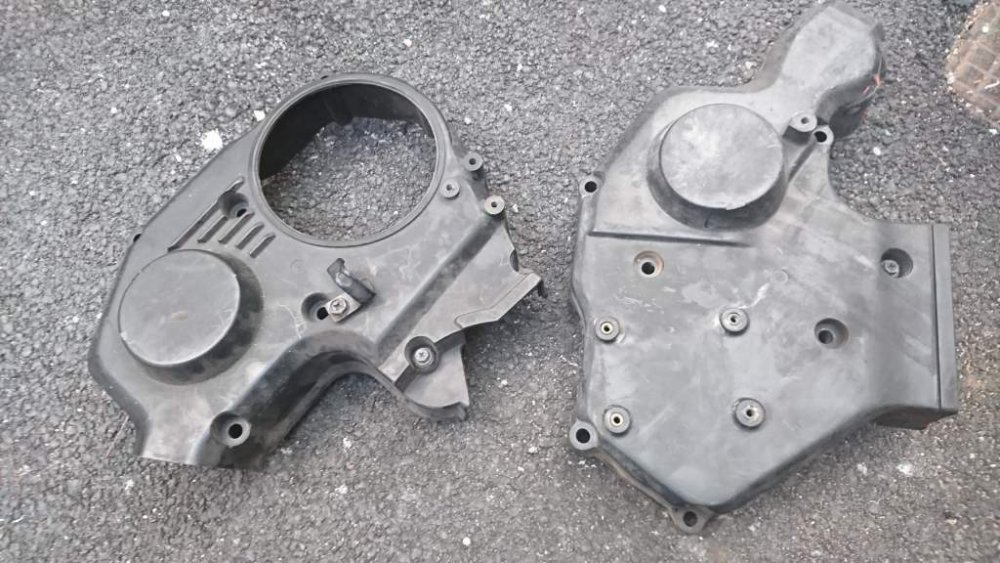
Hi , I might be in your neck of the woods later this evening or tomorrow , can I collect the covers


Yeh that's fine. Tomorrow is better for me

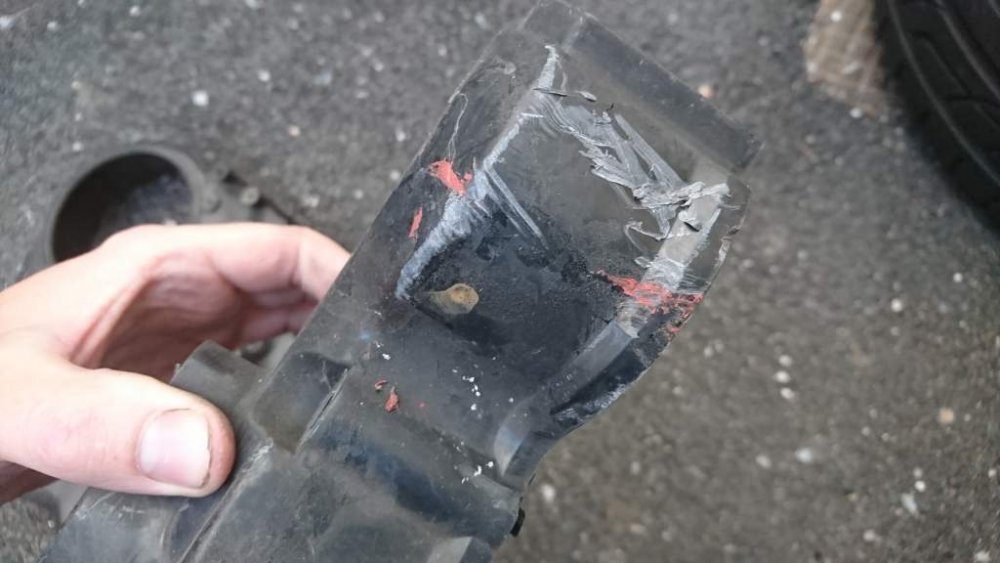
Couple of scratches but they're not deep & you won't see them when they're on.

DSC_0918.jpg

DSC_0919.jpg

  • Author
Couple of scratches but they're not deep & you won't see them when they're on.


Thanks. I can pop round this afternoon whats your address? my mobi is 07842759445

  • 1 month later...

That is awesome. I think the insurance will onsider it to be a 300zx. That has been my experience but I'm sure it varys with different companies.


Looking forward to seeing more of this car :)

Edited by tomfromthenorth

Join the conversation

You can post now and register later. If you have an account, sign in now to post with your account.

Guest
Unfortunately, your content contains terms that we do not allow. Please edit your content to remove the highlighted words below.
Reply to this topic...

Recently Browsing 0

  • No registered users viewing this page.

Important Information

Terms of Use

Configure browser push notifications

Chrome (Android)
  1. Tap the lock icon next to the address bar.
  2. Tap Permissions → Notifications.
  3. Adjust your preference.
Chrome (Desktop)
  1. Click the padlock icon in the address bar.
  2. Select Site settings.
  3. Find Notifications and adjust your preference.