Jump to content
View in the app

A better way to browse. Learn more.

300ZX Owners Club

A full-screen app on your home screen with push notifications, badges and more.

To install this app on iOS and iPadOS
  1. Tap the Share icon in Safari
  2. Scroll the menu and tap Add to Home Screen.
  3. Tap Add in the top-right corner.
To install this app on Android
  1. Tap the 3-dot menu (⋮) in the top-right corner of the browser.
  2. Tap Add to Home screen or Install app.
  3. Confirm by tapping Install.

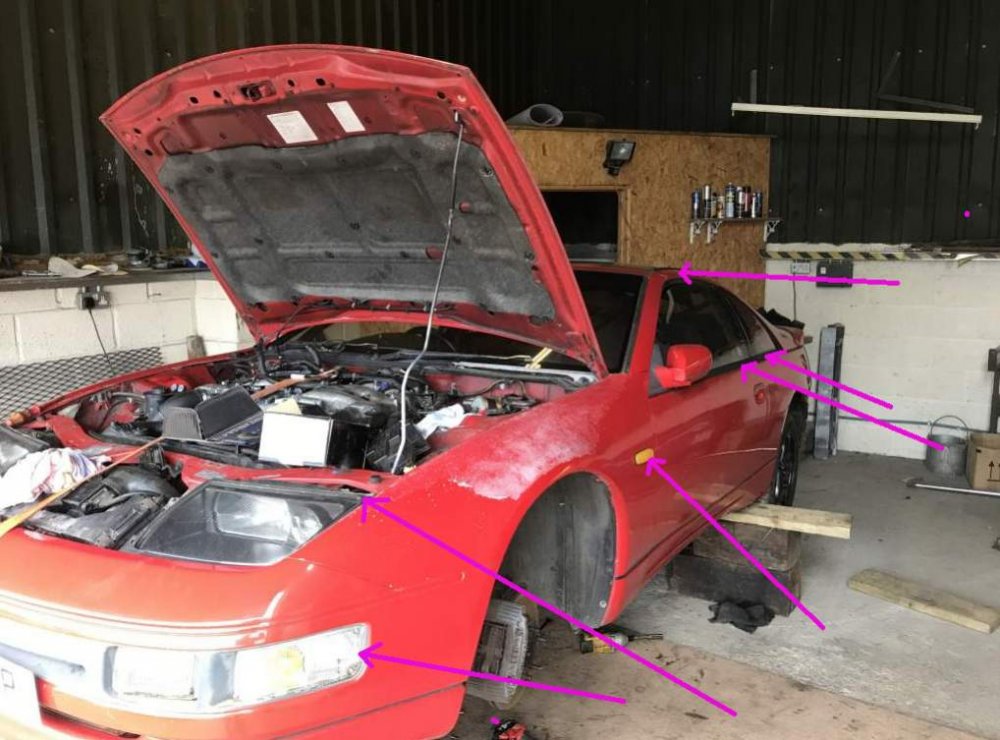
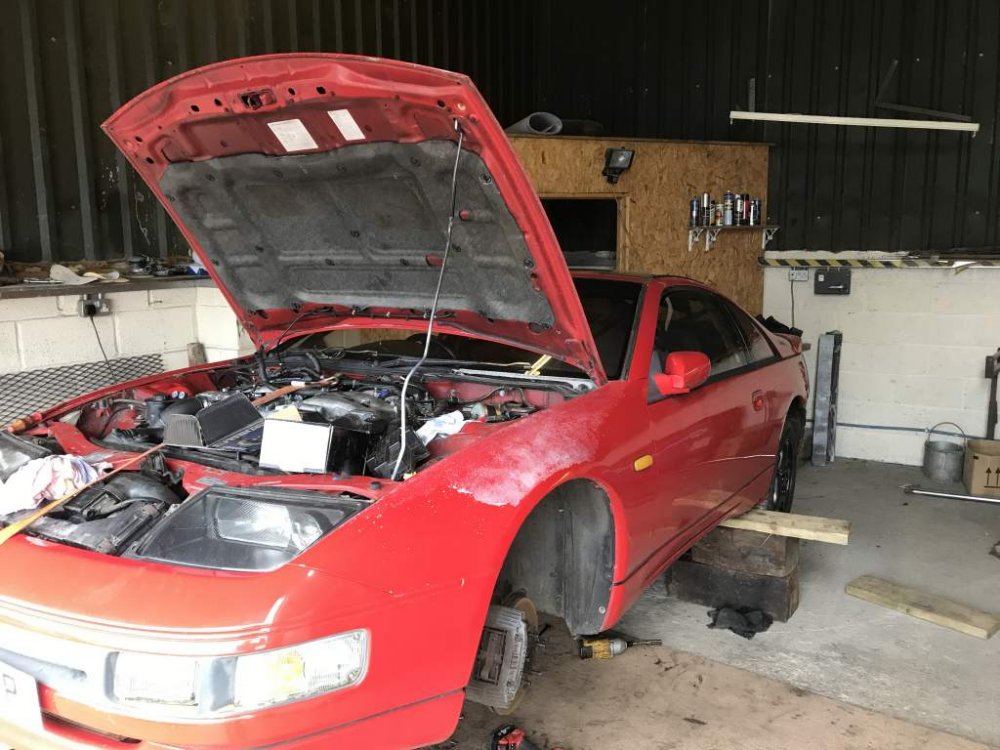
Breaking N/A manual most parts available just let me know what you need IMG_0255.jpg

  • Replies 38
  • Views 644
  • Created
  • Last Reply

Top Posters In This Topic

Posted Images

Featured Replies

Hi guys sorry for delay on answering but I'm very busy at work at the moment please stay with me and I will get back to you shortly thanks you and sorry again

Hi I can collect as I'm going to Oxford in a week or so ,been looking for na propshaft for ages thanks .

Is the passenger side mirror electric folding ? How much if it is ?

I can pick prop up Thursday as in coming to Oxford cheers .

Hi, Do you have a good rear drivers side light lense with no cracks please?


Thanks Nick .

  • 1 month later...

Hi There, how cracked is the front RH fog light and RHS sidelight/indicator? Do you have a pic? I may still want them anyway.

Thanks.

Simon

I need a radiator fan with viscose clutch that comes with it. do you have one and how much would it be.

Posted this before seeing page 2 :lol: sorry if I have stepped on people's toes


I'd be interested in...


bits.jpg


The Targas


The Black trims below the windows.


Both front windows if that is possible for you to remove them.


The black seal which sits behind the indicator repeaters


The rubber which surrounds the front headlamps


The front indicators


I'd be interested in the mirrors but dependent on price.


We can discuss it by PM if you like :)

Join the conversation

You can post now and register later. If you have an account, sign in now to post with your account.

Guest
Unfortunately, your content contains terms that we do not allow. Please edit your content to remove the highlighted words below.
Reply to this topic...

Recently Browsing 0

  • No registered users viewing this page.

Important Information

Terms of Use

Configure browser push notifications

Chrome (Android)
  1. Tap the lock icon next to the address bar.
  2. Tap Permissions → Notifications.
  3. Adjust your preference.
Chrome (Desktop)
  1. Click the padlock icon in the address bar.
  2. Select Site settings.
  3. Find Notifications and adjust your preference.