


Thready McThreadface
- Replies 54
- Views 4.2k
- Created
- Last Reply


Posted Images
Featured Replies
Important Information
Account
Navigation
Search
Configure browser push notifications
Chrome (Android)
- Tap the lock icon next to the address bar.
- Tap Permissions → Notifications.
- Adjust your preference.
Chrome (Desktop)
- Click the padlock icon in the address bar.
- Select Site settings.
- Find Notifications and adjust your preference.
Safari (iOS 16.4+)
- Ensure the site is installed via Add to Home Screen.
- Open Settings App → Notifications.
- Find your app name and adjust your preference.
Safari (macOS)
- Go to Safari → Preferences.
- Click the Websites tab.
- Select Notifications in the sidebar.
- Find this website and adjust your preference.
Edge (Android)
- Tap the lock icon next to the address bar.
- Tap Permissions.
- Find Notifications and adjust your preference.
Edge (Desktop)
- Click the padlock icon in the address bar.
- Click Permissions for this site.
- Find Notifications and adjust your preference.
Firefox (Android)
- Go to Settings → Site permissions.
- Tap Notifications.
- Find this site in the list and adjust your preference.
Firefox (Desktop)
- Open Firefox Settings.
- Search for Notifications.
- Find this site in the list and adjust your preference.
Wanted to start a thread for my newly imported zed, but it's really hard to think of a name :-P
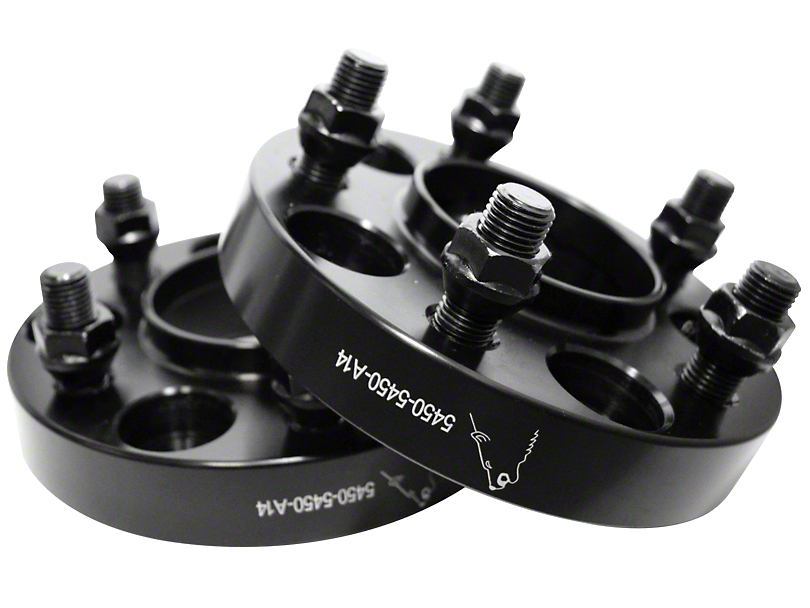
Put the number plates on at the weekend so this is something of a rebirth for it! Swapped the wheels over from my old zed as the ones it came with had a terrible offset, needed 10mm spacers to get over the front stock calipers and thus only had 3 turns on the nuts.
Tried to take it for a drive, but the front right wheel was catching so badly I only made it to the end of the road and back! Was then too late to adjust anything. Bit surprised really as it doesn't look that low, might need to stiffen the dampers. So not a great maiden voyage :-P
Wheels are filthy bit didn't have time to clean them.
Plan on driving it around a little bit just to check everything is alright before starting some proper work!