


New guy from Anguilla
- Replies 34
- Views 3.2k
- Created
- Last Reply
Top Posters In This Topic
-
anguilla1980 9 posts
-
dutchgold92 7 posts
-
Alic 6 posts
-
Chris 3 posts


Posted Images
Featured Replies
Important Information
Account
Navigation
Search
Configure browser push notifications
Chrome (Android)
- Tap the lock icon next to the address bar.
- Tap Permissions → Notifications.
- Adjust your preference.
Chrome (Desktop)
- Click the padlock icon in the address bar.
- Select Site settings.
- Find Notifications and adjust your preference.
Safari (iOS 16.4+)
- Ensure the site is installed via Add to Home Screen.
- Open Settings App → Notifications.
- Find your app name and adjust your preference.
Safari (macOS)
- Go to Safari → Preferences.
- Click the Websites tab.
- Select Notifications in the sidebar.
- Find this website and adjust your preference.
Edge (Android)
- Tap the lock icon next to the address bar.
- Tap Permissions.
- Find Notifications and adjust your preference.
Edge (Desktop)
- Click the padlock icon in the address bar.
- Click Permissions for this site.
- Find Notifications and adjust your preference.
Firefox (Android)
- Go to Settings → Site permissions.
- Tap Notifications.
- Find this site in the list and adjust your preference.
Firefox (Desktop)
- Open Firefox Settings.
- Search for Notifications.
- Find this site in the list and adjust your preference.
Hello everyone! My name is Alex.
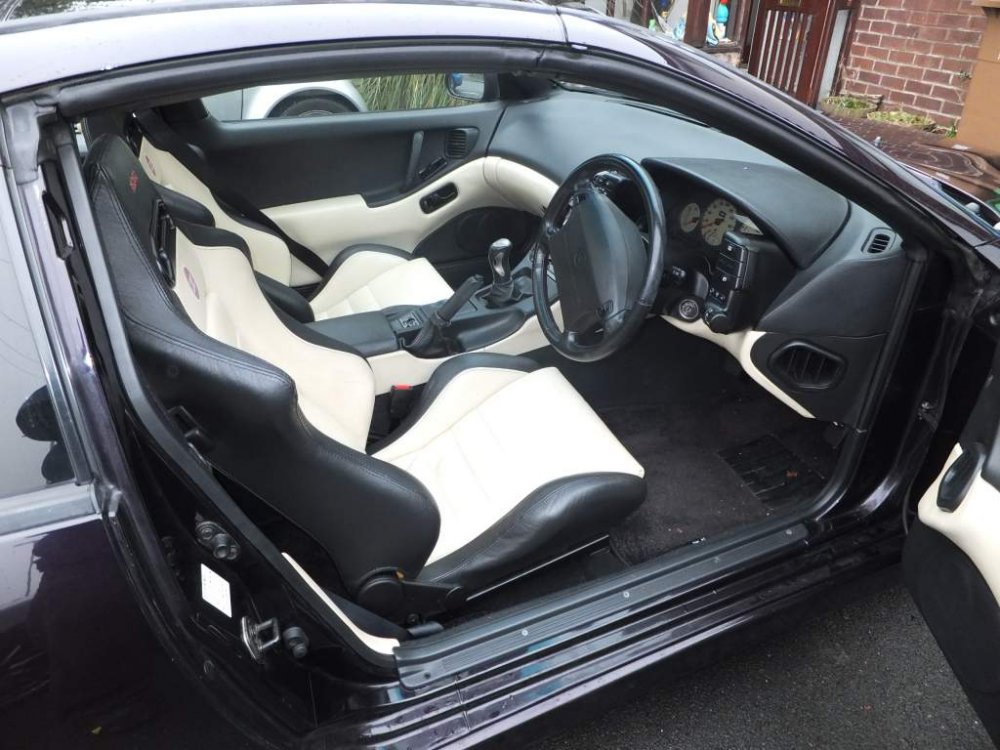
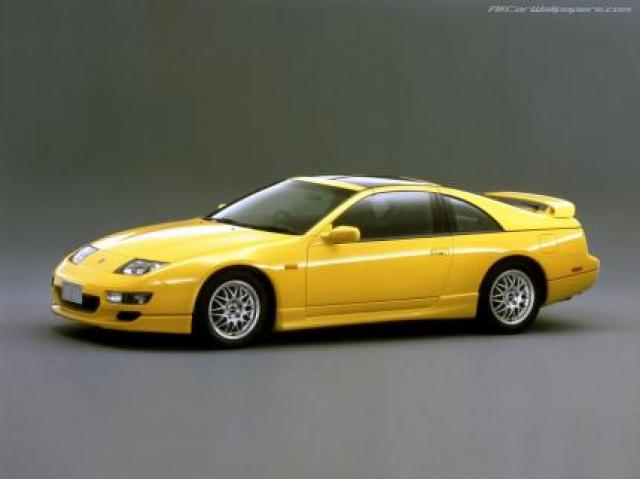
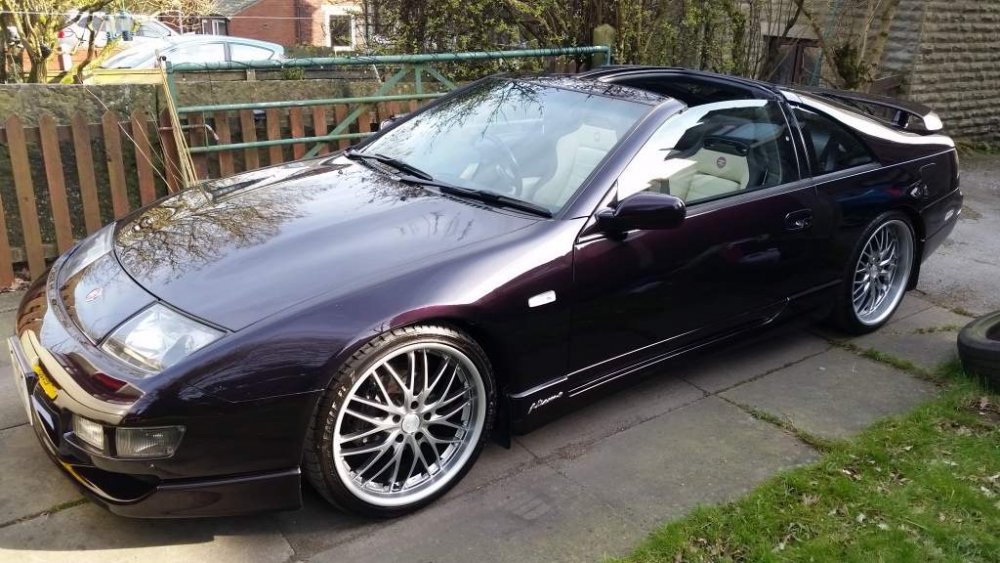
I'm new here but not to the Z32 community. I most recently owned a US spec 1993 300ZX 5-spd 2+2. I'm currently interested in learning more about 1999 and 2000 version R Fairladys and finding one to import to the country I live in (which has no vehicle import restrictions at all).