Jump to content
View in the app

A better way to browse. Learn more.

300ZX Owners Club

A full-screen app on your home screen with push notifications, badges and more.

To install this app on iOS and iPadOS
  1. Tap the Share icon in Safari
  2. Scroll the menu and tap Add to Home Screen.
  3. Tap Add in the top-right corner.
To install this app on Android
  1. Tap the 3-dot menu (⋮) in the top-right corner of the browser.
  2. Tap Add to Home screen or Install app.
  3. Confirm by tapping Install.

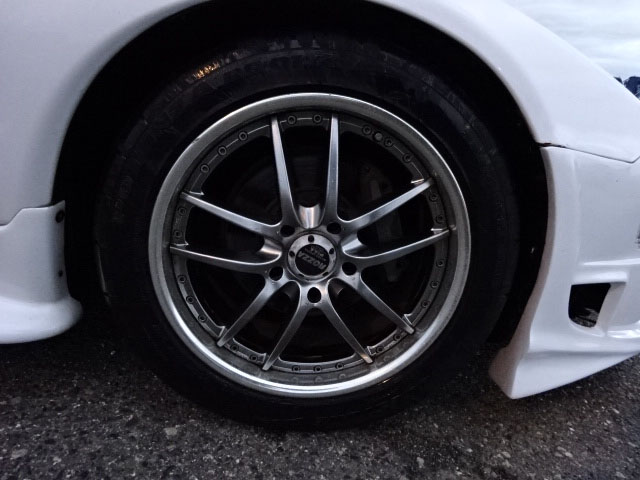
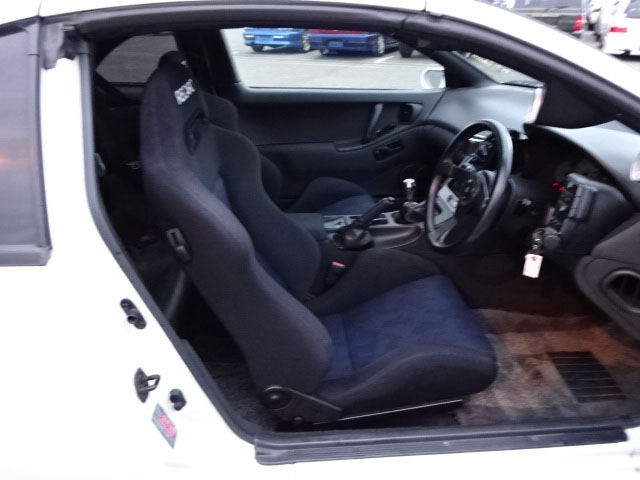
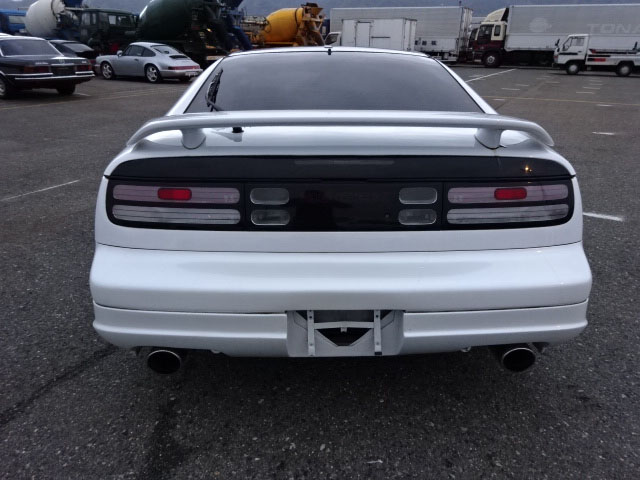
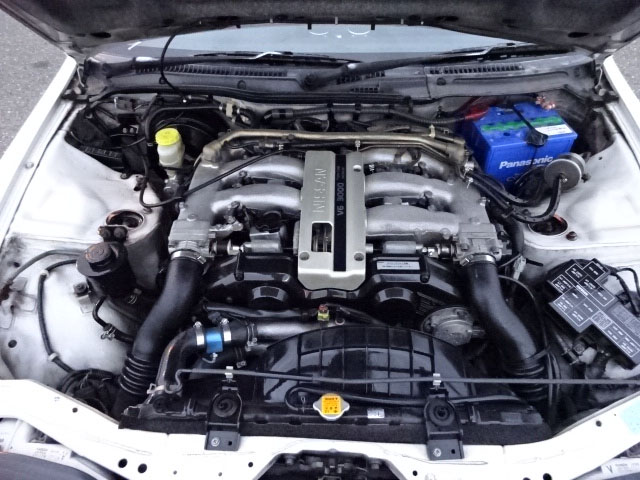
Hey Guys, just a heads up about what is happening here. I have three Zed's on the way from Japan

1. 1998 N/A in white with body kit (Manual) 44K miles Late January 2016

2 1990 TT Manual in Silver with just 18,000 on the clock and one owner w.service book. Going to be pricey this one Late Feb 2016

3. Black TT Manual 1993 Tuned and originally set up for drifting. I am currently having it calmed down new tyres, clutch, track rod ends all round. But it is still going to be a monster Coming Soon


I will post some pics as I get them

  • Replies 51
  • Views 2.4k
  • Created
  • Last Reply

Top Posters In This Topic

Posted Images

Featured Replies

Guys, the situation is this: The white one will be available next week, however I have promised Derek that he will get the pics before anyone else as he showed significant interest way back when I first announced that they were on the way. The silver TT manual will be next up in about 2 weeks time and this one is quite simply 'stunning' finally in about 4 weeks the black tt manual will be available.. keep on checking back...Garry

Thanks to Garry I'll be the proud owner of a quality Zed, more pics http://www.300zx.co.uk/forums/showthread.php?184305-twin-turbo-zx

Join the conversation

You can post now and register later. If you have an account, sign in now to post with your account.

Guest
Unfortunately, your content contains terms that we do not allow. Please edit your content to remove the highlighted words below.
Reply to this topic...

Recently Browsing 0

  • No registered users viewing this page.

Important Information

Terms of Use

Configure browser push notifications

Chrome (Android)
  1. Tap the lock icon next to the address bar.
  2. Tap Permissions → Notifications.
  3. Adjust your preference.
Chrome (Desktop)
  1. Click the padlock icon in the address bar.
  2. Select Site settings.
  3. Find Notifications and adjust your preference.