


possible A STOLEN 300ZX.. Heathrow London area
- Replies 51
- Views 6.3k
- Created
- Last Reply


.thumb.jpg.7f9636576895240bf9c86609bb843711.jpg)

Popular Days
Posted Images

Featured Replies
Important Information
Account
Navigation
Search
Configure browser push notifications
Chrome (Android)
- Tap the lock icon next to the address bar.
- Tap Permissions → Notifications.
- Adjust your preference.
Chrome (Desktop)
- Click the padlock icon in the address bar.
- Select Site settings.
- Find Notifications and adjust your preference.
Safari (iOS 16.4+)
- Ensure the site is installed via Add to Home Screen.
- Open Settings App → Notifications.
- Find your app name and adjust your preference.
Safari (macOS)
- Go to Safari → Preferences.
- Click the Websites tab.
- Select Notifications in the sidebar.
- Find this website and adjust your preference.
Edge (Android)
- Tap the lock icon next to the address bar.
- Tap Permissions.
- Find Notifications and adjust your preference.
Edge (Desktop)
- Click the padlock icon in the address bar.
- Click Permissions for this site.
- Find Notifications and adjust your preference.
Firefox (Android)
- Go to Settings → Site permissions.
- Tap Notifications.
- Find this site in the list and adjust your preference.
Firefox (Desktop)
- Open Firefox Settings.
- Search for Notifications.
- Find this site in the list and adjust your preference.
Hi guys,
Not looking to give out exact details just yet but due to strange circumstances, my Z has gone missing. I am off course in the process of hunting down the people involved. But putting it up here too hoping I get some luck with it being spotted somewhere.
It should be somewhere in the London area. More precisely, HOUNSLOW, SOUTHALL, EALING, UXBRIDGE and ACTON.
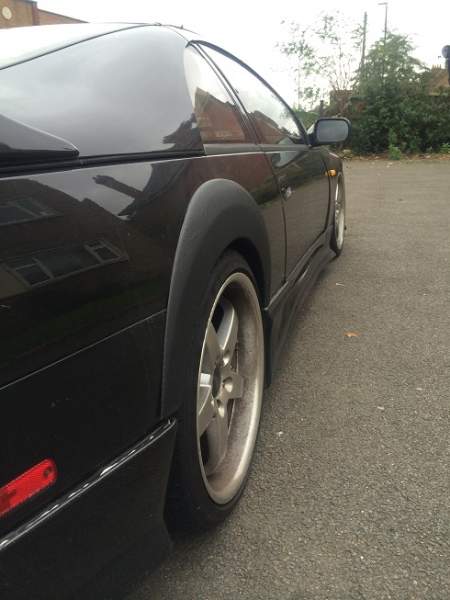
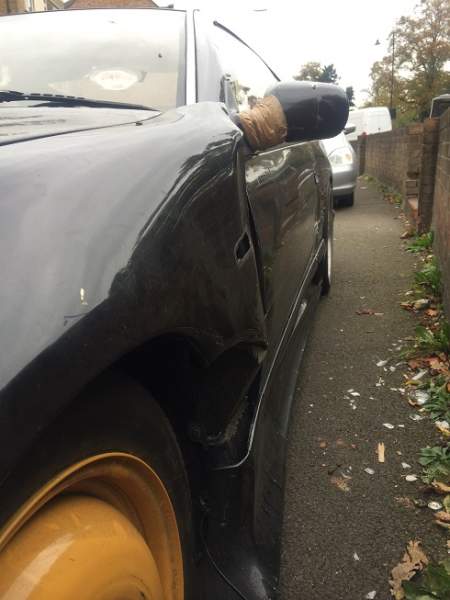
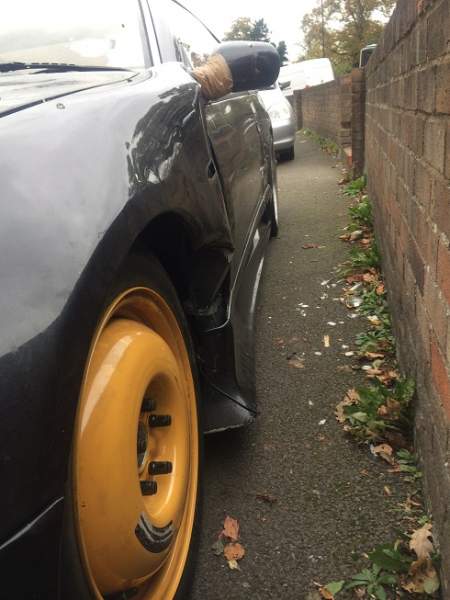
Pics are attached and it is now a manual. (pics show auto)
Incase someone comes across some aftermarket parts, the items should be as follows: -
WINGS WEST style front bumper but not fibre glass, ORIGINAL
VIPER STYLE CARBON FIBRE BONNET with side pins. It's been painted in the past at some point but the paintwork now is it in real bad state with lacquer peeling alot.
Can't remember the name of the side skirts but definitely different than the normal.
REAR ARCH EXTENSIONS not carbon fibre wrapped.
MID LEVEL REAR SPOILER
VEILSIDE REAR BUMPER
19 INCH CRUIZE 135s (I believe they are called) ALLOYS
LIGHT GREY/BLACK COMPLETE LEATHER INTERIOR
HKS FRONT MOUNT INTERCOOLER
HARD INTERCOOLER PIPES UNDERBONNET WITH BRAIDED BALANCE HOSE IN THE 2 MIDDLE ONES.
REAR QUARTER GLASS KIT WHICH LIGHTS UP 300ZX IN GREEN.
ILLUMINATED DOOR SILLS THAT LIGHT UP GREEN.
These are the upgrades seen at first instant.
Need all the help I can get.
Zaheer
Edited by zee