


My Yellow 300zx for sale 11 months MOT, 5 months Tax Excellent condition
- Replies 26
- Views 1.2k
- Created
- Last Reply
Top Posters In This Topic
-
pbryant_knight 13 posts
-
sdriver73 4 posts
-
Spin Doctor 2 posts
-
lonezedder 2 posts


Posted Images

Featured Replies

Recently Browsing 0
- No registered users viewing this page.
HI All,
A car that i have wanted for a very long time has recently come up for sale.
Due to this, I'm currently selling all my cars to raise the funds. I have already sold my Pontiac Trans Am KITT replica this week and am now also selling my Zed and my Prelude.
I have it listed on eBay today and here is the link.
http://www.ebay.co.uk/itm/321489251277?ssPageName=STRK:MESELX:IT&_trksid=p3984.m1558.l2649
I'm not looking to make a profit on this car, just get back what i paid and the money i have spent so far. It stands me at about £2000 to date. I have put the Classified ad price on eBay at £2300 as people always try to offer less but if it was going to a club member i'd let it go for £2000 to get my money back.
I've listed it as honestly as i can and i think the first genuine person to see the car will snap it up.
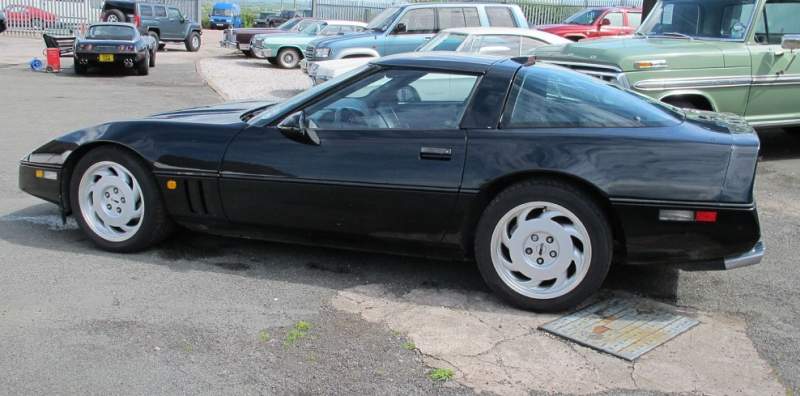
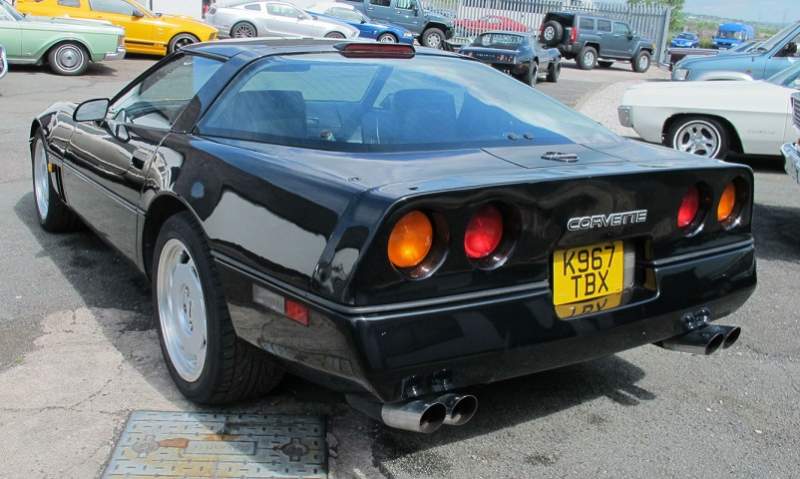
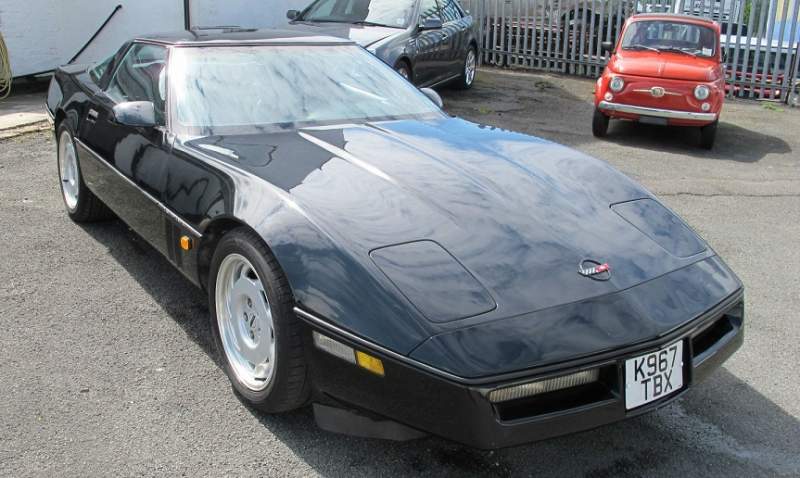
Here are a few pics
Peter