Jump to content
View in the app

A better way to browse. Learn more.

300ZX Owners Club

A full-screen app on your home screen with push notifications, badges and more.

To install this app on iOS and iPadOS
  1. Tap the Share icon in Safari
  2. Scroll the menu and tap Add to Home Screen.
  3. Tap Add in the top-right corner.
To install this app on Android
  1. Tap the 3-dot menu (⋮) in the top-right corner of the browser.
  2. Tap Add to Home screen or Install app.
  3. Confirm by tapping Install.

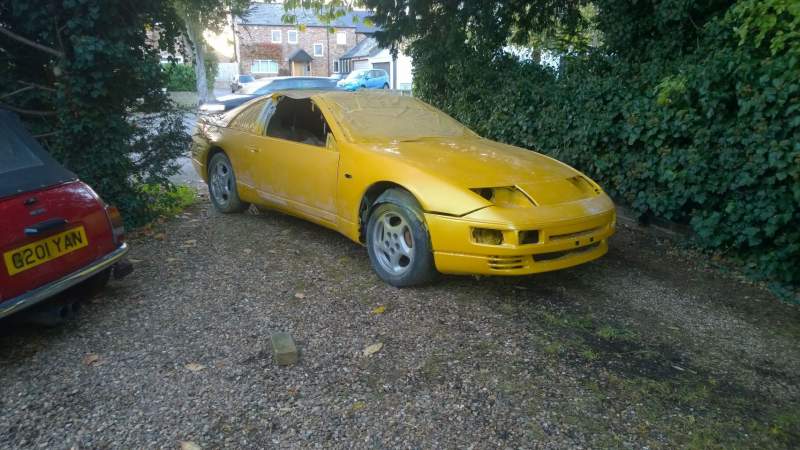
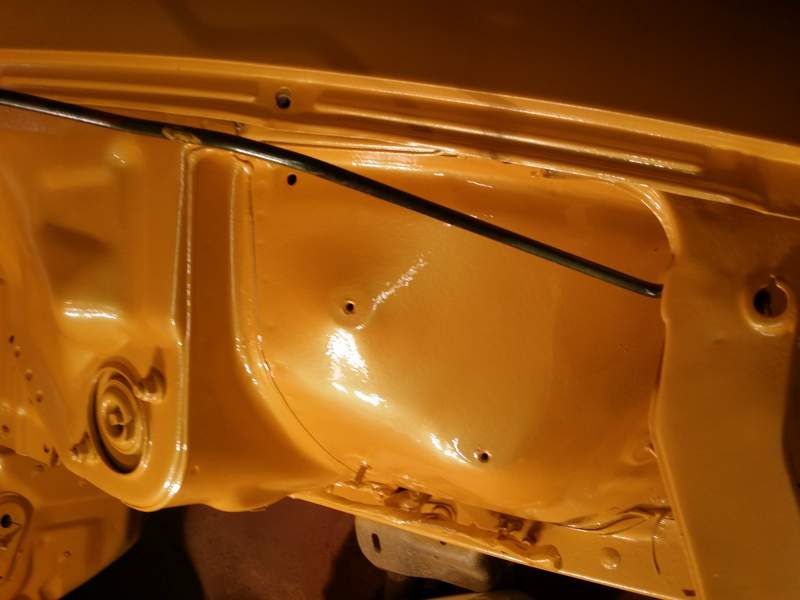
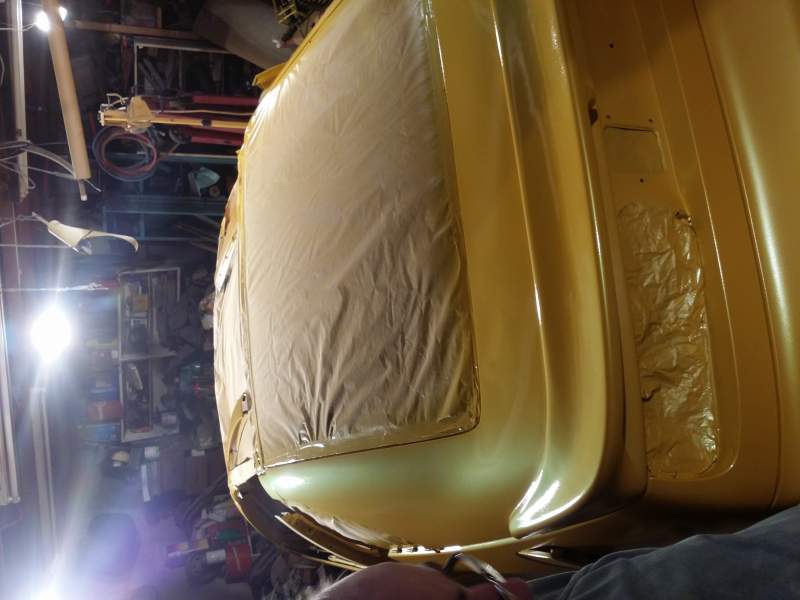
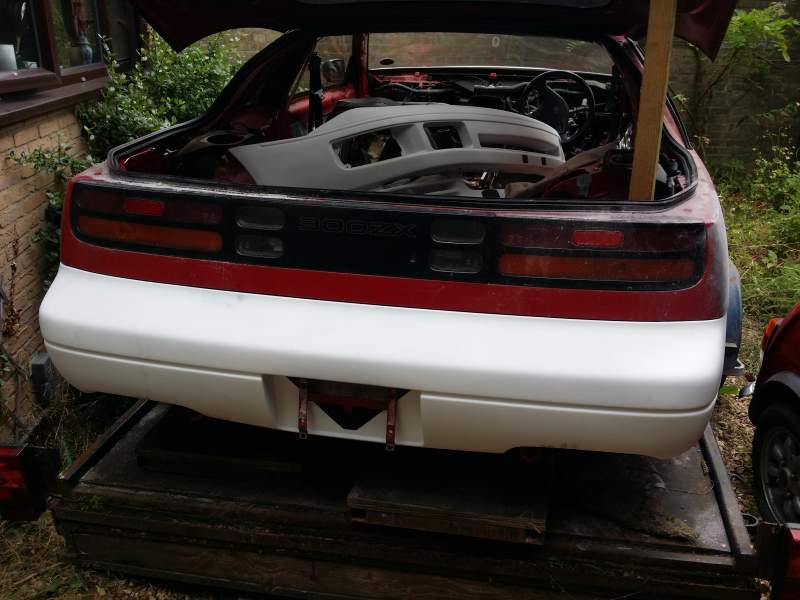
Nice long weekend and my Z is coming out of storage to get prepped ready for spraying and engine fitting. Now the question is do I show pics before, during and when it's done or just show the end result?


Won't be a quick one as the Z is a 120 miles away from where I live now so will only be able to work on some weekends, but it's taken 5 years to get this far so it definitely has been a slow build!

Edited by Zairs

  • Replies 29
  • Views 2.2k
  • Created
  • Last Reply

Top Posters In This Topic

Posted Images

Featured Replies

  • 2 weeks later...

I hope those nuts and strut top are going to be replaced! lol


Nice work dude. Is it a stock Nissan pearl yellow or have you gone with something else?


It's so nice seeing all these being painted/repaired as the Z32 was intended, ie without the need for gawky fibreglass bodykits and ridiculous spoilers! :)

Edited by Funkysi

  • Author

Yes gonna change all the suspension and get some new bonnet bolts, want to keep it original spec looking with mods to make it better.

Join the conversation

You can post now and register later. If you have an account, sign in now to post with your account.

Guest
Unfortunately, your content contains terms that we do not allow. Please edit your content to remove the highlighted words below.
Reply to this topic...

Recently Browsing 0

  • No registered users viewing this page.

Important Information

Terms of Use

Configure browser push notifications

Chrome (Android)
  1. Tap the lock icon next to the address bar.
  2. Tap Permissions → Notifications.
  3. Adjust your preference.
Chrome (Desktop)
  1. Click the padlock icon in the address bar.
  2. Select Site settings.
  3. Find Notifications and adjust your preference.