Jump to content
View in the app

A better way to browse. Learn more.

300ZX Owners Club

A full-screen app on your home screen with push notifications, badges and more.

To install this app on iOS and iPadOS
  1. Tap the Share icon in Safari
  2. Scroll the menu and tap Add to Home Screen.
  3. Tap Add in the top-right corner.
To install this app on Android
  1. Tap the 3-dot menu (⋮) in the top-right corner of the browser.
  2. Tap Add to Home screen or Install app.
  3. Confirm by tapping Install.

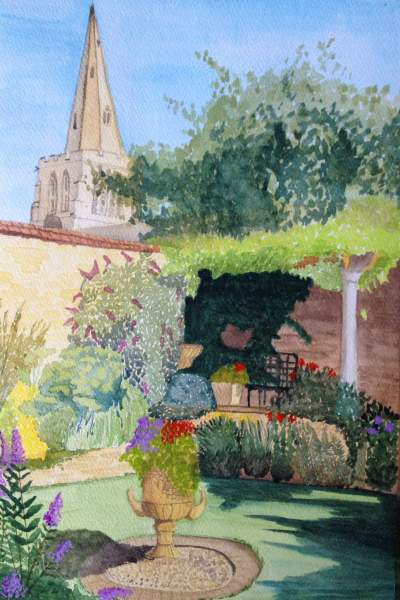
I thought it'd be interesting to see what sort of hobbies people have besides the in and outs of owning a zed....


Here is something I made earlier.

I'll look forward to seeing what you lot are also good at. :D


(You'll need a decent set of headphones plugged in or hifi to get the full effect.

It's mainly a low end effect)


  • Replies 29
  • Views 2.2k
  • Created
  • Last Reply

Top Posters In This Topic

Posted Images

Featured Replies

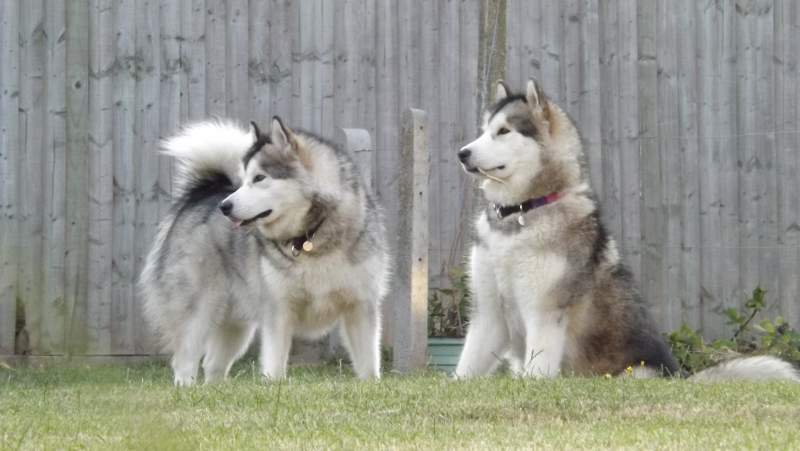
I was thinking more of a bin full of food for each dog lol, great looking dogs though Neill :thumbup:


They do have a big full... but not each, they like to share lol

lol no Dave :slap: and dont encourage him Graham


anyway they wouldnt fit in those bins... they're not big enough lol the dogs weight about 50kg each.. Takeo can stand up put his shovels (or paws) on my shoulders and look me in the eyes... followed by a wash lol (im 6'1)


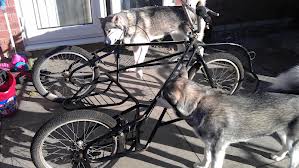
No wait till we get snow here... but i have a dry rig too..


[ATTACH=CONFIG]75509[/ATTACH]


Would if you chop them up :lol:


Bet you look like a right wolly flying down the road on that :lol:

  • Author

Loooool you lot f!cking lol


Some serious and cool hobbies.

Defo good to see.


:thumbup1:

Edited by oobumblebeeoo

Join the conversation

You can post now and register later. If you have an account, sign in now to post with your account.

Guest
Unfortunately, your content contains terms that we do not allow. Please edit your content to remove the highlighted words below.
Reply to this topic...

Recently Browsing 0

  • No registered users viewing this page.

Important Information

Terms of Use

Configure browser push notifications

Chrome (Android)
  1. Tap the lock icon next to the address bar.
  2. Tap Permissions → Notifications.
  3. Adjust your preference.
Chrome (Desktop)
  1. Click the padlock icon in the address bar.
  2. Select Site settings.
  3. Find Notifications and adjust your preference.