Jump to content
View in the app

A better way to browse. Learn more.

300ZX Owners Club

A full-screen app on your home screen with push notifications, badges and more.

To install this app on iOS and iPadOS
  1. Tap the Share icon in Safari
  2. Scroll the menu and tap Add to Home Screen.
  3. Tap Add in the top-right corner.
To install this app on Android
  1. Tap the 3-dot menu (⋮) in the top-right corner of the browser.
  2. Tap Add to Home screen or Install app.
  3. Confirm by tapping Install.

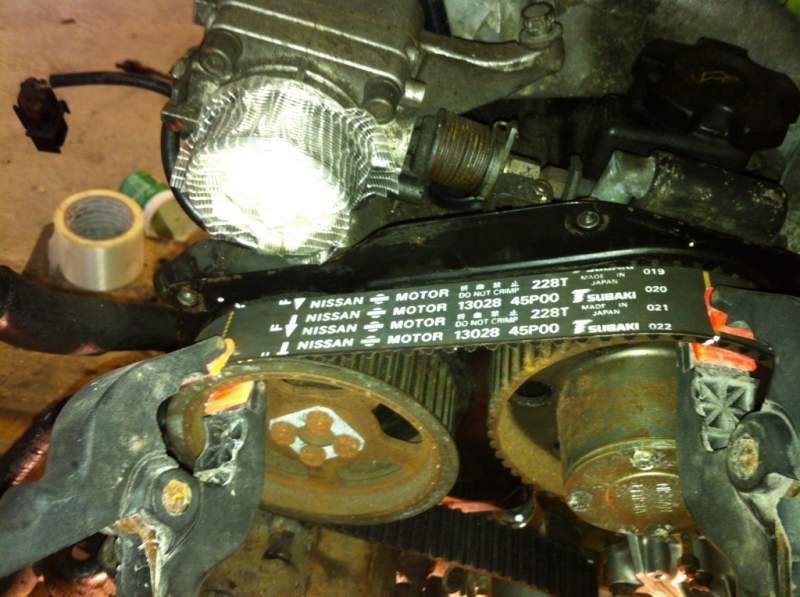
Ok so I'm in the process of fitting the new belt, on the belts they have yellow lines on so you know the dot on the camshaft wheel lines up with the dot on the back plate for some reason my line is always a tooth out even though the dots line up as I'll show in a pic


5db3f979.jpg

As you can see here the yellow line on the left cam wheel lines up but the one on the right is a tooth out but you can see the two white dots line up


And again here

6ee32e03.jpg


Also can't seem to get the belt on the auto tensioner as its to tight for some reason

Please help as its now really winding me up

  • Replies 27
  • Views 621
  • Created
  • Last Reply

Top Posters In This Topic

Posted Images

Featured Replies

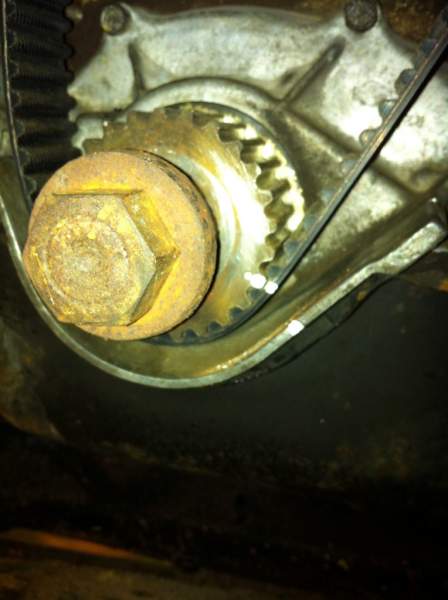
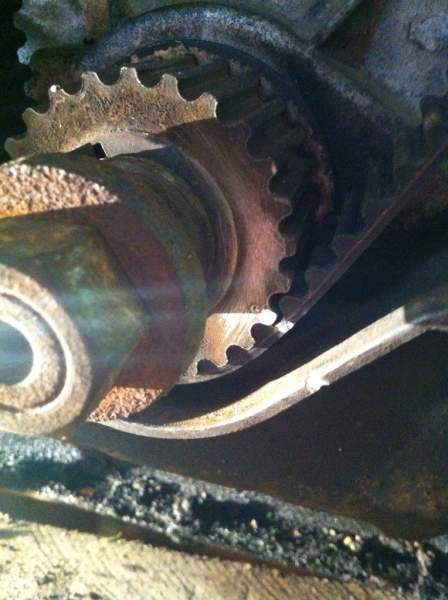
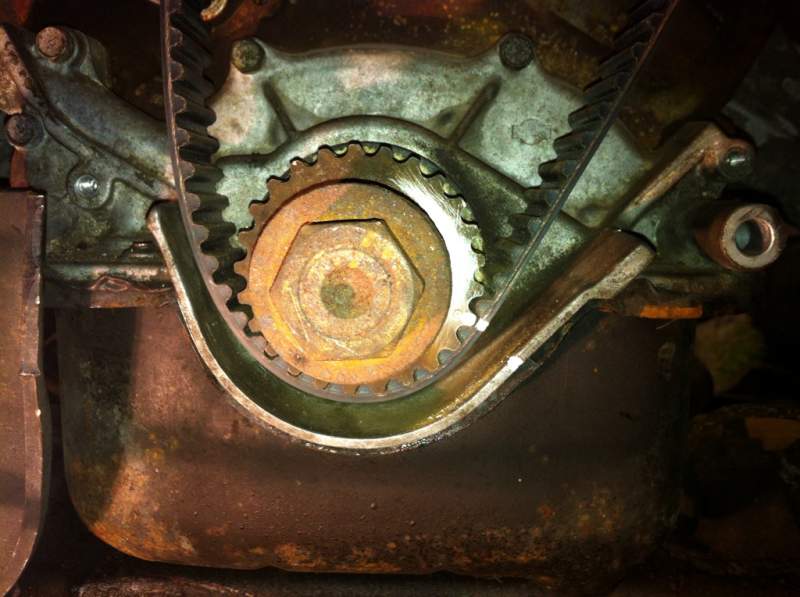
Mine lined up perfectly with the notch in the oil pump, but i guess engines will differ slightly if they are only there as a reference.

So it looks like youve finally cracked it :thumbup: good luck with the rest of the rebuild.

Join the conversation

You can post now and register later. If you have an account, sign in now to post with your account.

Guest
Unfortunately, your content contains terms that we do not allow. Please edit your content to remove the highlighted words below.
Reply to this topic...

Recently Browsing 0

  • No registered users viewing this page.

Important Information

Terms of Use

Configure browser push notifications

Chrome (Android)
  1. Tap the lock icon next to the address bar.
  2. Tap Permissions → Notifications.
  3. Adjust your preference.
Chrome (Desktop)
  1. Click the padlock icon in the address bar.
  2. Select Site settings.
  3. Find Notifications and adjust your preference.