


Another Aquairium advice needed
- Replies 26
- Views 919
- Created
- Last Reply


Popular Days
Posted Images
Featured Replies
Recently Browsing 0
- No registered users viewing this page.

A better way to browse. Learn more.
A full-screen app on your home screen with push notifications, badges and more.
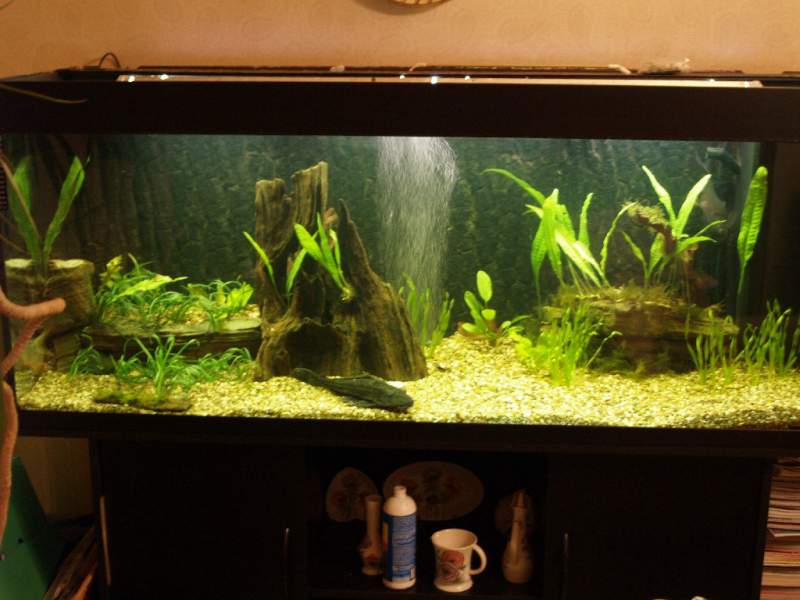
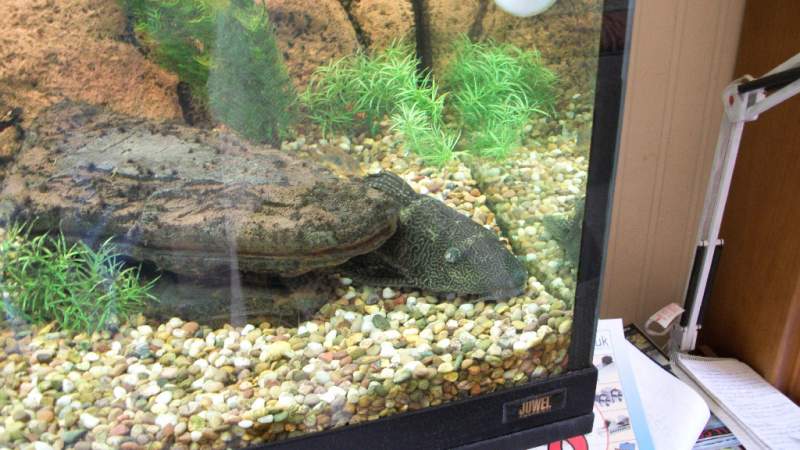
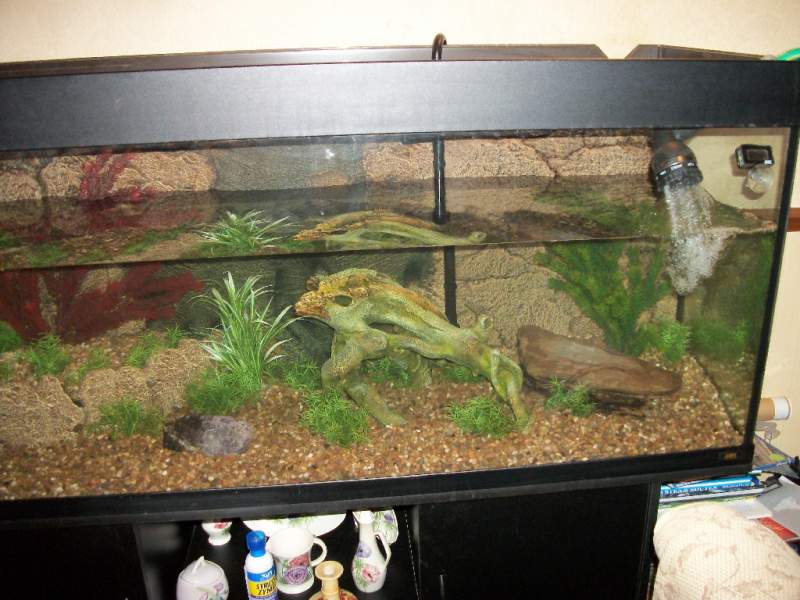
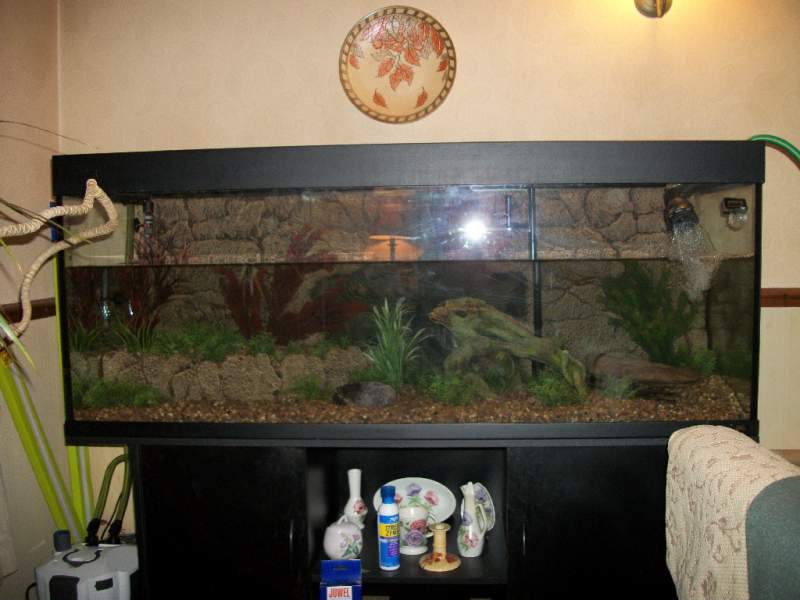

I've got a 450L tropical tank that is fully matured and doesn't give me any grief except for one thing - The water temperature! It's hovering around 29 to 30 deg C. It's been like this since I upgraded the lights to T5's.
The lights run for 11 hours a day but I have tried a period of just running them for 6 with no drop in temp. The tank is not near a radiator, I have done 10% water changes with cold water to reduce the temp but it's only ever brought it down to around 27.5 and only for a short period. I have left the lid propped up to see if that helps remove some heat. The tank has a large canister external filter that skims the top and bottom and provides very good water agitation.
I'm out of ideas and worried about it as god knows what temp it will reach in the summer :cursing: Oh and I haven't had the heater plugged in since December!
Anything else I could try?