Jump to content
View in the app

A better way to browse. Learn more.

300ZX Owners Club

A full-screen app on your home screen with push notifications, badges and more.

To install this app on iOS and iPadOS
  1. Tap the Share icon in Safari
  2. Scroll the menu and tap Add to Home Screen.
  3. Tap Add in the top-right corner.
To install this app on Android
  1. Tap the 3-dot menu (⋮) in the top-right corner of the browser.
  2. Tap Add to Home screen or Install app.
  3. Confirm by tapping Install.

DSC00419.jpg

DSC00420.jpg

DSC00421.jpg

DSC00422.jpg

DSC00423.jpg

DSC00453-1.jpg

DSC00452.jpg

DSC00437.jpg

DSC00455.jpg

DSC00484.jpg

Featured Replies

DSC00425.jpg

DSC00424.jpg

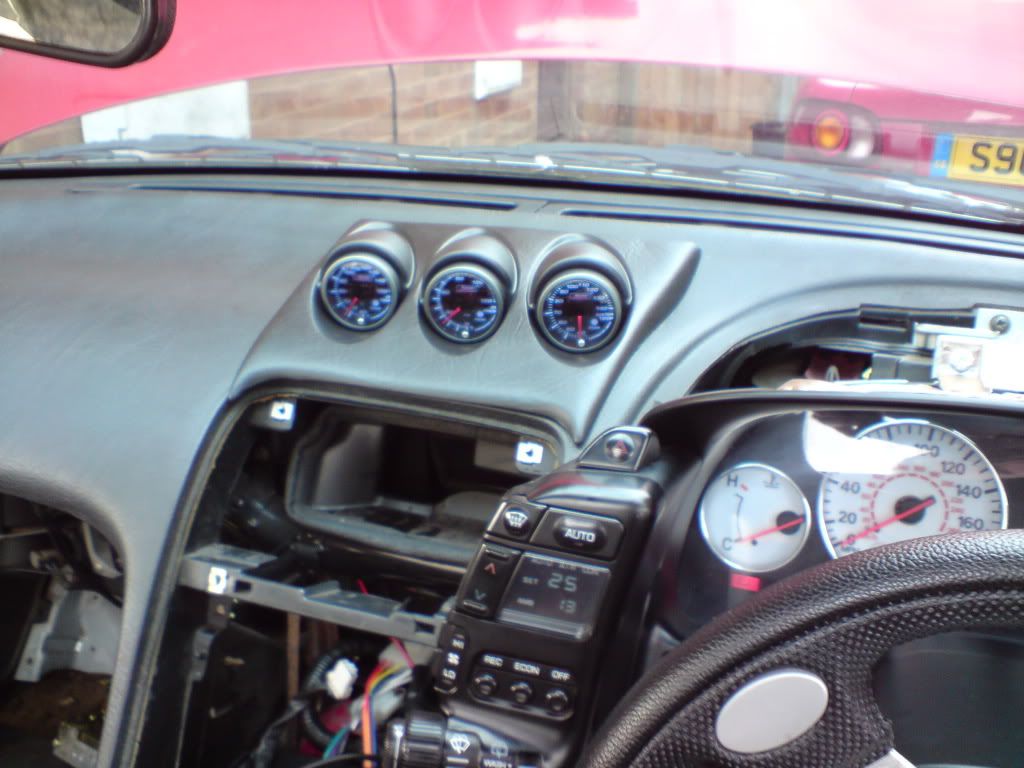
Very Very nice chap, what gauges are those they look fantastic???

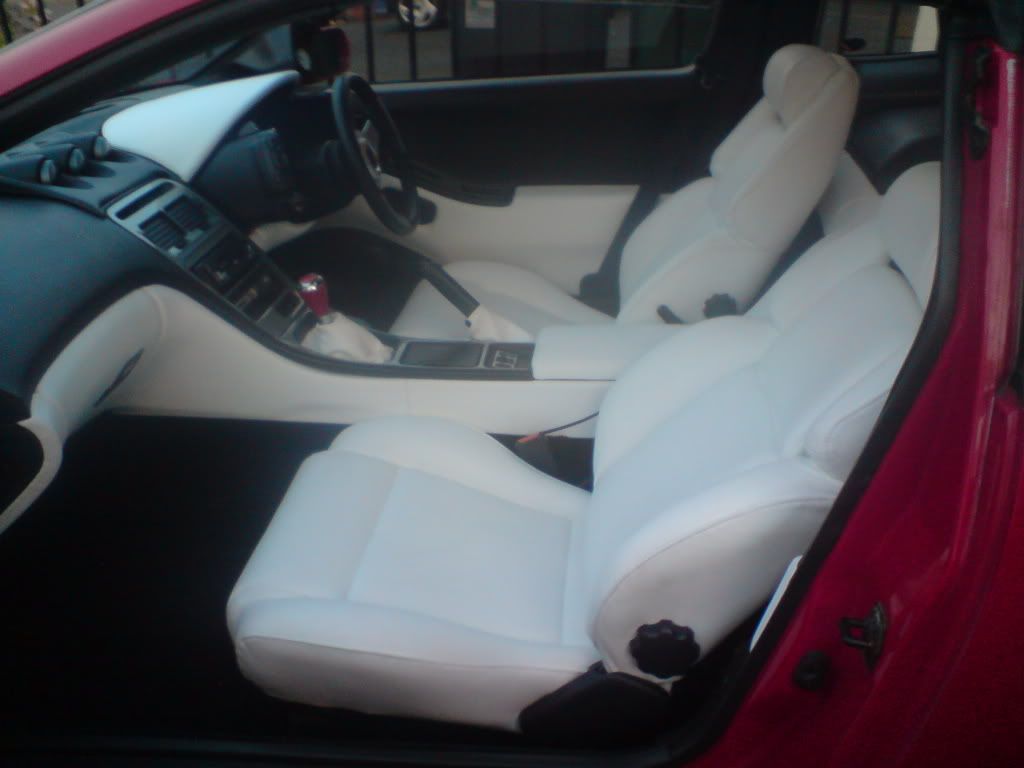
mmmmm looks super nice bud, the white leather looks proper smart - Good job :bow::bow:

Edited by Pablito
dodgy spelling

looks a LOT nicer! agree - those gauges look great!

nice work bud!! :thumbup1:

take care with that cream-coloured dash cowel though as on sunny days you cant see owt through the windscreen!

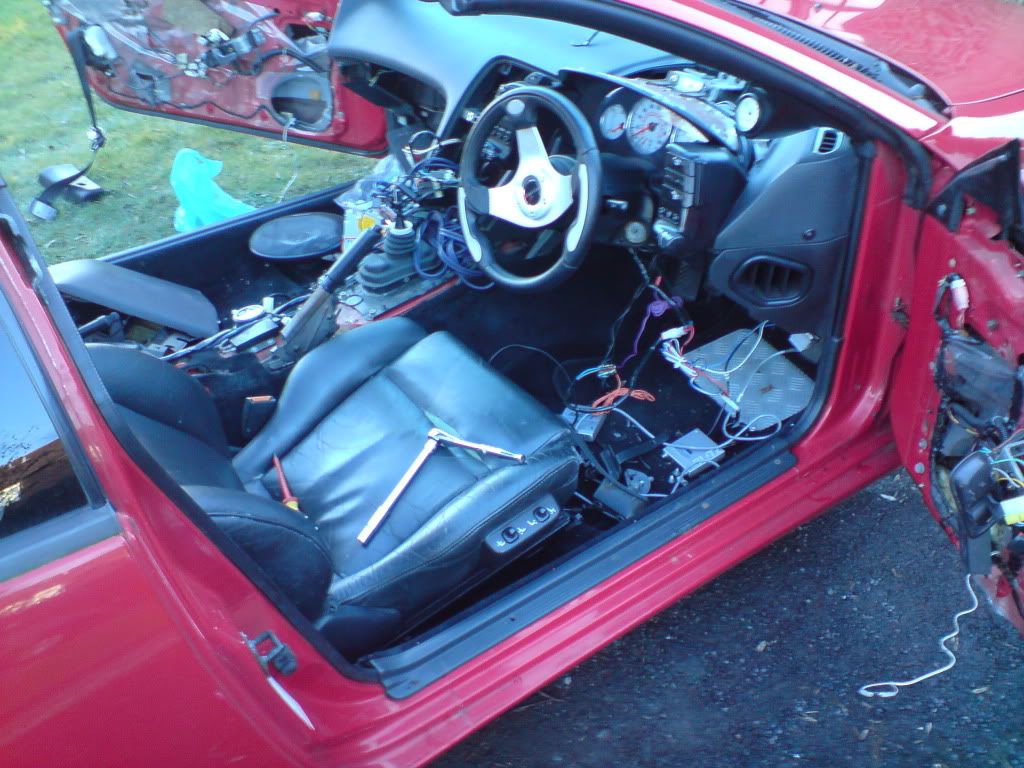
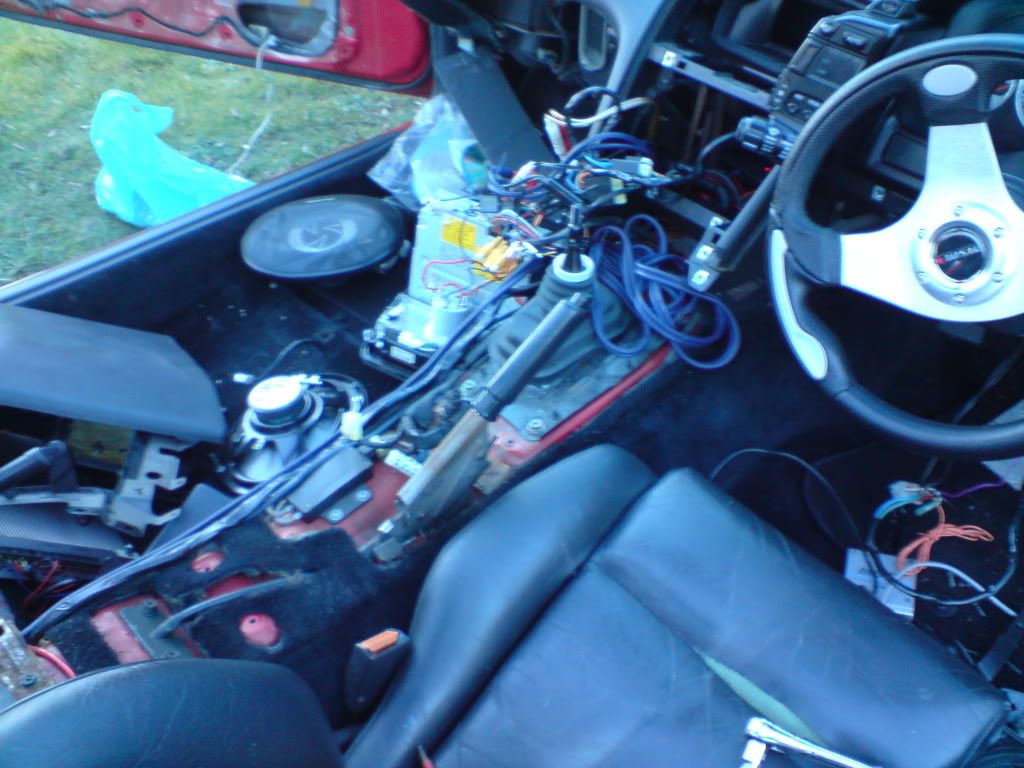
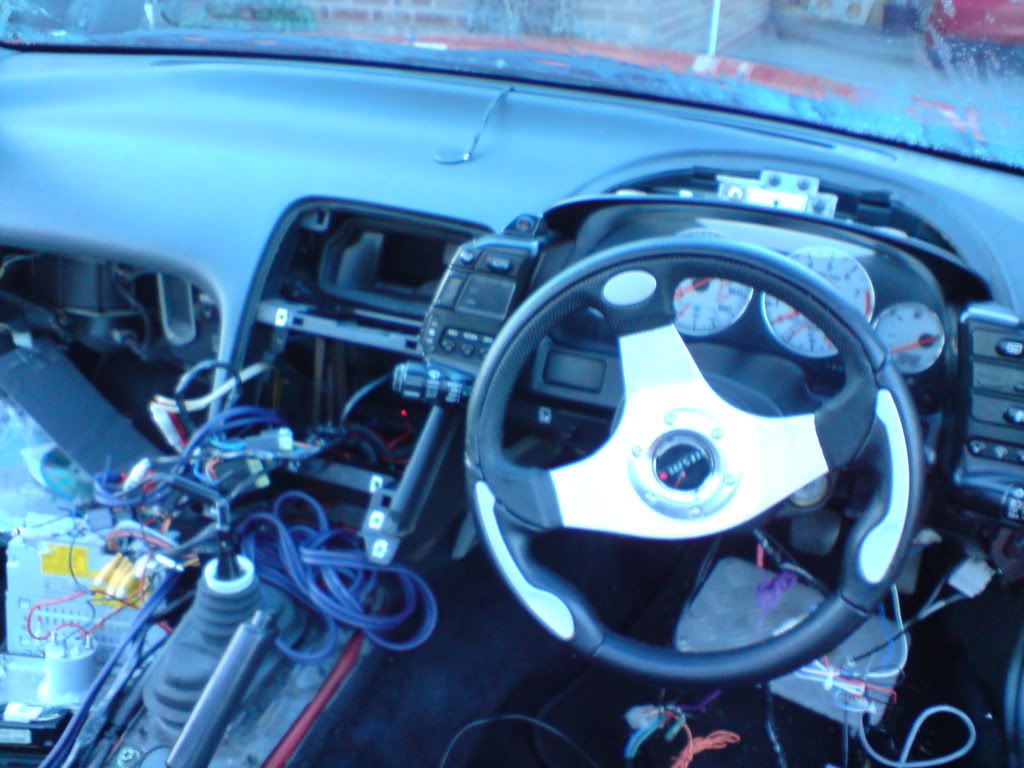
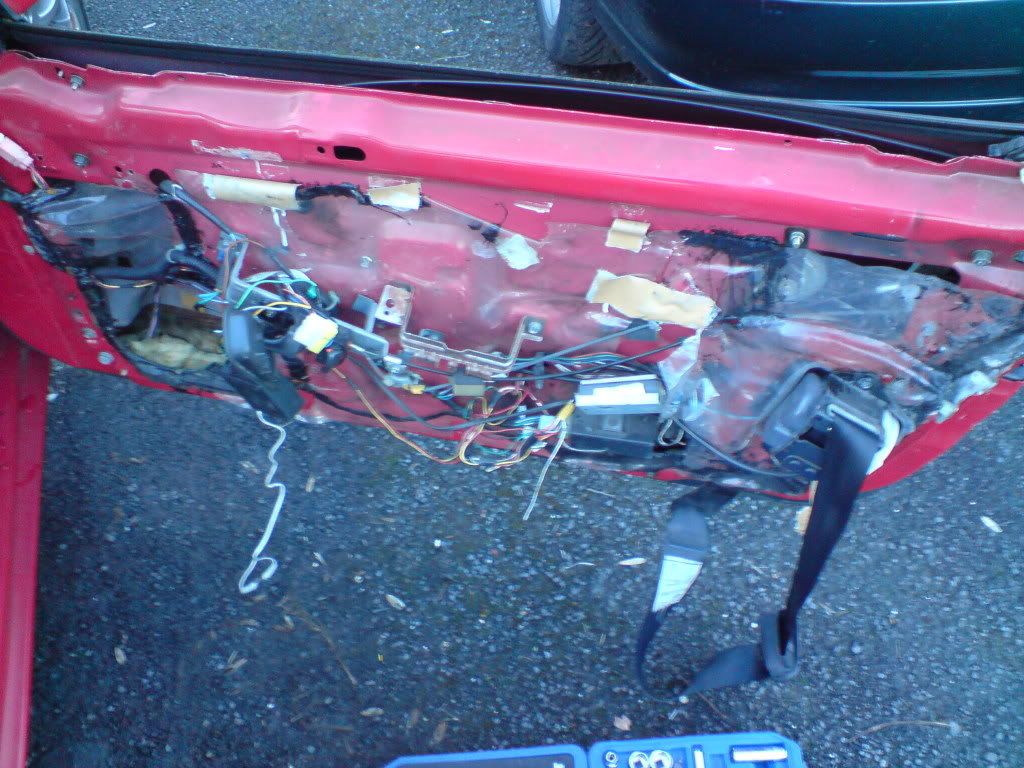
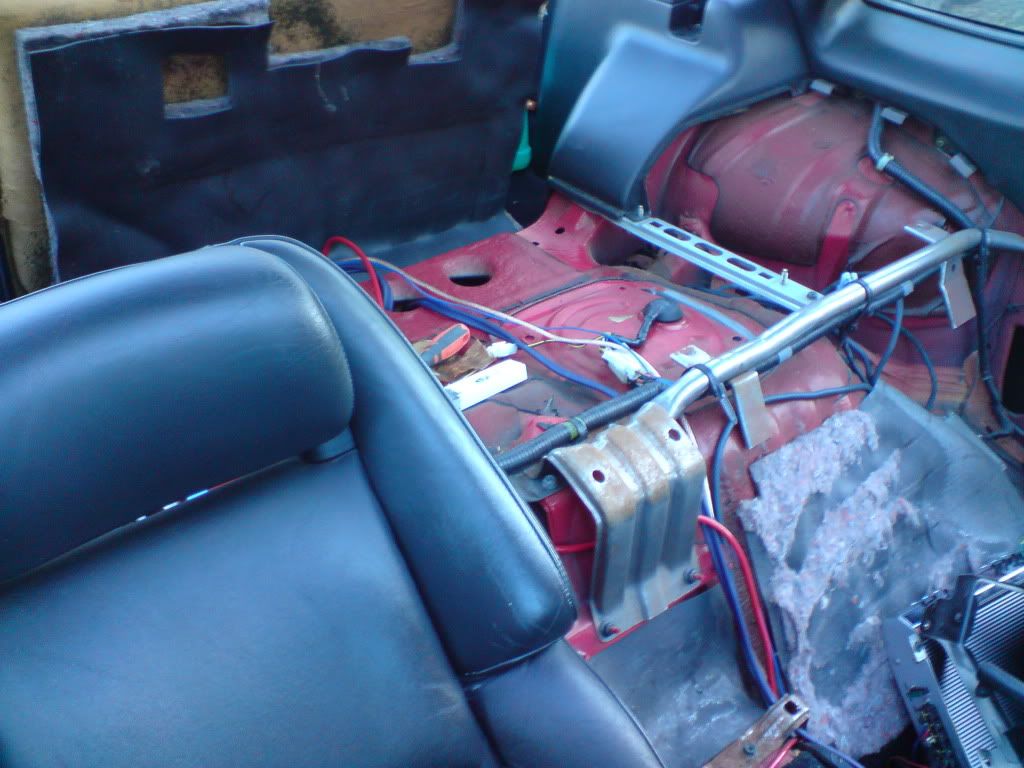
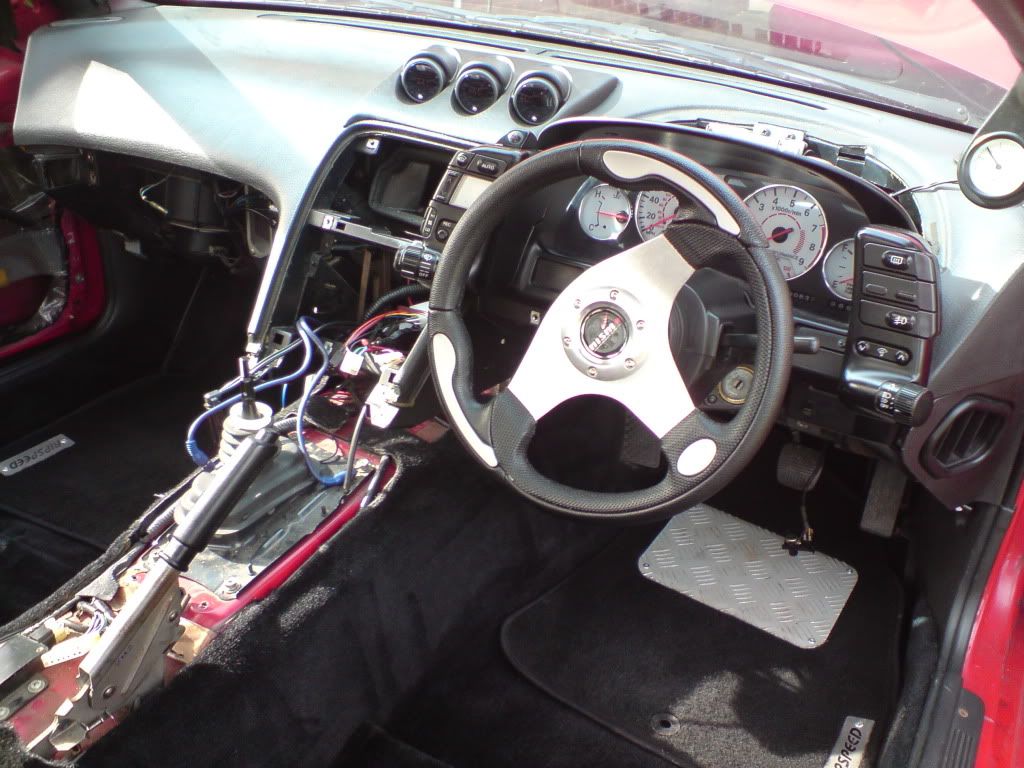
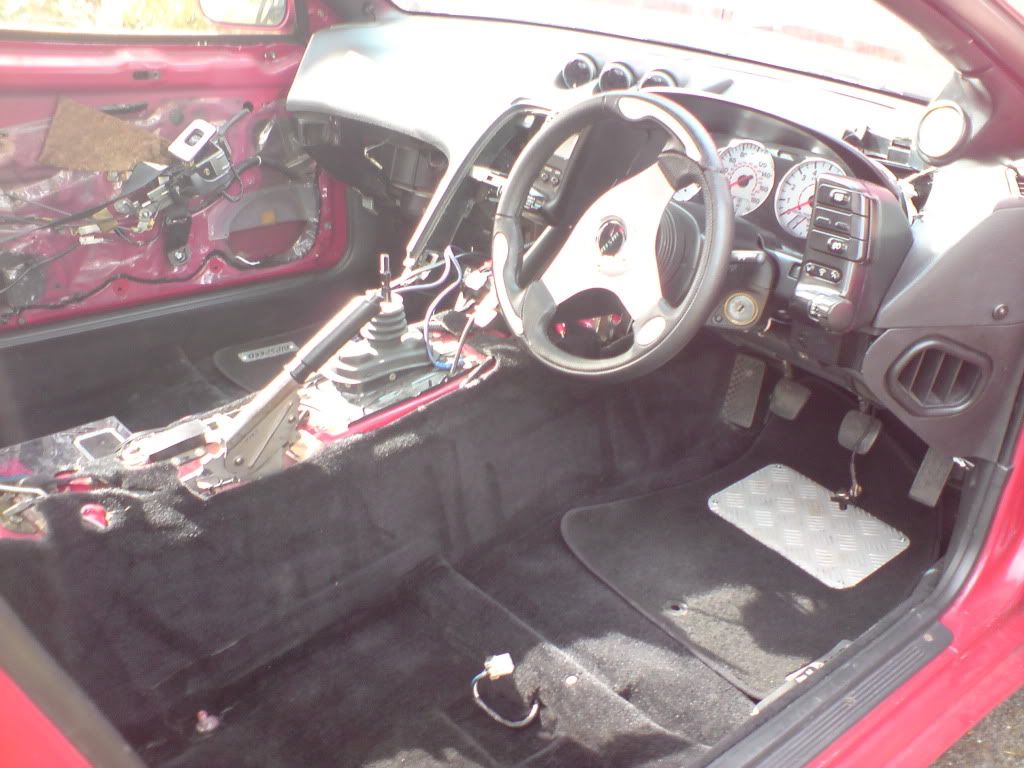
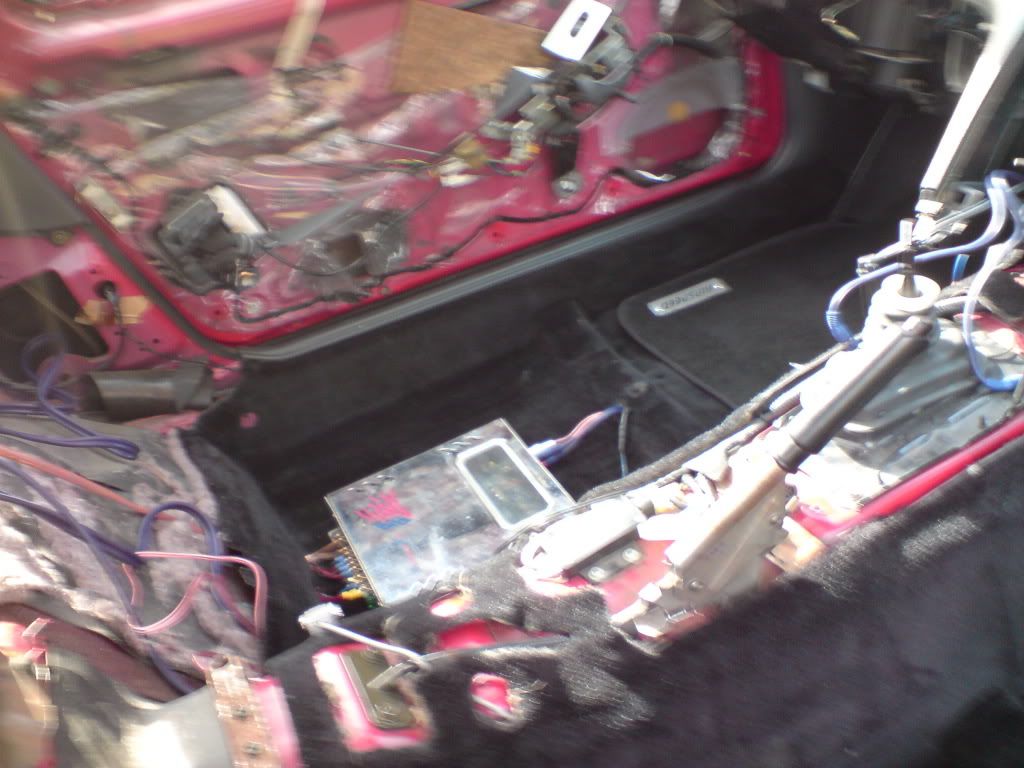
It took 6 weeks start to finish!!! i have completely re-wired all the gauges etc to the centre including my boost controller and turbo timer!

very very nice, I've got that same job to do in the new year.

That looks amazing, but it will be a bugger to keep clean. Ive sat in mine once and it needs fully cleaning again :lol: :lol:

bud, where did you get the leather work done??

[sIGPIC][/sIGPIC]

I know i need to change that gear knob!!! im thinking a nice nismo jobby!


yeah they are prosport gauges! tbf they are the nutts!!!


i had the leather work done in redditch where i live, got every panel recoved inc the ones round the back of the seats and fitted for just under £900!

Have you got a name of the place for the leather? At that price for that standard of job, I would travel. Very nice, my friend.

i will dig it out.... the job is second to none! 100% mint!

Join the conversation

You can post now and register later. If you have an account, sign in now to post with your account.

Guest
Unfortunately, your content contains terms that we do not allow. Please edit your content to remove the highlighted words below.
Reply to this topic...

Recently Browsing 0

  • No registered users viewing this page.

Important Information

Terms of Use

Configure browser push notifications

Chrome (Android)
  1. Tap the lock icon next to the address bar.
  2. Tap Permissions → Notifications.
  3. Adjust your preference.
Chrome (Desktop)
  1. Click the padlock icon in the address bar.
  2. Select Site settings.
  3. Find Notifications and adjust your preference.