



-
Oh you take your time and make a big "job". Thanks... I just need to check the second picture. It seems to me thats is for Z31. I will take a look and let you know what happens. Thanks again....
-
It works only for the clock. It is not working on the AC.
-
Yes thats it. In my country in day time we need to have the lights on. And when the lights are on everything dims for night. Thats it. I dont know where this relay is. I cant find it. One is on the right side of the motor. There is the relay box. There is one relay for lights and I put it out and there is no diference. Do someone know how to disable "night" dimm of dashboard.
-
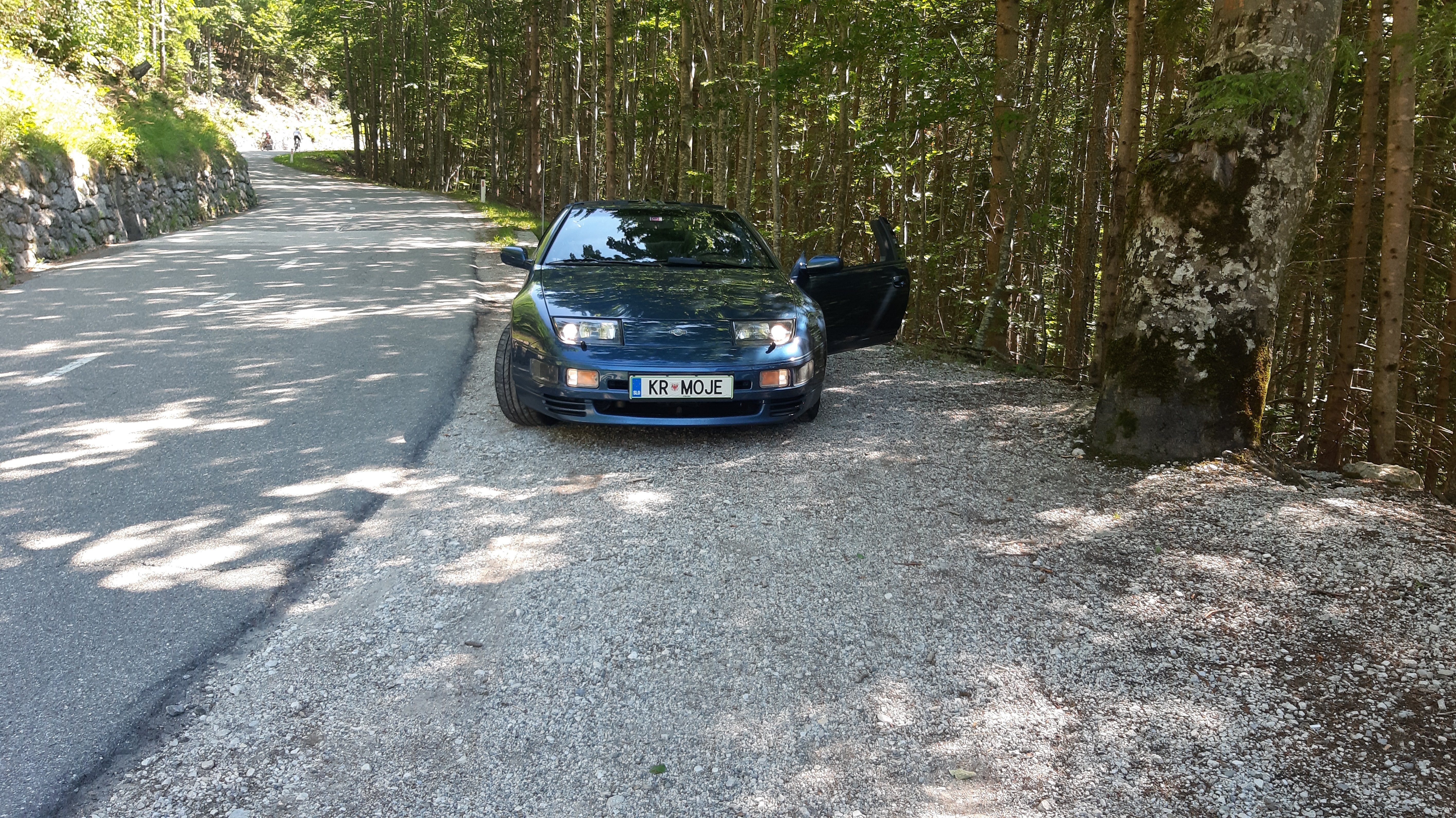
Z32 1994 I want to turn off the dimmer dashboard lights. I can not see AC... because when I turn the headlights on, dashboard lights go down. When I drive in daytime with sunglasses I dont see the AC... because the lights on dash are dimmed. How can I fix it, that dashboard lights will be always MAX on.