


Everything posted by Richie1708
-
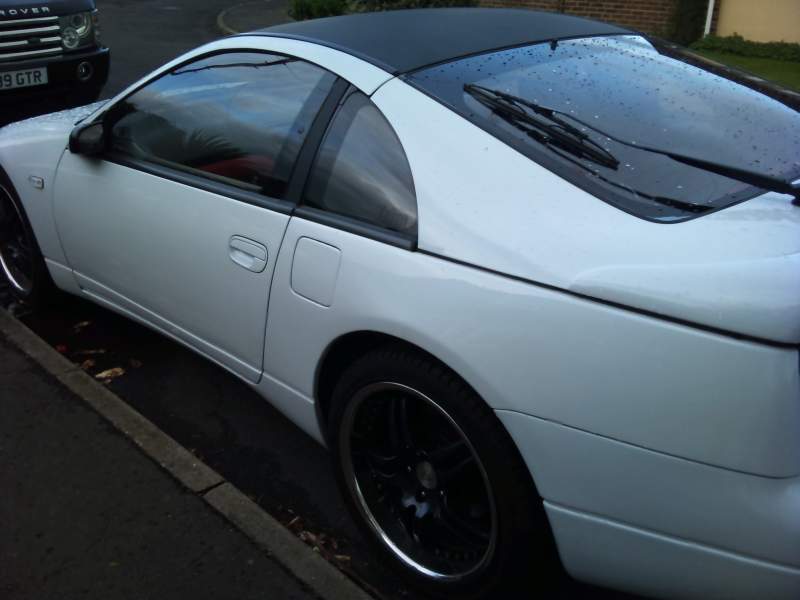
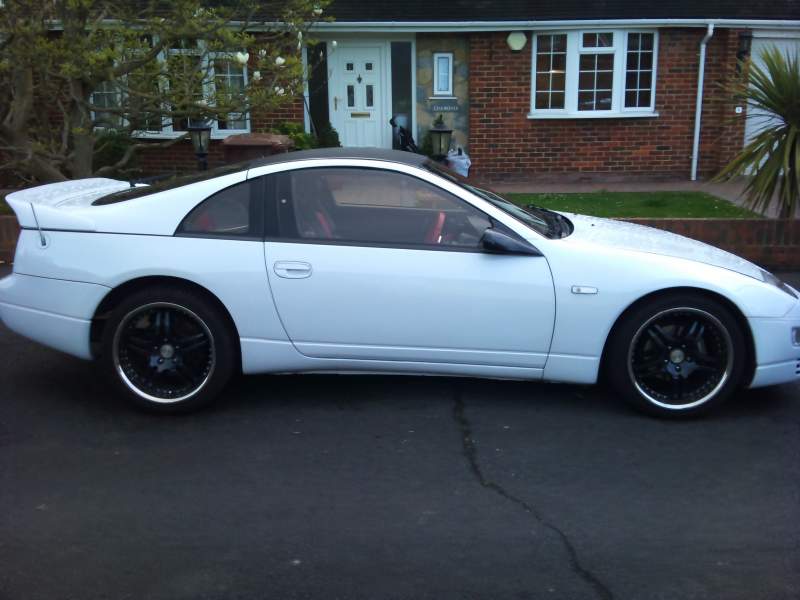
Hi there.. Yep it is an isotta steering wheel... I didn't know it was a turbo spoiler, she's n/a manual... I had huet,s do the ken wood touch screen and remodel the console,, well pleased with that... Had her re painted in. Pearl White 2yrs ago..
-
Cheers... Took her to zedfest in 2012 met some really nice lads, but down in Sussex I only know Stu..
-
Cheers... Can't tell the wife half of what it cost to get it like this...... But it's like a little love affair.....!!!!!Hi there... Will do.. Not very good on computers .. Or typing lolHello everyone... Just unwrapped my 89/90 swb slicktop... Down on the Sussex Coast in littlehampton.. Can't wait for summer..

Important Information
Account
Navigation
Search
Configure browser push notifications
Chrome (Android)
- Tap the lock icon next to the address bar.
- Tap Permissions → Notifications.
- Adjust your preference.
Chrome (Desktop)
- Click the padlock icon in the address bar.
- Select Site settings.
- Find Notifications and adjust your preference.
Safari (iOS 16.4+)
- Ensure the site is installed via Add to Home Screen.
- Open Settings App → Notifications.
- Find your app name and adjust your preference.
Safari (macOS)
- Go to Safari → Preferences.
- Click the Websites tab.
- Select Notifications in the sidebar.
- Find this website and adjust your preference.
Edge (Android)
- Tap the lock icon next to the address bar.
- Tap Permissions.
- Find Notifications and adjust your preference.
Edge (Desktop)
- Click the padlock icon in the address bar.
- Click Permissions for this site.
- Find Notifications and adjust your preference.
Firefox (Android)
- Go to Settings → Site permissions.
- Tap Notifications.
- Find this site in the list and adjust your preference.
Firefox (Desktop)
- Open Firefox Settings.
- Search for Notifications.
- Find this site in the list and adjust your preference.