Jump to content
View in the app

A better way to browse. Learn more.

300ZX Owners Club

A full-screen app on your home screen with push notifications, badges and more.

To install this app on iOS and iPadOS
  1. Tap the Share icon in Safari
  2. Scroll the menu and tap Add to Home Screen.
  3. Tap Add in the top-right corner.
To install this app on Android
  1. Tap the 3-dot menu (⋮) in the top-right corner of the browser.
  2. Tap Add to Home screen or Install app.
  3. Confirm by tapping Install.

Josiah

Dormant Member
  • Joined

  • Last visited

  • Country

    United Kingdom

Everything posted by Josiah

  1. Yhyh as soon as its back I will take pictures.. Thanks peeps
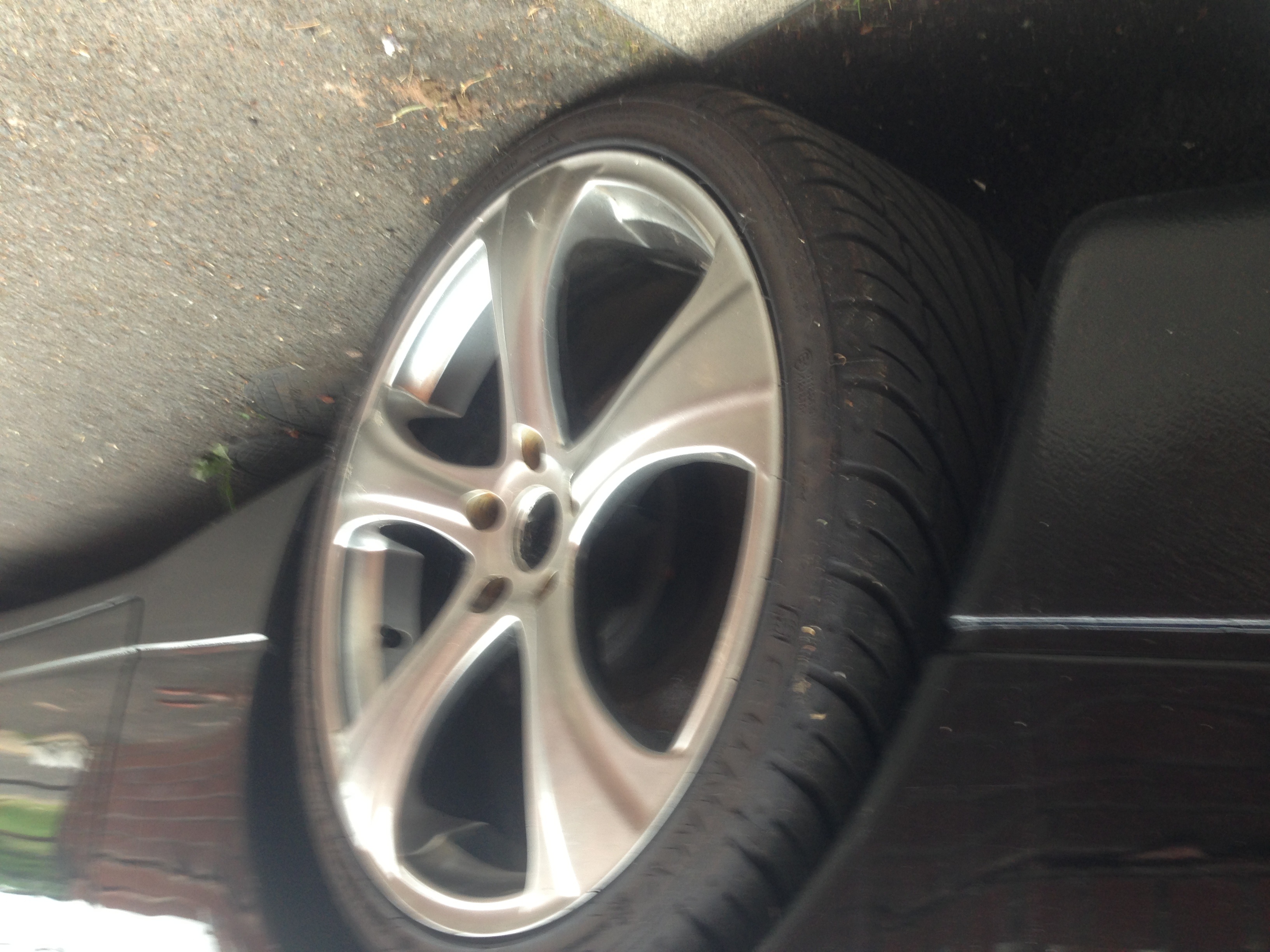
  2. Yhyh thanks Gary.. I know I'm going to enjoy this site... Tbh honest I should've joined years ago I've had my zed for a while nearly a 5 years.. I have given her a recon engine 2500 miles ago but have rarely driven the car just been busy and the cars just my little vintage asset,...mileage is at 105,000 km, one respray 3 years ago but could do with a mop... Taken great care of,, strong car no rust... Jheeze It has Japanese instructions all over the car it's one of a kind original fairlady z floor mats.. Ecu upgraded 19" alloys.. Powerflow exhaust, new tension rods, new suspension and lowered Yeah it's a beast...
  3. My zed is in zed world getting new timing belt and refurbished turbos, should be ready in the week whoop whoop!!! I could do with some new leather front seats too and a fresh steering wheel, but cruise control is necessary so need the own steering wheel for nissan fairlady tt 1994 jap import auto. maybe just get the original seats reupholstered I? They look a state. I would've shown you guys a picture but getting the turbo done ennit haha I can't wait...

Important Information

Terms of Use

Configure browser push notifications

Chrome (Android)
  1. Tap the lock icon next to the address bar.
  2. Tap Permissions → Notifications.
  3. Adjust your preference.
Chrome (Desktop)
  1. Click the padlock icon in the address bar.
  2. Select Site settings.
  3. Find Notifications and adjust your preference.