


-
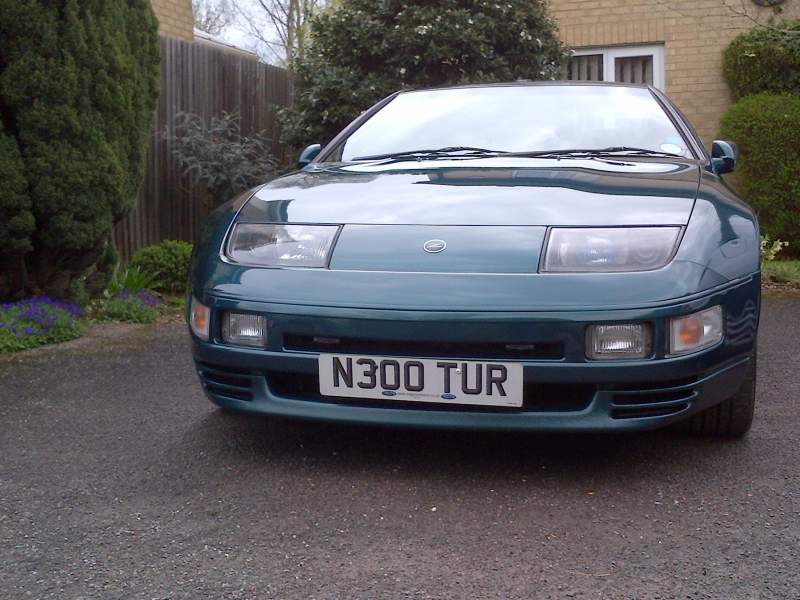
Hi Guys and Girls, I'm down to go! (Martin_N300) I'll be staying overnight with my tent or sleeping in the Z if need B - they are most comfortable! I’m looking forward to meeting you all. This is a 1st for me and I’m looking forward to the event very much as I have not run my Z for 4.5 years! I’m Just a busy little Bear!! Out for Now……….
-
Hi Mark, I'm NEW to this I'm Martin_N300 and wish to join the club at the Japshow finale on the 30th of September at Santapod poddington, wellingborough. Can you please ask the correct person to contact me to confirm i can have a padack pass with the ZX Club. Is this posible? Martin_N300
-
Hi there, from Martin. I have a red light come on evertime I brake and put my lights on, as my Lexus 400 had but that ha`d a bulb out and i don't seam to have om the Z. Is this your light as well? Red one?
-
Hi Guys, and Girls I'm New to the club and have owned my ZX nearly 10 years now - I would love to join you at the JapShow finale 2013 @ Santapod 29th Sept. please put me down for a PIT pass (O is that F1 talk) A Stand Pass please. I was hoping to bring a tent and stay over on the Saturday night. I look forward to hearing back from you guys. Martin Name Martin_N300 Stand Pass Please Martin Lamin 1 Russell Stuart 1
-
Not ZX Related: Well that sounds like quite a shop, if I was you I should shop online if that’s the sort of people you meet the guy and the others that did not help you!!! Hope you have got over the ordeal!! New member Martin_N300

View in the app
A better way to browse. Learn more.
