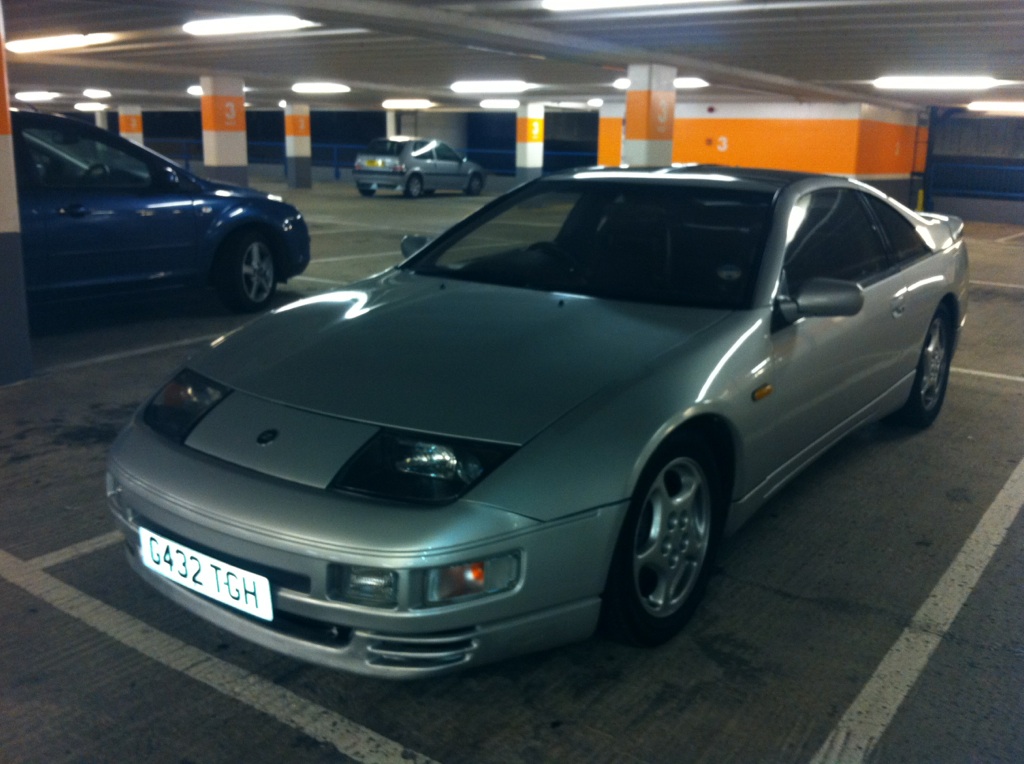
-
thanks for the advice, filter from Jeff oil from halfords as above, thanks
-
I litterally do 500-1000 miles a year so will seldom change the oil, how many litres does i take?? I should know this really and what about filter
-
uh-oh??? what does that mean
-
Hi my beloved Zed TT auto is going back on the road next month and is having an oil and filter change prior, what is the best oil and will any filter do??? thank you
-
I put mine through its test 1 month ago now andit passed with 2, a true credit to Nissan is the 300!!!
-
I live in Worthing my Zed TT Auto is going back on the road Feb/March 2013 is there anyone on here in my area who knows what yhey're looking at and can help???
-
on the phone!!! sod that autotrader comparisson website I swaer by it, let me know how you get on
-
didn't see dr scratch that
-
im 24 no ncb £950 bonus accelorator on autotrader comparison site, link on main website mate, do it
-
very informative thank you very much, mine starts and runs fine anyway of telling if its had the upgrade or not do we know???
-
What does a PTU control/do?
-
Hi guys what are the benefits of having an S1 PTU?
-
how very bloody cool
-
I have seen this a few times online but have not really looked into it, have a browse on google mate
-
thanks for your input guys, 2 reasons I wanna ckeck, 1. Peace of mind 2. Learning

View in the app
A better way to browse. Learn more.