

Jump to content
View in the app

A better way to browse. Learn more.

300ZX Owners Club

A full-screen app on your home screen with push notifications, badges and more.

To install this app on iOS and iPadOS
  1. Tap the Share icon in Safari
  2. Scroll the menu and tap Add to Home Screen.
  3. Tap Add in the top-right corner.
To install this app on Android
  1. Tap the 3-dot menu (⋮) in the top-right corner of the browser.
  2. Tap Add to Home screen or Install app.
  3. Confirm by tapping Install.

junder

Dormant Member
  • Joined

  • Last visited

  • Country

    United Kingdom

Everything posted by junder

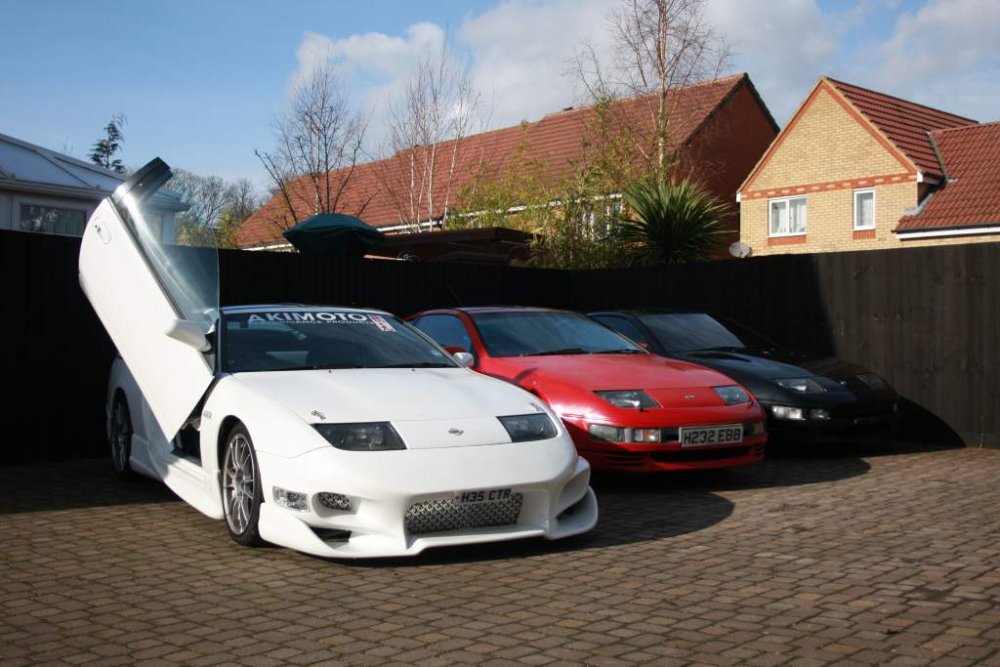
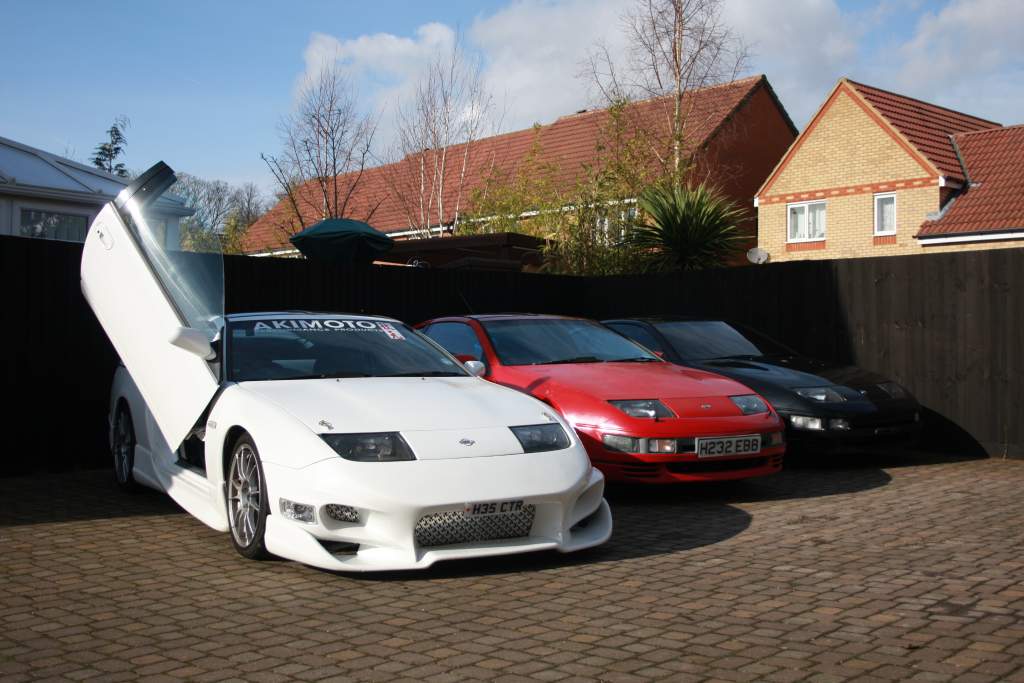
  1. White and Red are good... Both UK cars - White has everything, Red is standard... Black sadly is spares only!
  2. Thanks all... Will probably take the white one to Silverstone. Hope to see you there if you can! Junde
  3. Dear all, I have owned 300zx's for over 20 years now but never seemed to have met like minded others... perhaps this can change next month? I have been talked into taking a 300zx to Silverstone... anyone want to join me? - Looks like a nice event whatever! -Its being arranged for 50 cars to be displayed - don't know if there are any spots left? Check out the organiser's facebook page... https://www.facebook.com/events/431468670525345/ See you there? Junder
Important Information

Terms of Use

Configure browser push notifications

Chrome (Android)
  1. Tap the lock icon next to the address bar.
  2. Tap Permissions → Notifications.
  3. Adjust your preference.
Chrome (Desktop)
  1. Click the padlock icon in the address bar.
  2. Select Site settings.
  3. Find Notifications and adjust your preference.