


-
I'm going to see if I can find a rivet nut in the right size tomorrow, hopefully that'll work.
-
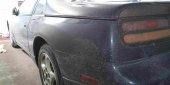
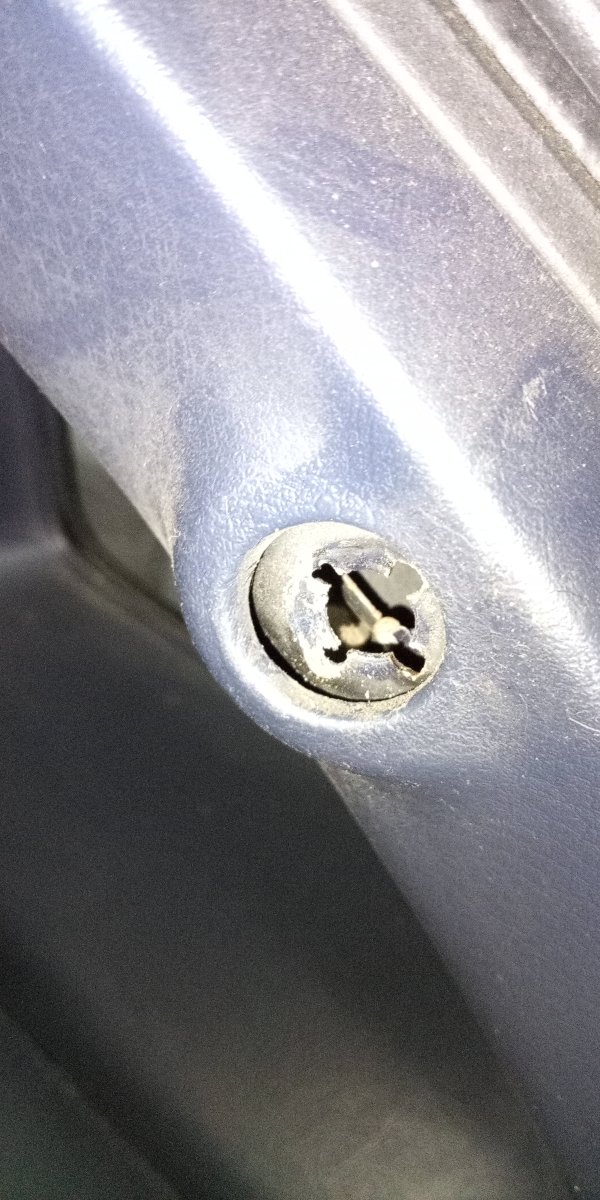
Hey all, found a brand new issue for my not so brand new car :) Installed a set of hatch struts the other day, and was having trouble threading the last end of one of them, so I look inside to see if something is obstructing it. Turns out, the part that you thread the strut into isn't where it's supposed to be. I'm not entirely sure what to do with this, but I'd much rather not have my strut digging into the trim whenever the hatch is closed, so anyone have an idea on a fix for this? Thank you for listening :)
-
Mint-Z changed their profile photo
-
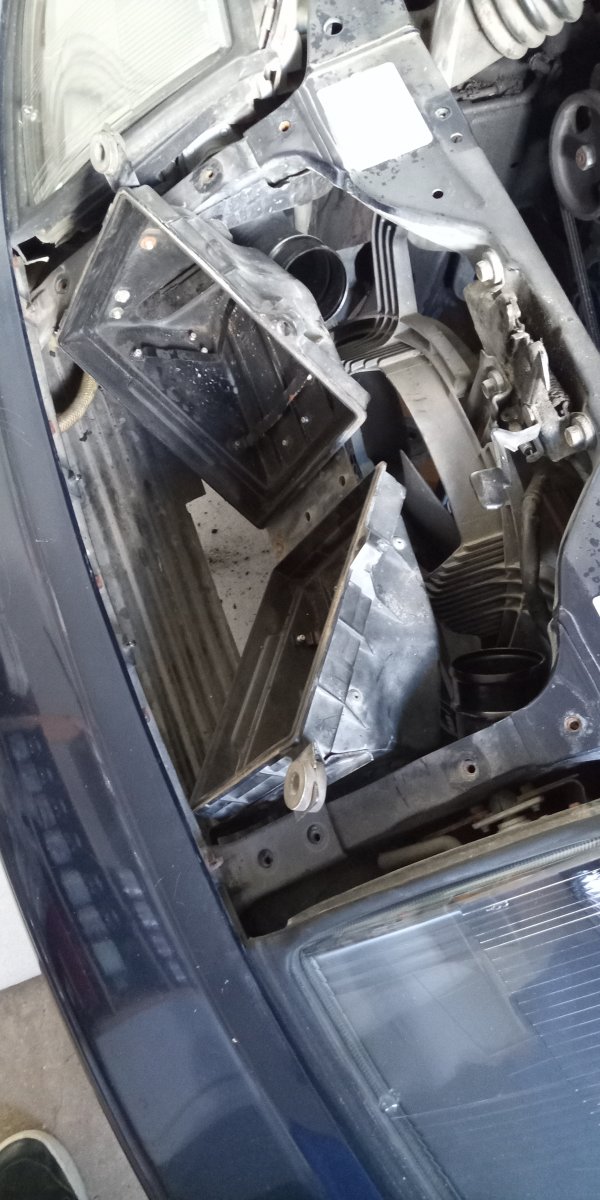
I got the two bottom bolts out, the issue I've having is actually maneuvering the box itself out of the car. Either the plastic hose connectors or the lower metal prongs for the bolts get caught on the frame.
-
Hey all, Got my Z back in July and have just gotten around to fixing some things up on her. Currently trying to get the airbox out so I can remove the condenser fan, but have been hitting a metaphorical and literal snag in that I can't get this thing out. Anyone know what I could do from here? I'm worried I'll end up breaking even more things if I use more force than I have been...

View in the app
A better way to browse. Learn more.
