Jump to content
View in the app

A better way to browse. Learn more.

300ZX Owners Club

A full-screen app on your home screen with push notifications, badges and more.

To install this app on iOS and iPadOS
  1. Tap the Share icon in Safari
  2. Scroll the menu and tap Add to Home Screen.
  3. Tap Add in the top-right corner.
To install this app on Android
  1. Tap the 3-dot menu (⋮) in the top-right corner of the browser.
  2. Tap Add to Home screen or Install app.
  3. Confirm by tapping Install.

Kyoka

Standard Member
  1. Kyoka changed their profile photo
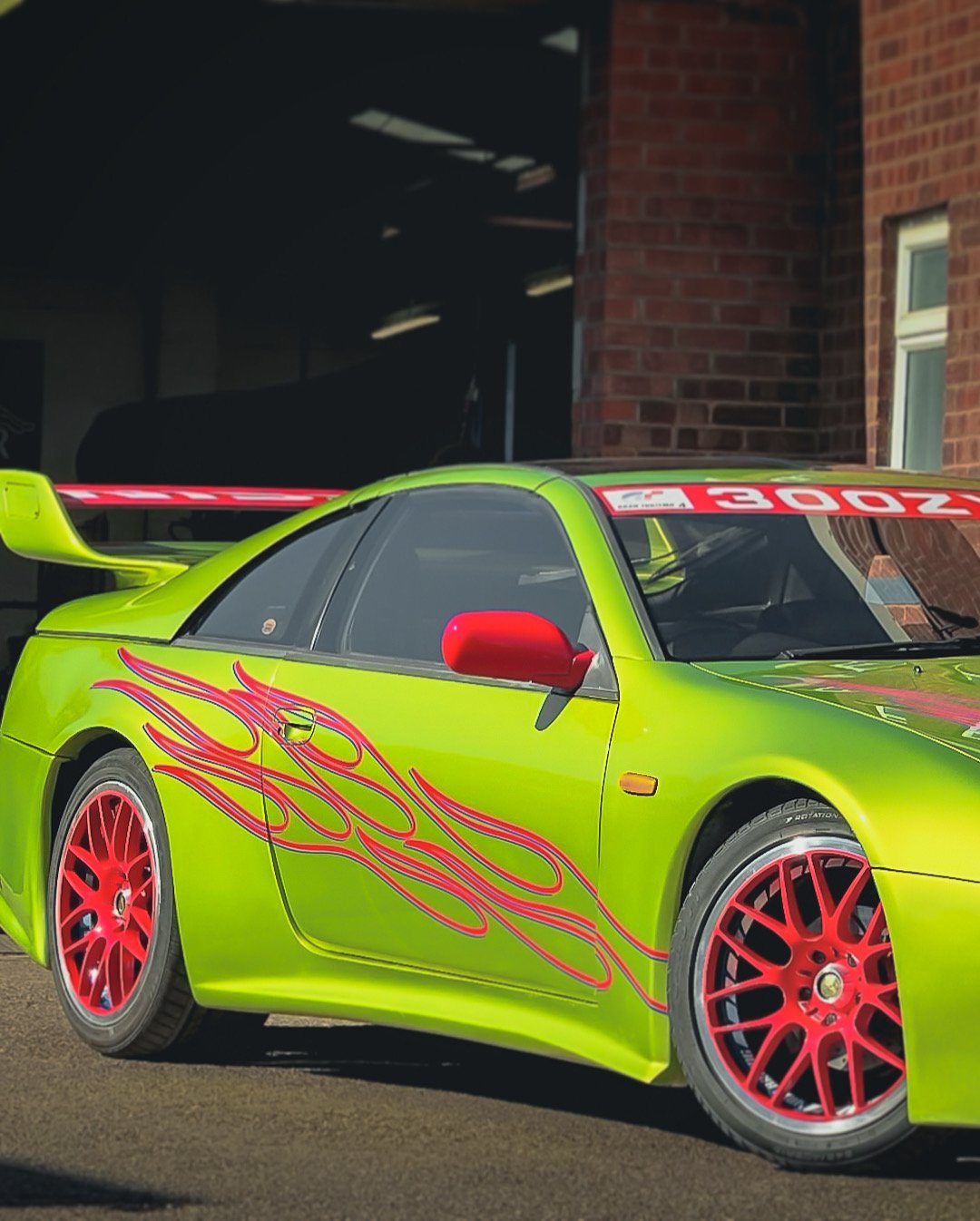
  2. Good Afternoon All. Thanks for having me, it’s great to finally be a Z32 owner, I’ve always loved the look of them, such beautiful machines. I picked up mine yesterday. Was hoping to find a TT manual in my price range but ended up settling for a 1995 Manual Naturally Aspirated. I’m not sure if I’ll keep it N/A or not, it’s a nice drive, a few creaks but in nice condition overall. I’m looking forward to wasting all my hard earned cash on it over time and seeing what I can do with it. And I’m looking forward to reading through the forums, getting ideas and tips, and hopefully I’ll meet some of you in the near future. I’ll be “documenting” the cars journey on instagram, @kyoka_z32 please feel free to follow. Thanks….. Anthony.

Important Information

Terms of Use

Configure browser push notifications

Chrome (Android)
  1. Tap the lock icon next to the address bar.
  2. Tap Permissions → Notifications.
  3. Adjust your preference.
Chrome (Desktop)
  1. Click the padlock icon in the address bar.
  2. Select Site settings.
  3. Find Notifications and adjust your preference.