Everything posted by Andy Puttick
-
if it is a small pin prick hole try cutting it out and rejoining with a 8 mm compression joiner, it worked for me and was still holding after 2 years. just check that it is 8 not 10 mm it`s been a few years since i did anything on a z.
-
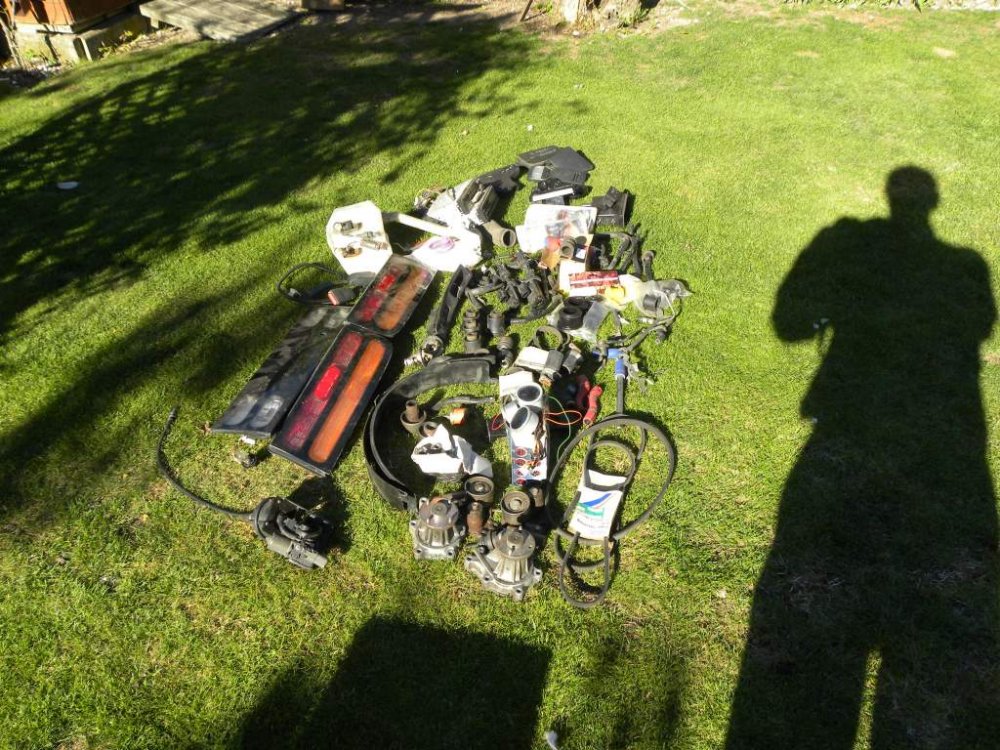
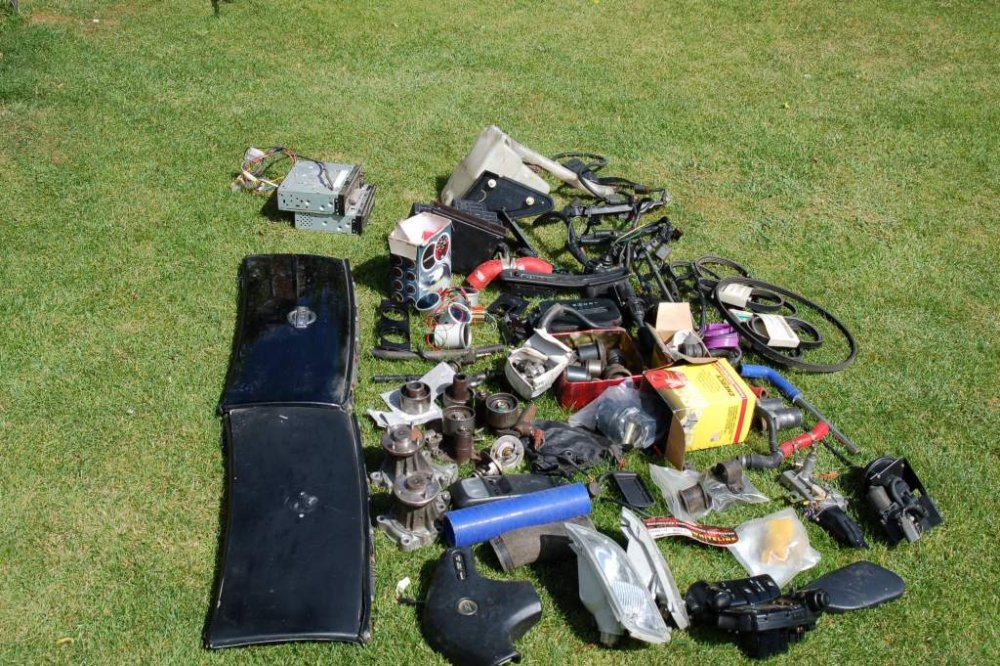
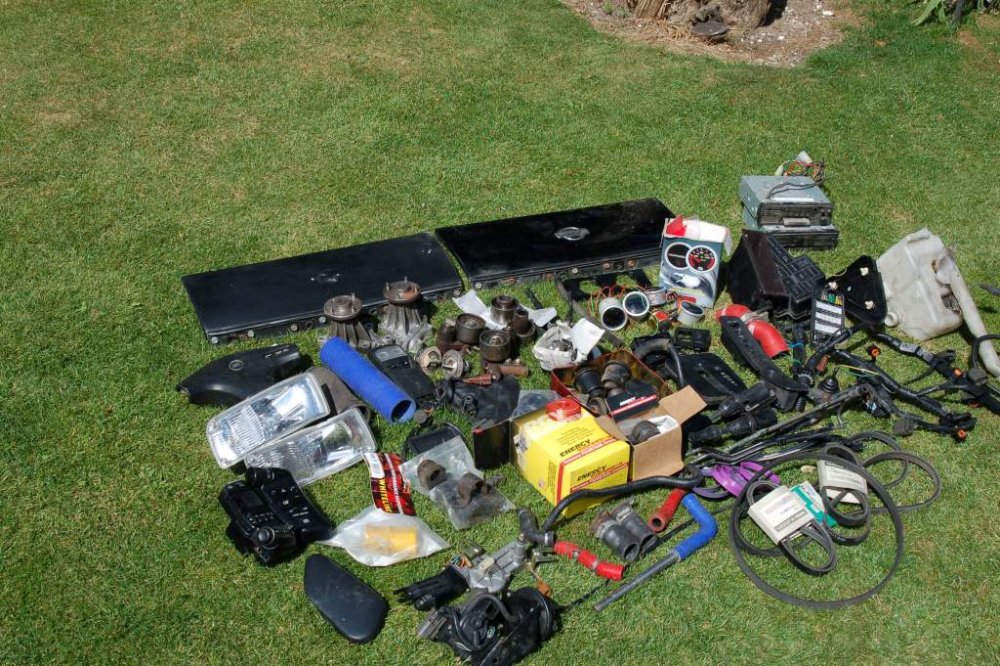
[a ttach=config]114586[/attach][attach=4589[/attach]


-
-
HIDS4U lighting kit brought last year but never fitted still new and never been out of box,has new slim ballast resistors. Makes a huge improvement to dipped beam.
-
Drivers side sill return brought from Z World last year but never fitted,includes postage
-
d.t.a. conzult diagnostic kit complete with dell latitude laptop all set up and working very well.
-
I think that car was for sale in a garage near Arundal West Sussex a couple of years back finished up in a garage in Fareham Hampshire.Look very carefully if it is the same car may not be as good as you think probably find the engine bay is very different colour for a start.
-
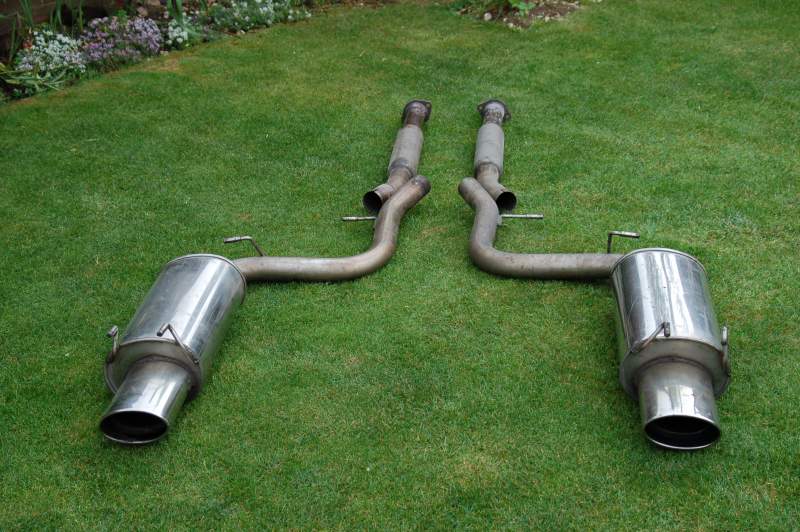
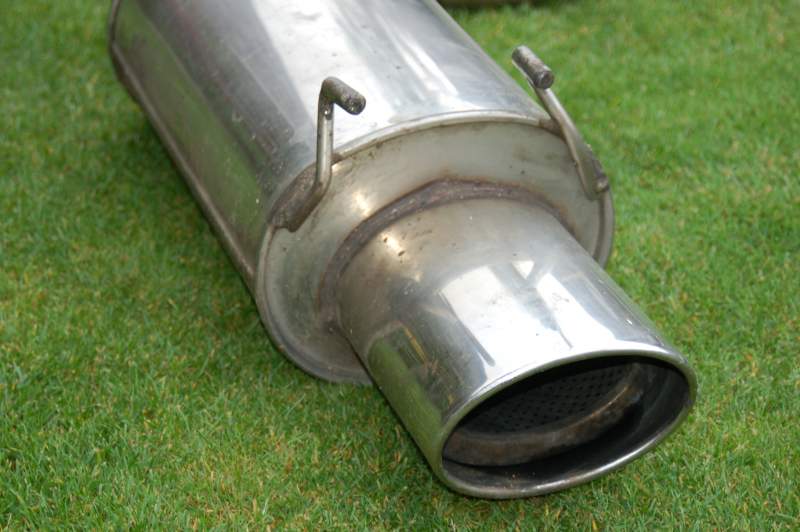
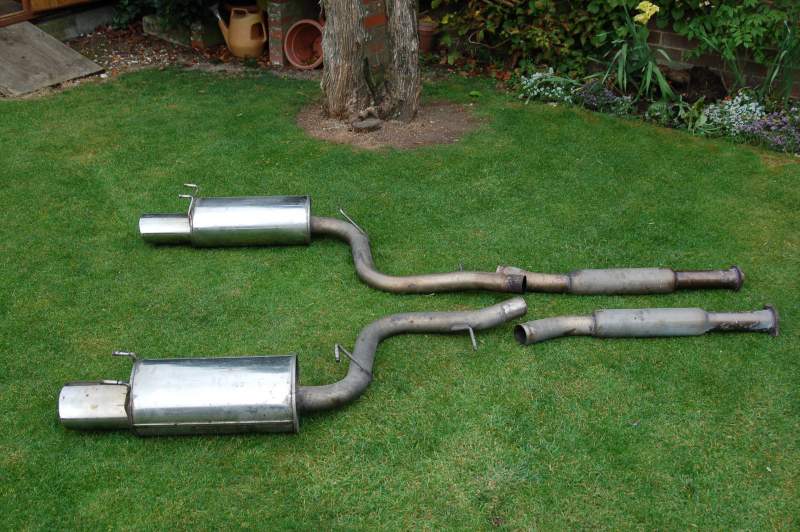
cat back exhaust,thought to be power flow in very good condition
-
cat back system fits N.A or T.T. not sure of make but thought to be power flow very good condition as shown in photos[ATTACH=CONFIG]82960[/ATTACH][ATTACH=CONFIG]82961[/ATTACH][ATTACH=CONFIG]82962[/ATTACH]
-
wanted manual aircon control pod for 1996 t.t Andy Puttick