-
Door and ignition locks View Advert Hi, my sons car was broken into last night and has had the rear tailgate / boot, drivers door and ignition barrel damaged. If anyone has - pretty much all locks available, with keys please let me know. After Market is an option too Andy Advertiser AndyBrown Date 30/06/22 Price Category Parts - Wanted
-
-
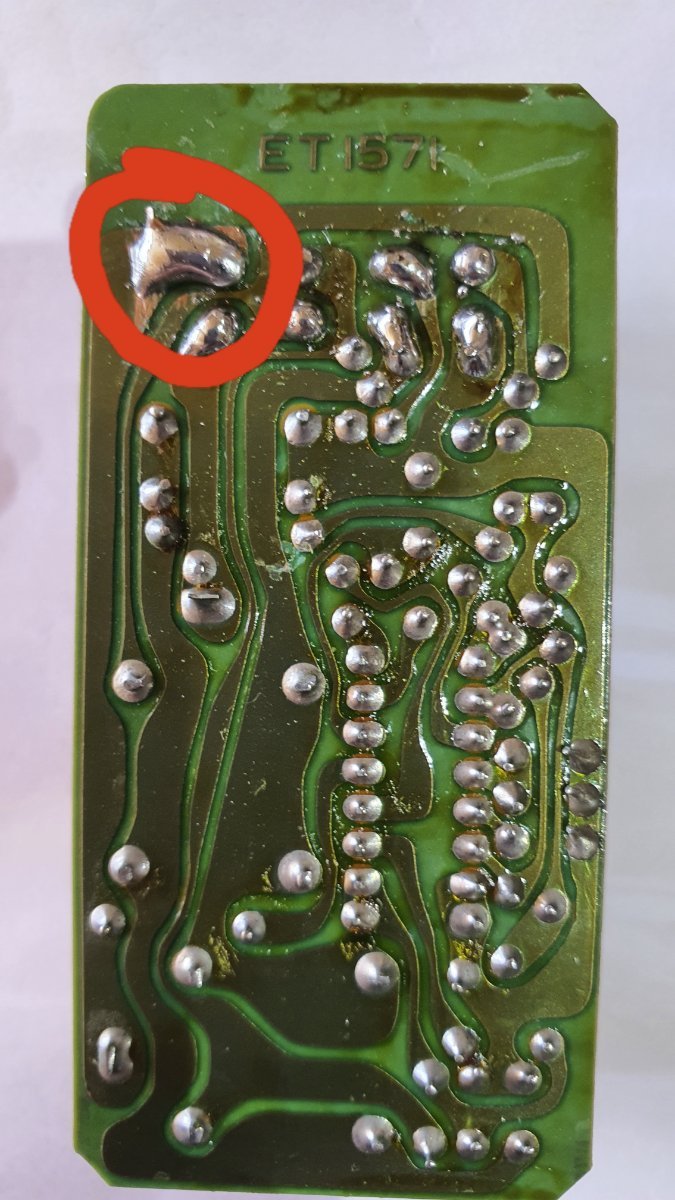
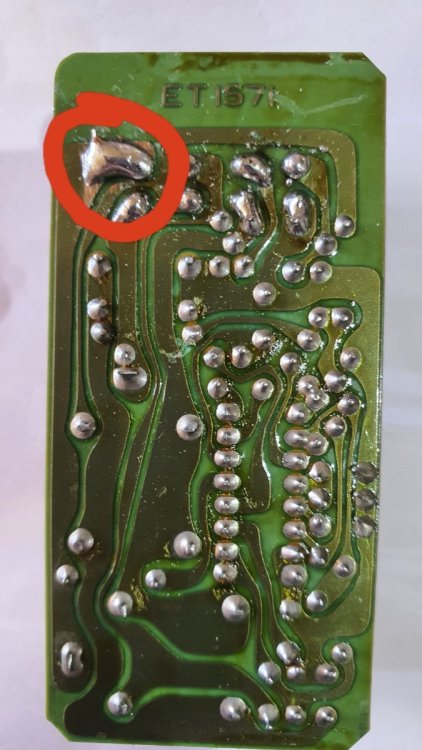
Ok, after following those instruction (Thanks Lexx), the window came down - the Amplifier was pulled out and once confirmed to be the fault, I set about opening it un. After stabbing my hand with a screw driver, I decided a bigger tool was required to open it. Now the board came out, and after tracing a few tracks, found that where the connector was soldered to the board - a crack in the solder joint had appeared - which provided very intermittent operation. In the attached photo, I have repaired the connector - and while at it, did the rest too. I also wound a small bit of wire around the pin and soldered it the the PCB, so it will take basically the destruction of the amplifier to break the connector from the PCB Now to re-assemble the door that is missing screws and requires some serious lubrication of the rails.
-
-
Hi Brains trusts.. My son had some issues with the drivers side window (2+0) not going up when he bought the car. A few days later, it would go up - no problems. Now, we can't get it down. Is there a way to remove the inner door card? There appears to be a screw that is behind the window that we obviously can't get to to undo. The switch appears to work, I hear a relay clicking inside the door when the button is pressed, the passengers side works correctly. Just as a foot note, the power mirror will go up and down etc, but won't fold in - the passengers side isn't a problem. Any ideas? It may be a blown fuse, if so, which one, where? I have checked all I can in the foot well.
-
My sons car has some 255/40/ZR17 on the rear and 245/40/ZR17 on the front And some unusual rims. The previous owner used the standard nuts - there just isn't enough thread to hold them on properly. So, they're going to have to come off until I can source the proper shank nuts for them
-
Thanks! I have now decided the only way to help him out is to buy the full service manual for him (ebay special) - so, when it arrives, I'll start poking around for the best place to put the switch. I have a key switch that I've had since the early 90's hanging around, so this is an ideal time to use it. I'll have to look around the other threads to assist in resolving the other issues the money pit, I mean car has.
-
Hi AndrewG, Do you have the pin-outs for the connectors in the centre console? (Where the gear lever is) I have looked for the inhibitor switch block, but found nothing. My son has bought a 300ZX, 1990 Model, and they have literally cut into almost every wire looking for something to connect the radio to. I basically want to install a kill-switch - so the car can't be started without a second key. I have looked for the tell-tale signs of a jumper, indicating a Park/Neutral switch - but have found nothing. Yet. I have even cut away the cable ties holding the drivers air ducts looking for additional connectors and the like. I did find the microphone they had lost for the Stereo.... But no jumper. Any help would be appreciated.

View in the app
A better way to browse. Learn more.