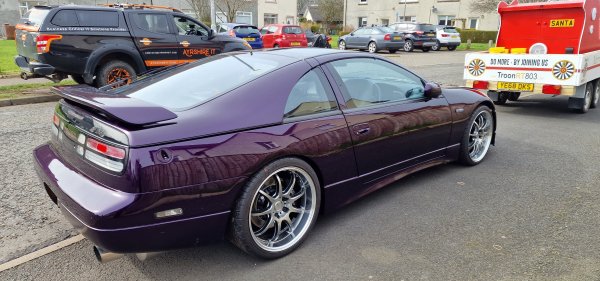
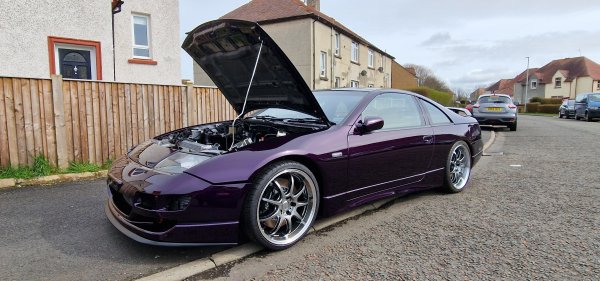
My Purple Zed
Album created by
JaiKai ·
Updated
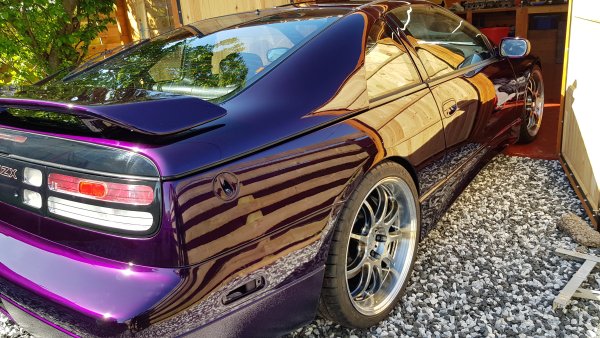
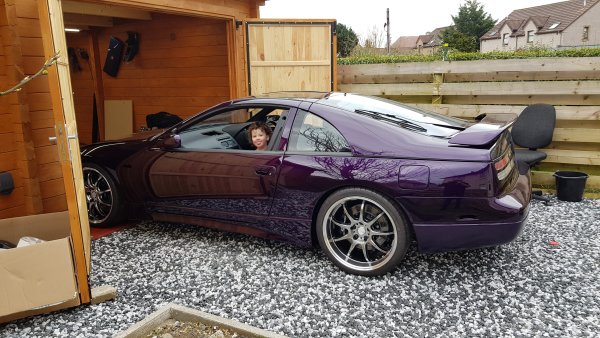
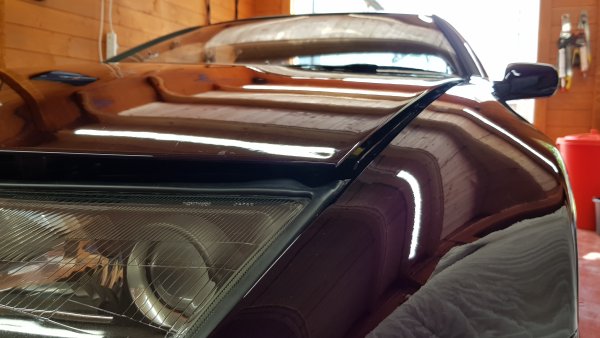
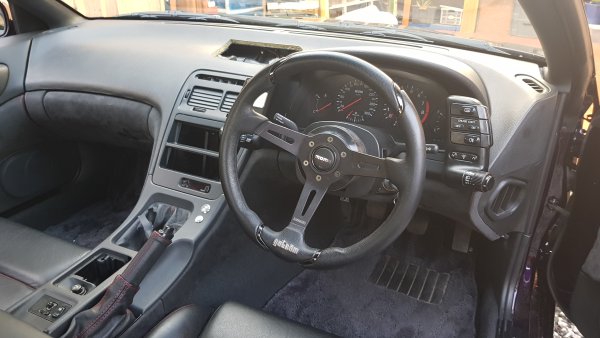
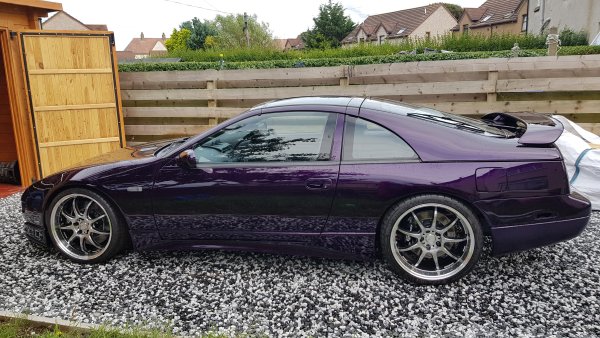
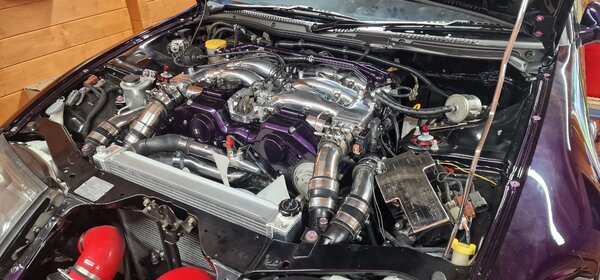
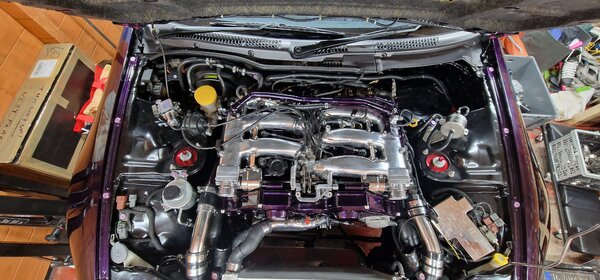
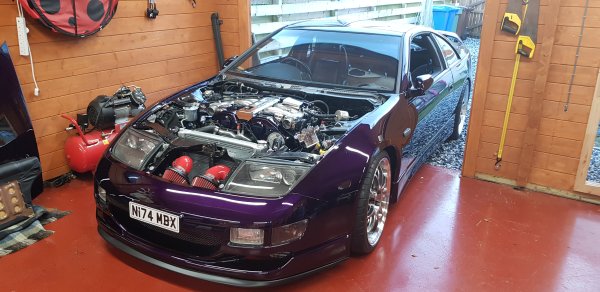
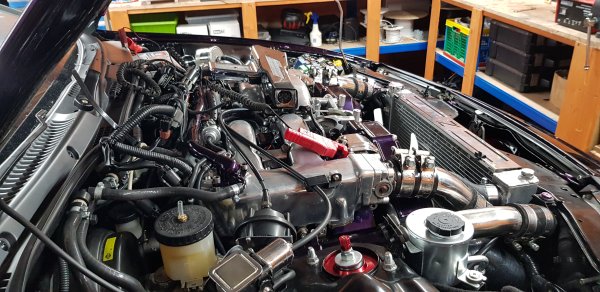
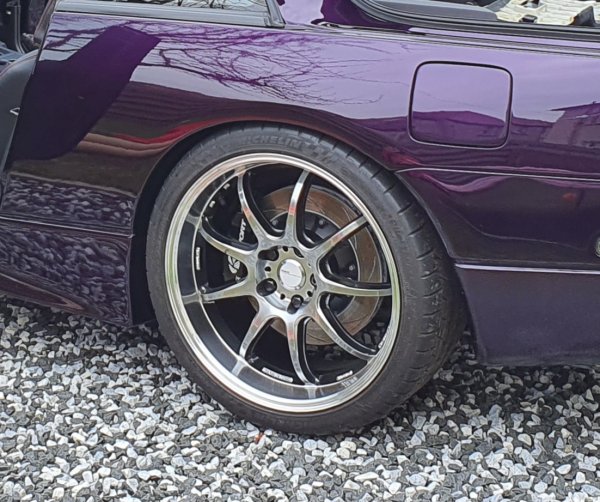
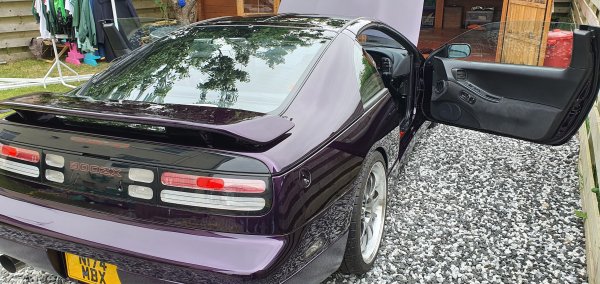
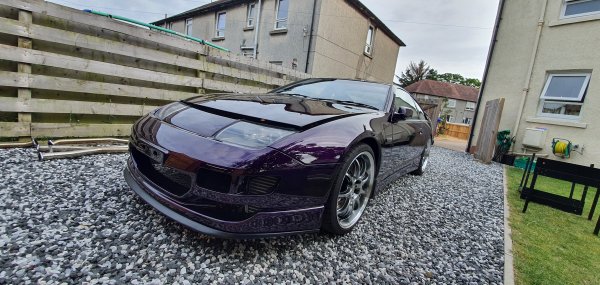
1996 Series 4 300ZX JAP Spec TT Manual.
Painted in House of Kolor Purple
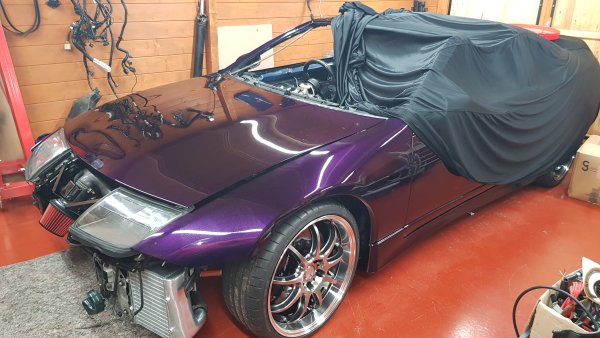
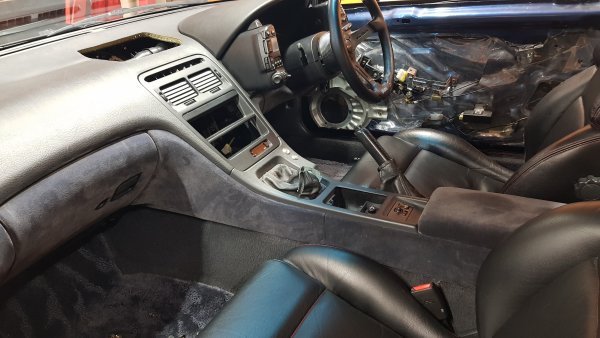
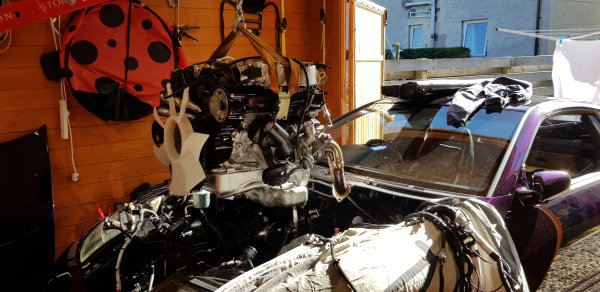
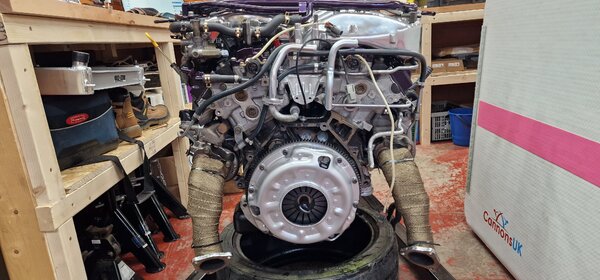
My zed now named ziggy was imported in 2015 and was originally an automatic. It has since been completely overhauled, stripped to its base shell and rebuilt by myself.
This zed is only a few in the club to be a series 4 model which are getting very rare.
- 49 images
- 4,620 views
-
-
 3
3
-
49 images
-
By JaiKai
-
By JaiKai
-
By JaiKai
-
By JaiKai
-
By JaiKai
-
By JaiKai
-
By JaiKai
-
By JaiKai
-
By JaiKai
-
By JaiKai
-
By JaiKai
-
By JaiKai
-
By JaiKai
-
By JaiKai
-
By JaiKai
-
By JaiKai
-
By JaiKai
-
By JaiKai
-
By JaiKai
-
By JaiKai
-
By JaiKai
-
By JaiKai
-
By JaiKai
-
By JaiKai
-
By JaiKai
-
By JaiKai
-
By JaiKai
-
By JaiKai
-
By JaiKai
-
By JaiKai
-
By JaiKai
-
By JaiKai
-
By JaiKai
-
By JaiKai
-
By JaiKai
-
By JaiKai
-
By JaiKai
-
By JaiKai
-
By JaiKai
-
By JaiKai
-
By JaiKai
-
By JaiKai
-
By JaiKai
-
By JaiKai
-
By JaiKai
-
By JaiKai
-
By JaiKai
-
By JaiKai
-
By JaiKai