Hey all, found a brand new issue for my not so brand new car :)
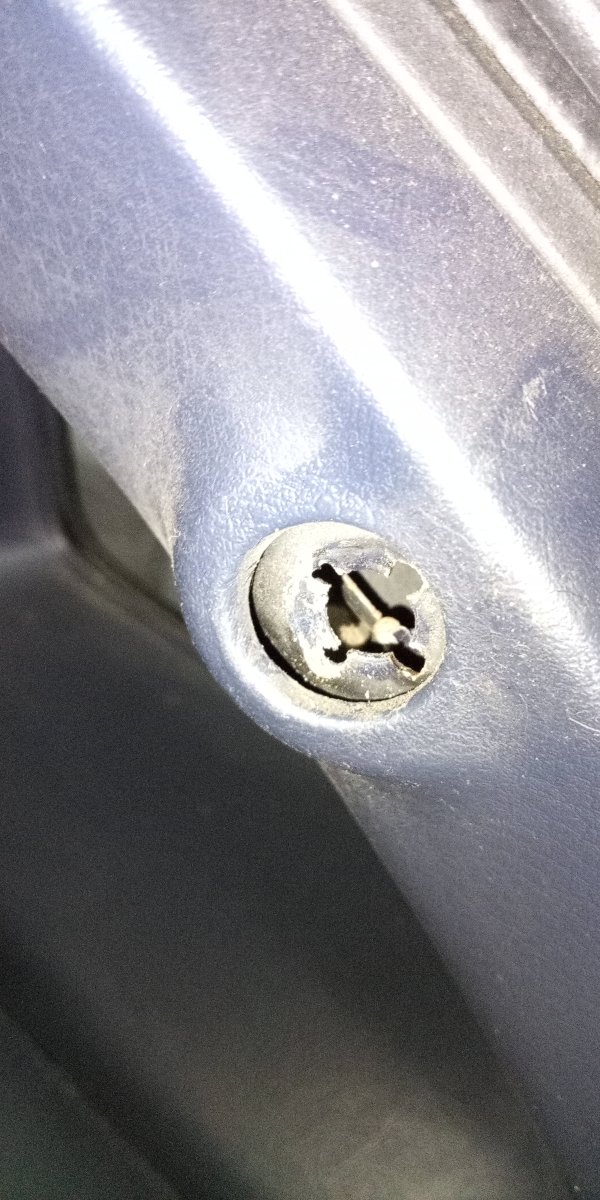
Installed a set of hatch struts the other day, and was having trouble threading the last end of one of them, so I look inside to see if something is obstructing it. Turns out, the part that you thread the strut into isn't where it's supposed to be.
I'm not entirely sure what to do with this, but I'd much rather not have my strut digging into the trim whenever the hatch is closed, so anyone have an idea on a fix for this?





Hey all, found a brand new issue for my not so brand new car :)
Installed a set of hatch struts the other day, and was having trouble threading the last end of one of them, so I look inside to see if something is obstructing it. Turns out, the part that you thread the strut into isn't where it's supposed to be.
I'm not entirely sure what to do with this, but I'd much rather not have my strut digging into the trim whenever the hatch is closed, so anyone have an idea on a fix for this?
Thank you for listening :)