Jump to content
View in the app

A better way to browse. Learn more.

300ZX Owners Club

A full-screen app on your home screen with push notifications, badges and more.

To install this app on iOS and iPadOS
  1. Tap the Share icon in Safari
  2. Scroll the menu and tap Add to Home Screen.
  3. Tap Add in the top-right corner.
To install this app on Android
  1. Tap the 3-dot menu (โ‹ฎ) in the top-right corner of the browser.
  2. Tap Add to Home screen or Install app.
  3. Confirm by tapping Install.

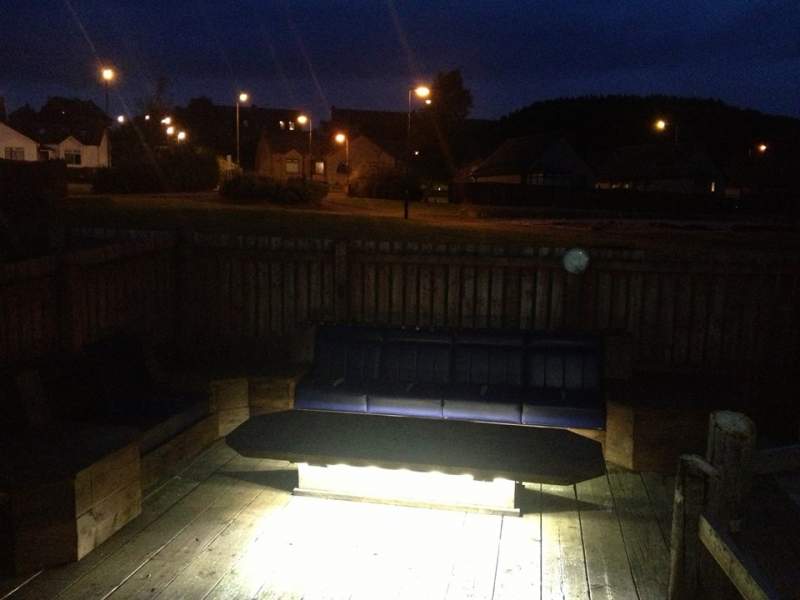
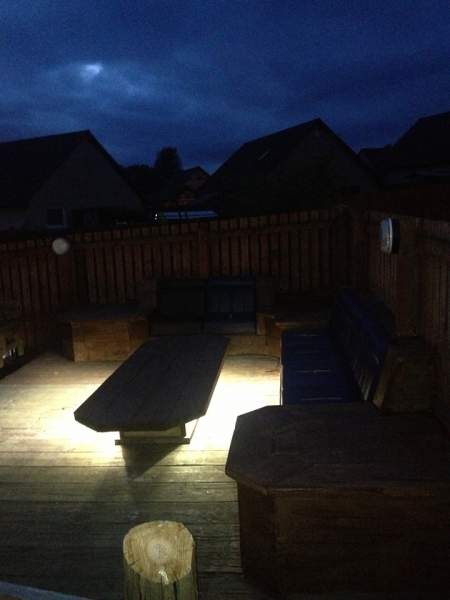
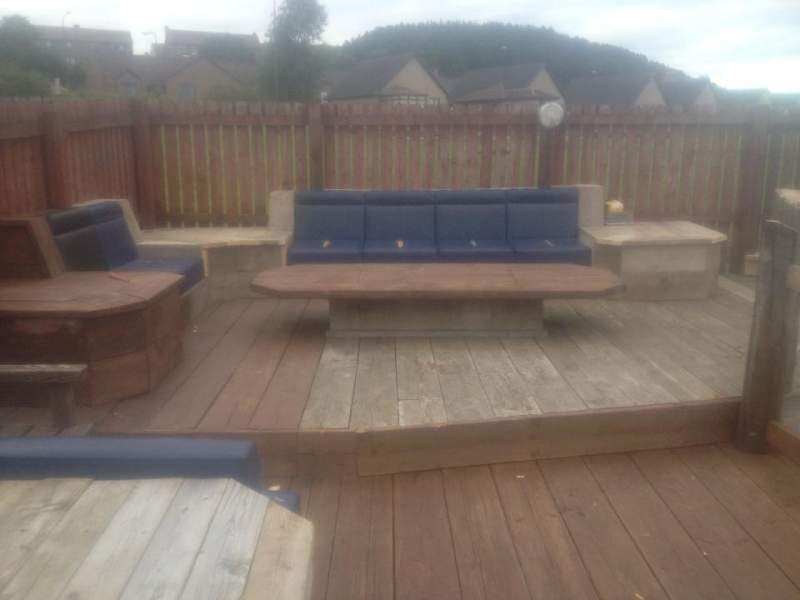
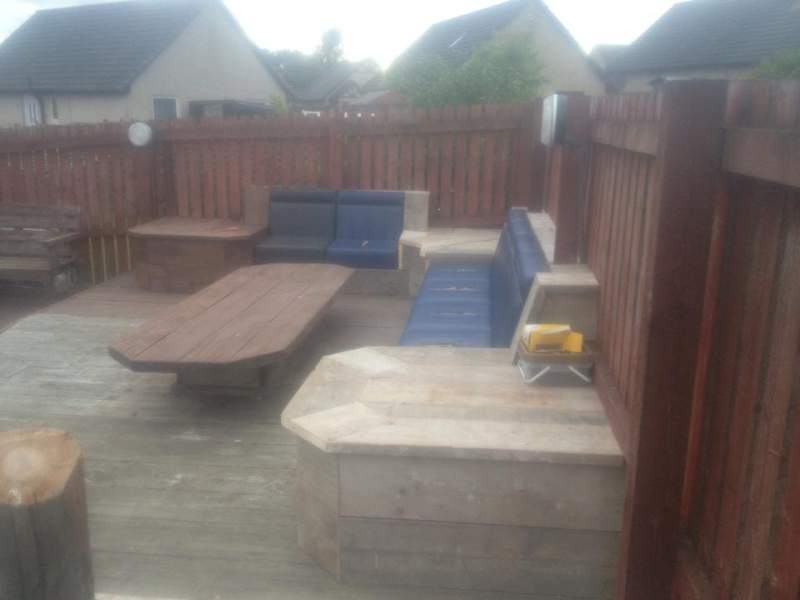
I got 4 of these seats for free from the skip at my work anyone know where they are from? lol

1012444_498447966905167_201623181_n.jpg

recovered them but the wife still isn't to keen I think they will look great

18412_498448250238472_1665070632_n.jpg

Edited by zerocooldel

  • Replies 27
  • Views 1.5k
  • Created
  • Last Reply

Top Posters In This Topic

Posted Images

Featured Replies

haha i was wondering where this was going to end up with those seats, but thats impressive and quite attracting now,

ย 

Nice work!

  • Author
haha i was wondering where this was going to end up with those seats, but thats impressive and quite attracting now,

ย 

Nice work!

ย 

yeah everyone I know was the same when I showed them the seats at first lol I had an image in my head of what I wanted but trying to convey that to others wasn't easy especially my wife who really wasn't happy at me for bringing them home now she loves it haha

Join the conversation

You can post now and register later. If you have an account, sign in now to post with your account.

Guest
Unfortunately, your content contains terms that we do not allow. Please edit your content to remove the highlighted words below.
Reply to this topic...

Recently Browsing 0

  • No registered users viewing this page.

Important Information

Terms of Use

Configure browser push notifications

Chrome (Android)
  1. Tap the lock icon next to the address bar.
  2. Tap Permissions โ†’ Notifications.
  3. Adjust your preference.
Chrome (Desktop)
  1. Click the padlock icon in the address bar.
  2. Select Site settings.
  3. Find Notifications and adjust your preference.