Looks like Z1 have screwed me over on a set of Turbos.
Ordered them 2 months ago and and i've been chasing them each week and they respond simply as we do not have an ETA.
Finally got them to tell me that parts on on back order and no longer available so after a small refund the rest was dispatched via UPS last week.
1 Week on and UPS demanded the import fees upfront which i paid only to discover that Z1 never completed the Export license information to UPS.
Now my new turbos have been returned to Z1 which i have tracking for and Z1 are ignoring all communications with me and i'm down the import fee too
as if its shipped out again guarantee it will be a new tracking number and they will demand a new payment.
I'm really at my tether with this zed and nearly had enough, everything i do to get it on the road goes wrong.
By
JaiKai ·


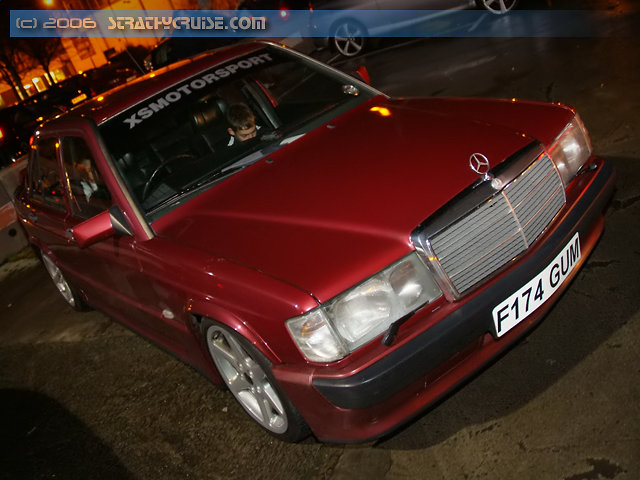

as the title wots the fav car you've ever ownd
mines is my accord(i admit it marmite but performance wise it was up there)
had this engine in it