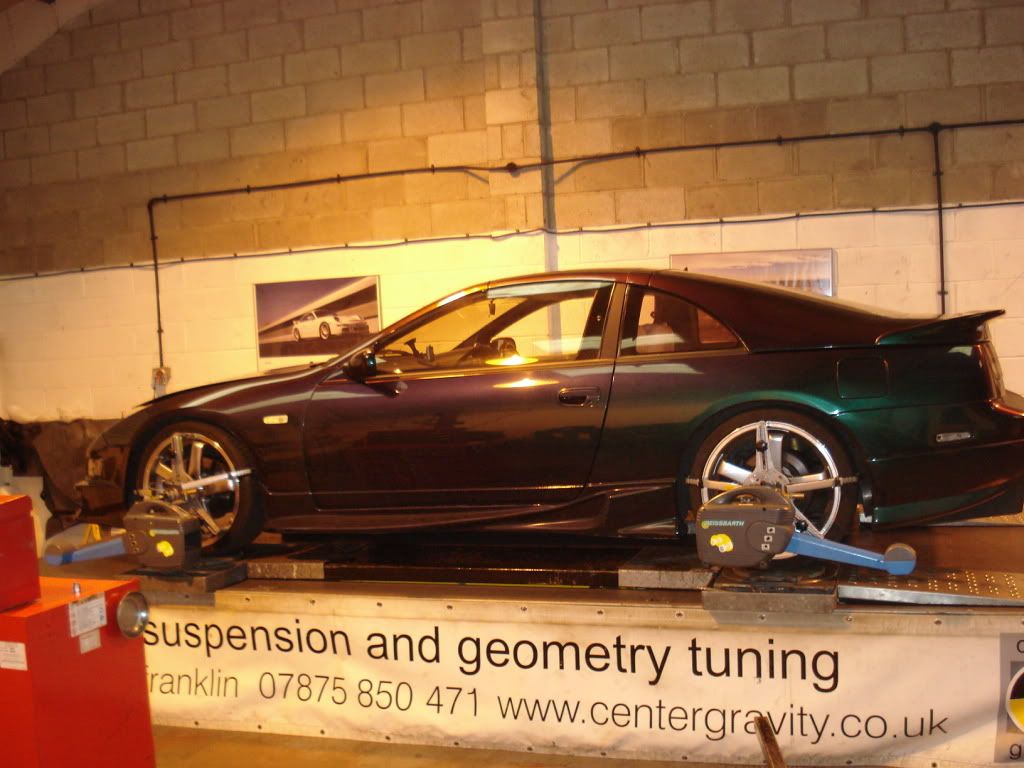
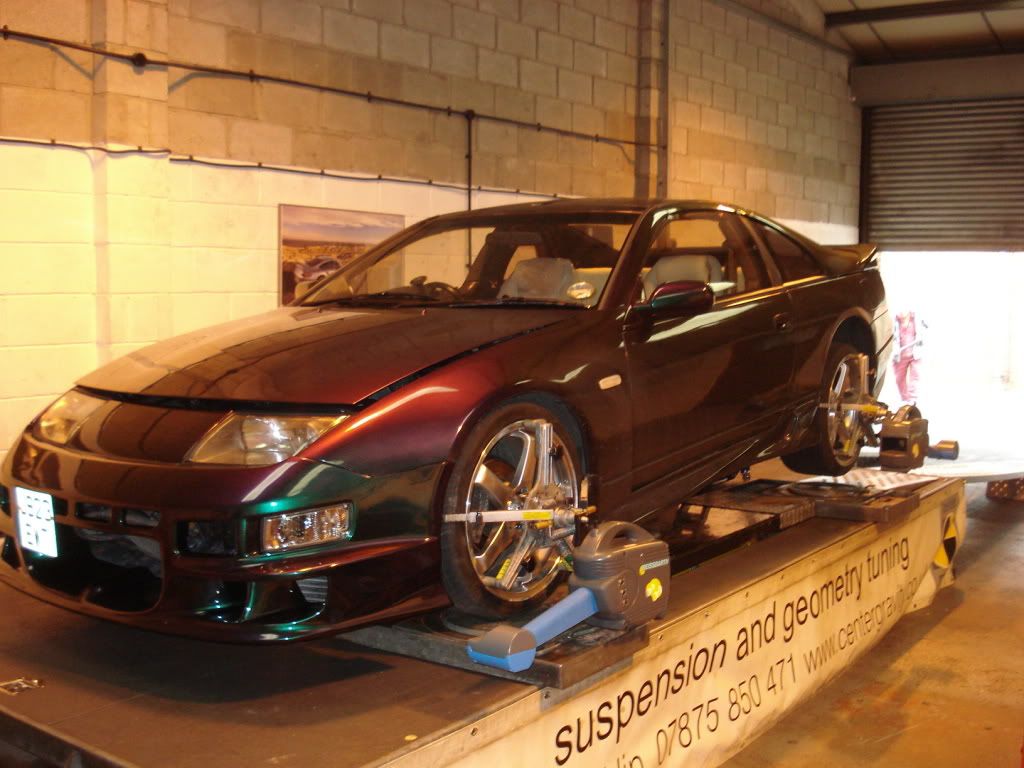
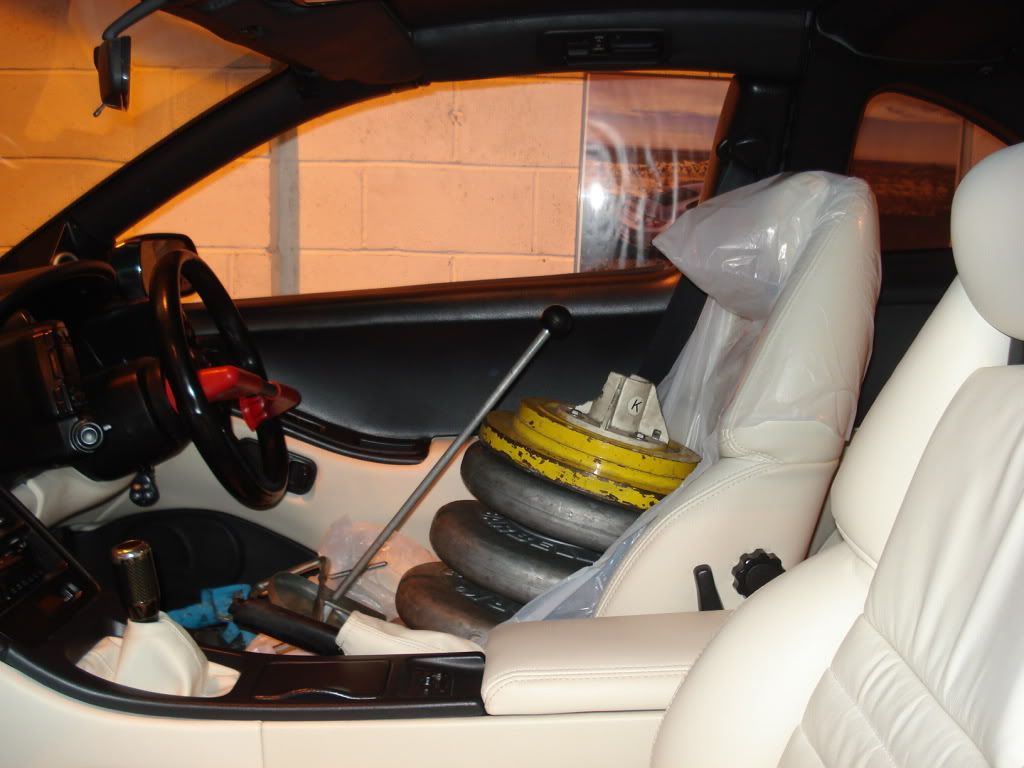
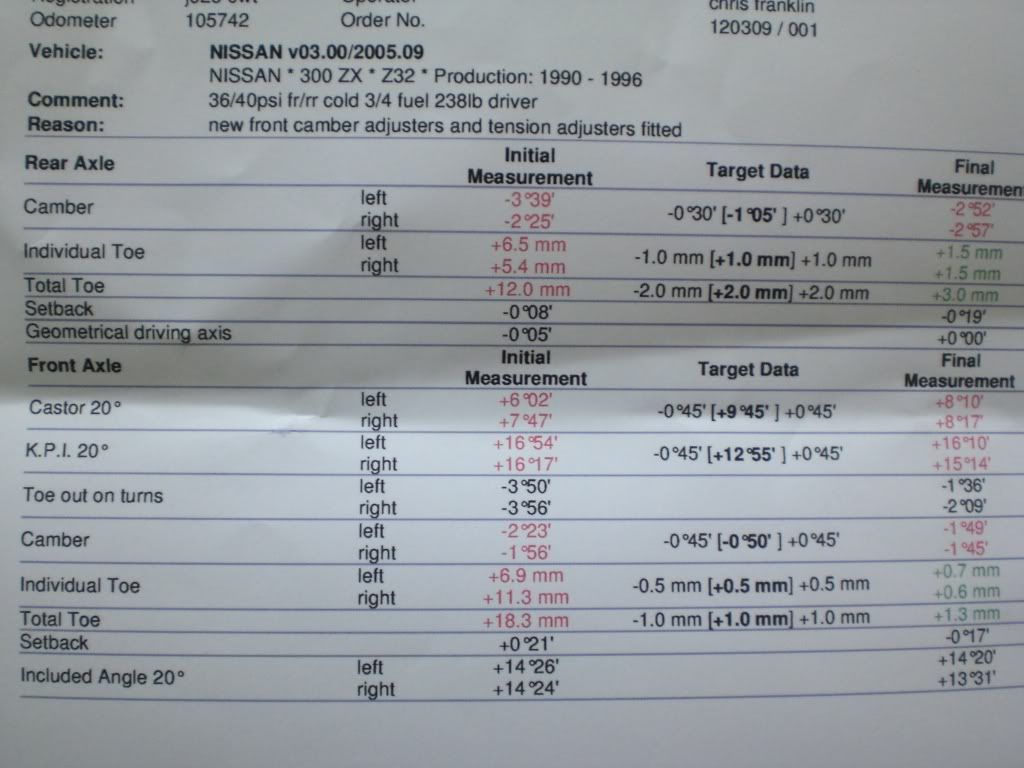
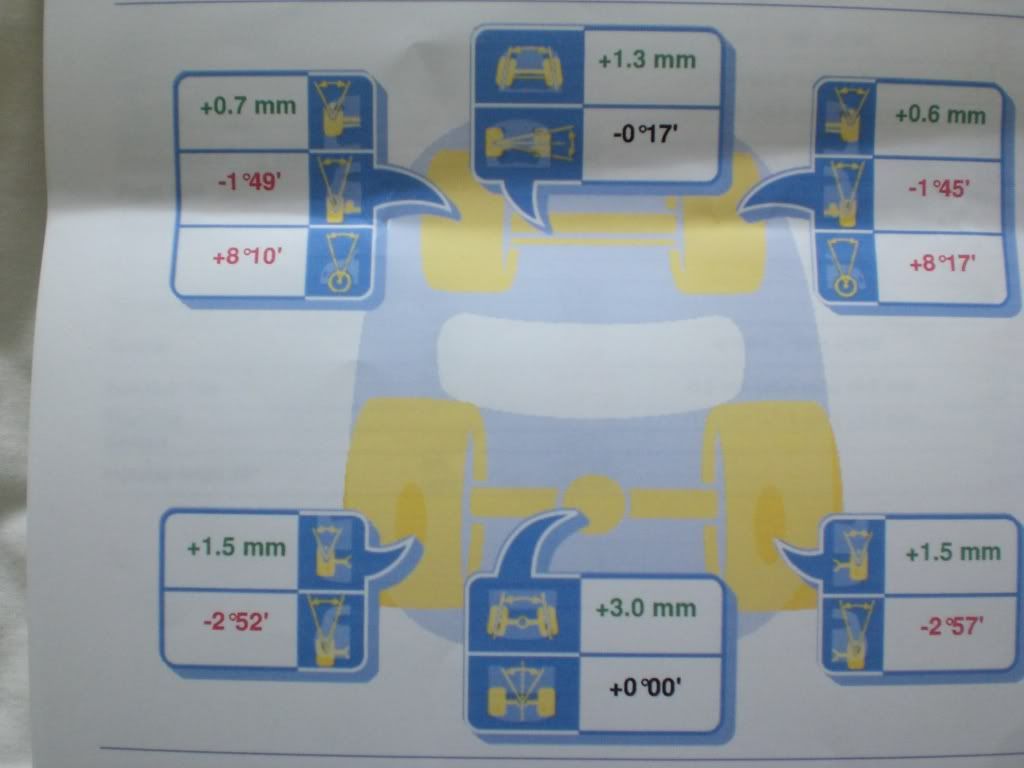
just got back from having my cars geometry set up at http://www.centergravity.co.uk/index.cfm and cant believe the differance its made.when i arrived there at 9.30 he started work and didnt finish til 5pm.first he asked me how i drive and wanted it to handle.as it used to step out at the sniff of a corner we decided to go for ballance rather than drift happy.then once up on the ramps and several cups of coffee later he spent a good couple of hours checking and greasing all the components.he was very informative showing me if anything had any signs of wear, we found out that she had ohlins coilovers which i never knew!.anyway he then decided to weigh me so that she could be pre loaded with weight before checking the geo.It was amazing to see his attention to detail making sure everything was done correctly.once finished he took me on a test drive and wow the difference in her was amazing, like a different car. I really can't recommend his services enough. Not only a perfectionist, but a true enthusiast, to boot.:bow:


just got back from having my cars geometry set up at http://www.centergravity.co.uk/index.cfm and cant believe the differance its made.when i arrived there at 9.30 he started work and didnt finish til 5pm.first he asked me how i drive and wanted it to handle.as it used to step out at the sniff of a corner we decided to go for ballance rather than drift happy.then once up on the ramps and several cups of coffee later he spent a good couple of hours checking and greasing all the components.he was very informative showing me if anything had any signs of wear, we found out that she had ohlins coilovers which i never knew!.anyway he then decided to weigh me so that she could be pre loaded with weight before checking the geo.It was amazing to see his attention to detail making sure everything was done correctly.once finished he took me on a test drive and wow the difference in her was amazing, like a different car. I really can't recommend his services enough. Not only a perfectionist, but a true enthusiast, to boot.:bow: