Jump to content
View in the app

A better way to browse. Learn more.

300ZX Owners Club

A full-screen app on your home screen with push notifications, badges and more.

To install this app on iOS and iPadOS
  1. Tap the Share icon in Safari
  2. Scroll the menu and tap Add to Home Screen.
  3. Tap Add in the top-right corner.
To install this app on Android
  1. Tap the 3-dot menu (⋮) in the top-right corner of the browser.
  2. Tap Add to Home screen or Install app.
  3. Confirm by tapping Install.

4) Roadtrippin'

(0 reviews)

September has come around again meaning one thing: My holiday!

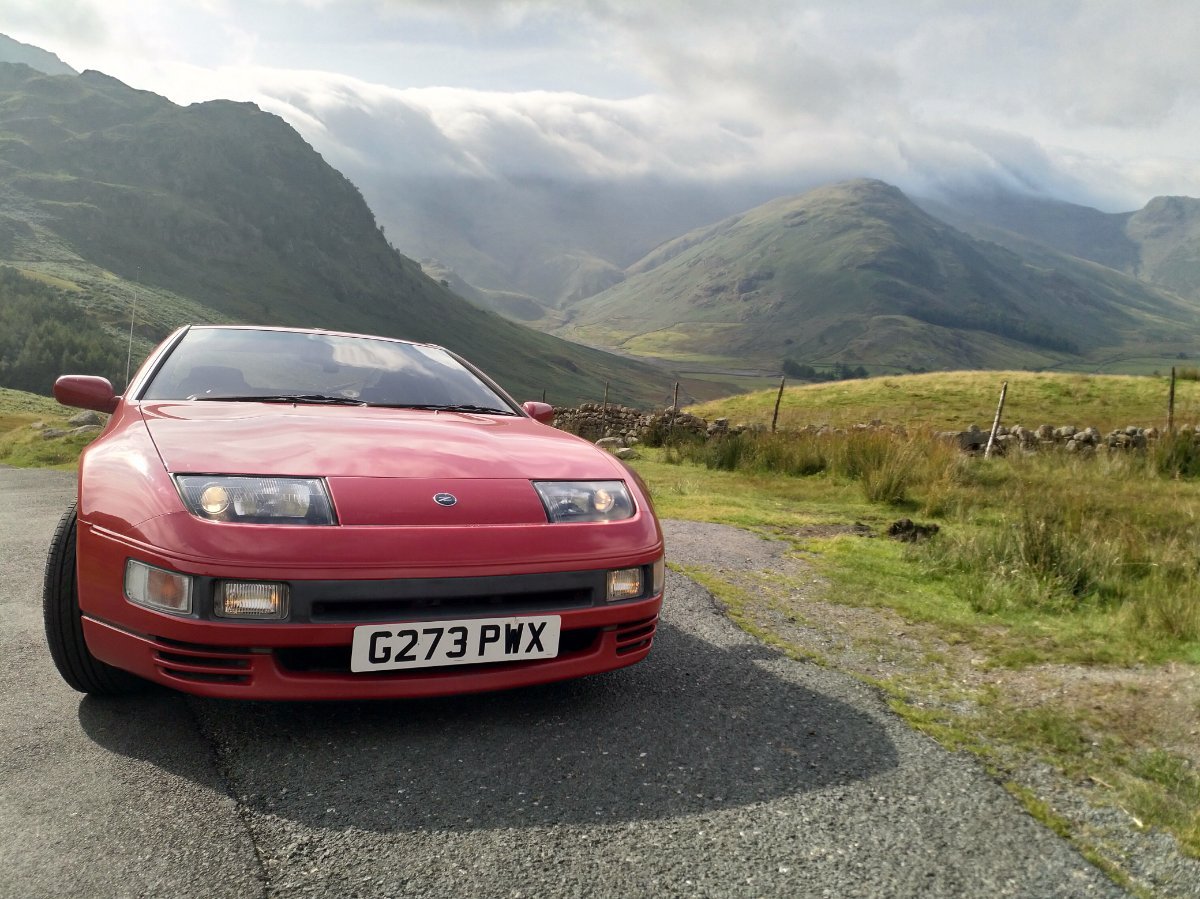
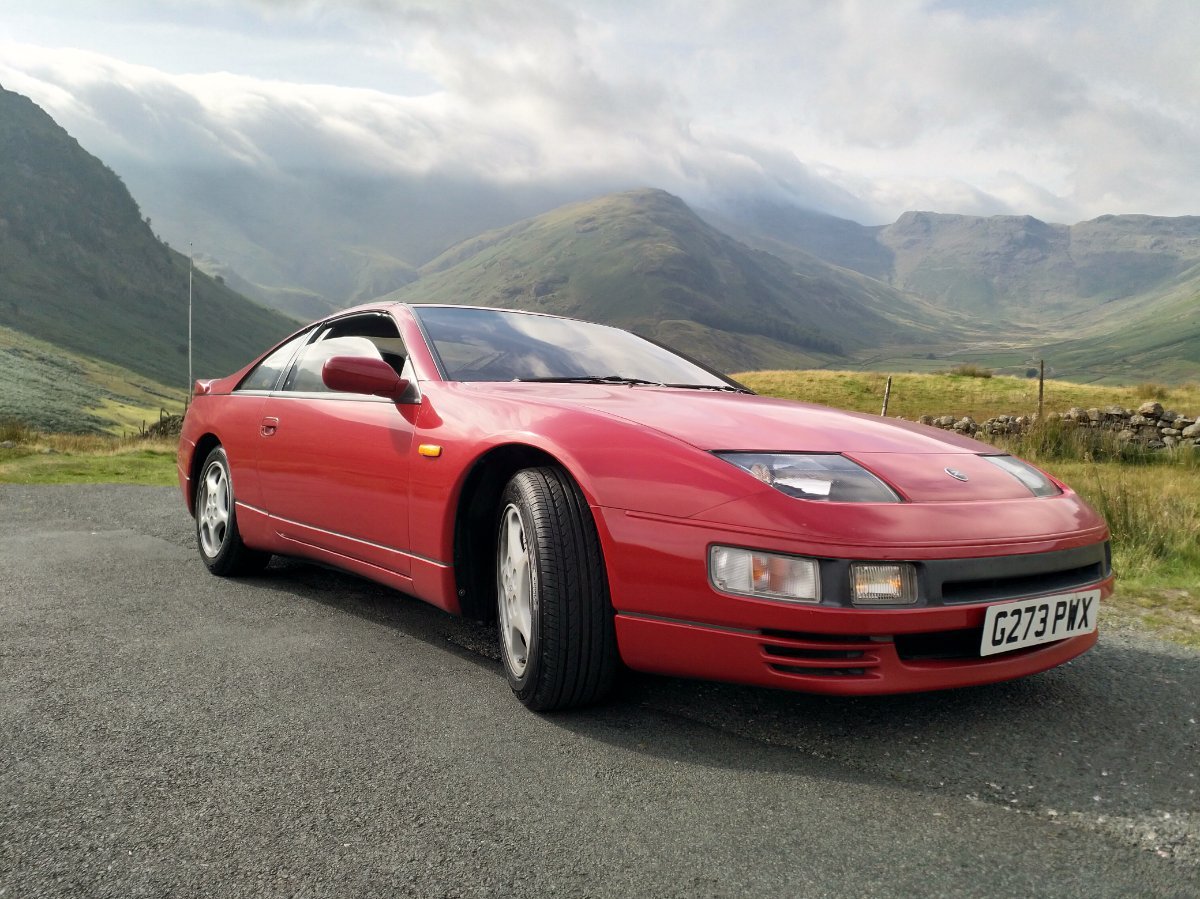
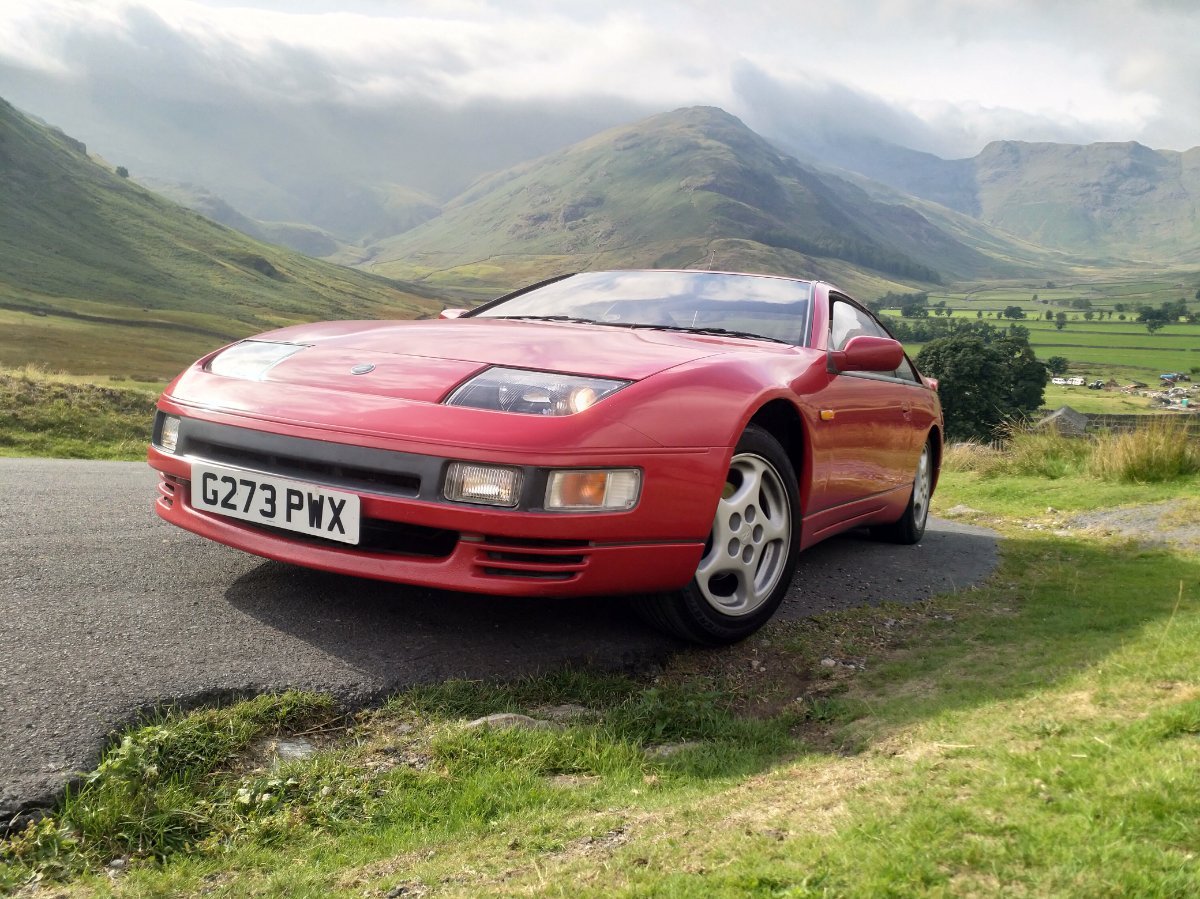
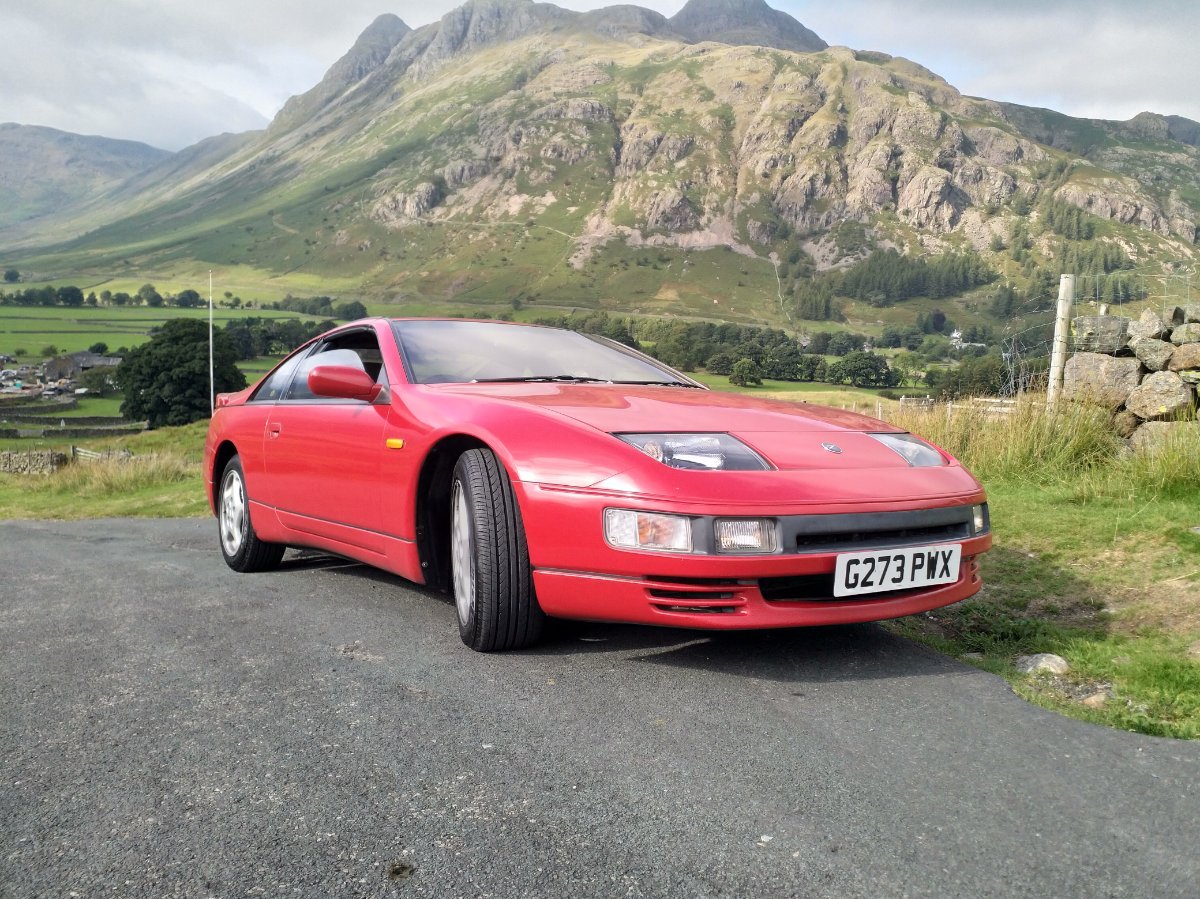
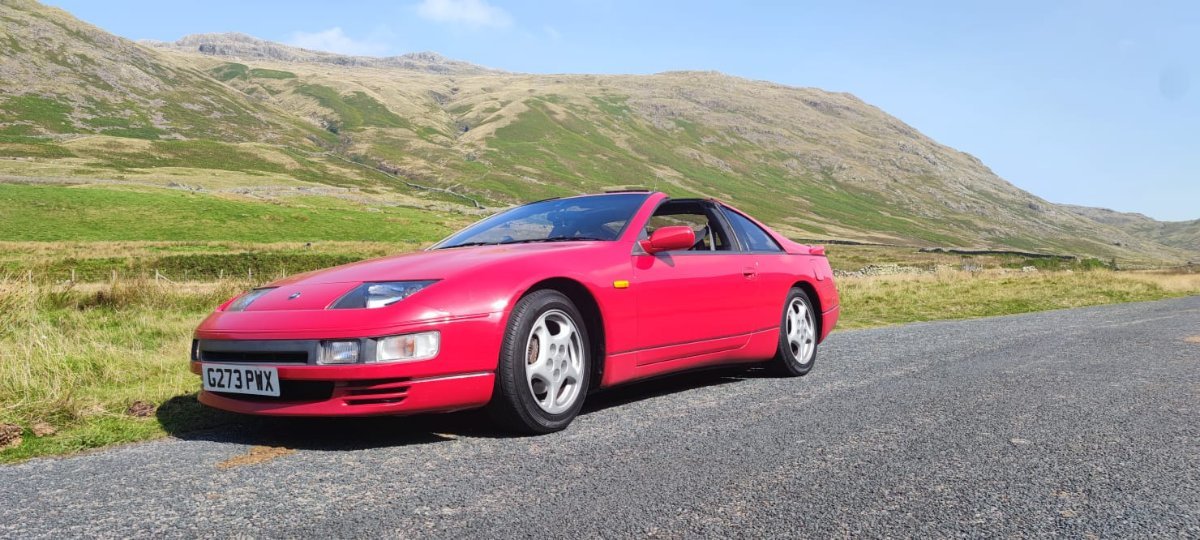
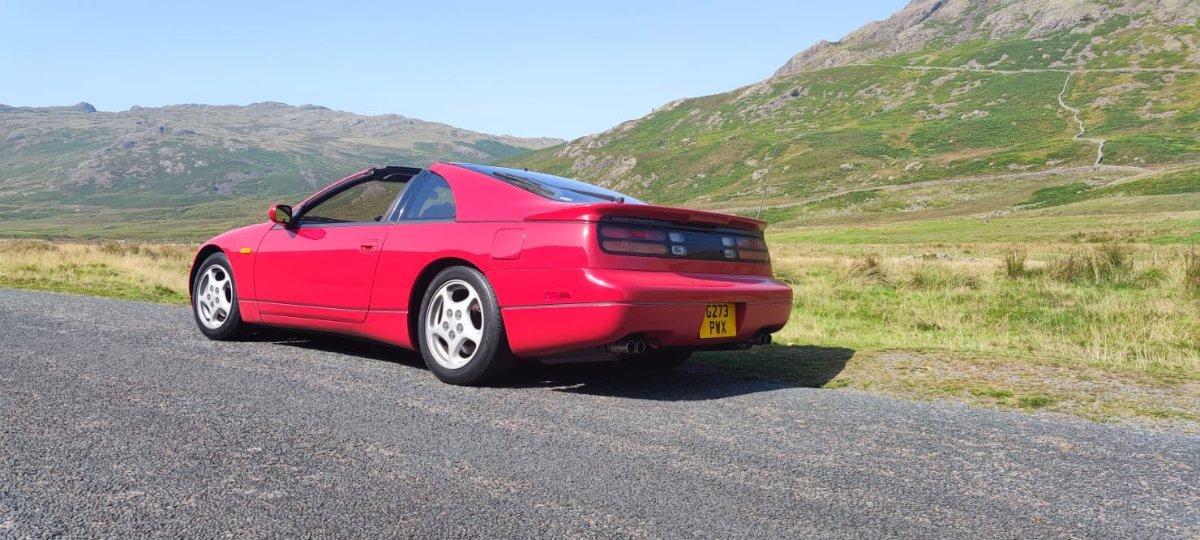
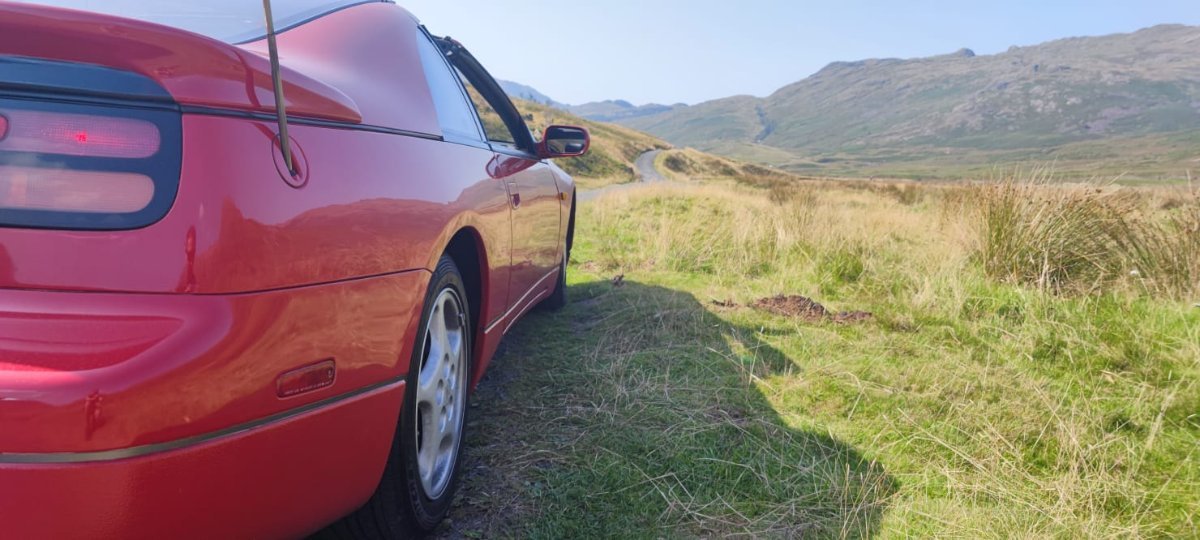
This year due to COVID we decided to stay within the confines of the UK and rented a cottage in the Lake District. We drove up to Stoke-on-Trent and stayed two nights with friends that we knew from China and then up to the Lakes for 7 nights. My brother lives in the Lakes, so he was our guide for a couple of days. We did the usual Wrynose and Hardknott passes (among others), but we also saw a few new things such as Cathedral cavern, Honister pass and Windlatter forest.

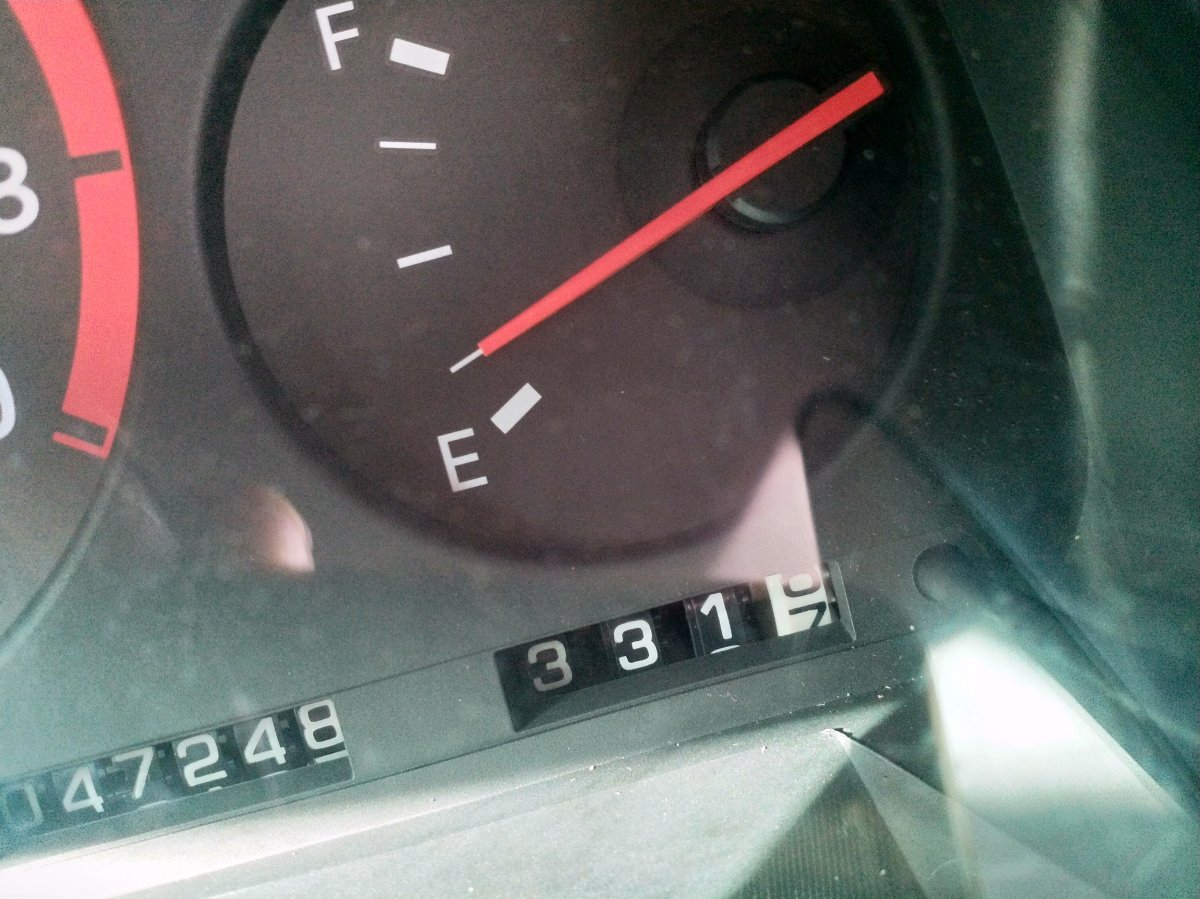
The car was great, comfortable on the drive up. It was fun around the lakes, however the roads are so narrow that you can't really fully enjoy the car! The drive back was in one hit (one pee stop), 350 miles in 7 hours & 10 minutes. I broke a personal record twice as well: None of my previous cars have ever managed to get more than 300 miles out of a single tank (says a lot about my previous cars!). This car broke that twice: 350 miles on the way up and 331 (with 1/4 tank left) on the way down! I have found I am growing to the autobox, it pulls well and its comfortable on long journey, especially when setting the cruise control, however when I did manage to let the cars hair down, I really missed the manual box; holding the car in a gear for bends, double declutch downshifting and generally just making more noise! I won't be converting it until the auto box dies, but when it comes to manual boxes, you don't know what you have lost until its gone...

One last thing: @AndrewG check out the rear wheels... ?
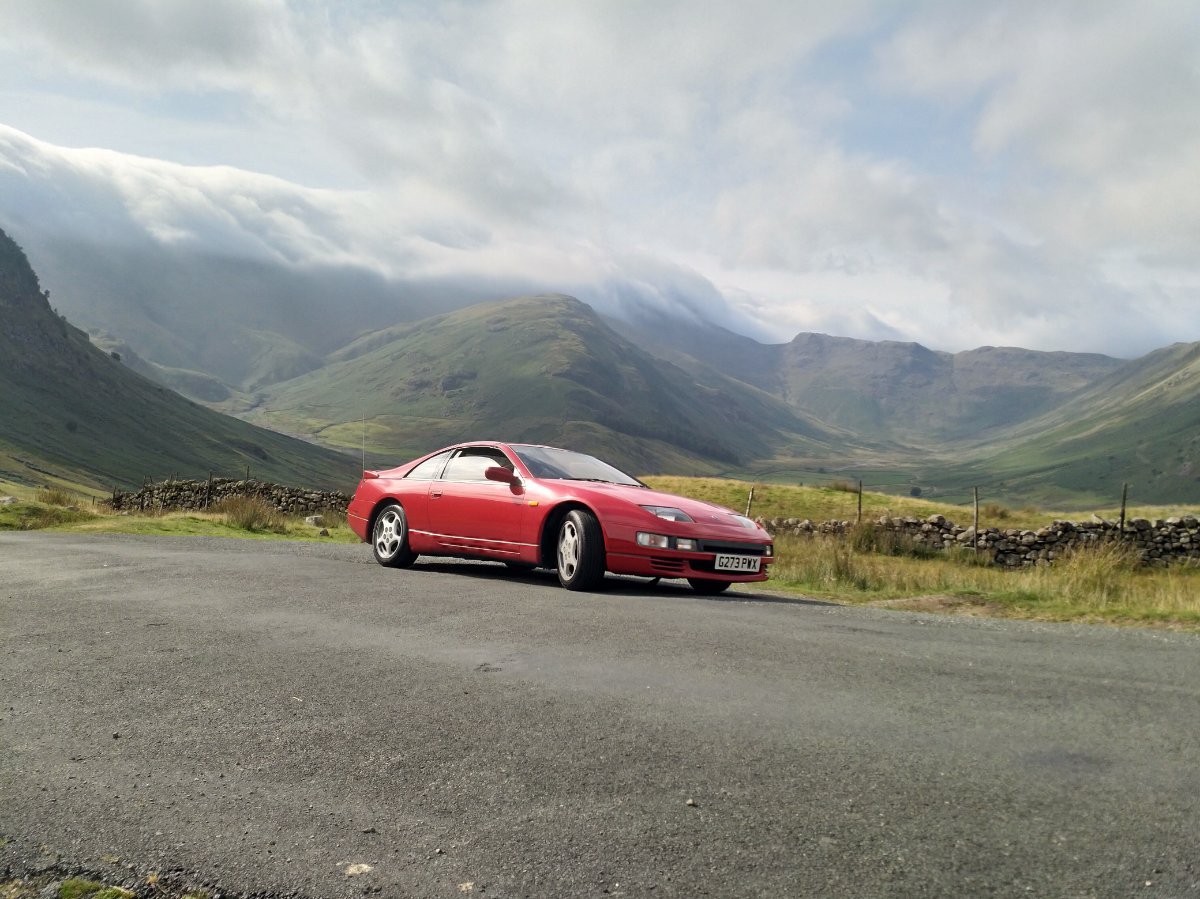
IMG_20210906_153742.thumb.jpg.07c38782bf104dbf0ee3c0028d5619a0.jpgIMG_20210906_153711.thumb.jpg.a7b465798f7cfcab8c2da5fa8ae417ea.jpgIMG_20210906_153654.thumb.jpg.8885f33710cf2fd9ad4460e7eeb3e6ef.jpgIMG_20210906_153408.thumb.jpg.bfabcaa528c2fbb944711823e8edcee6.jpgIMG_20210906_153318.thumb.jpg.a5498ee893252576469e434750207c68.jpg844056441_WhatsAppImage2021-09-07at17_45_59.thumb.jpeg.3c01b18dd5818629ce5d1d64a3dbe5ab.jpeg745971643_WhatsAppImage2021-09-07at17_45.59(5).thumb.jpeg.86035e5445e205bb2016c327f405cb1a.jpeg859692181_WhatsAppImage2021-09-07at17_45.59(4).thumb.jpeg.934f61fb33dce9baf861b09a9f4c6223.jpeg1412152649_WhatsAppImage2021-09-07at17_45.59(2).thumb.jpeg.93ded57ee15fabdaedf6ee8c70e76795.jpeg598375558_WhatsAppImage2021-09-07at17_45_58.thumb.jpeg.ead669809f96c5001d76cea3f327a07f.jpeg2053788192_WhatsAppImage2021-09-07at17_45_55.thumb.jpeg.5e2d8448839355030624daf7497234a2.jpeg

IMG_20210911_160925.thumb.jpg.fa6b1c204f425a866e85b8a9a87fdac4.jpg

Edited by TheRealNips

0 Comments

Recommended Comments

There are no comments to display.

Guest
Unfortunately, your content contains terms that we do not allow. Please edit your content to remove the highlighted words below.
Add a comment...

Important Information

Terms of Use

Configure browser push notifications

Chrome (Android)
  1. Tap the lock icon next to the address bar.
  2. Tap Permissions → Notifications.
  3. Adjust your preference.
Chrome (Desktop)
  1. Click the padlock icon in the address bar.
  2. Select Site settings.
  3. Find Notifications and adjust your preference.