Offer of interest for 2 Nissan 300zx twin turbo cars - were partners car project that never happened - garaged cars one in better nick than the other - more info coming message
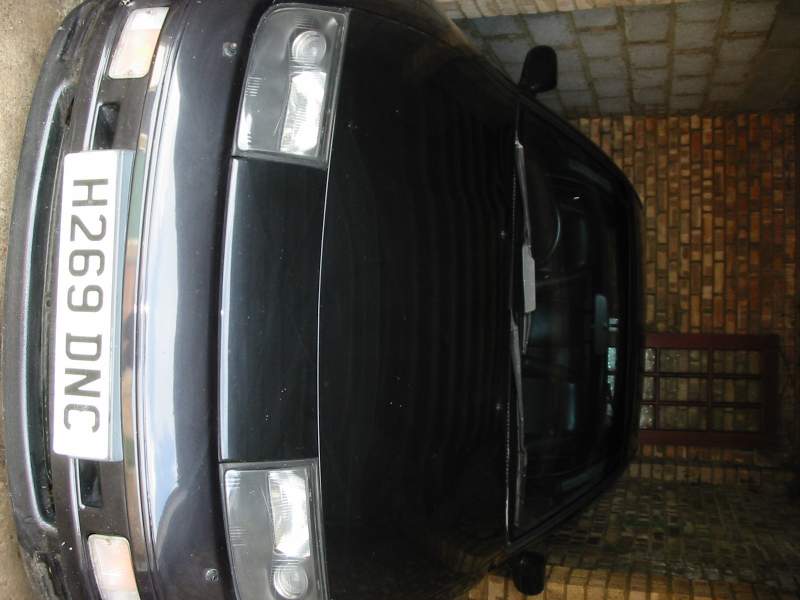
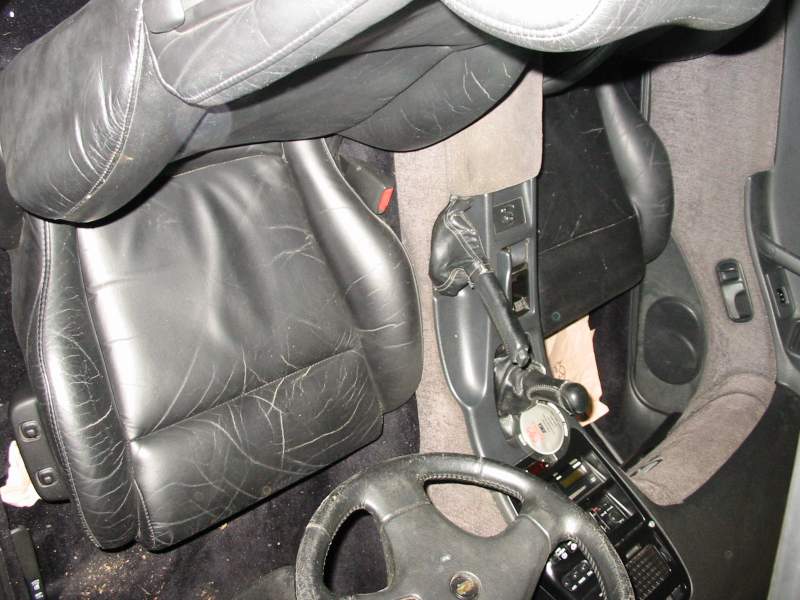
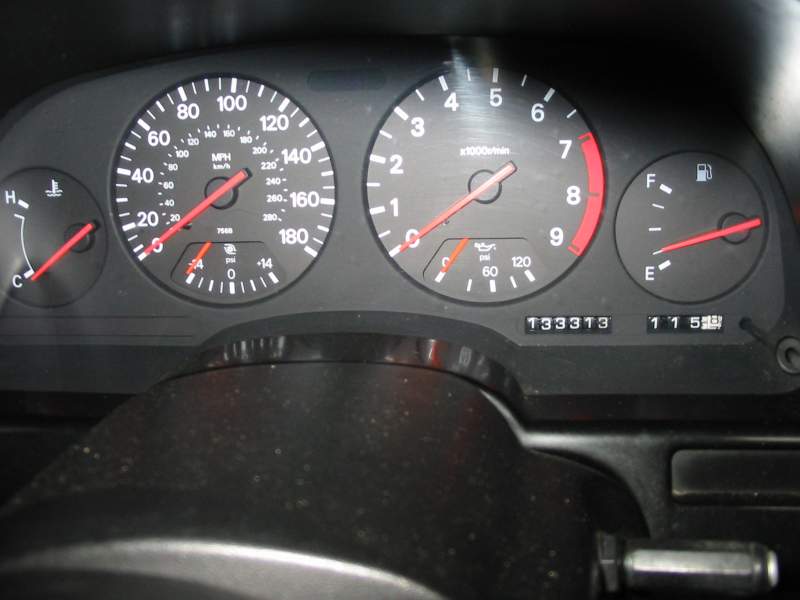
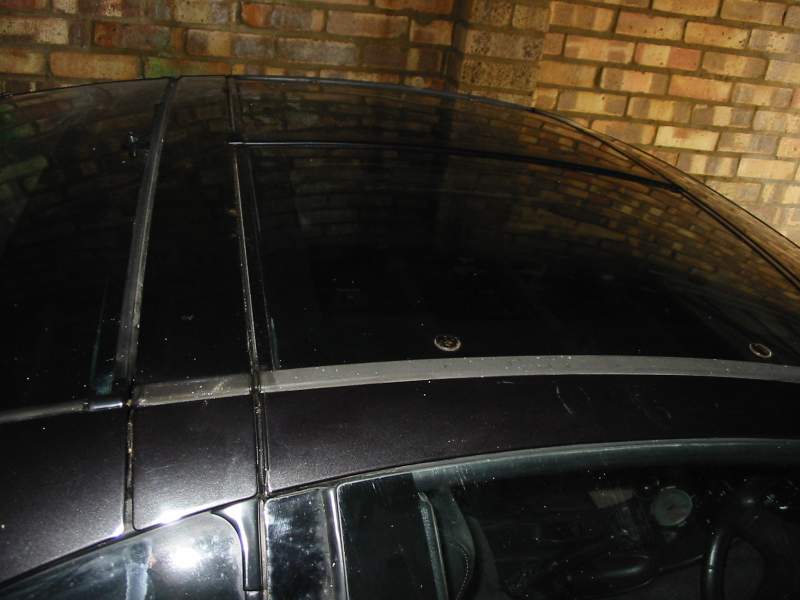
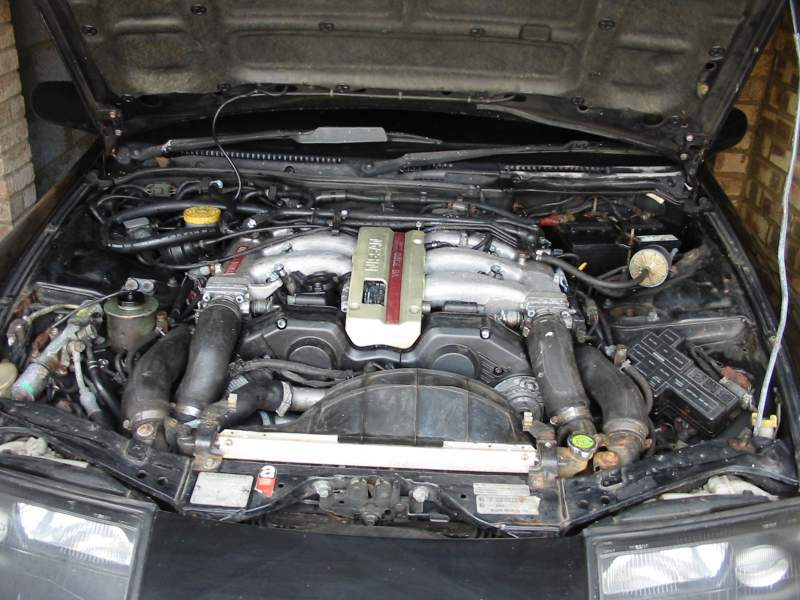
More info - Brit car photos added - I managed to open the garage door only took me an hour :winkiss: car is a bit dusty will be polished at the weekend
Nissan 300 ZX Twin Turbo. UK model. Manual. Running around 350bhp. Stored for 5 years
Photos to follow of Jap car - give me a few days thanks
1 Nissan 300ZX twin Turbo. Import. Auto. Attempted theft. Broken driver’s window. Lots of tuning extras. Running around 450bhp. Excellent pre-damage condition
More info to follow and pictures
Both cars are standalone not just for parts
QUICK UPDATE - HAVE DOCS FOR CARS WILL BE LOADING LATER - STILL CAN'T GET INTO JAP CARS GARAGE THE LOCKS JAMMED GOING THIS WEEKEND TO GET IN FOR SURE - SORRY FOR THE DELAY


 Offer of interest for 2 Nissan 300zx twin turbo cars - were partners car project that never happened - garaged cars one in better nick than the other - more info coming message More info - Brit car photos added - I managed to open the garage door only took me an hour :winkiss: car is a bit dusty will be polished at the weekend Nissan 300 ZX Twin Turbo. UK model. Manual. Running around 350bhp. Stored for 5 years Photos to follow of Jap car - give me a few days thanks 1 Nissan 300ZX twin Turbo. Import. Auto. Attempted theft. Broken driver’s window. Lots of tuning extras. Running around 450bhp. Excellent pre-damage condition More info to follow and pictures Both cars are standalone not just for parts QUICK UPDATE - HAVE DOCS FOR CARS WILL BE LOADING LATER - STILL CAN'T GET INTO JAP CARS GARAGE THE LOCKS JAMMED GOING THIS WEEKEND TO GET IN FOR SURE - SORRY FOR THE DELAY