-
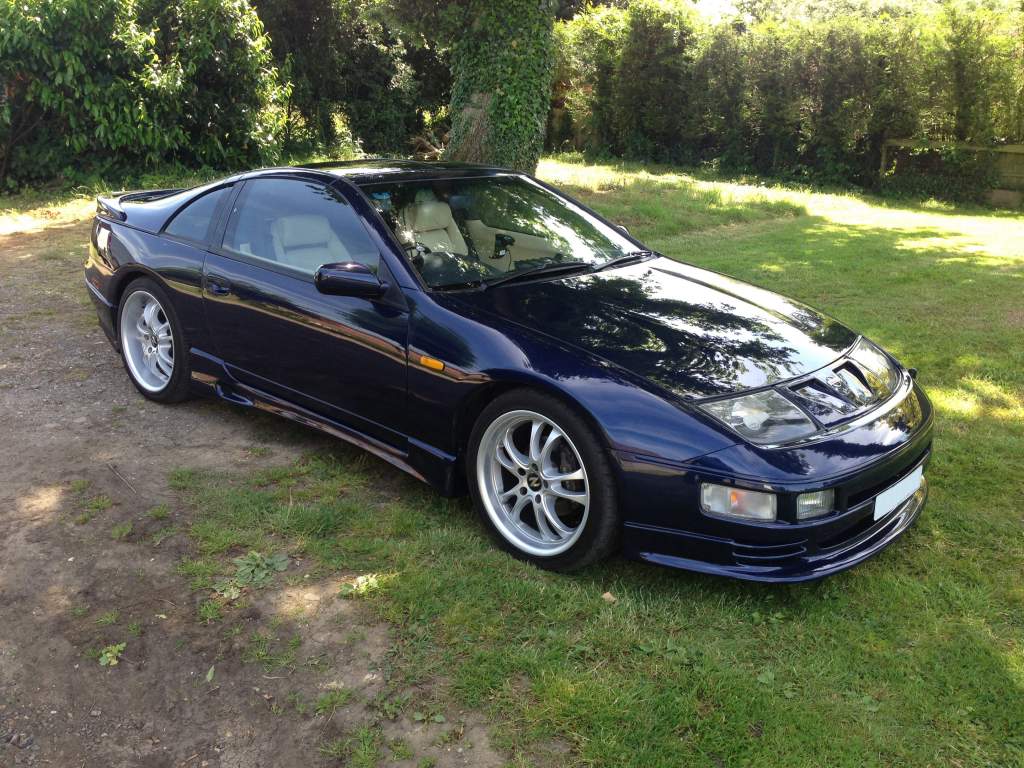
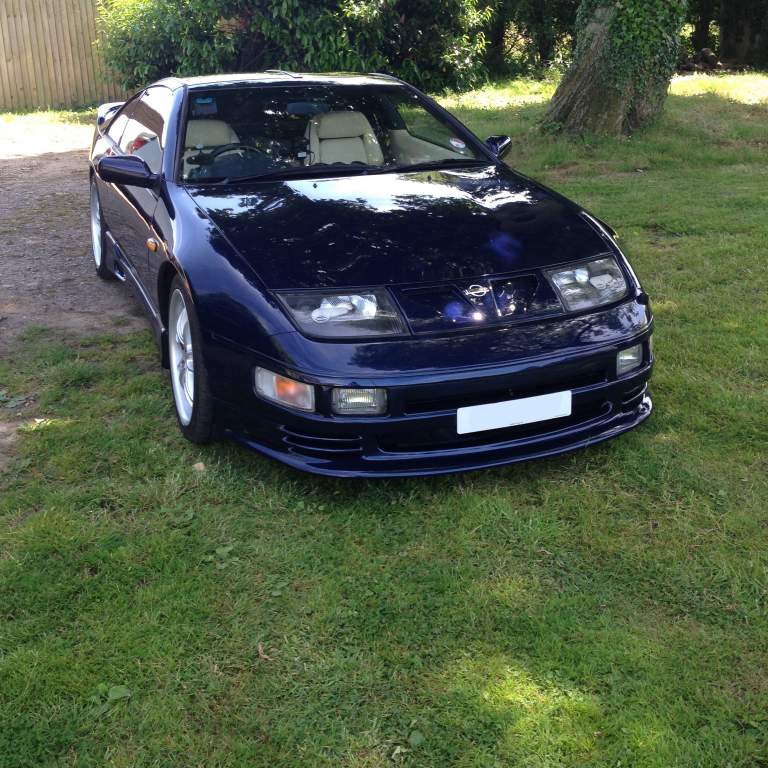
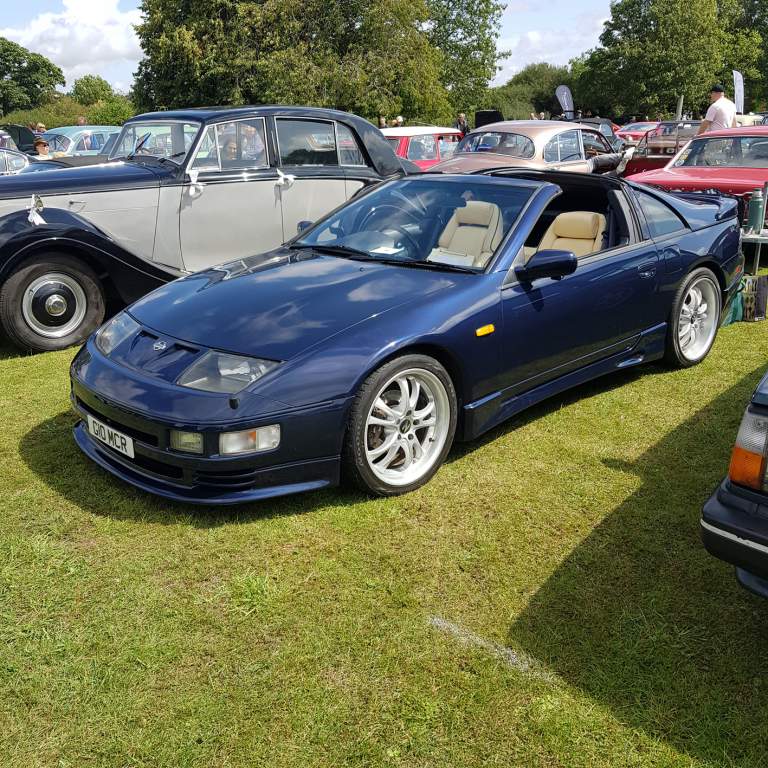
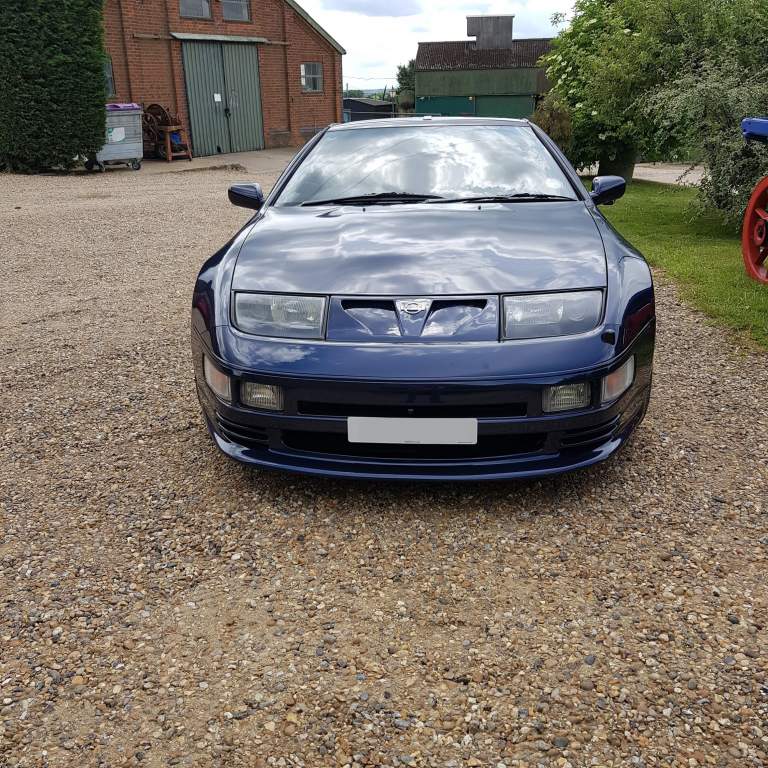
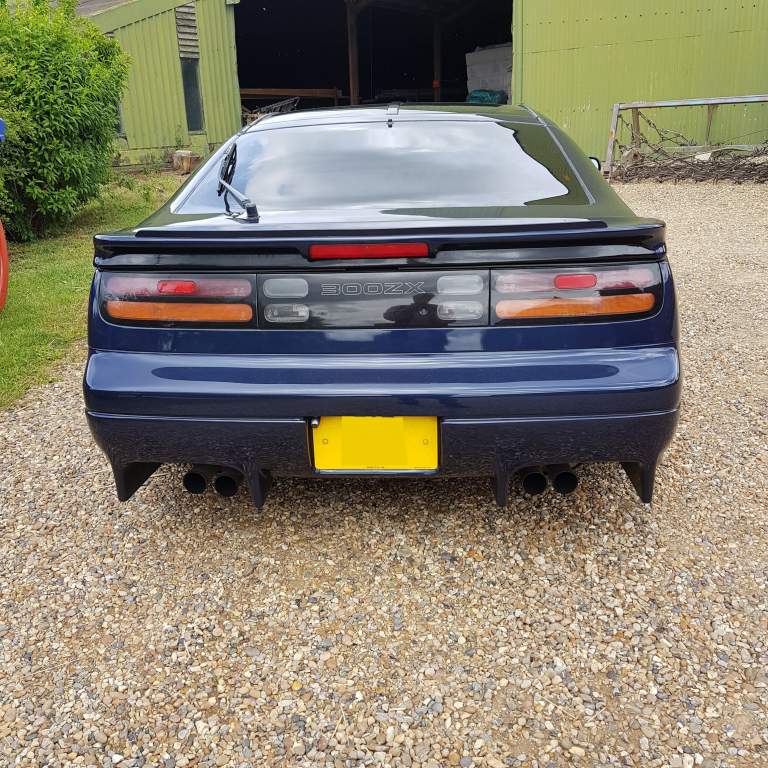
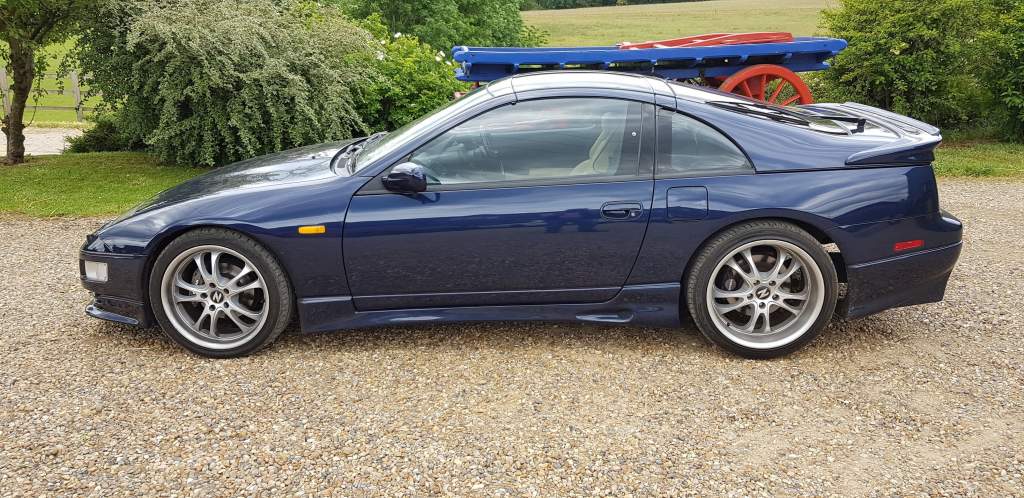
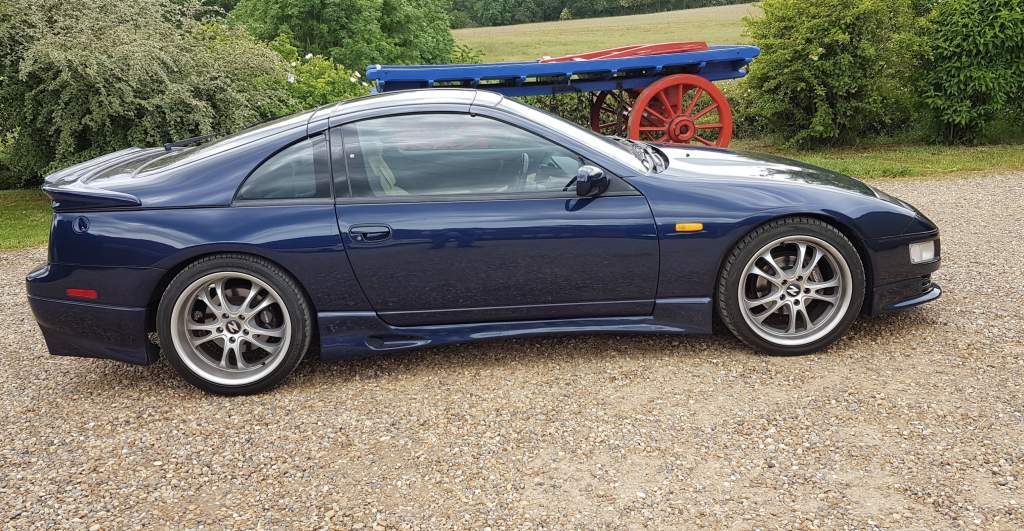
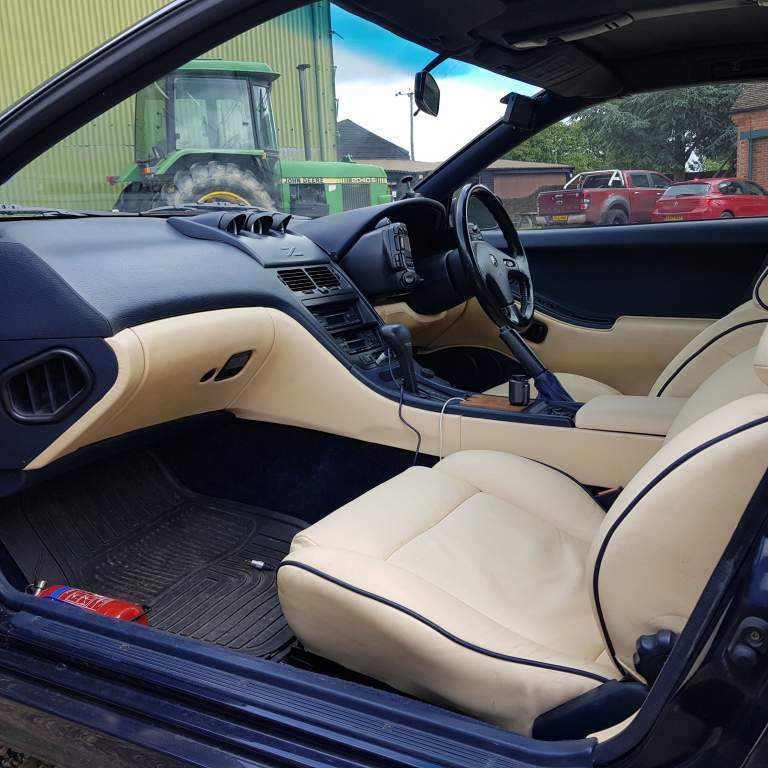
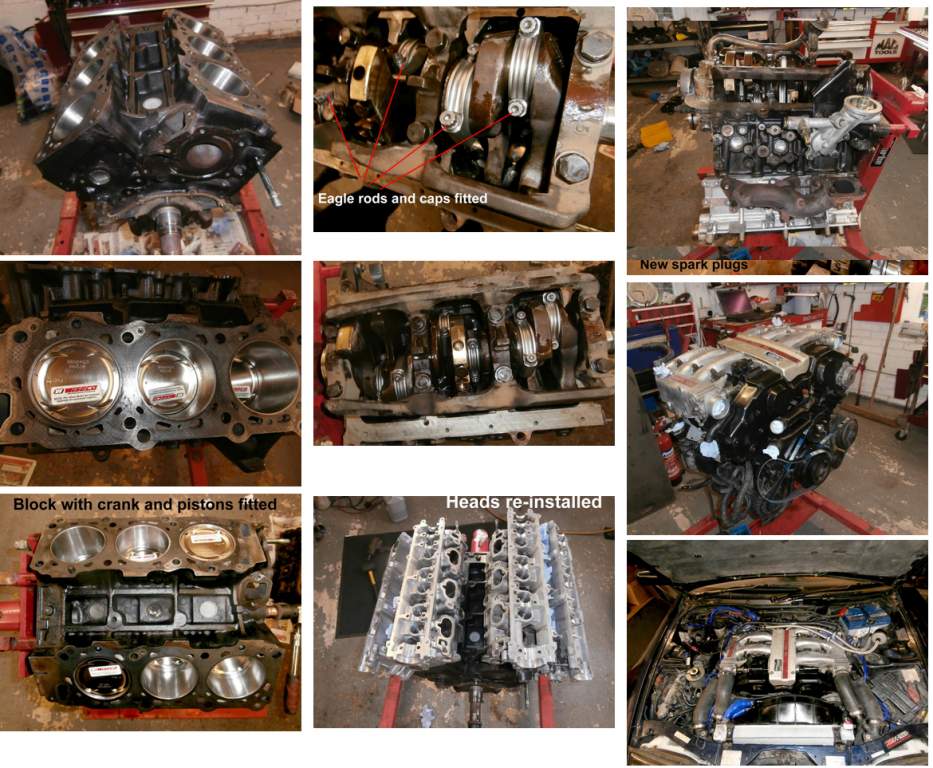
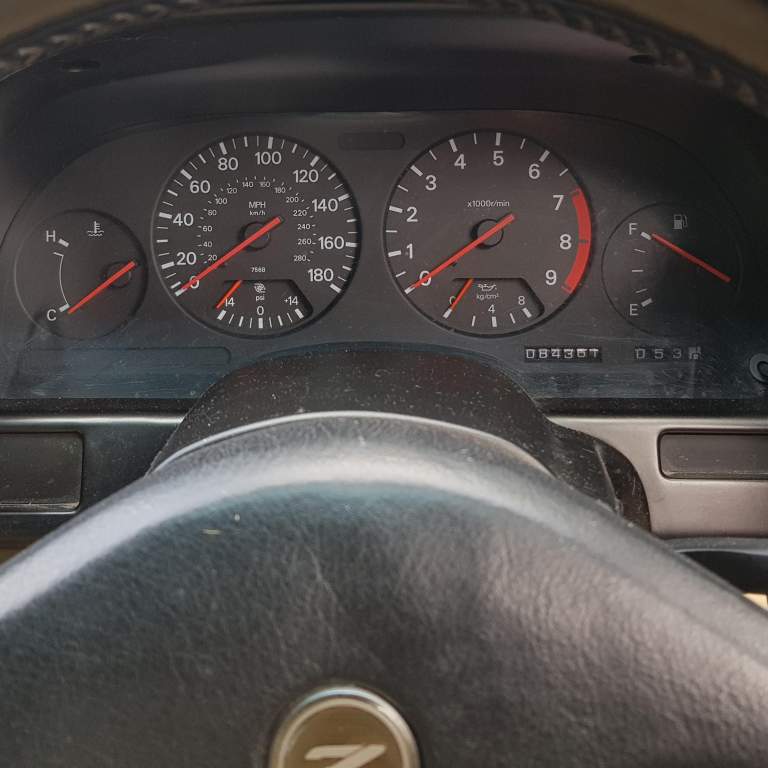
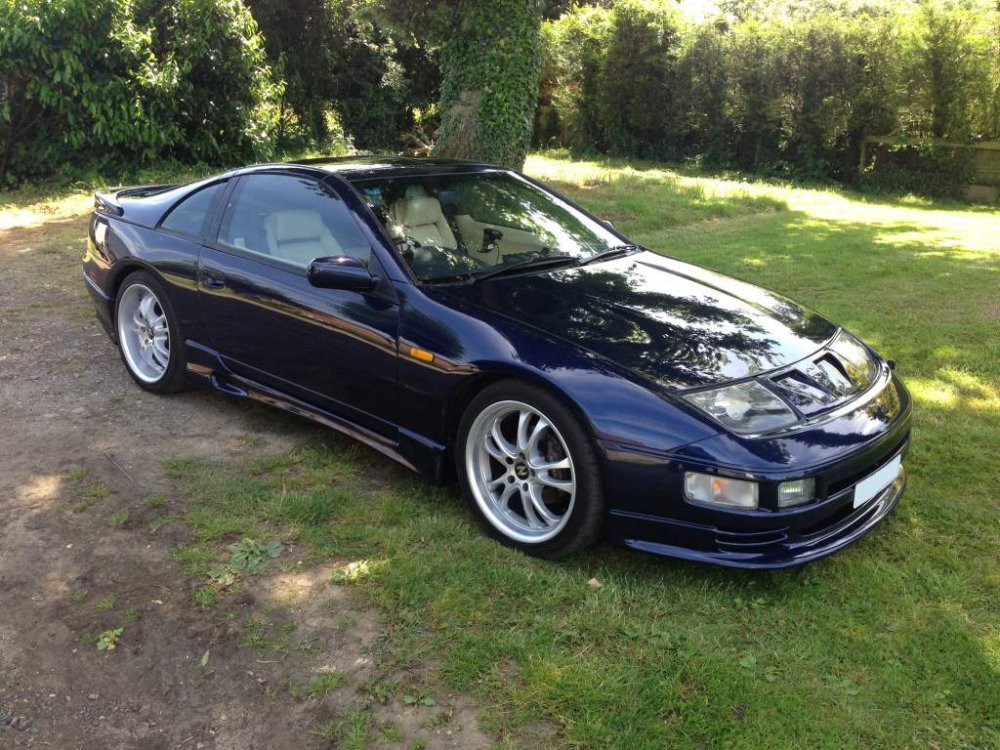
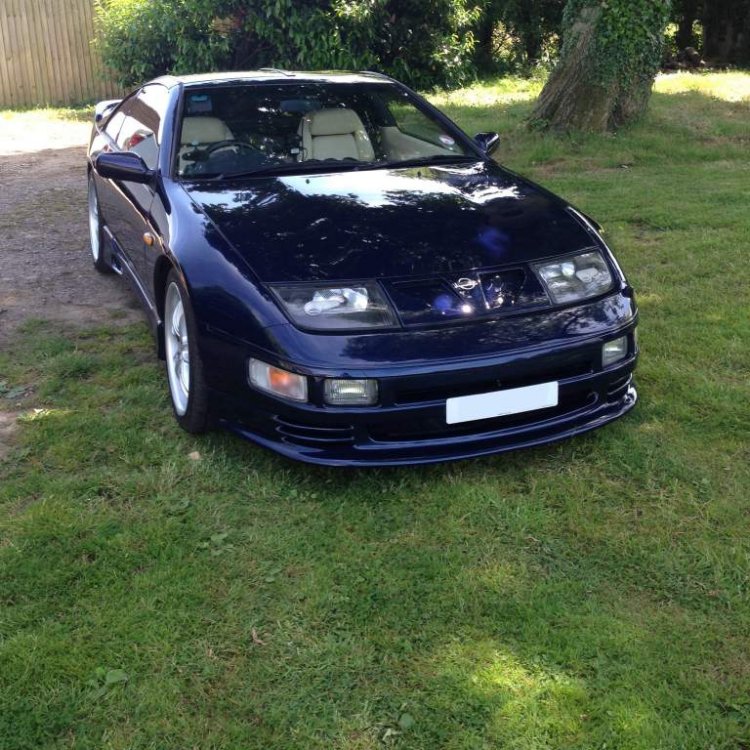
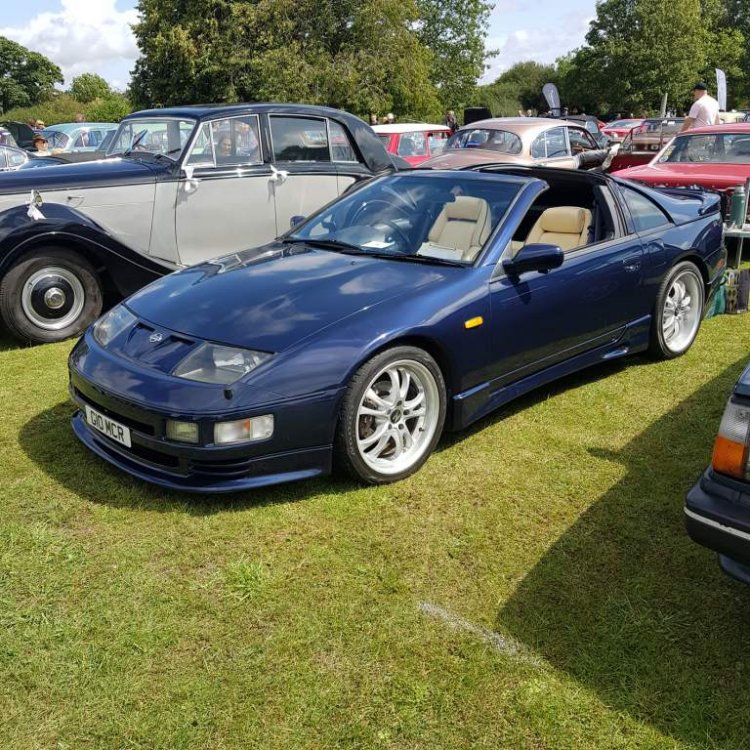
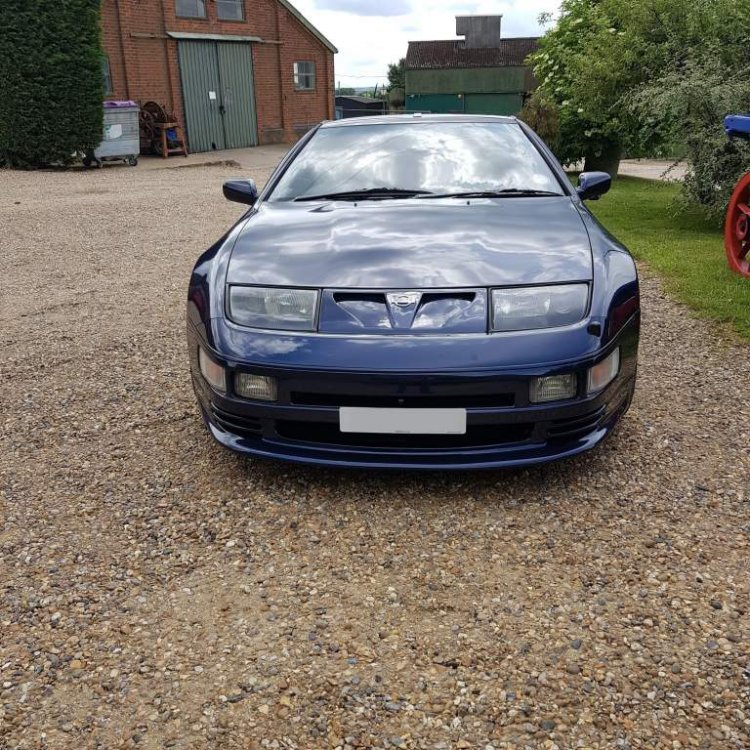
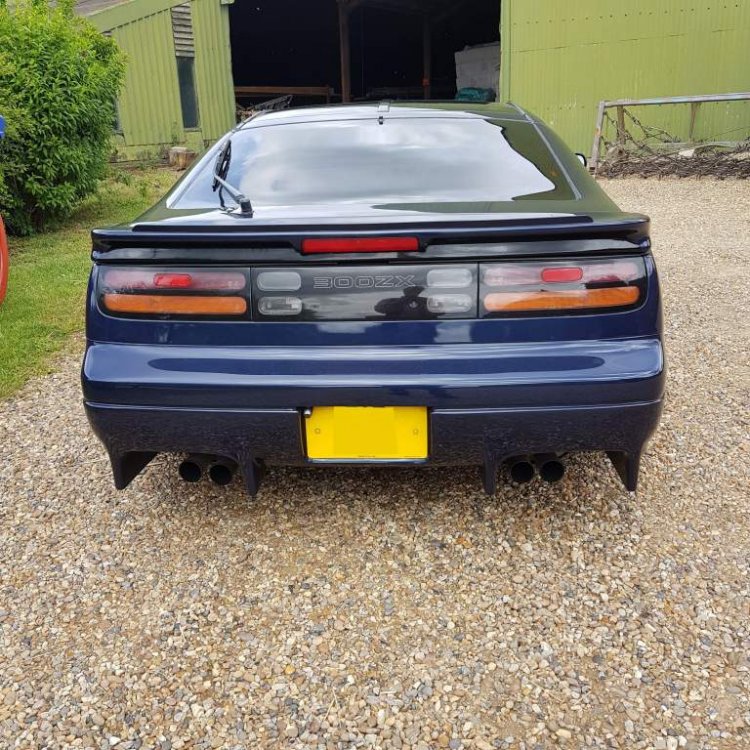
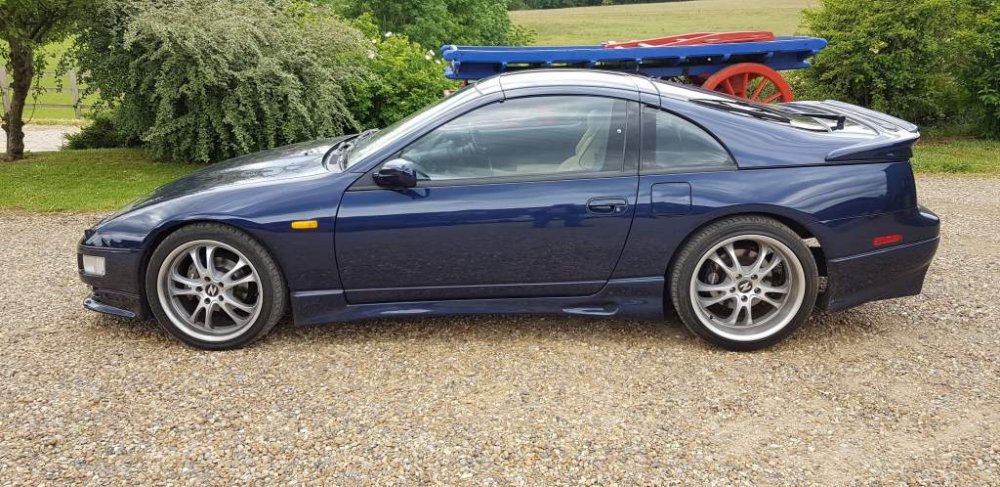
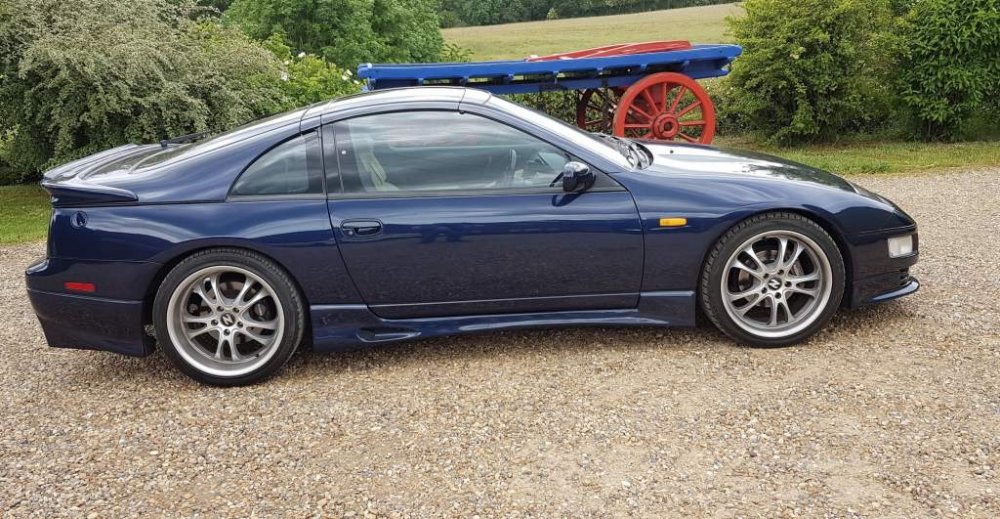
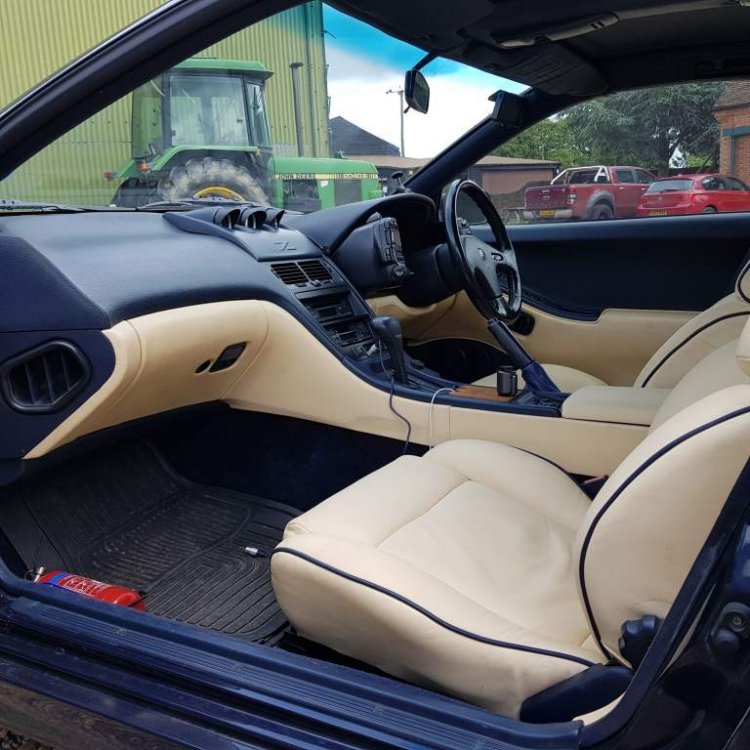
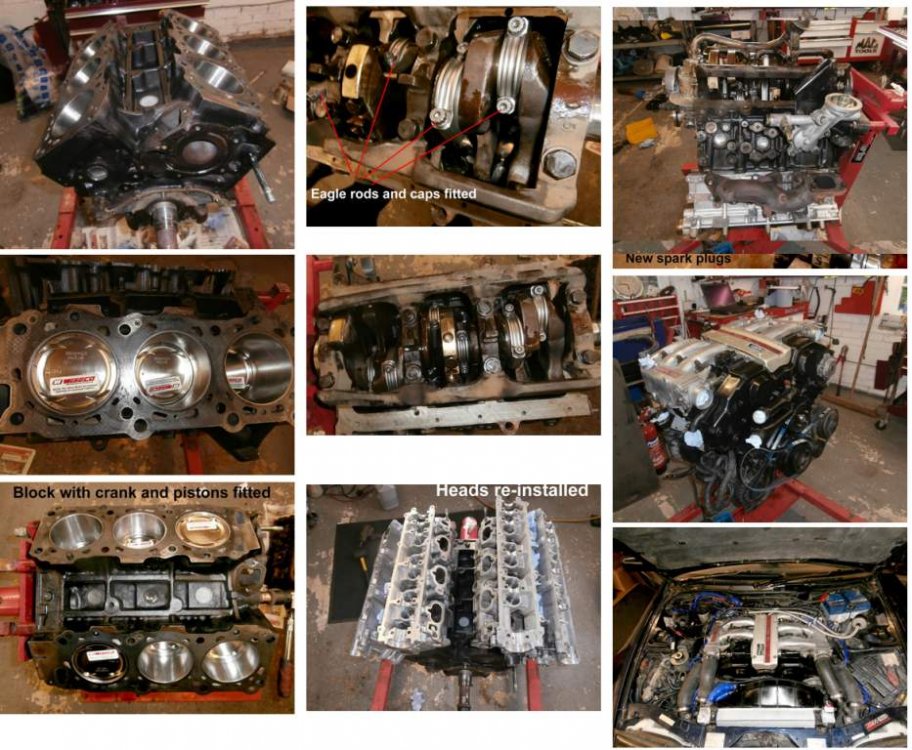
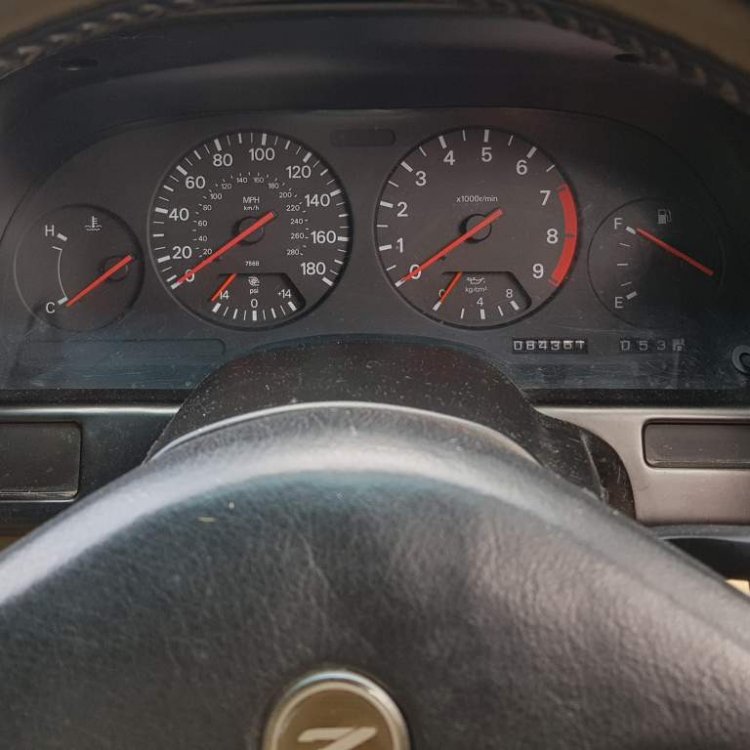
Due to upcoming house move I have to sell my much loved short wheelbase 300 zx with auto gearbox. I acquired the car in 2010 from the previous owner of over five years and has always been garaged. Everything has been maintained and works on this car even HICAS and the air con blows cold. The car is fitted with 18 inch alloy wheels, Nissan stainless steel exhaust system and tinted the windows and three external cameras. In 2015 the car had a major engine rebuild by Zedworld and CBM Engineering in the West Midlands (see image) At the same cosmetic work was undertaken including Demon side skirts from the Zed Centre and new re-upholstered seats in magnolia cream leather with blue piping. Other interior trim also finished in magnolia leather by Bespoke of Tewin, Hertfordshire. The car has since been serviced by Powerzed in Bristol. The car has done less than 3000 miles since the above works and its MOT in June this year which it passed with no advisories. The bodywork is excellent in the original dark metallic blue with no dings, scuffs or rust. Other items fitted include. 3 pot dash pod from the Zed Centre New Radiator and hoses. Stainless braided fuel line kit. Xenon HiID converter kit . Clifford Concept 650 security system with remote start. The original Fairlady floor mats, roof storage bags, roof blinds are intact but sadly not the titanium key. Ask if you have any questions[

View in the app
A better way to browse. Learn more.