
-
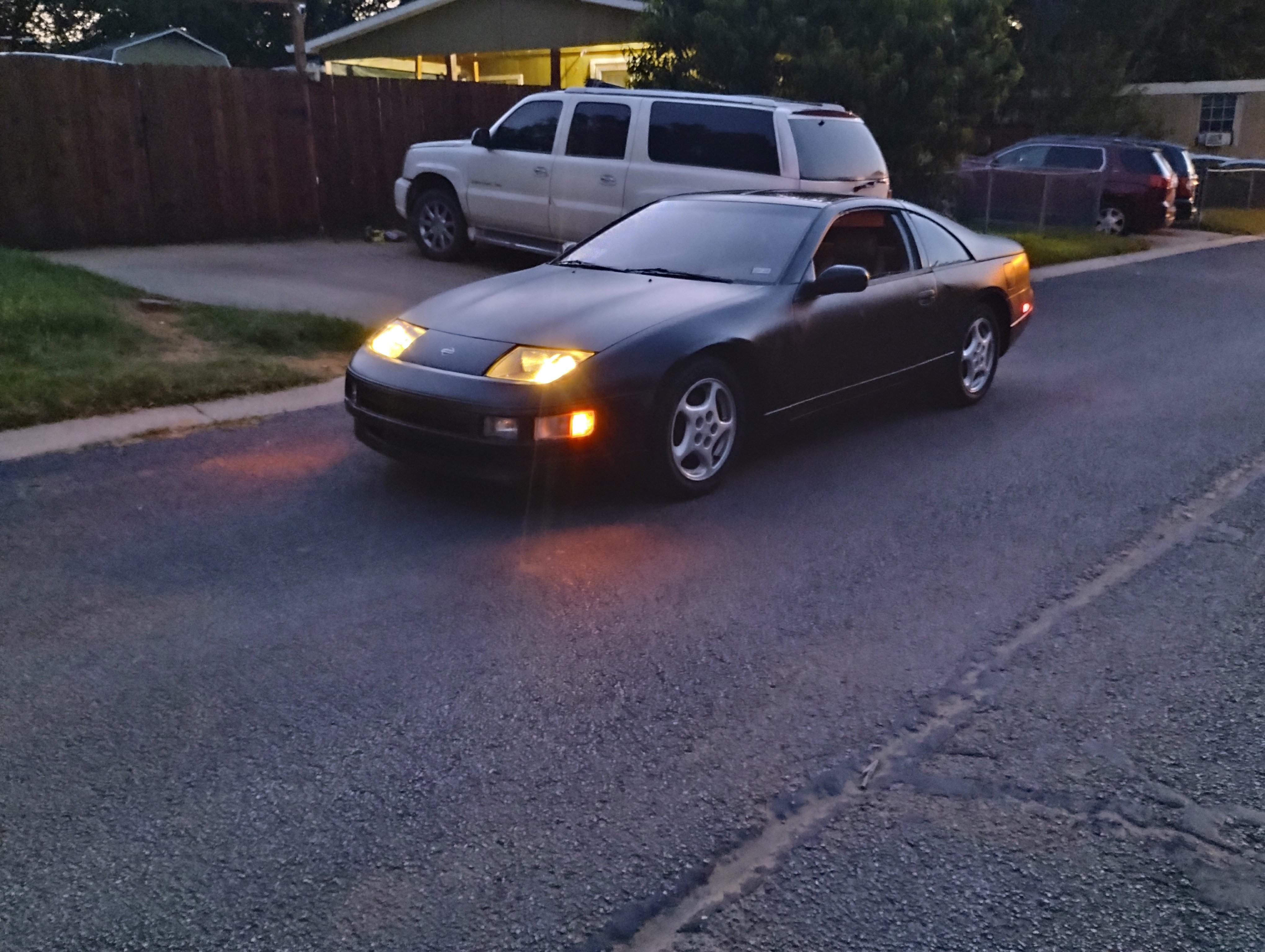
So I own a n automatic 94 2+2, and recently theres been this constant tapping sound coming from it. I wouldn't say its coming from the engine itself, but rather somewhere behind it or under it. The tapping also seems to correspond with the rpms, since it'll get faster if I rev it, and then go back down as the rpms go down. A coworker of mine compared it to something he experiences with his truck, the "Hemi tick", which is caused by fluids that aren't warm yet running through the engine. It used to be constant as the car would run and drive, now it'll be super prominent when it starts up, and slowly go away as the car settles. However, this sound has been linked to the engine going into limp mode about 3 times now, whether it's not going out of first gear, or topping out at 50 mph with poor throttle response/power loss. (ie. not reacting when pushing the throttle past the sweet spot, topping out at 50 and not going above 2000 rpm, etc.) So I guess in short, does anyone know what this tapping noise could be? is there a simple cause for it than can be fixed? Has anyone experienced this or something similar? some theories I have are bad fuel injectors, which I believe to be the case. However things like misfires, cracked pistons, or even rod knock, are all on the table.